Litemail Alternatives: 7 Cold Email Inbox Providers Compared (2026)
Litemail sells pre-warmed Google and Microsoft inboxes for cold email. Here are 7 alternatives, from $1.90 SMTP mailboxes to flat-rate unlimited plans, and how to choose one for your sending volume.
TL;DR
- Litemail sells fresh and pre-warmed Google Workspace and Microsoft 365 inboxes for cold email. Pricing starts at a $37 flat monthly fee plus about $3.50 per mailbox, falling toward $2.50 per mailbox at higher volume.
- The strongest Litemail alternatives in 2026 are Zapmail, Maildoso, Mailforge, Infraforge, Inframail, Premium Inboxes, and a DIY Google/Microsoft setup. Each one wins on a different axis: price, IP control, flat-rate billing, or hands-on setup.
- Under roughly 30 inboxes, per-mailbox providers usually cost less. Past about 50, flat-rate plans like Inframail change the math.
- No inbox provider can rescue a bad list. When bounce rates run above 2-3%, your domains burn out whatever infrastructure you pay for, so verify contacts before they reach any mailbox.
What is Litemail, and why are people looking for alternatives?#
Litemail is a cold email infrastructure provider. You don't send campaigns from it. It gives you the mailboxes that your sequencer (Instantly, Smartlead, Lemlist and similar) sends from. You buy domains, Litemail provisions Google Workspace or Microsoft 365 inboxes on them, sets up SPF, DKIM and DMARC automatically, and then you connect everything to your sending tool.
It has two main selling points:
- Pre-warmed mailboxes. Litemail says these come with 4 to 12 weeks of warm-up history already built up, so you can skip the usual two-to-four-week ramp.
- Isolation. Litemail describes each mailbox as having its own workspace, a dedicated US-based IP, and a custom tracking domain, so one bad inbox can't take down the others.
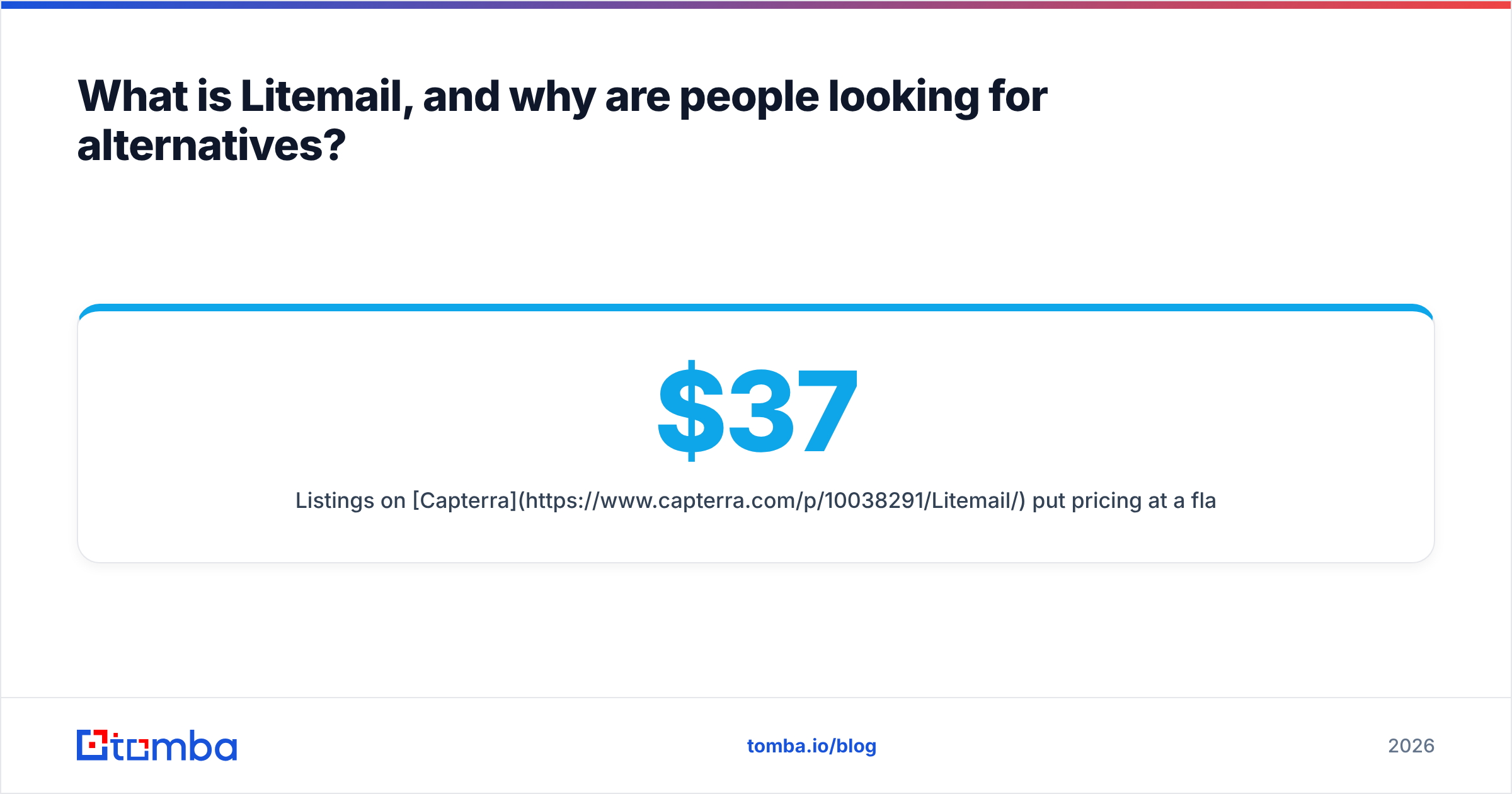
Listings on Capterra put pricing at a $37 flat monthly rate plus $3.50 per extra mailbox, going as low as $2.50 per mailbox at volume.
That's a reasonable offer. People still shop around for a few predictable reasons:
- Cost at scale. At 100+ inboxes, the per-mailbox fee turns into a real line item, and flat-rate competitors look attractive.
- Protocol preference. Some teams want cheaper SMTP/IMAP mailboxes instead of Google or Microsoft seats.
- IP control. Agencies with many clients may want dedicated IPs they manage directly.
- Support and setup style. Some buyers want white-glove onboarding. Others want API-driven provisioning.
How do cold email infrastructure providers actually differ?#
Think of it like renting delivery vans. Every provider gives you vehicles. What differs is who owns the road (Google, Microsoft, or a private SMTP server), whether you share the parking lot with other drivers (shared vs dedicated IPs), and whether you pay per van or a flat fleet fee.
Here are the five things to evaluate before you switch:
- Mailbox type. Google Workspace and Microsoft 365 inboxes send through the same servers as real corporate mail, which helps inbox placement with Gmail and Outlook recipients. SMTP mailboxes cost less, but they depend heavily on the provider's IP reputation.
- IP model. On shared IPs, your reputation depends partly on your neighbours. Dedicated IPs isolate you, but you have to warm them yourself and keep them clean.
- Pricing model. Per-mailbox pricing scales linearly. Flat-rate pricing rewards high volume and punishes small teams.
- Warm-up state. Fresh inboxes need 2-4 weeks of warm-up. Pre-warmed inboxes cost more but ship ready. Use a warmup calculator to see how long your ramp really needs to be.
- DNS and sequencer automation. Look for automatic SPF/DKIM/DMARC, domain forwarding, and one-click export to Instantly or Smartlead. Manual CSV uploads of 200 inboxes waste an afternoon.
Google's own email sender guidelines apply whichever vendor you pick. Bulk senders must authenticate, keep spam complaint rates low, and make unsubscribing easy. Infrastructure makes compliance easier. It doesn't replace it.

What are the best Litemail alternatives in 2026?#
Pricing below comes from public vendor pages and third-party reviews at the time of writing. Infrastructure pricing changes often, so check each vendor's page before you commit.
1. Zapmail: best like-for-like Google and Microsoft alternative#
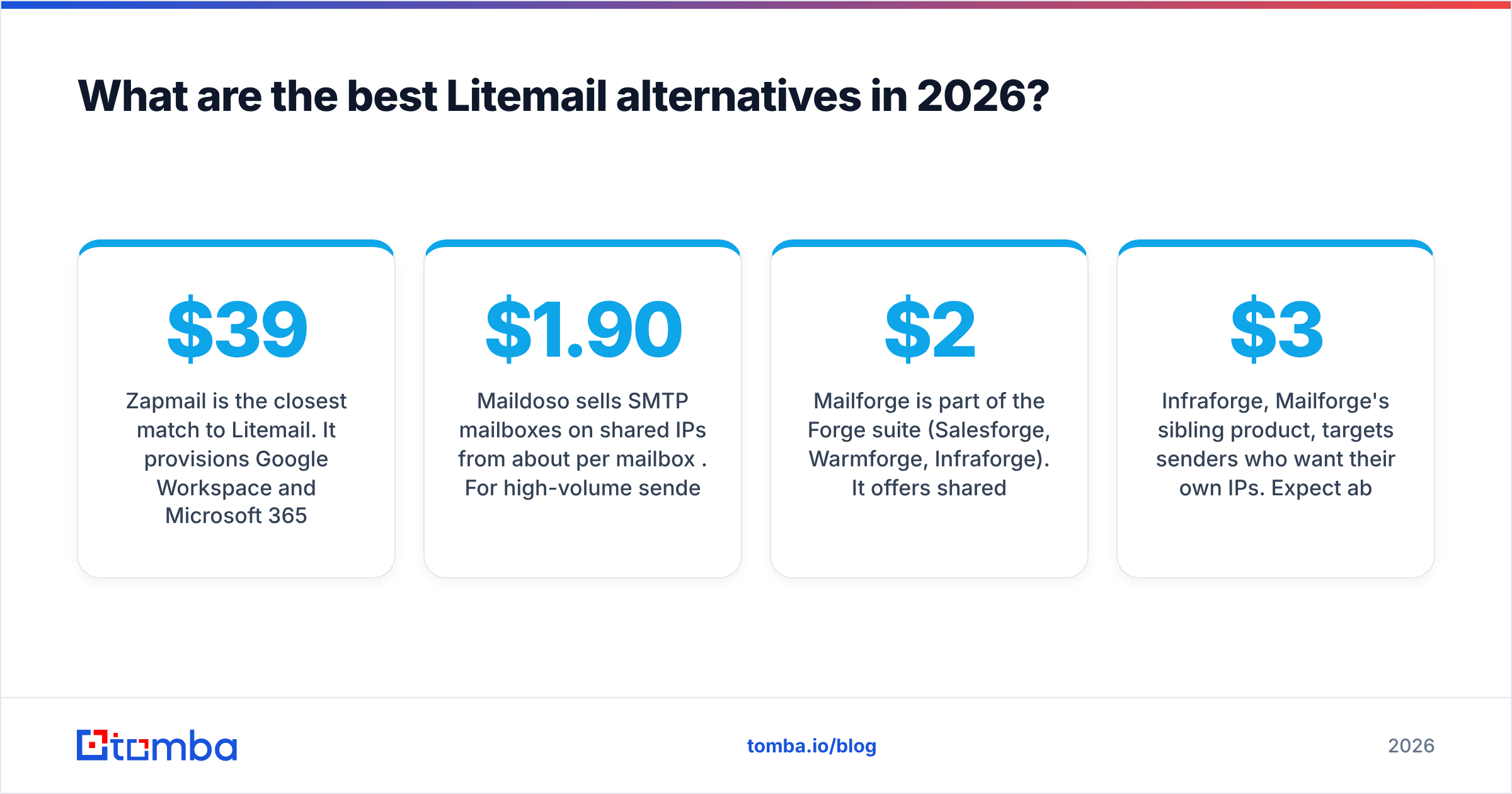
Zapmail is the closest match to Litemail. It provisions Google Workspace and Microsoft 365 inboxes with automatic DNS setup and direct export to the major sequencers. Its tiers are clear: Starter at $39/mo for 10 mailboxes ($3.50 per extra), Growth at $99/mo for 30 ($3.25 per extra), and Pro at $299/mo for 100 ($3.00 per extra). Zapmail says it has set up more than a million mailboxes, which reassures buyers who worry about vendor stability.
Best for: teams that want Litemail's model with published tiered pricing. Watch out for: the per-mailbox cost is similar to Litemail's, so switching won't save much on price alone.
Suggested screenshot: Zapmail domain and mailbox setup dashboard.
2. Maildoso: best for lowest cost per mailbox#
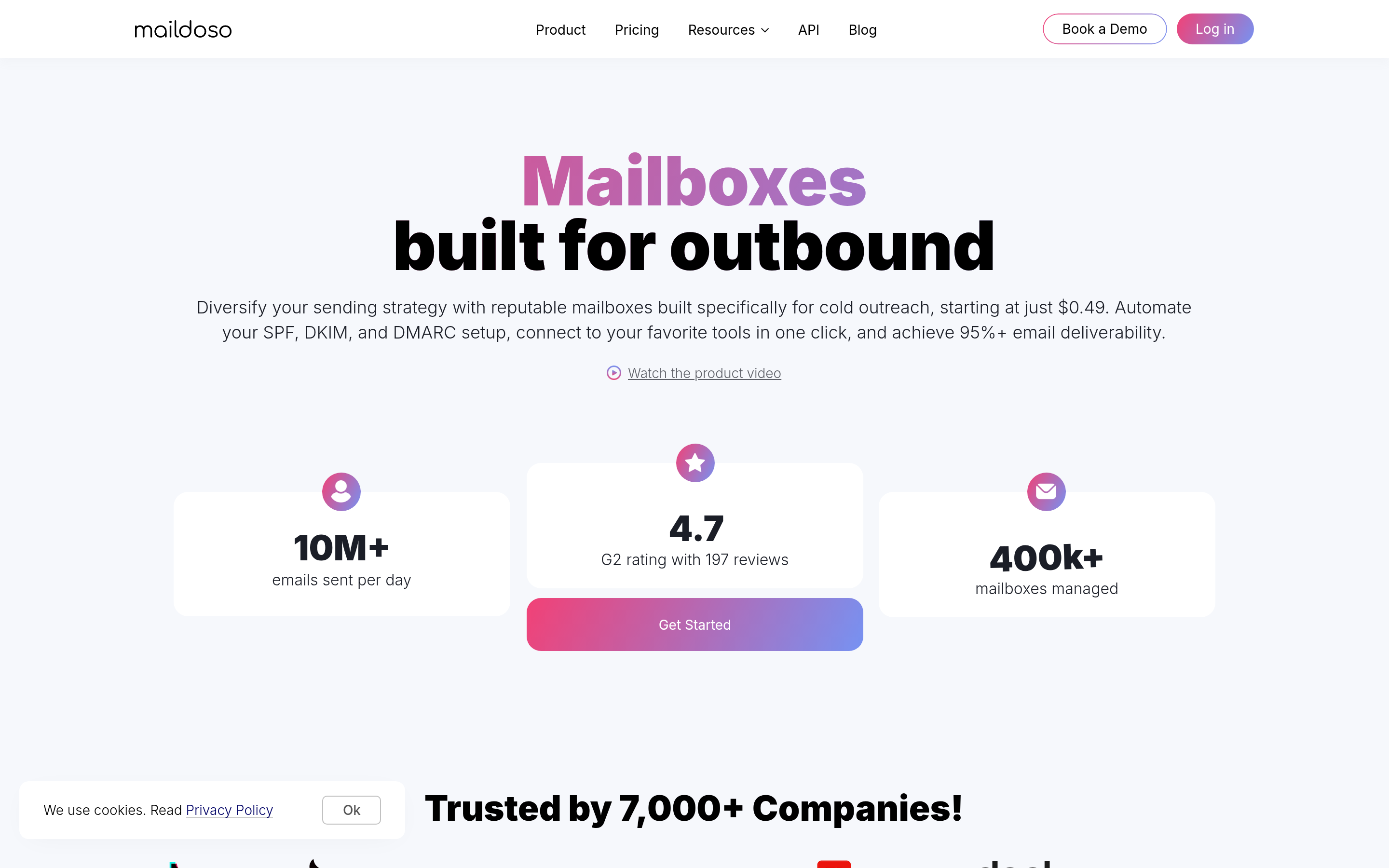
Maildoso sells SMTP mailboxes on shared IPs from about $1.90 per mailbox per month. For high-volume senders who rotate domains aggressively, that's the cheapest entry point on this list.
Best for: volume-heavy agencies that treat inboxes as disposable and monitor placement closely. Watch out for: shared-IP SMTP usually lands less reliably with Microsoft and Google recipients than native Workspace or 365 inboxes. Run seed tests before you move serious volume.
3. Mailforge: best for Salesforge and Warmforge users#
Mailforge is part of the Forge suite (Salesforge, Warmforge, Infraforge). It offers shared-infrastructure mailboxes at roughly $2-3 per mailbox depending on configuration, with bulk domain purchase and automatic DNS.
Best for: teams already using Salesforge who want billing and warm-up in one ecosystem. Watch out for: you get the most value inside the Forge stack. If you use Instantly or Smartlead, compare it head to head with Maildoso.
4. Infraforge: best for dedicated IP control#

Infraforge, Mailforge's sibling product, targets senders who want their own IPs. Expect about $3-4 per mailbox plus around $99/mo per dedicated IP. That's more expensive, but your reputation belongs to you alone.
Best for: agencies with strict client isolation needs, or companies with compliance teams asking "who else sends from our IP?" Watch out for: a new dedicated IP has no reputation yet. You have to warm the IP, not just the inboxes.
Suggested screenshot: Infraforge dedicated IP allocation panel.
5. Inframail: best flat-rate plan for high volume#
Inframail takes a different approach. Its Unlimited plan costs $129/month for as many inboxes as you want, and an Agency Pack runs $327/month. Annual prepay takes about 20% off.
Best for: anyone running 60+ inboxes. At Litemail's per-mailbox rates, 100 inboxes costs several hundred dollars a month. On Inframail it's $129. Watch out for: flat-rate doesn't mean unlimited sending. Per-inbox daily limits still apply, and deliverability still depends on your list and copy.
6. Premium Inboxes: best done-for-you setup#
Premium Inboxes charges about $3.50 per inbox, the same range as Litemail, and competes on hands-on service: white-glove onboarding and direct integration with Smartlead and Instantly.
Best for: founders and small sales teams who don't want to touch DNS at all. Watch out for: you pay for convenience. If you're technical, the service premium matters less to you.
7. DIY Google Workspace or Microsoft 365: best for full ownership#
You can always buy domains, create Workspace or 365 seats directly (roughly $6-8 per user per month on entry plans), configure SPF/DKIM/DMARC yourself, and connect them to your sequencer. You own the accounts outright and no reseller sits in between.
Best for: teams under about 10 inboxes, or anyone who needs direct admin control for security reviews. Watch out for: setup time, and the risk of Google or Microsoft suspending accounts that look like pure cold outbound. Check each record with an SPF checker before you send anything.
How do Litemail and its alternatives compare side by side?#
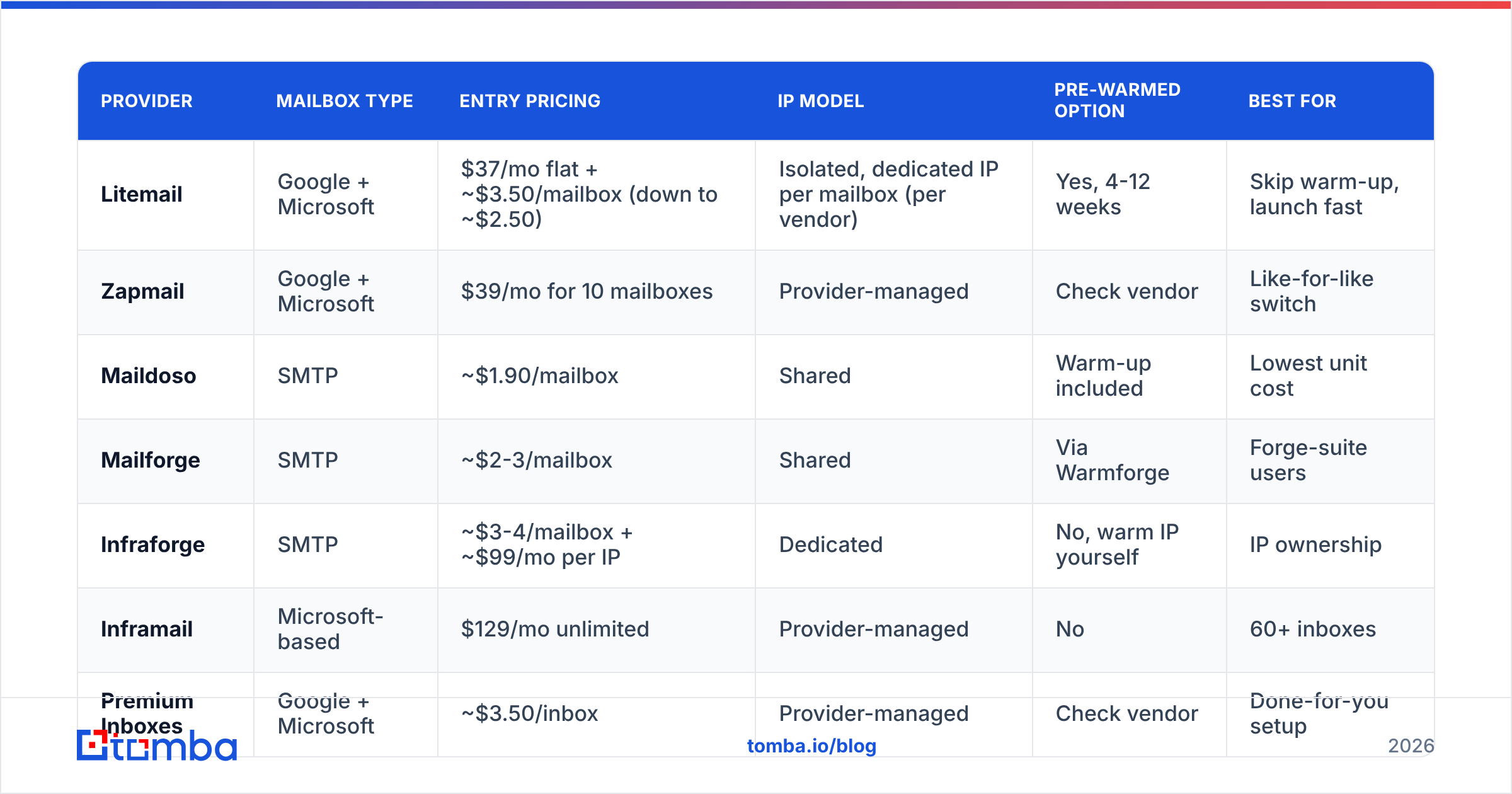
| Provider | Mailbox type | Entry pricing | IP model | Pre-warmed option | Best for |
|---|---|---|---|---|---|
| Litemail | Google + Microsoft | $37/mo flat + ~$3.50/mailbox (down to ~$2.50) | Isolated, dedicated IP per mailbox (per vendor) | Yes, 4-12 weeks | Skip warm-up, launch fast |
| Zapmail | Google + Microsoft | $39/mo for 10 mailboxes | Provider-managed | Check vendor | Like-for-like switch |
| Maildoso | SMTP | ~$1.90/mailbox | Shared | Warm-up included | Lowest unit cost |
| Mailforge | SMTP | ~$2-3/mailbox | Shared | Via Warmforge | Forge-suite users |
| Infraforge | SMTP | ~$3-4/mailbox + ~$99/mo per IP | Dedicated | No, warm IP yourself | IP ownership |
| Inframail | Microsoft-based | $129/mo unlimited | Provider-managed | No | 60+ inboxes |
| Premium Inboxes | Google + Microsoft | ~$3.50/inbox | Provider-managed | Check vendor | Done-for-you setup |
| DIY Workspace/365 | Google or Microsoft | ~$6-8/seat + domains | Google/Microsoft | No | Full control, small scale |
A quick rule for choosing:
- 1-15 inboxes: DIY or Premium Inboxes. The flat fees elsewhere aren't worth it.
- 15-60 inboxes: Litemail, Zapmail, or Mailforge. Per-mailbox pricing is still competitive, and pre-warmed inboxes save weeks.
- 60+ inboxes: Inframail's flat rate, or Maildoso if you're comfortable with SMTP.
- Agencies with client isolation needs: Infraforge or Litemail's isolated-workspace model.
Is switching inbox providers enough to fix deliverability?#
Usually not. This is the part most "alternatives" articles leave out.
When campaigns underperform, teams tend to blame the infrastructure first. But inbox providers only control the vehicle. Your sender reputation mostly comes down to three things you control yourself:
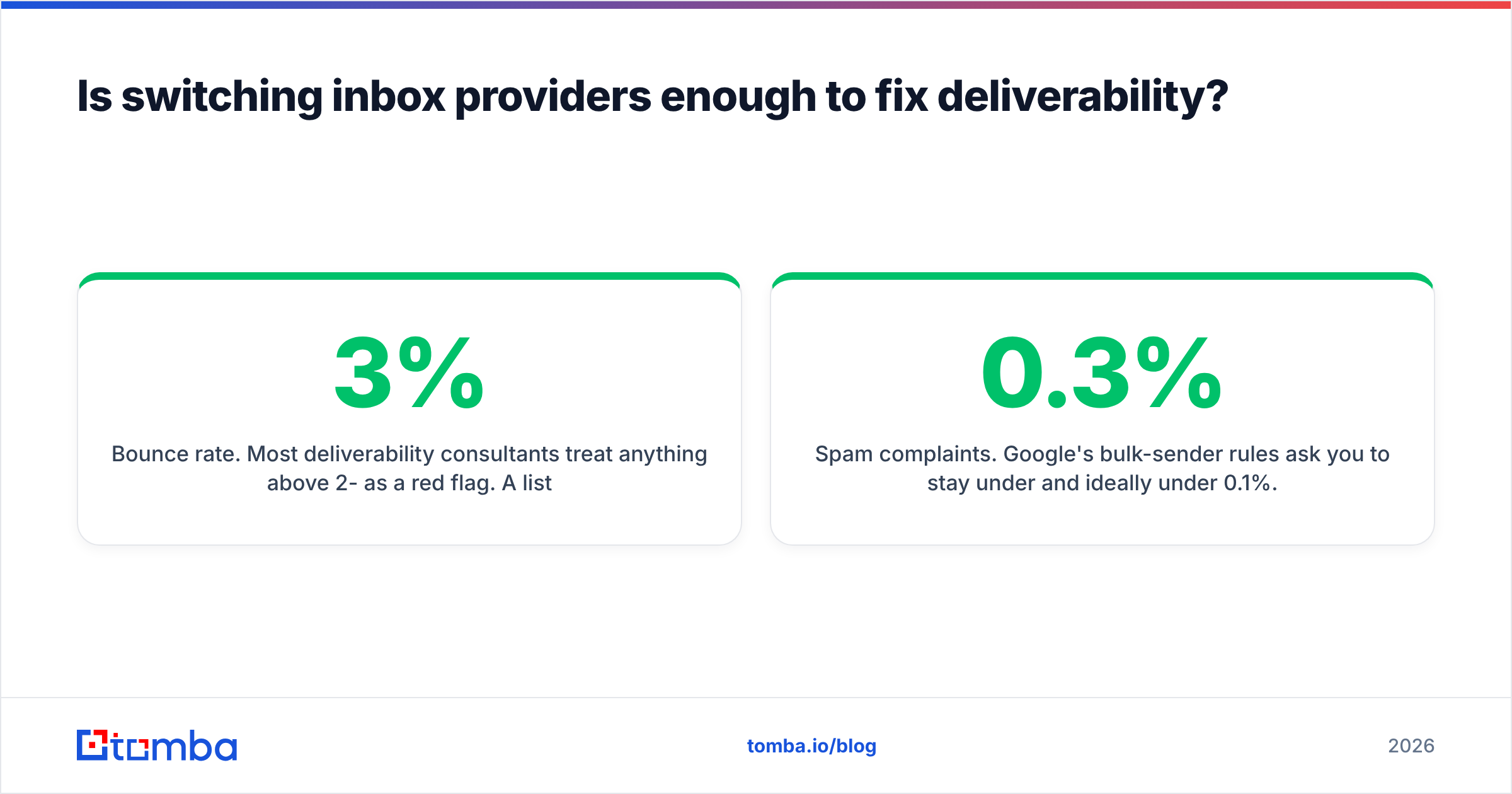
- Bounce rate. Most deliverability consultants treat anything above 2-3% as a red flag. A list scraped six months ago can easily bounce at 8-12%, and a pre-warmed inbox gives back all its warm-up history within one bad send.
- Spam complaints. Google's bulk-sender rules ask you to stay under 0.3% and ideally under 0.1%. Irrelevant targeting drives complaints up faster than anything else.
- Volume per inbox. 30-50 cold emails per inbox per day is the common ceiling. Buying more inboxes to blast 150 a day from each one defeats the purpose.

If you move from Litemail to a cheaper provider and keep the same unverified list, you'll burn the new domains just as quickly. You'll just burn them for less money.
How should you prepare your list before moving to a new provider?#
Treat a provider switch as a clean restart. Here's a practical pre-migration checklist:
- Re-verify every contact. Run the whole list through an email verifier and remove invalid and disposable addresses before you import anything into the new inboxes.
- Handle catch-all domains separately. Catch-all servers accept every address at the SMTP stage, so standard checks can't confirm them. A catch-all verifier tells you which of those contacts are actually safe to send to. Put the rest in a lower-volume, lower-risk segment.
- Ramp gradually even with pre-warmed inboxes. Start at 10-15 sends per inbox per day in week one and increase from there.
- Split domains by campaign. Don't put your highest-risk list on the same domain as your best accounts.
- Monitor Google Postmaster Tools and Microsoft SNDS. Check both weekly. Domain reputation shows up there before replies drop.
Suggested screenshot: Gmail Postmaster Tools domain reputation graph during the first 30 days on new infrastructure.
Which Litemail alternative should you pick?#
There's no single winner. It depends on your volume and how much you want to manage yourself:
- If you like Litemail's model and just want a second vendor for redundancy, Zapmail is the closest match.
- If cost per mailbox matters most, Maildoso or Mailforge go the lowest.
- If you run 60+ inboxes, Inframail's flat rate is hard to beat.
- If you need your own IPs, Infraforge gives you control, but you have to warm them.
- If you want someone else to handle all of it, Premium Inboxes is the most hands-off.
Many mature outbound teams run two providers at once. Splitting inboxes across vendors means one provider's outage or a Microsoft policy change doesn't stop your whole pipeline.
Where does Tomba fit in your cold email stack?#
Inbox providers handle sending. Tomba Email Finder handles what comes before that: finding the right person's professional email address by name, company, or domain, and verifying it before it reaches any of the inboxes above. Whichever Litemail alternative you choose, a verified list is what keeps its warm-up history intact. Tomba's free tier includes 25 searches a month so you can test accuracy on your own target accounts, and paid plans start at $49/mo. Build your next list with Tomba Email Finder, verify it, and then load it into your new inboxes.
Related guides#
// get started
Find, verify and enrich your first contacts today
Start on the free plan with 25 searches a month, then scale when your team is ready.
Free plan · No credit card required · GDPR & CCPA
// about the author