Mailead Alternatives: 7 Cold Email Tools Worth Switching To
Mailead is cheap and simple, but teams scaling past a few thousand sends a month often need stronger deliverability controls, multichannel steps, or a built-in data layer. Here are 7 alternatives and who each one fits.
TL;DR
- Mailead is an inexpensive cold email sender. Third-party listings put its Starter plan around $19/mo, and it includes unlimited mailboxes, inbox rotation, and warmup. It suits small teams sending modest volume.
- If you need to send at high volume across many inboxes, Instantly and Smartlead are the most direct alternatives.
- If you want multichannel sequences (email, LinkedIn, calls), look at lemlist, Reply.io, or Apollo.io.
- If you're an agency or a budget-conscious solo sender, look at Woodpecker or Saleshandy.
- Changing your sender won't help much if your list is bad. Find and verify contacts before importing them, whichever tool you choose.
What is Mailead, and why do teams look for alternatives?#
Mailead is a cold email outreach platform aimed at small sales teams, founders, and agencies. Its feature set will look familiar if you've used other senders: unlimited mailboxes and teammates, inbox rotation, warmup, campaign analytics, a lightweight email CRM, and integrations through automation platforms. Woodpecker's overview of Mailead lists the Starter plan at about $19/mo for roughly 2,000 monthly emails. Higher tiers are priced by send volume.
Price is the main reason people pick it. The reasons people leave usually fall into a few groups:
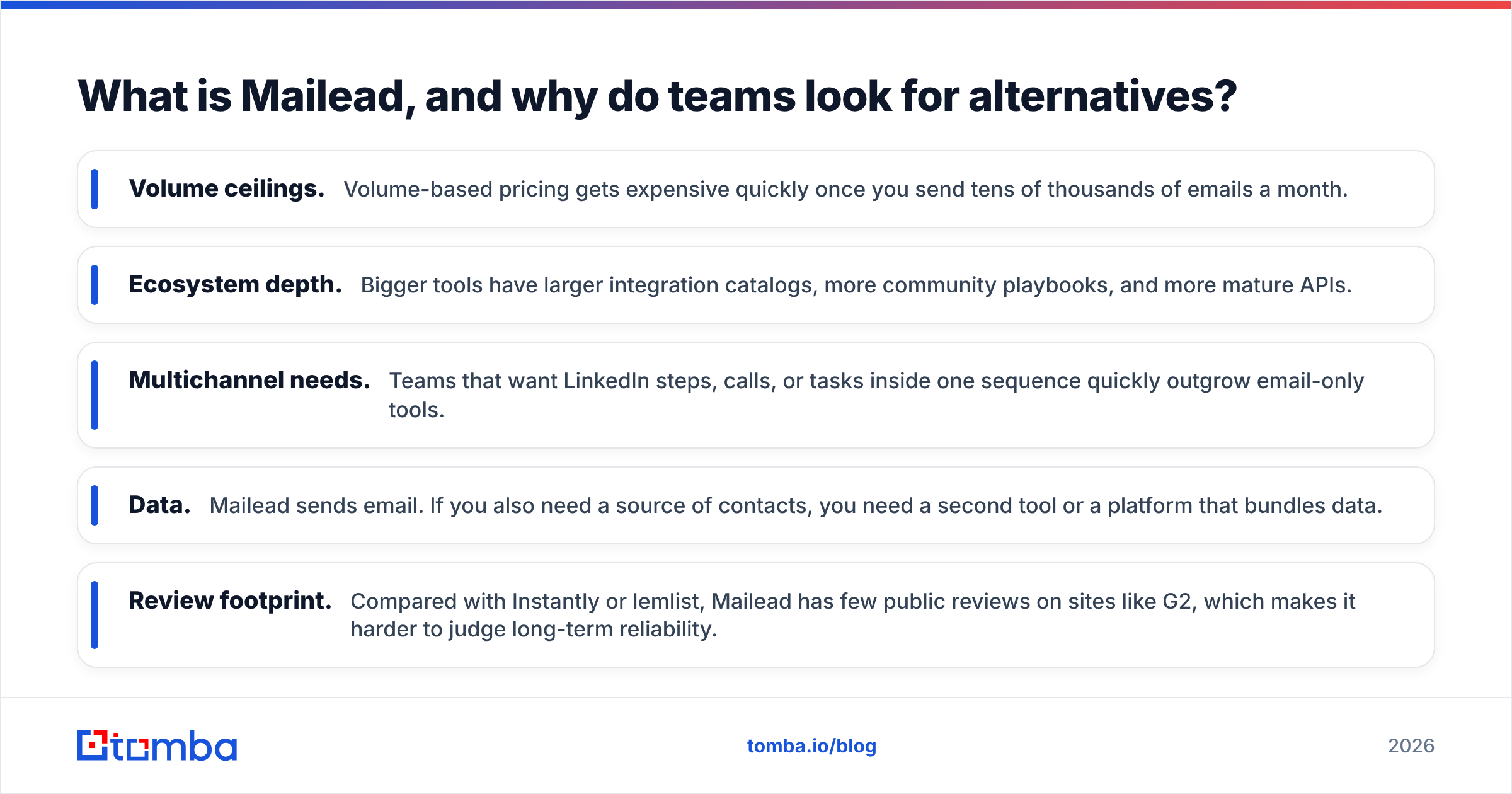
- Volume ceilings. Volume-based pricing gets expensive quickly once you send tens of thousands of emails a month.
- Ecosystem depth. Bigger tools have larger integration catalogs, more community playbooks, and more mature APIs.
- Multichannel needs. Teams that want LinkedIn steps, calls, or tasks inside one sequence quickly outgrow email-only tools.
- Data. Mailead sends email. If you also need a source of contacts, you need a second tool or a platform that bundles data.
- Review footprint. Compared with Instantly or lemlist, Mailead has few public reviews on sites like G2, which makes it harder to judge long-term reliability.
Mailead isn't a bad product. It's built for a specific stage of outbound, and many teams move past that stage.
What should you evaluate in a Mailead alternative?#
Before you look at logos, decide what you're actually replacing. Use these five criteria to filter the list:
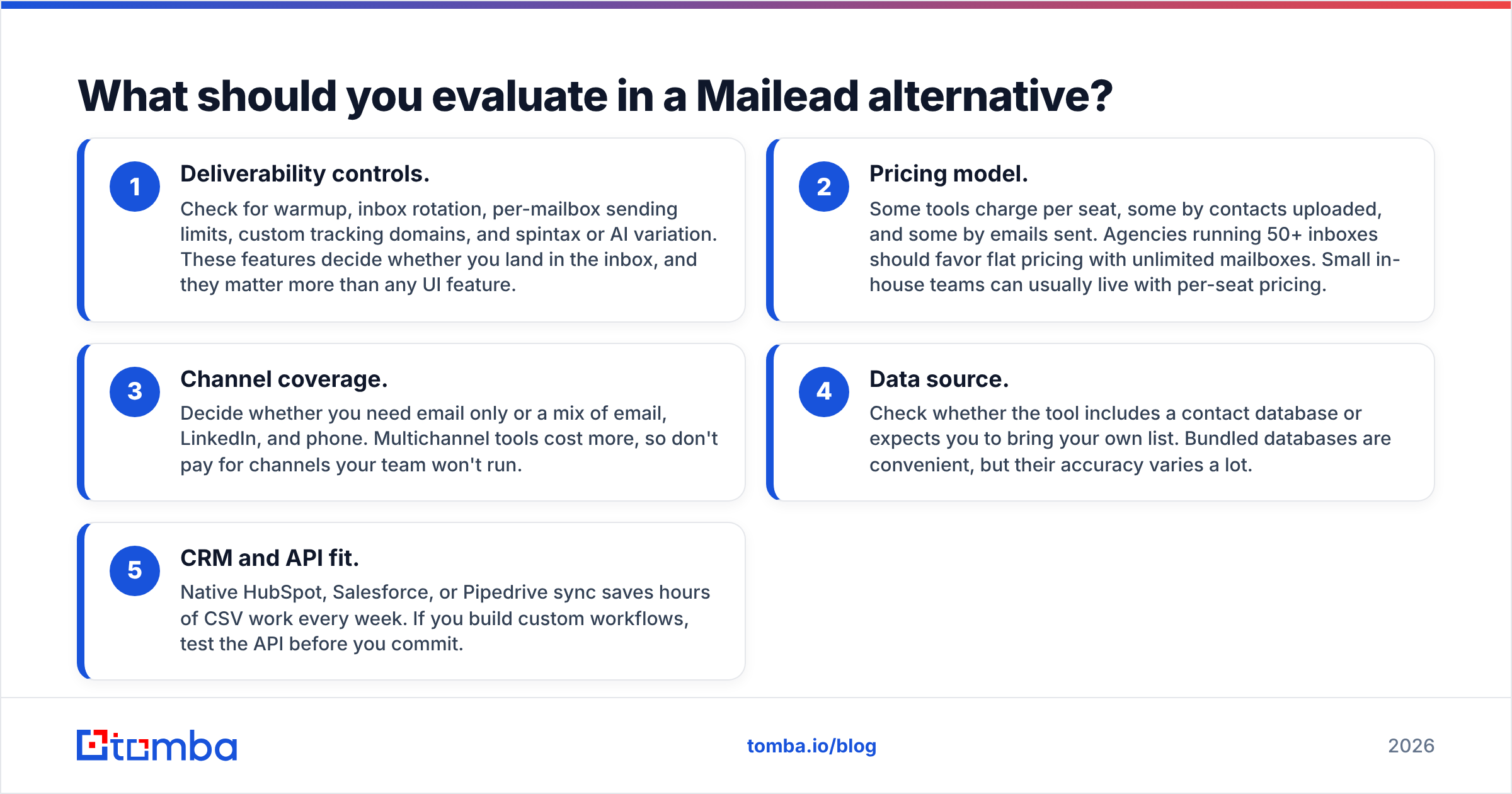
- Deliverability controls. Check for warmup, inbox rotation, per-mailbox sending limits, custom tracking domains, and spintax or AI variation. These features decide whether you land in the inbox, and they matter more than any UI feature.
- Pricing model. Some tools charge per seat, some by contacts uploaded, and some by emails sent. Agencies running 50+ inboxes should favor flat pricing with unlimited mailboxes. Small in-house teams can usually live with per-seat pricing.
- Channel coverage. Decide whether you need email only or a mix of email, LinkedIn, and phone. Multichannel tools cost more, so don't pay for channels your team won't run.
- Data source. Check whether the tool includes a contact database or expects you to bring your own list. Bundled databases are convenient, but their accuracy varies a lot.
- CRM and API fit. Native HubSpot, Salesforce, or Pipedrive sync saves hours of CSV work every week. If you build custom workflows, test the API before you commit.
If you're still unsure how many inboxes and how much ramp time you need, run your numbers through a warmup calculator before you compare plans. The answer often decides which pricing model is cheapest for you.

Which Mailead alternatives are worth considering in 2026?#
The prices below are approximate starting list prices on monthly billing. Vendors change plans often, and annual billing is usually cheaper, so check each vendor's pricing page before you buy.
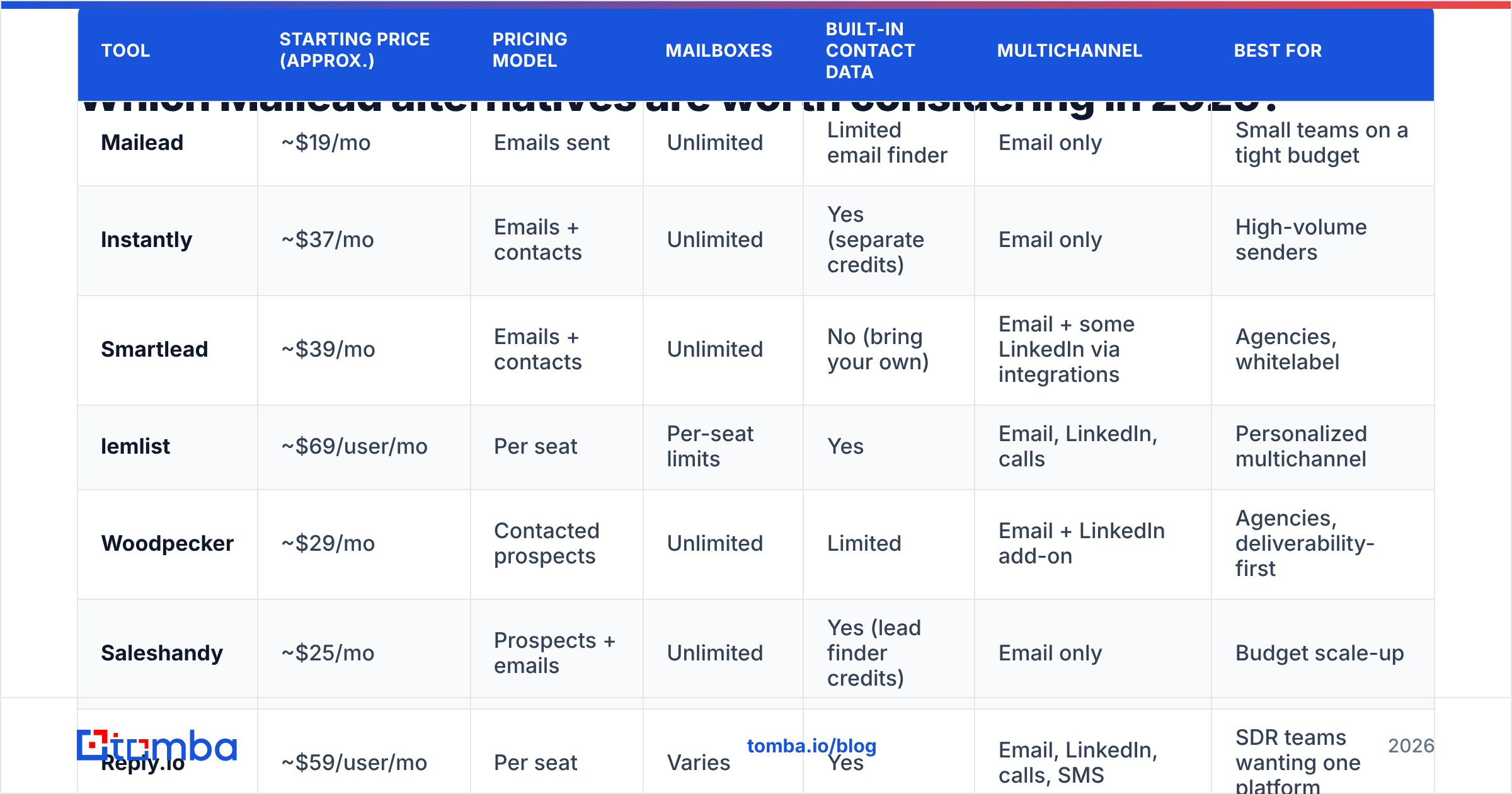
| Tool | Starting price (approx.) | Pricing model | Mailboxes | Built-in contact data | Multichannel | Best for |
|---|---|---|---|---|---|---|
| Mailead | ~$19/mo | Emails sent | Unlimited | Limited email finder | Email only | Small teams on a tight budget |
| Instantly | ~$37/mo | Emails + contacts | Unlimited | Yes (separate credits) | Email only | High-volume senders |
| Smartlead | ~$39/mo | Emails + contacts | Unlimited | No (bring your own) | Email + some LinkedIn via integrations | Agencies, whitelabel |
| lemlist | ~$69/user/mo | Per seat | Per-seat limits | Yes | Email, LinkedIn, calls | Personalized multichannel |
| Woodpecker | ~$29/mo | Contacted prospects | Unlimited | Limited | Email + LinkedIn add-on | Agencies, deliverability-first |
| Saleshandy | ~$25/mo | Prospects + emails | Unlimited | Yes (lead finder credits) | Email only | Budget scale-up |
| Reply.io | ~$59/user/mo | Per seat | Varies | Yes | Email, LinkedIn, calls, SMS | SDR teams wanting one platform |
| Apollo.io | Free tier, paid ~$49/user/mo | Per seat | Limited per seat | Yes (large database) | Email, calls, LinkedIn tasks | Teams that want data + sequences |
1. Instantly: best for high-volume sending#
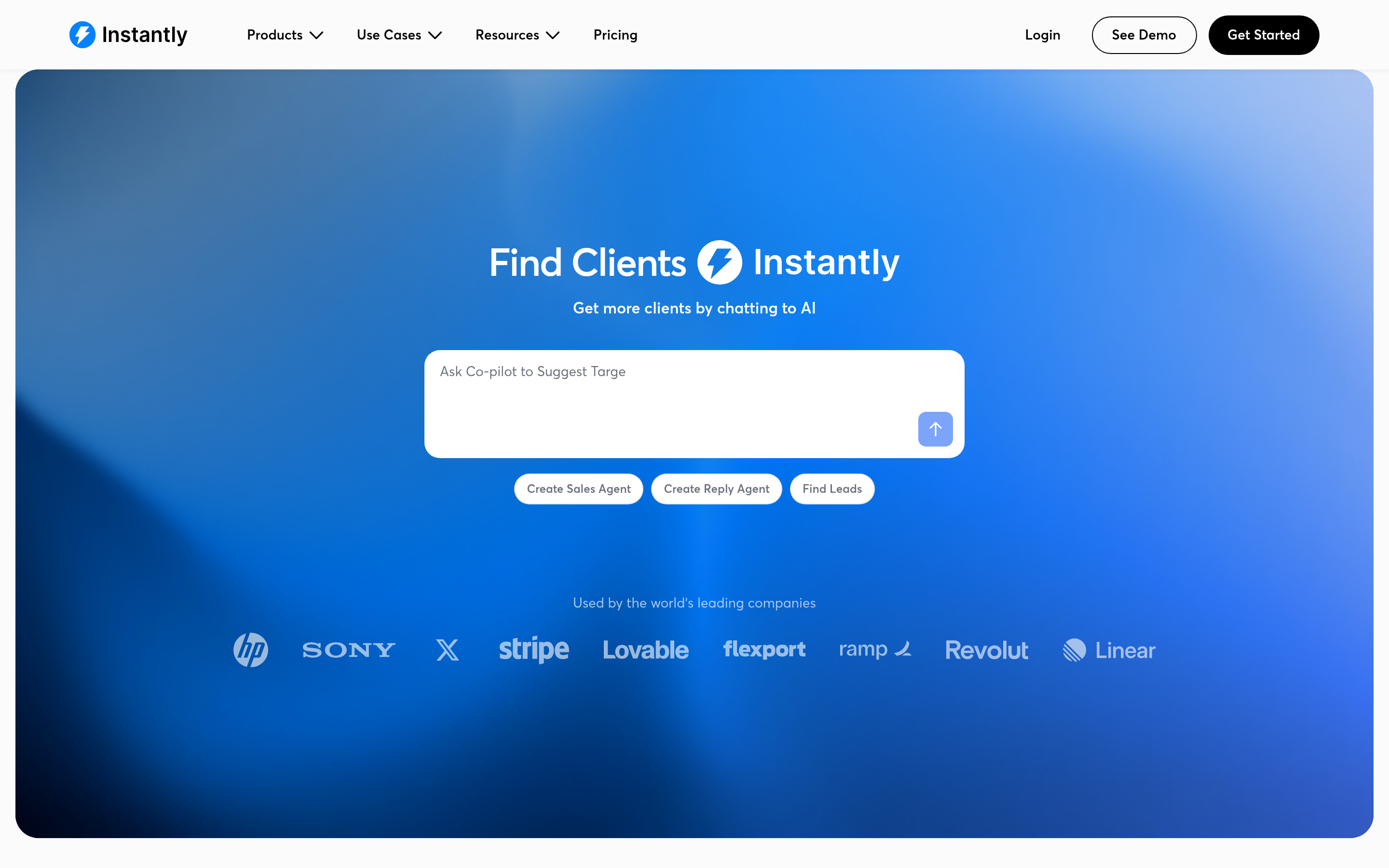
Instantly is the default choice for many people leaving Mailead. It has the same core idea of unlimited mailboxes and warmup, with a much larger warmup network, a mature analytics dashboard, and a unified inbox (Unibox) for replies across every connected account. It also sells a lead database, billed separately.
- Pros: strong warmup pool, simple UX, flat pricing that scales well with inbox count, large community.
- Cons: the lead database and CRM features are add-ons, so total cost grows. The bundled database can be uneven depending on your niche.
- Switch if: your main problem with Mailead is volume or deliverability tooling.
For a closer look at the trade-offs, see our Instantly alternative breakdown.
2. Smartlead: best for agencies and whitelabel#
Smartlead competes directly with Instantly. It stands out for agency features: client sub-accounts, whitelabeling, and a solid API. Its inbox rotation and mailbox-level controls are detailed, which matters when you manage dozens of client domains.
- Pros: unlimited mailboxes, agency-friendly structure, strong API and webhook support.
- Cons: the interface takes longer to learn than Mailead's. It has no native contact database.
- Switch if: you run outbound for several clients and need clean separation between them.
3. lemlist: best for personalized multichannel outreach#
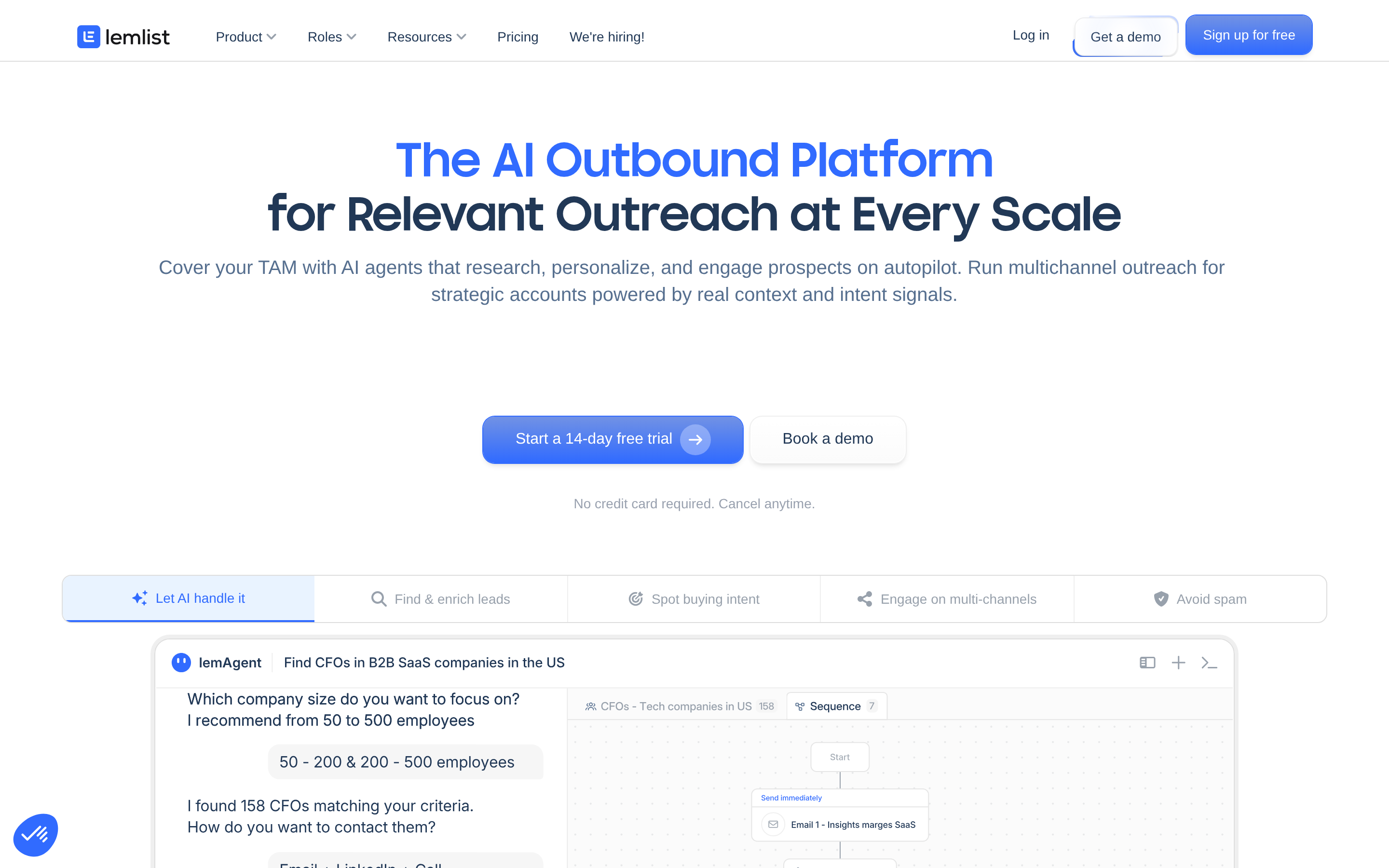
lemlist was built around personalization: dynamic images, custom landing pages, and LinkedIn steps in the same sequence. It now also includes a contact database and an AI writing assistant.
- Pros: strong personalization, real multichannel sequences, a built-in lemwarm warmup tool.
- Cons: per-seat pricing gets expensive for large SDR teams. Mailbox limits per seat make it a weaker fit for very high volume.
- Switch if: your reply rates depend on hyper-personalization more than sheer volume.
4. Woodpecker: best for deliverability-first agencies#

Woodpecker has been around for a long time and focuses on safe sending: automatic bounce protection, sending-limit enforcement, and condition-based sequences. Pricing is based on contacted prospects rather than seats, which suits agencies.
- Pros: conservative, reliable sending behavior. Agency panel. Clear pricing.
- Cons: less flashy UI. LinkedIn and some advanced features cost extra.
- Switch if: you value consistency over growth-hack features.
5. Saleshandy: best budget step up from Mailead#
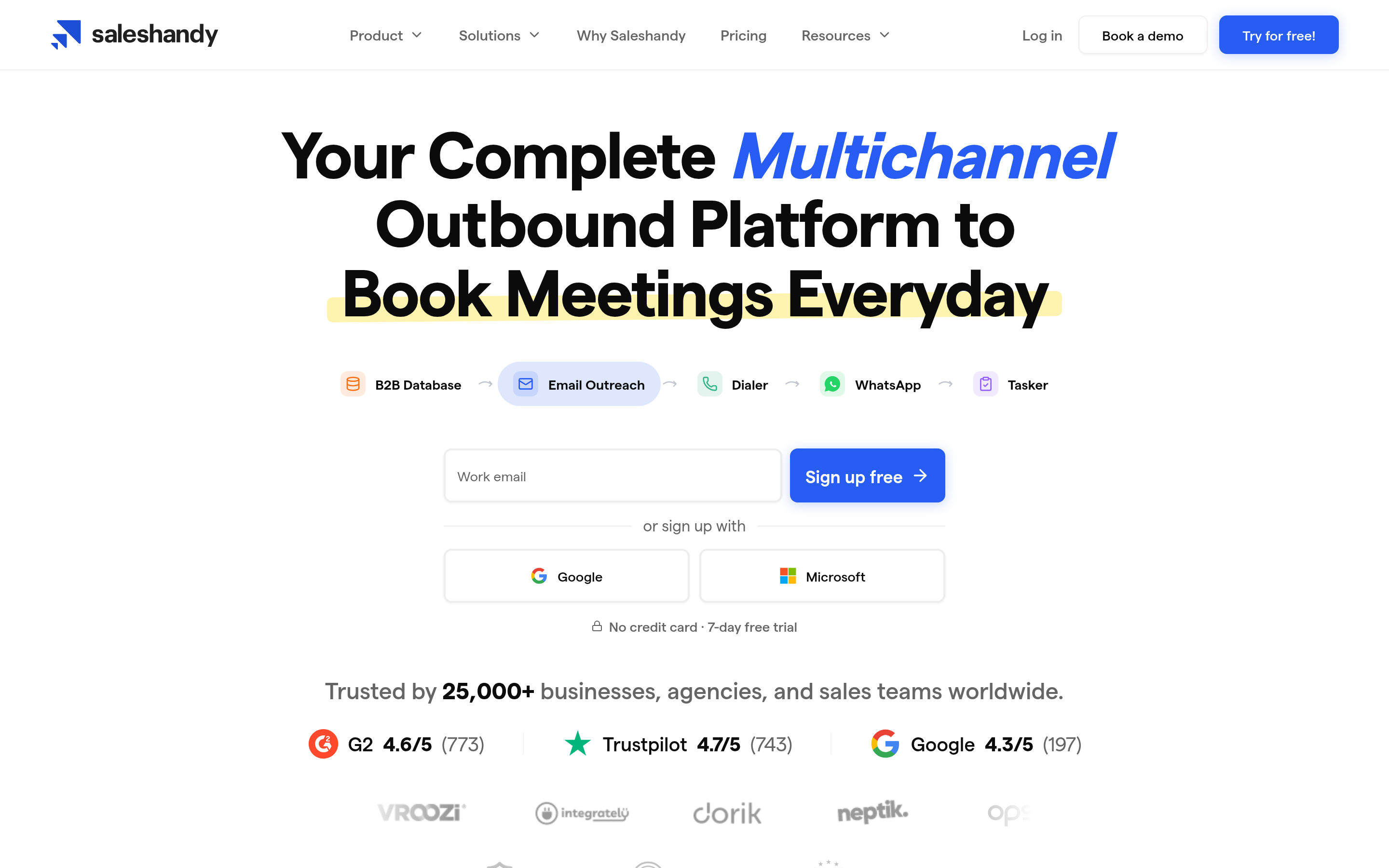
Saleshandy is the closest match on price. You get unlimited mailboxes, sender rotation, a unified inbox, and a lead finder with its own credit system. If Mailead feels limiting but Instantly feels like overkill, Saleshandy is the middle option.
- Pros: low entry price, unlimited email accounts, decent agency features.
- Cons: the prospect caps on lower tiers fill up quickly. Lead finder accuracy varies by region.
- Switch if: budget is the deciding factor but you need more room to grow.
See how it compares in our Saleshandy alternative page.
6. Reply.io: best all-in-one SDR platform#

Reply.io handles email, LinkedIn, calls, SMS, and WhatsApp in a single sequence. It also has an AI SDR agent and a contact database. It suits sales teams that want one platform instead of a stack of tools.
- Pros: wide channel coverage, AI features, solid CRM integrations.
- Cons: per-seat pricing, and you'll get less value if you only send email.
- Switch if: you're building a full SDR function, not just running campaigns.
7. Apollo.io: best if you want data and sequences together#
Apollo combines a large B2B contact database with sequencing, a dialer, and a CRM-like workspace. Its free tier is generous enough to test properly.
- Pros: data and outreach in one place, free tier, strong filters.
- Cons: its sending infrastructure is less specialized than Instantly or Smartlead for multi-inbox cold email. Data accuracy varies by segment, so verify before you send.
- Switch if: your bottleneck is finding contacts, not sending to them.
Is Instantly better than Mailead?#
For most teams sending more than about 10,000 emails a month, yes. Instantly's warmup network, analytics, and ecosystem are more mature, and its flat pricing with unlimited inboxes becomes cheaper per email at scale. Below that volume the gap shrinks, and Mailead's lower entry price can be the better deal. The honest answer is that it depends on volume. If you send a few hundred emails a week to a carefully built list, a more expensive sender won't improve your results.
Do Mailead alternatives fix deliverability on their own?#
No. This is where most switches go wrong. A new sender gives you better controls, but email deliverability still depends on three things the tool can't fix for you:
- Domain and DNS setup. SPF, DKIM, and DMARC need to be correct on every sending domain. Google's sender guidelines spell out what bulk senders need.
- Bounce rate. If more than about 2% of your emails bounce, mailbox providers start downgrading your sender reputation. Rotating more inboxes won't save a list full of dead addresses.
- Relevance. Spam complaints and low engagement hurt your reputation regardless of the tool.
The second point is the one you control most directly. Teams that switch from Mailead to Instantly and carry over the same scraped CSV usually see the same results they had before.

How do you build a clean list before switching senders?#
Treat the sender and the list as two separate jobs. A practical workflow:
- Find contacts by company. Start from your target account list and pull decision-makers' addresses with an email finder, either by domain or by name plus company.
- Verify everything before import. Run the full list through an email verifier and remove invalid and disposable addresses. Send to catch-all addresses at a reduced volume.
- Enrich only what you'll use. Job title, company size, and tech stack help you segment and personalize. Fields nobody uses in the copy just add noise.
- Import into the new sender in small batches. New tools and new inboxes need ramp time, so don't import 20,000 contacts on day one.
This works with all seven tools above. It also means you aren't locked into any one vendor's database, so you can switch senders again later without rebuilding your data.
Which Mailead alternative should you pick?#
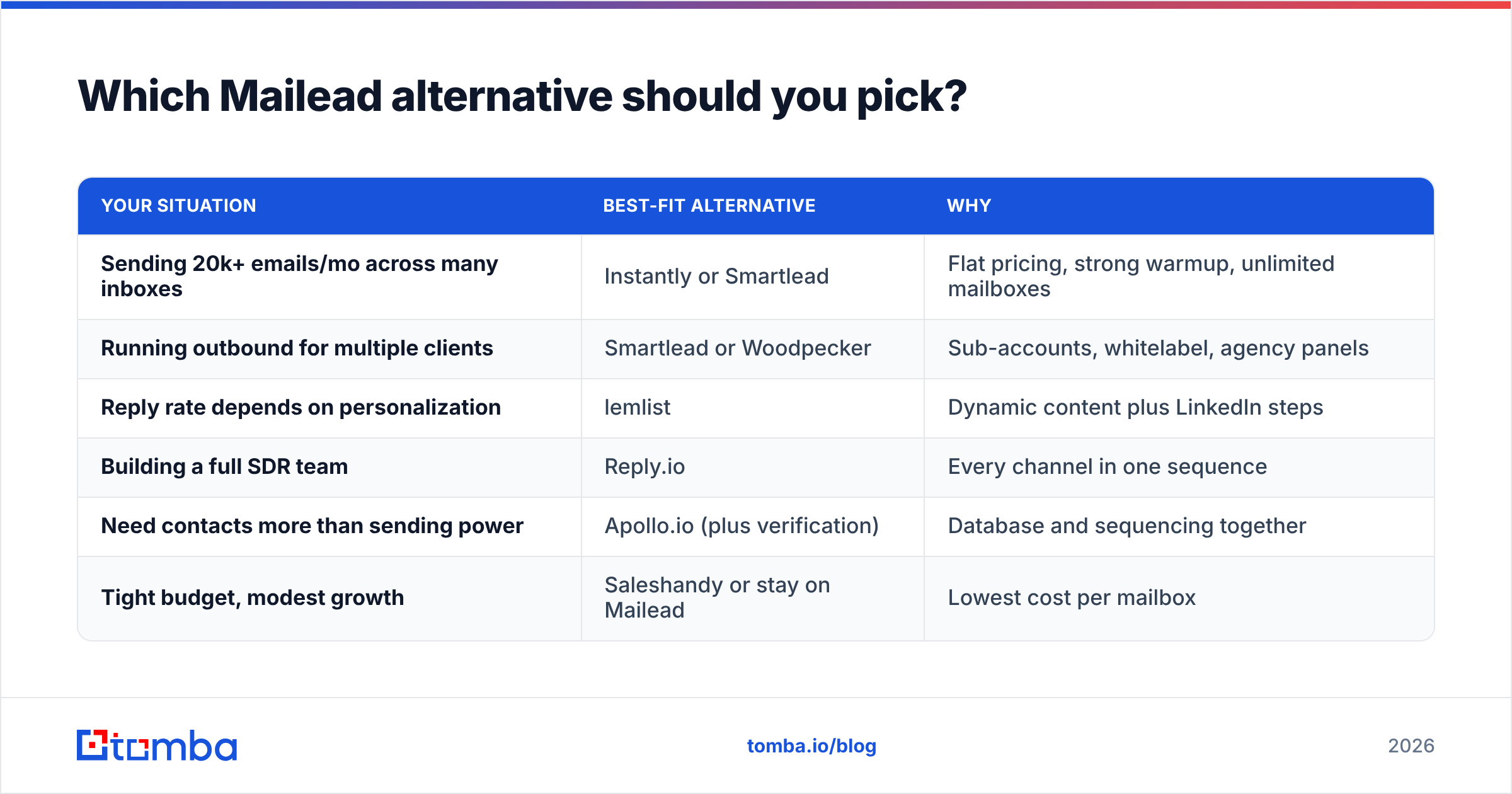
Pick based on your bottleneck, not on feature lists:
| Your situation | Best-fit alternative | Why |
|---|---|---|
| Sending 20k+ emails/mo across many inboxes | Instantly or Smartlead | Flat pricing, strong warmup, unlimited mailboxes |
| Running outbound for multiple clients | Smartlead or Woodpecker | Sub-accounts, whitelabel, agency panels |
| Reply rate depends on personalization | lemlist | Dynamic content plus LinkedIn steps |
| Building a full SDR team | Reply.io | Every channel in one sequence |
| Need contacts more than sending power | Apollo.io (plus verification) | Database and sequencing together |
| Tight budget, modest growth | Saleshandy or stay on Mailead | Lowest cost per mailbox |
If none of these situations applies to you, and you send a few thousand emails a month without deliverability problems, staying on Mailead is a reasonable choice. Switching tools costs time, and new inboxes need weeks of warmup. Cleaning up your list and copy often gives you more lift than a new sender would.
Frequently asked questions#
Is there a free Mailead alternative? Apollo.io has a free tier with limited sequences and credits. Most dedicated cold email senders (Instantly, Smartlead, Saleshandy) offer free trials rather than permanent free plans.
Can I migrate my Mailead campaigns to another tool? You can export contacts and copy your sequences manually. Warmup history doesn't transfer, so plan for 2-3 weeks of ramp-up on the new platform even if you reconnect the same mailboxes.
Which alternative has the best deliverability? Deliverability depends more on domains, list quality, and sending volume than on the tool. Instantly, Smartlead, and Woodpecker all provide the controls you need. Results depend on how you use them.
Do I need a separate email finder if my sender has a database? Built-in databases are convenient, but their coverage and freshness vary. Many teams use the built-in data for discovery and run a dedicated finder and verifier before sending.
Ready to fix your list before you switch?#
Whichever Mailead alternative you choose, your results depend on the quality of the contacts you load into it. Tomba Email Finder finds professional email addresses by domain, name, or company, and every result can be verified before it goes into Instantly, Smartlead, lemlist, or any other sender. Start on the free tier with 25 searches a month, or check Tomba pricing for plans starting at $49/mo when you're ready to scale.
Related guides#
// start free
See who Tomba finds at any company
Type a company's domain to see its people, their roles and verified work emails, each with the pages it was found on. Free account, no card.
Free plan · No credit card required · GDPR & CCPA
// about the author