Mailmerge365 vs Apollo.io: Outlook Mail Merge or Full Sales Suite?
Mailmerge365 sends personalized bulk email from your own Outlook mailbox. Apollo.io finds the contacts, scores them, and runs the sequences. Here is how to tell which one your team needs, or whether you need both.
TL;DR
- Mailmerge365 and Apollo.io are not the same kind of tool. Mailmerge365 is a mail-merge add-in for Microsoft 365 Outlook: you bring the list and it sends personalized emails from your own mailbox. Apollo.io is a sales platform with a contact database, sequences, a dialer, and a CRM layer.
- Pick Mailmerge365 if you already have a clean list, you live in Outlook, and you want each email to look like a normal 1:1 message from your inbox. Third-party listings put it at about €14 per mailbox per month on annual billing. Check the vendor's site before you budget.
- Pick Apollo.io if you have no list yet and need prospecting data, multichannel sequences, and pipeline reporting in one place. Paid plans start at $49/user/month on annual billing ($59 monthly).
- The gap neither tool fully closes is list quality. A mail merge only works as well as the addresses you feed it, and Apollo's database still decays. Running your list through a dedicated email finder and verifier before sending keeps your bounce rate down.
- Our pick: If you're a small Outlook-based team doing relationship outreach, use Mailmerge365 plus a separate data source. If you're an SDR team that needs volume and pipeline tracking, use Apollo.
What is Mailmerge365?#
Mailmerge365 is a mail-merge add-in for Outlook on Microsoft 365. You load a spreadsheet of contacts, write a template with merge fields like {FirstName} and {Company}, and the add-in sends a separate, personalized email to each recipient from your own Outlook account.
That sounds simple, and it is. The appeal is how ordinary the result looks. Each recipient gets an individual message from your real address, sent through Microsoft's servers, with no "via" tag and no marketing-platform footer. Your Sent folder fills up with normal emails. Replies land in your normal inbox.
Based on the vendor's positioning and third-party comparisons, the main capabilities are:
- Personalized bulk sends from your existing Outlook mailbox
- Merge fields pulled from Excel or CSV data
- Open and click tracking
- Unsubscribe management for newsletter-style sends
- Per-mailbox licensing rather than per-contact pricing
What it doesn't do matters just as much. It has no contact database, no lead search, no dialer, no LinkedIn steps, and no built-in pipeline. It is a sending tool. Finding contacts, verifying them, and tracking deals all happen somewhere else.
What is Apollo.io?#
Apollo.io is an all-in-one sales intelligence and engagement platform. It combines a large B2B contact database with filters for title, industry, headcount, technology, and buying intent, plus sequencing, a calling dialer, meeting scheduling, and a lightweight CRM.
Most teams use Apollo for three things:
- Prospecting. Build a target list from Apollo's database instead of buying or scraping one.
- Engagement. Run multi-step sequences that mix email, calls, and manual LinkedIn tasks.
- Reporting. Track replies, meetings, and pipeline by rep and by sequence.
Apollo has a large, active reviewer base on G2, where users tend to praise the breadth of features per dollar and criticize data accuracy in some regions and segments. If you've used it at any real volume, you've probably seen both sides.
How do Mailmerge365 and Apollo.io differ at the core?#
They answer different questions. Mailmerge365 assumes you already know who to email and only need a way to send. Apollo assumes you don't know who to email yet.
An analogy helps. Mailmerge365 is a well-made envelope stuffer: hand it letters and addresses and it mails them neatly from your own desk. Apollo is a whole mailroom that comes with a phone book, a sorting team, and a tracking board. The envelope stuffer is cheaper and simpler. The mailroom can do more, but you pay for all of it whether you use it or not.
The five differences that matter in practice:
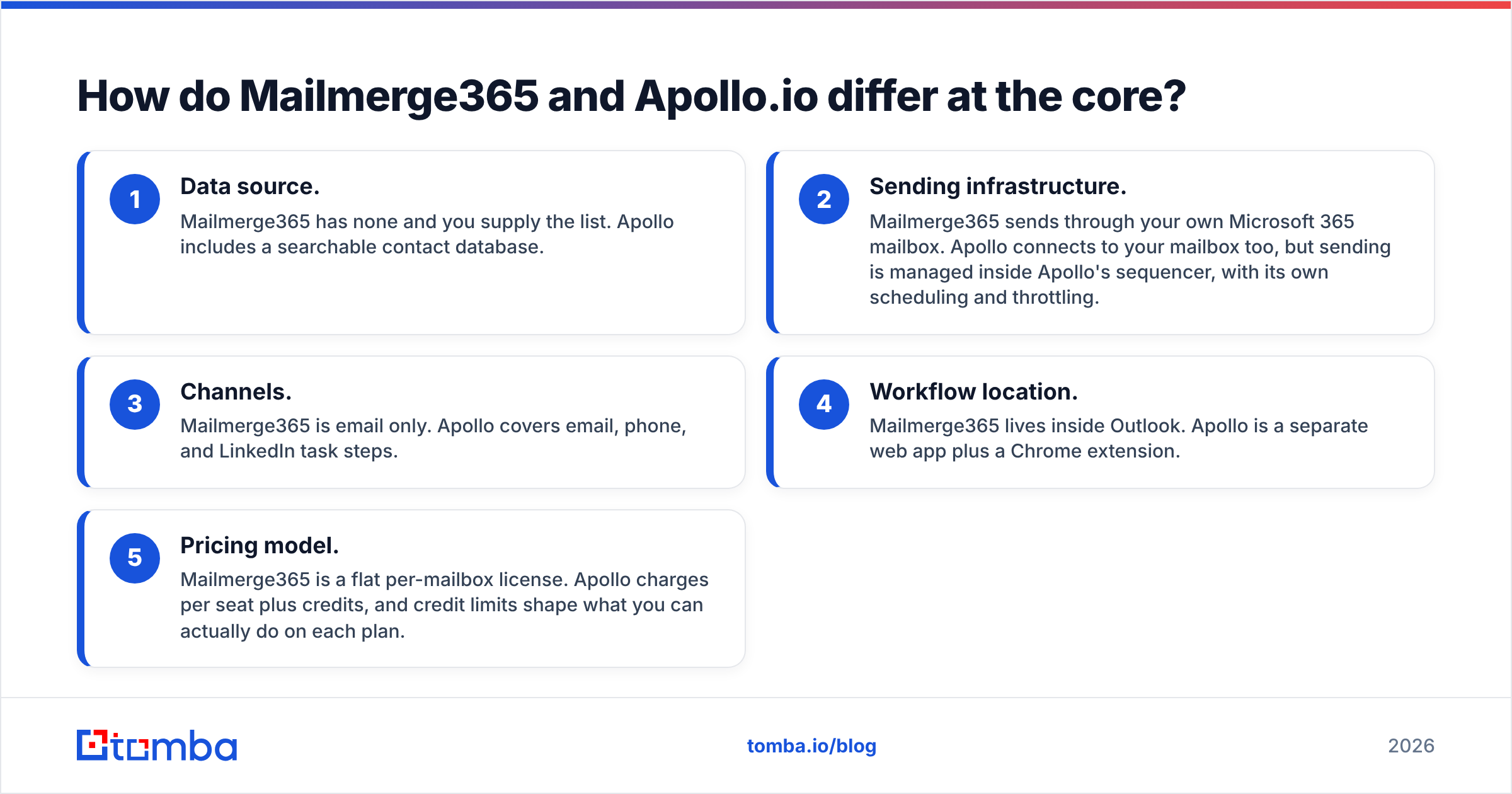
- Data source. Mailmerge365 has none and you supply the list. Apollo includes a searchable contact database.
- Sending infrastructure. Mailmerge365 sends through your own Microsoft 365 mailbox. Apollo connects to your mailbox too, but sending is managed inside Apollo's sequencer, with its own scheduling and throttling.
- Channels. Mailmerge365 is email only. Apollo covers email, phone, and LinkedIn task steps.
- Workflow location. Mailmerge365 lives inside Outlook. Apollo is a separate web app plus a Chrome extension.
- Pricing model. Mailmerge365 is a flat per-mailbox license. Apollo charges per seat plus credits, and credit limits shape what you can actually do on each plan.

How do Mailmerge365 and Apollo.io compare feature by feature?#
Here's the side-by-side. Mailmerge365 details come from vendor positioning and third-party listings, so confirm specifics during a trial.
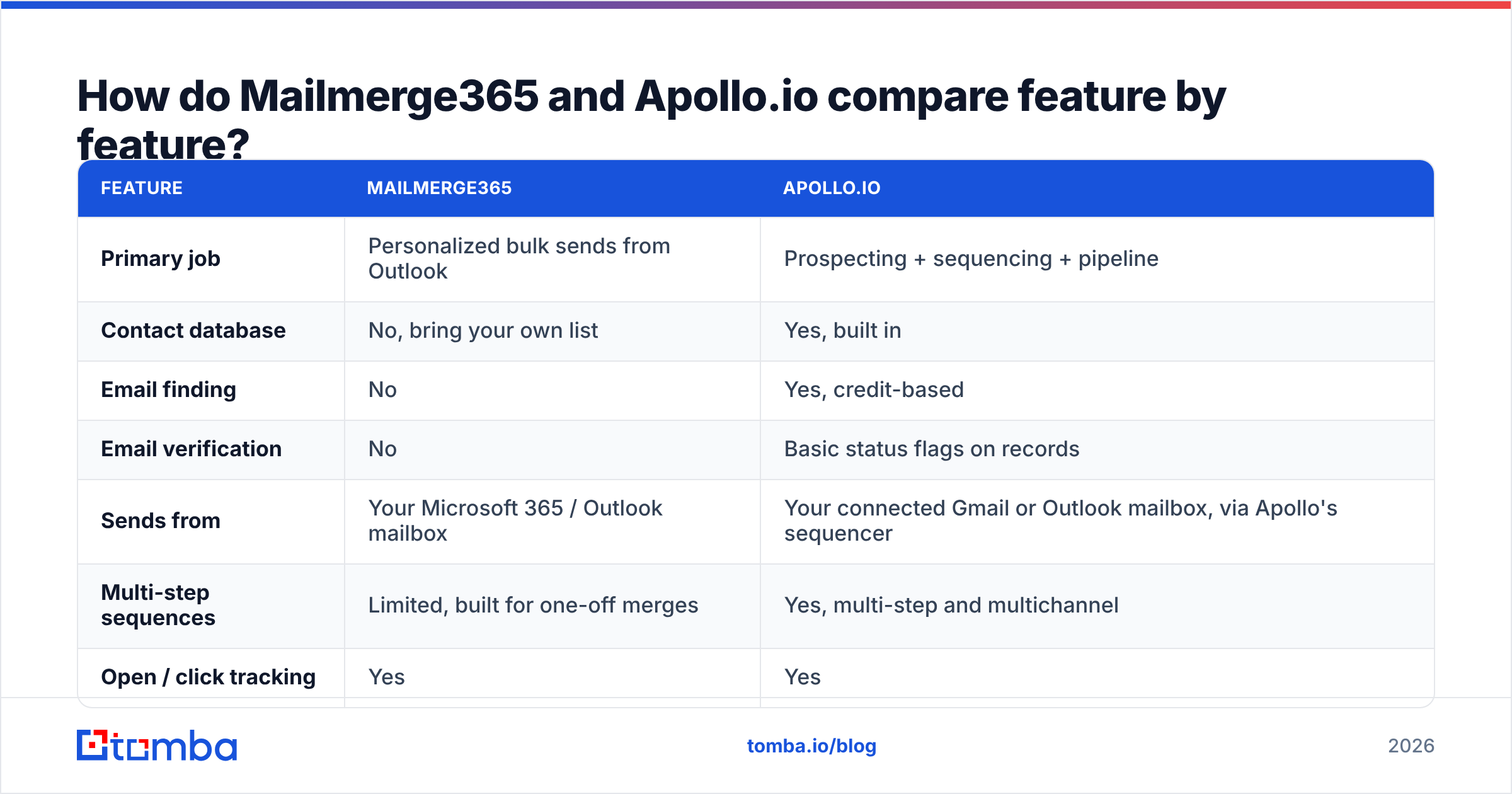
| Feature | Mailmerge365 | Apollo.io |
|---|---|---|
| Primary job | Personalized bulk sends from Outlook | Prospecting + sequencing + pipeline |
| Contact database | No, bring your own list | Yes, built in |
| Email finding | No | Yes, credit-based |
| Email verification | No | Basic status flags on records |
| Sends from | Your Microsoft 365 / Outlook mailbox | Your connected Gmail or Outlook mailbox, via Apollo's sequencer |
| Multi-step sequences | Limited, built for one-off merges | Yes, multi-step and multichannel |
| Open / click tracking | Yes | Yes |
| Unsubscribe handling | Yes | Yes |
| Calling / dialer | No | Yes (paid plans) |
| CRM sync | Indirect (e.g. BCC to CRM) | Native Salesforce and HubSpot sync |
| Learning curve | Very low if you know Outlook | Moderate to steep |
| Pricing model | Per mailbox, flat | Per seat + credits |
The pattern is clear. Mailmerge365 does one thing and keeps it simple. Apollo covers far more of the funnel, and the extra features bring extra configuration, more settings to learn, and more ways to burn credits.
How much do Mailmerge365 and Apollo.io cost in 2026?#
On price alone, Mailmerge365 is much cheaper per user. That's not really a fair comparison, though, because Apollo's price includes data and Mailmerge365's doesn't.
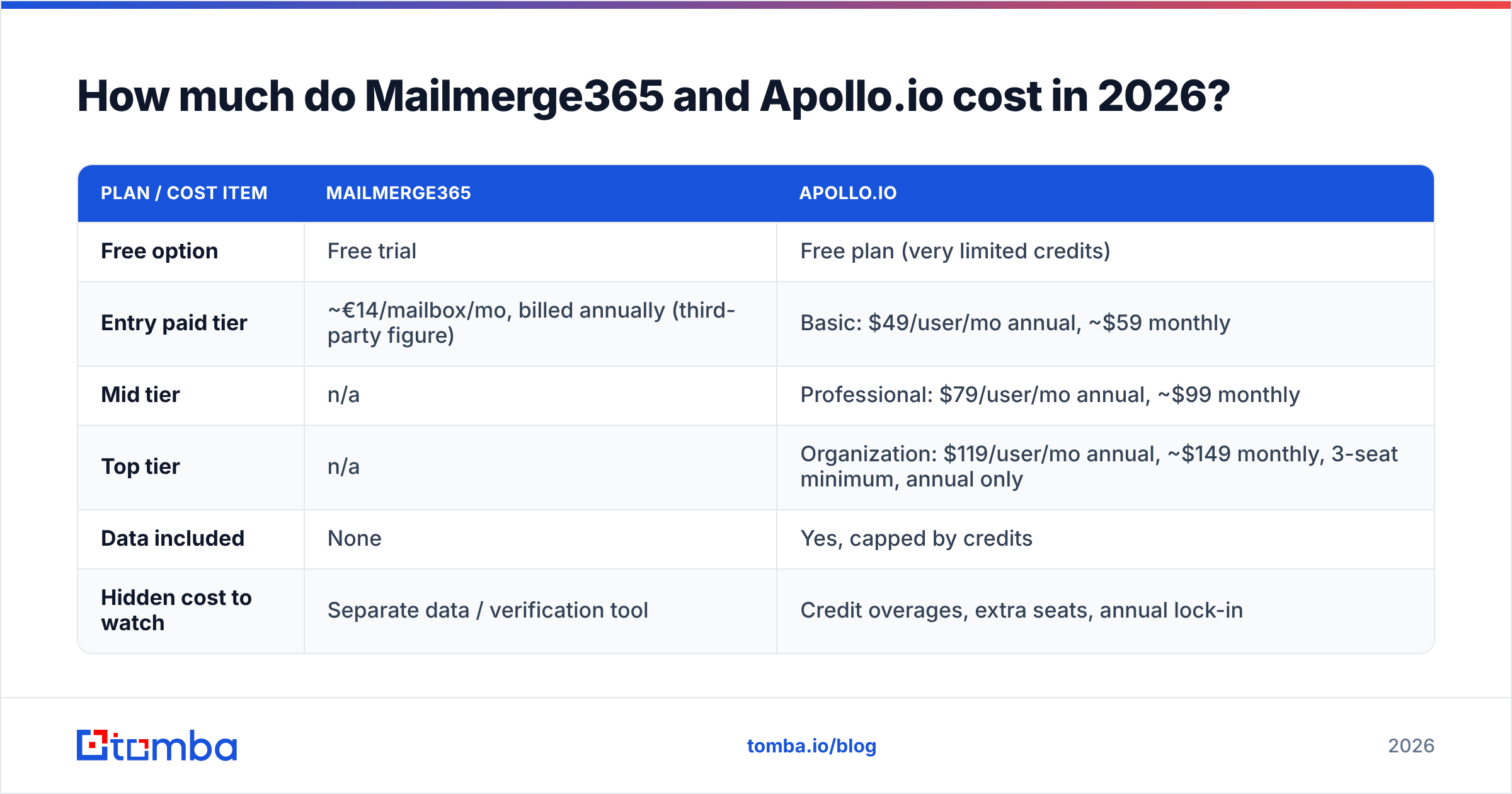
| Plan / cost item | Mailmerge365 | Apollo.io |
|---|---|---|
| Free option | Free trial | Free plan (very limited credits) |
| Entry paid tier | ~€14/mailbox/mo, billed annually (third-party figure) | Basic: $49/user/mo annual, ~$59 monthly |
| Mid tier | n/a | Professional: $79/user/mo annual, ~$99 monthly |
| Top tier | n/a | Organization: $119/user/mo annual, ~$149 monthly, 3-seat minimum, annual only |
| Data included | None | Yes, capped by credits |
| Hidden cost to watch | Separate data / verification tool | Credit overages, extra seats, annual lock-in |
Prices drift, so check both vendors' pricing pages before you commit. Apollo renamed and repackaged its plans in early 2026, and third-party pages often list stale credit numbers.
Real costs for a three-person team, per year:
- Mailmerge365 route: about €500 in licenses, plus whatever you spend on contact data. If you pair it with a dedicated finder like Tomba Growth at $99/mo, the total lands around $1,700–$1,800/year.
- Apollo route: at least $1,764/year on Basic (annual), $2,844 on Professional, or $4,284 on Organization. Credit top-ups come on top if you prospect heavily.
So the gap is smaller than the sticker prices suggest once you count data. The real question is whether you want data and sending bundled in one subscription or kept separate so you can swap either piece.
Which tool gives better deliverability?#
Neither one fixes deliverability for you. They put the risk in different places, though.
Mailmerge365's advantage is that every email goes out through Microsoft's own infrastructure from a mailbox with real history. Recipients and filters see a normal Outlook message. For warm or semi-warm lists like event attendees, past customers, partners, or newsletter subscribers, this is about as clean as sending gets.
Mailmerge365's risk is that you're bound by Microsoft 365 sending limits. Microsoft documents Exchange Online recipient and message rate limits, and if you push cold volume through a single primary mailbox, you're betting your main business address on list quality. One bad list can get your everyday mailbox throttled.
Apollo's advantage is sequencer-level control. You get daily caps, send windows, mailbox rotation on higher tiers, and A/B testing, which make it easier to spread volume safely.
Apollo's risk is data freshness. Apollo's database is large, and any large database decays. Job changes, domain migrations, and catch-all servers all produce bounces, and high bounce rates hurt your sender reputation whichever tool sent the email.
The practical rule: verify before you send, every time. Running a list through an email verifier the day before a campaign costs very little. Rebuilding a burned domain costs a lot more.

Who should choose Mailmerge365?#
Mailmerge365 fits you if most of these are true:
- Your team already works in Outlook and doesn't want another tab, login, or interface to learn.
- You already have the list. Examples include customer announcements, event follow-ups, partner updates, renewal reminders, and investor updates.
- Volume is modest. Think hundreds a day, not thousands.
- Each email should look 1:1, with no platform branding and no obvious "sequence" feel.
- Budget is tight and a full sales platform would be mostly shelfware.
It's especially good for account managers, founders, recruiters, nonprofits, and consultants. These are people whose outreach is relationship-driven, where the sender's own mailbox is part of the trust.
Where it falls short is cold prospecting at scale. You'll need a separate way to find addresses, a separate way to verify them, and a fair amount of manual work to run anything beyond a single send plus a follow-up.
Who should choose Apollo.io?#
Apollo fits you if most of these are true:
- You're building pipeline from zero and need to find new accounts and contacts every week.
- You run SDR or BDR motions with multi-step, multichannel sequences.
- Managers need reporting on reply rate, meetings booked, and pipeline per rep.
- You want CRM sync with Salesforce or HubSpot without stitching tools together.
- You can absorb the learning curve and the per-seat plus credits pricing.
The trade-off is that you're buying a bundle. If Apollo's data is weak in your niche, such as certain EMEA markets, SMB-heavy verticals, or fast-changing startups, you'll pay for data you then have to patch from elsewhere. That's one of the most common reasons teams start looking at an Apollo alternative or adding a dedicated finder alongside it.
Can you use Mailmerge365 and Apollo.io together?#
Yes, though most teams don't need both. Combinations that do make sense:
- Apollo for prospecting, Mailmerge365 for warm sends. Reps use Apollo for cold sequences. Account managers use Mailmerge365 in Outlook for customer communications that shouldn't look automated.
- Separate data source plus Mailmerge365. Skip Apollo entirely. Use a dedicated tool to find email addresses by domain or name, verify them, export to CSV, and merge from Outlook. This is the lean stack for small teams.
- Apollo plus a verification pass. Keep Apollo as the system of record, but run exported lists through an independent verifier before launching large sequences, especially on catch-all domains.
The common thread is that sending tools amplify whatever list you give them. A clean list sent through a basic tool will beat a dirty list sent through a sophisticated one.
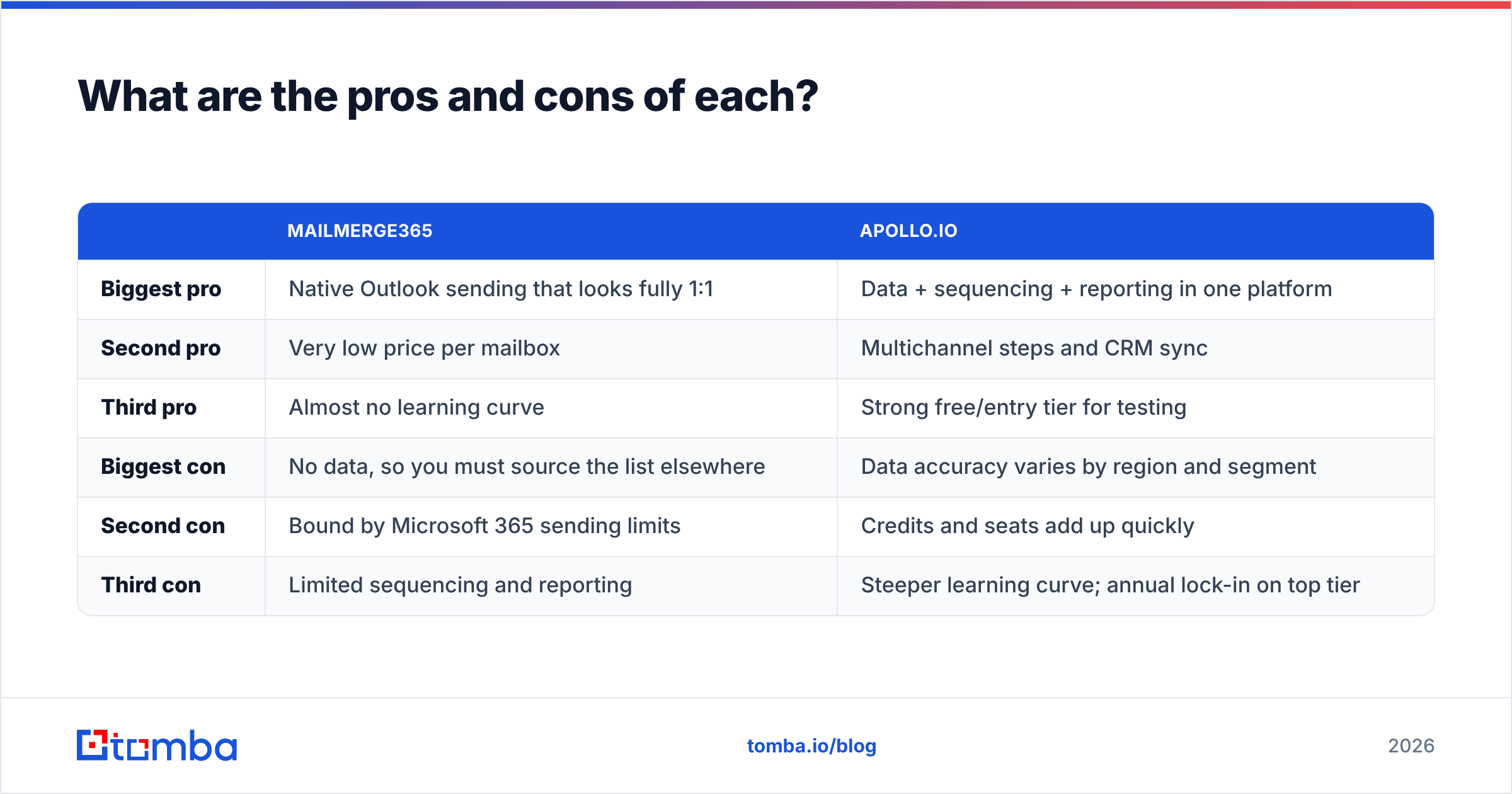
What are the pros and cons of each?#
| Mailmerge365 | Apollo.io | |
|---|---|---|
| Biggest pro | Native Outlook sending that looks fully 1:1 | Data + sequencing + reporting in one platform |
| Second pro | Very low price per mailbox | Multichannel steps and CRM sync |
| Third pro | Almost no learning curve | Strong free/entry tier for testing |
| Biggest con | No data, so you must source the list elsewhere | Data accuracy varies by region and segment |
| Second con | Bound by Microsoft 365 sending limits | Credits and seats add up quickly |
| Third con | Limited sequencing and reporting | Steeper learning curve; annual lock-in on top tier |
So, Mailmerge365 vs Apollo.io: which should you pick?#
Choose based on the job you need done, not on the feature count.
- You have a list and want it sent well from Outlook: Mailmerge365.
- You need to build the list and run outbound at scale: Apollo.io.
- You're a small team that wants Outlook-native sending and better data than a spreadsheet you bought years ago: Mailmerge365 plus a dedicated finder and verifier. It's often cheaper than an Apollo seat, and each piece is swappable.
Whichever way you go, budget time for list hygiene. Most outreach failures blamed on the sending tool are really data problems: stale contacts, guessed formats, and unverified catch-all addresses.
Where does Tomba fit in this stack?#
If Mailmerge365 is your sending layer, or you're patching gaps in Apollo's data, Tomba covers the part neither tool does well on its own: finding and verifying the right address before you hit send. Tomba Email Finder finds professional emails by name, company, or domain, verifies them in the same workflow, and exports straight to a CSV that drops into an Outlook merge. You can start on the free tier with 25 searches a month and move to Starter at $49/mo when you're ready to scale. See Tomba pricing for the full plan breakdown.
Related guides#
// get started
Find, verify and enrich your first contacts today
Start on the free plan with 25 searches a month, then scale when your team is ready.
Free plan · No credit card required · GDPR & CCPA
// about the author