CRM With Email Deliverability: How to Stop Landing in Spam
Your CRM can send thousands of emails and still lose the inbox. Here is how a CRM with email deliverability baked in — verification, warmup, and reputation monitoring — keeps your pipeline out of spam.
Your CRM is very good at pressing "send." Whether those emails actually reach a human is a different question — and it is the one that decides your revenue.
TL;DR#
- A CRM tracks relationships; deliverability decides whether your emails are ever seen. The two are separate systems, and most CRMs handle the second one badly out of the box.
- List hygiene is the biggest lever. Sending to unverified, stale, or catch-all addresses spikes bounces and torches your sender reputation before your copy ever matters.
- Authentication (SPF, DKIM, DMARC), warmup, and volume pacing are non-negotiable in 2026 — Google and Yahoo enforce them for bulk senders.
- The fix is a stack, not a single tool: a CRM for the relationship layer plus a verification and enrichment layer that cleans data before it enters your sequences.
- Verify at the point of capture. Cleaning a rotten list is triage; keeping bad addresses out with a tool like the Tomba Email Finder is prevention.
What does "a CRM with email deliverability" actually mean?#
Here is the short version: no mainstream CRM guarantees inbox placement — deliverability is a property of your data, your domain reputation, and your sending behavior, and the CRM is only one actor in that chain.
Think of your CRM as a mailroom. It sorts contacts, stamps envelopes, and logs who received what. But the mailroom does not control whether the postal service (Gmail, Outlook, Yahoo) decides your envelope looks like junk and dumps it before delivery. "A CRM with email deliverability" really means a CRM plus the surrounding hygiene and authentication layer that earns you a spot in the inbox.
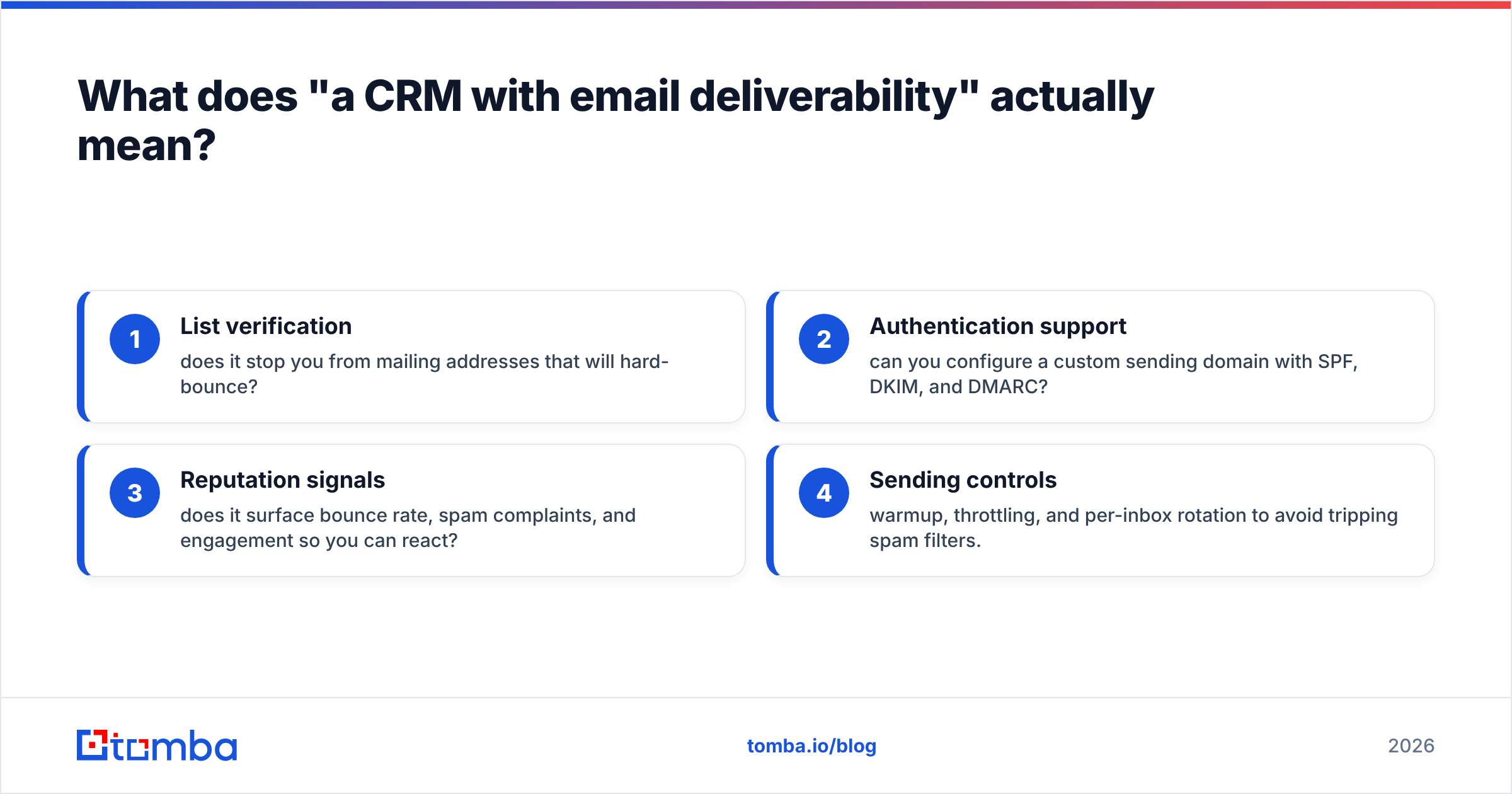
So when you evaluate a platform, you are really scoring it on how well it handles — or integrates with — four things:
- List verification — does it stop you from mailing addresses that will hard-bounce?
- Authentication support — can you configure a custom sending domain with SPF, DKIM, and DMARC?
- Reputation signals — does it surface bounce rate, spam complaints, and engagement so you can react?
- Sending controls — warmup, throttling, and per-inbox rotation to avoid tripping spam filters.
Most CRMs nail relationship management and quietly punt on all four. That gap is exactly where deliverability goes to die.

Why do CRM emails land in spam in the first place?#
The number one cause is dirty data, not bad copy. A single mail merge to a purchased or scraped list of unverified addresses can generate a bounce rate high enough to get your domain flagged in one afternoon.
Mailbox providers score you on signals you mostly cannot see:
- Hard bounce rate — mailing dead addresses tells Gmail you do not maintain your list. Keep it under ~2%.
- Spam complaint rate — Google and Yahoo now require bulk senders to stay under 0.3%, per their sender guidelines.
- Authentication — messages without valid SPF records, DKIM, and DMARC alignment are increasingly rejected outright.
- Engagement — opens, replies, and "not spam" clicks lift you; deletes-without-open sink you.
- Spam-trap hits — recycled addresses that exist only to catch sloppy senders.
Your CRM can be configured perfectly and still fail every one of these if the contact records feeding it are garbage. This is why email deliverability is treated as a data problem first and a copy problem second.
The catch-all trap#
Catch-all domains (which accept mail to any address) are the silent killer. A standard verifier returns "valid" because the server does not reject anything — then half your sends bounce anyway. You need a dedicated catch-all verifier to separate real inboxes from accept-all noise before those addresses touch your CRM sequences.
How do you build a CRM stack that protects deliverability?#
Pair a relationship CRM with a data-hygiene layer, and enforce a rule: no address enters a sequence until it is verified. That single rule prevents most reputation damage.
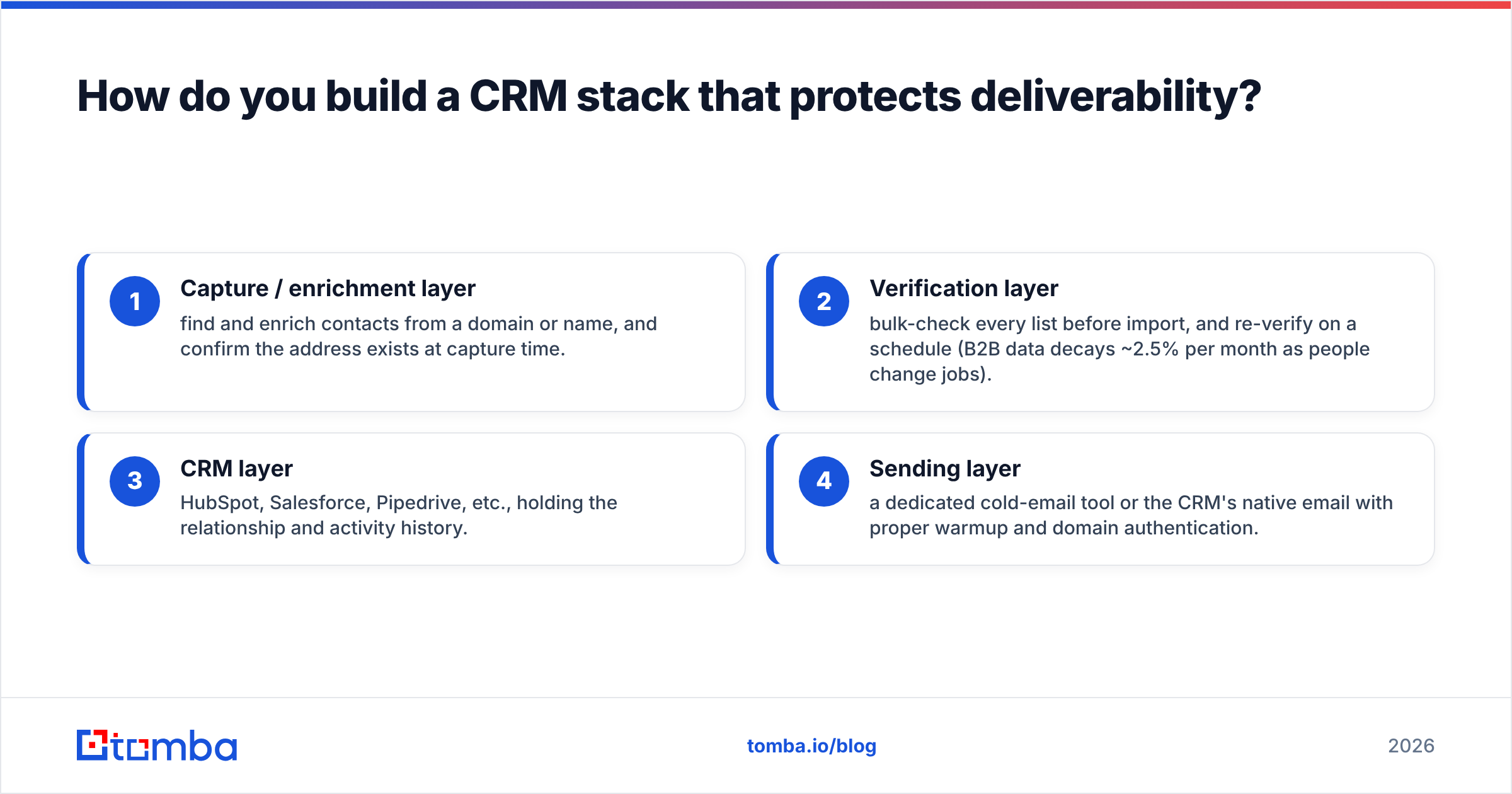
A practical stack looks like this:
- Capture / enrichment layer — find and enrich contacts from a domain or name, and confirm the address exists at capture time.
- Verification layer — bulk-check every list before import, and re-verify on a schedule (B2B data decays ~2.5% per month as people change jobs).
- CRM layer — HubSpot, Salesforce, Pipedrive, etc., holding the relationship and activity history.
- Sending layer — a dedicated cold-email tool or the CRM's native email with proper warmup and domain authentication.
Tomba slots into layers one and two. Use domain search to pull verified contacts for a target company, run lists through the email verifier, and push clean records into your CRM through native integrations with HubSpot, Salesforce, and Pipedrive.

CRM vs. dedicated deliverability tooling: what does each layer own?#
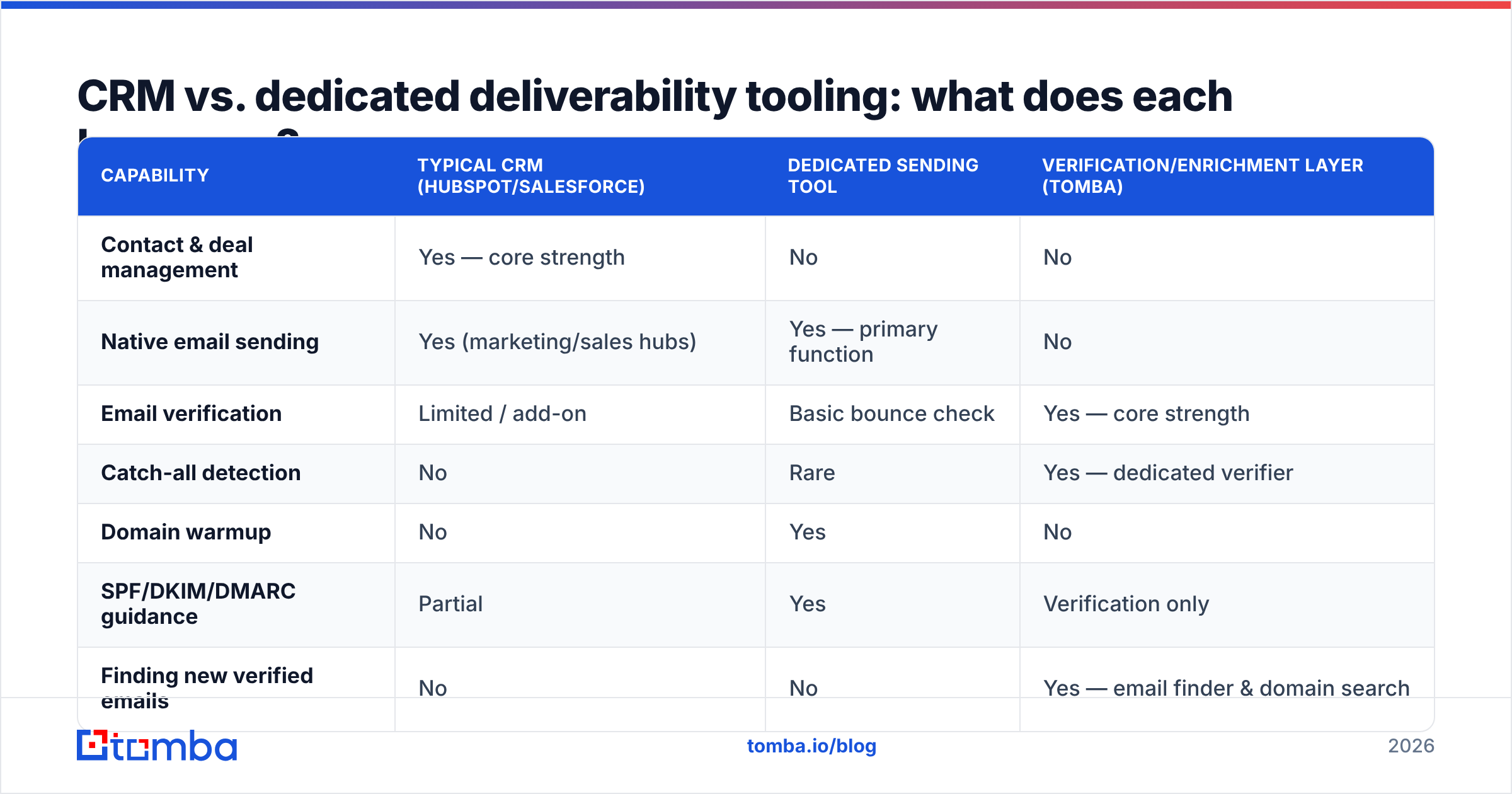
Neither replaces the other. The table below maps who owns what so you can spot gaps in your current setup.
| Capability | Typical CRM (HubSpot/Salesforce) | Dedicated sending tool | Verification/enrichment layer (Tomba) |
|---|---|---|---|
| Contact & deal management | Yes — core strength | No | No |
| Native email sending | Yes (marketing/sales hubs) | Yes — primary function | No |
| Email verification | Limited / add-on | Basic bounce check | Yes — core strength |
| Catch-all detection | No | Rare | Yes — dedicated verifier |
| Domain warmup | No | Yes | No |
| SPF/DKIM/DMARC guidance | Partial | Yes | Verification only |
| Finding new verified emails | No | No | Yes — email finder & domain search |
| Data enrichment / refresh | Add-on cost | No | Yes |
| Free tier to test | Limited | Sometimes | Yes — 25 searches/mo |
The pattern is clear: the CRM owns the relationship, the sending tool owns warmup and authentication, and the verification layer owns data quality. Skip the third column and the first two inherit the bounces.
Which deliverability metrics should you watch inside your CRM?#
Track five numbers weekly; if any drifts, pause sending and clean before you scale. Waiting for "reply rate dropped" is waiting until the reputation damage is already done.
- Bounce rate — target < 2%. A spike means your list aged or you skipped verification.
- Spam complaint rate — target < 0.3%. Above that, mailbox providers throttle you.
- Open rate as a proxy — a sudden collapse across all campaigns often signals inbox placement dropped, not worse subject lines.
- Response rate — the truest engagement signal; providers reward two-way conversation.
- Unsubscribe rate — healthier than complaints, but a climb means targeting or frequency is off.
Feed these into your CRM's reporting or a simple dashboard. The point is to make deliverability visible — most teams only discover a reputation problem when pipeline dries up two weeks later.
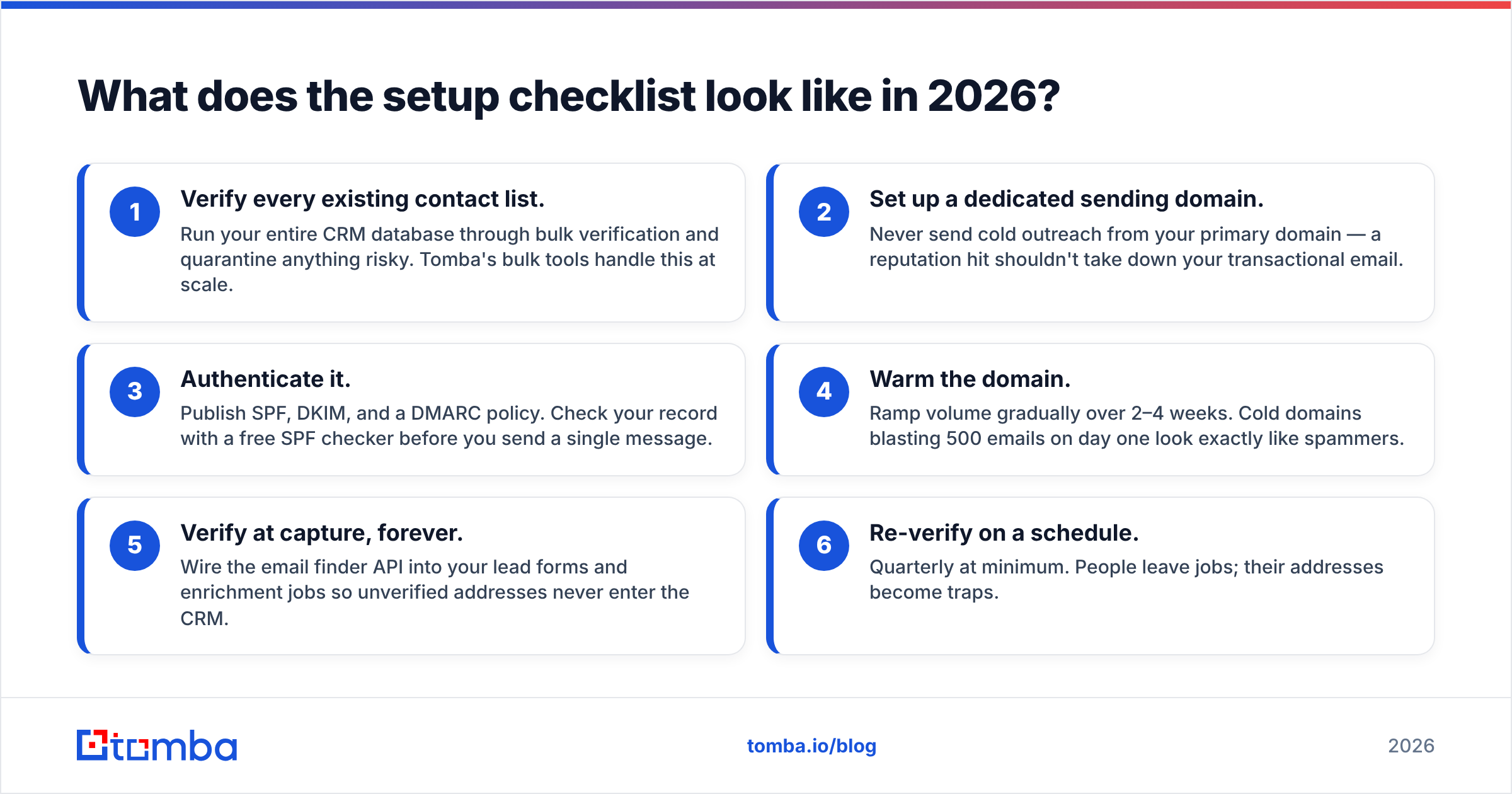
What does the setup checklist look like in 2026?#
Do these in order — data hygiene first, because authentication on a dirty list just gets you rejected faster.
- Verify every existing contact list. Run your entire CRM database through bulk verification and quarantine anything risky. Tomba's bulk tools handle this at scale.
- Set up a dedicated sending domain. Never send cold outreach from your primary domain — a reputation hit shouldn't take down your transactional email.
- Authenticate it. Publish SPF, DKIM, and a DMARC policy. Check your record with a free SPF checker before you send a single message.
- Warm the domain. Ramp volume gradually over 2–4 weeks. Cold domains blasting 500 emails on day one look exactly like spammers.
- Verify at capture, forever. Wire the email finder API into your lead forms and enrichment jobs so unverified addresses never enter the CRM.
- Re-verify on a schedule. Quarterly at minimum. People leave jobs; their addresses become traps.
Step five is where most teams under-invest. Cleaning a rotten list is triage you repeat forever; verifying at the point of capture makes the mess stop growing. Review Tomba pricing against your list volume — the Free tier (25 searches/mo) is enough to test the workflow, Starter at $49/mo covers a solo SDR, and Growth at $99/mo fits a small team running continuous verification.
How does this compare to buying a pre-cleaned list?#
Buying data can jump-start a pipeline, but it does not remove the verification step — reputable providers hand you data you still validate against your own sending rules, and the address that was accurate at purchase decays every month afterward.
A partner like BookYourData supplies structured B2B contacts with its own accuracy guarantees, and pairs well with a verification layer on your side: import, re-verify against catch-all and bounce risk, then enrich any gaps with contact enrichment before the records ever reach a live sequence. Bought or found, the rule is identical — verify before you send.
What's the fastest way to fix a CRM that's already landing in spam?#
Stop sending, verify the whole database, isolate the domain, and re-warm. In that order.
If your reputation is already damaged, adding more volume makes it worse. The recovery playbook:
- Pause all outbound campaigns immediately.
- Bulk-verify the full contact list and delete or suppress every invalid, catch-all, and risky address.
- Move cold outreach to a fresh, authenticated sending domain and warm it slowly.
- Restart with your most engaged segment only — recent openers and repliers — to rebuild positive signals.
- Keep verification on permanently so you never rebuild the same mess.
Recovery is slower than prevention by an order of magnitude. That is the whole argument for putting a verification and enrichment layer in front of your CRM before you scale sends, not after the inbox goes dark.
Get clean data into your CRM from day one#
Deliverability is won or lost at the data layer, and that is exactly where Tomba lives. Use the Tomba Email Finder to source professional, verified email addresses by name, company, or domain — then push them straight into HubSpot, Salesforce, or Pipedrive already validated and enriched. Pair it with the email verifier and catch-all verifier to keep your bounce rate under 2% and your sender reputation intact.
Start on the free tier, verify your current list, and watch your reply rate recover as your emails actually reach the inbox. Your CRM will keep tracking the relationships — Tomba makes sure the first email in each one gets delivered.
Related guides#
Ready to find emails that actually work?
Join 150,000+ professionals who stopped guessing and started sending. Free credits on signup — no credit card required.
Get the Tomba newsletter
Practical outbound tactics and product updates — once every two weeks.
About the author