Cufinder vs LeadsForge: Which B2B Lead Tool Wins in 2026?
Cufinder and LeadsForge both promise fresh B2B leads, but they win on very different fronts. Here's an honest, data-first breakdown of accuracy, pricing, and which one actually fits your outbound motion.
Choosing between Cufinder and LeadsForge usually comes down to one question: do you want a broad B2B data engine you control, or an AI assistant that builds lists for you? Both sell "more qualified leads," but they get there in opposite ways — and the gap shows up fast when you push real volume through a cold outreach campaign.
This is a neutral, data-first breakdown. No hype, no vendor script. Just where each tool is strong, where it quietly costs you, and which one belongs in your stack in 2026.
TL;DR: Cufinder vs LeadsForge at a glance#
- Cufinder is a large B2B database plus enrichment and email/phone lookup. Best when you want control, API access, and bulk enrichment across many accounts.
- LeadsForge is an AI-driven, chat-style list builder. Best when you want speed and simplicity and care less about tuning every filter.
- Data accuracy is the real battleground. Both surface plenty of contacts; the deliverable ones are what matter, and neither replaces an independent email verifier.
- Pricing models differ: Cufinder leans credit/enrichment tiers; LeadsForge leans per-lead simplicity. Cost-per-usable-lead is the number to compare, not sticker price.
- Verdict: pick Cufinder for scale and integrations, LeadsForge for hands-off list building — but verify every list before you send, whichever you choose.
What is Cufinder?#
Cufinder is a B2B data platform built around a large company-and-contact database. You search or enrich by domain, company name, or contact, and pull back firmographics, emails, and phone numbers. It positions itself as an all-in-one prospecting and enrichment engine, with an API and bulk tools for teams that want to run enrichment at scale rather than one lookup at a time.
The core use case: you already know the accounts (or the segment) you want, and you need contact data and firmographic detail to fill your CRM. Cufinder's strength is breadth — many enrichment endpoints, from company-to-email to company-to-LinkedIn — packaged for both manual users and developers. You can read more on the CUFinder official site and cross-check user sentiment on G2.
What is LeadsForge?#
LeadsForge takes the opposite design philosophy. Instead of filters and databases, it gives you an AI chat interface: describe your ideal customer in plain language, and it assembles a lead list for you. The pitch is speed and zero learning curve — no boolean filters, no query building, just "find me marketing directors at 50–200 person SaaS companies in the US."
That makes LeadsForge appealing to founders, solo sellers, and small teams who don't have a data ops person and don't want one. The trade-off is control: when an AI interprets your request, you get less granular say over exactly which segments, seniority bands, or exclusion rules apply. For simple ICPs that's fine. For complex, multi-segment outbound, it can feel like a black box.

Cufinder vs LeadsForge: the core differences#
Here's the honest split. These tools rarely lose deals on features — they lose them on fit. Match the model to how your team actually works.
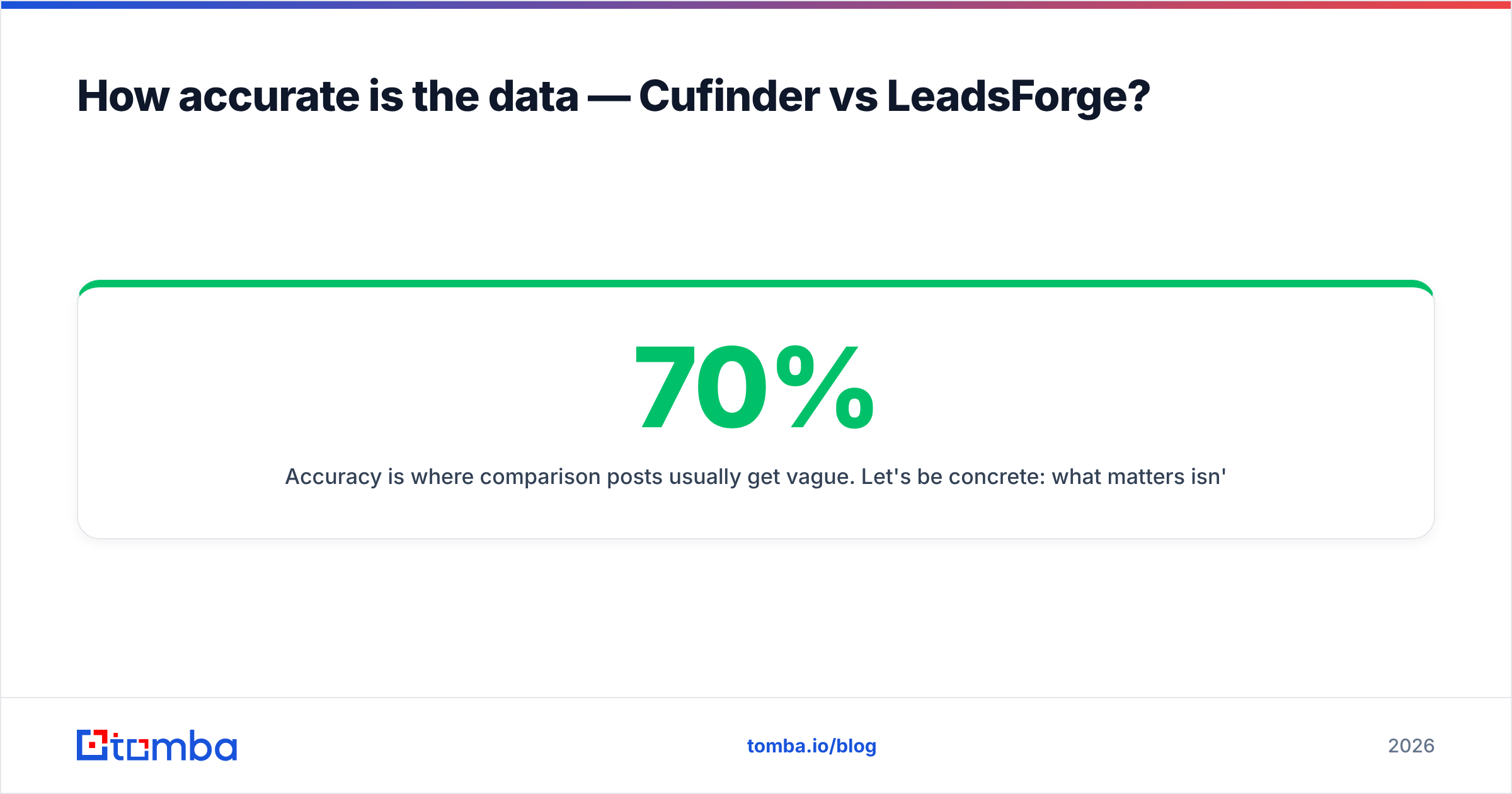
- Interaction model. Cufinder = search, filter, enrich (you drive). LeadsForge = describe, receive (AI drives). This single difference predicts most of your day-to-day experience.
- Data depth. Cufinder exposes more firmographic and enrichment fields per record, which matters for lead scoring and routing. LeadsForge optimizes for a clean, ready-to-send list.
- Scale and API. Cufinder is built for bulk and programmatic use. LeadsForge is built for interactive, human-in-the-loop list building.
- Learning curve. LeadsForge wins on time-to-first-list. Cufinder wins once you've learned its filters and want repeatable, tunable workflows.
- Verification. Neither guarantees inbox-ready emails out of the box. Both benefit from a dedicated verification pass before you load a sequence.
How accurate is the data — Cufinder vs LeadsForge?#
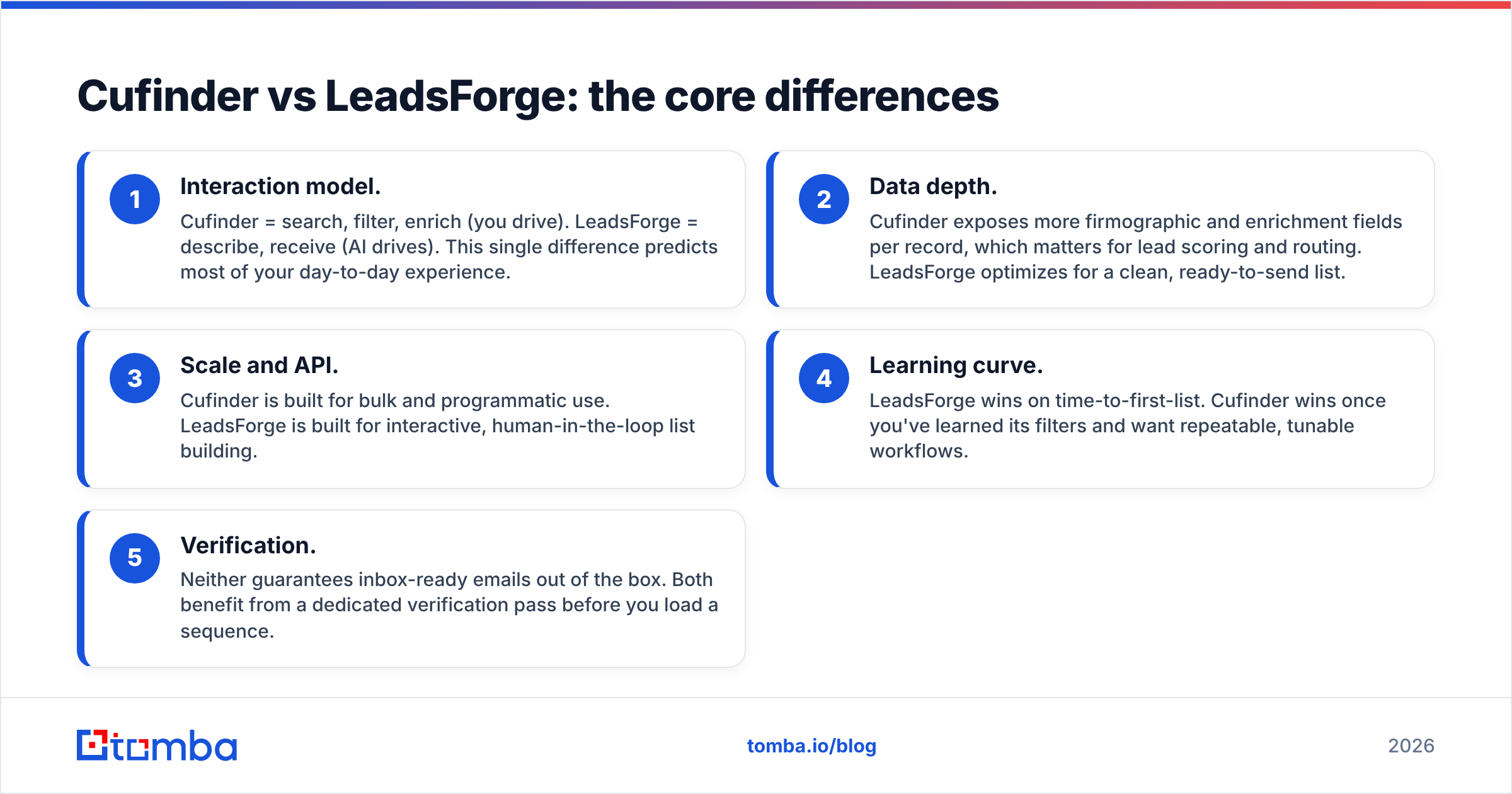
Accuracy is where comparison posts usually get vague. Let's be concrete: what matters isn't how many contacts a tool returns, it's how many land in an inbox without bouncing. A list of 1,000 emails at 70% deliverability is worth less than 600 emails at 97%, because bounces above ~3% start damaging your sender reputation and dragging every future send down with them.

Both Cufinder and LeadsForge draw from crawled and aggregated sources, which means both will hand you a mix of verified addresses, guessed patterns, and stale records — especially in fast-moving industries where people change jobs constantly. Neither is "wrong" for this; it's how the entire category works. The mistake is trusting any provider's raw export as send-ready.
The fix is the same regardless of which tool you pick: run every list through independent verification. That's why teams pair their data source with a standalone email verification step and enrich thin records with a dedicated data enrichment pass. Treat your lead tool as the sourcing layer and verification as the quality layer — they're two different jobs.
Cufinder vs LeadsForge: feature and pricing comparison#
The table below compares the two on the attributes that actually change your results. Pricing structures shift over time, so treat exact numbers as directional and confirm on each vendor's current page — the model is what's stable.

| Attribute | Cufinder | LeadsForge |
|---|---|---|
| Core model | B2B database + enrichment | AI chat list builder |
| Best for | Data ops, bulk enrichment, dev teams | Founders, solo sellers, small teams |
| Interaction | Search + filters + API | Natural-language prompts |
| Data fields | Deep firmographics, email, phone | Focused, send-ready lists |
| Bulk / API | Yes, built for it | Limited, interactive-first |
| Learning curve | Moderate | Very low |
| Built-in verification | Partial | Partial |
| Ideal ICP complexity | High / multi-segment | Simple / single-segment |
Notice what the table doesn't settle: cost-per-usable-lead. Two tools can advertise similar prices while delivering very different deliverable-contact counts once you subtract bounces and duplicates. Always run a small paid test batch, verify it, and divide real spend by verified contacts before committing to an annual plan.
Is Cufinder better than LeadsForge for cold outreach?#
It depends on your ICP complexity and how much control you want. If your target market is one clean segment — say, "HR managers at US hospitals, 200+ beds" — LeadsForge's describe-and-go model gets you a list in minutes with almost no setup. For a solo founder validating a niche, that speed is genuinely valuable.
If you're running multi-segment outbound, routing leads by firmographic rules, or feeding an enrichment pipeline into your CRM, Cufinder's filters, fields, and API give you the control LeadsForge intentionally hides. The AI abstraction that makes LeadsForge easy is the same abstraction that limits it at scale.
But here's the part both vendors gloss over: neither tool's raw output is a cold-email strategy. Deliverability lives downstream — in domain warmup, authentication, and list hygiene. You can source the perfect list and still land in spam if your sending infrastructure isn't set up. Sourcing and sending are separate problems; don't let a slick lead tool convince you otherwise.

Where does Tomba fit in the comparison?#
Tomba isn't trying to be an AI list builder or a do-everything database — it's the accuracy layer that makes whatever list you source actually sendable. If Cufinder or LeadsForge is your sourcing engine, Tomba's job is to confirm the addresses are real before your reputation pays for it.
The practical workflow most disciplined teams run:
- Source your accounts and contacts from your platform of choice (Cufinder, LeadsForge, or a CRM export).
- Find gaps — when a record is missing an email, the Tomba Email Finder fills it by name and domain.
- Verify everything through the email verifier so bounces never reach your sending domain.
- Enrich thin records so your personalization and lead scoring have something to work with.
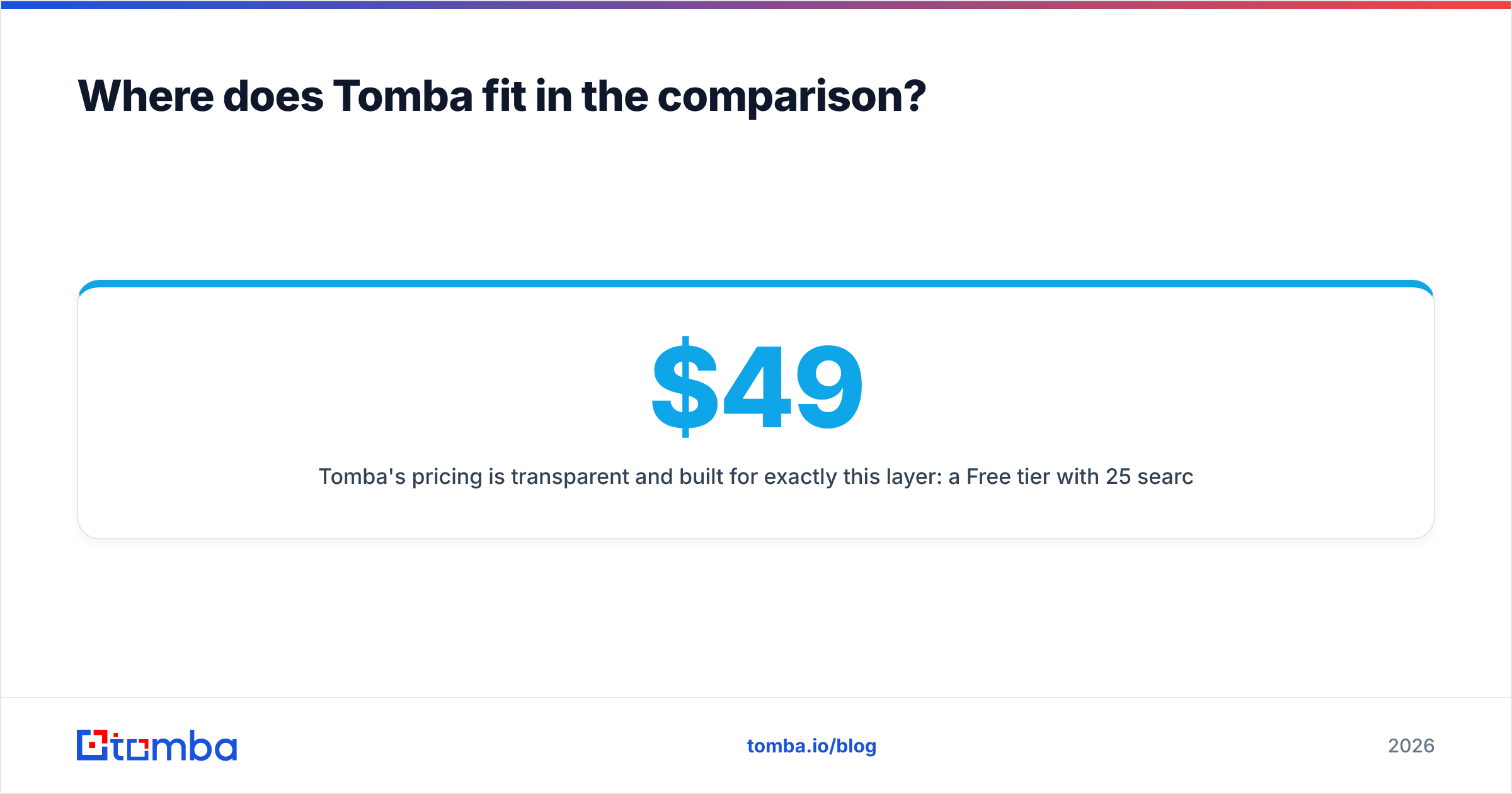
Tomba's pricing is transparent and built for exactly this layer: a Free tier with 25 searches/month, Starter at $49/mo, Growth at $99/mo, and Pro at $249/mo, with Enterprise custom. You can see full Tomba pricing without a sales call. The point isn't "replace your lead tool" — it's "stop trusting any single source's raw export as inbox-ready."
Which tool should you pick in 2026?#
Quick decision guide, no fence-sitting:
- Pick LeadsForge if you're a founder or small team, your ICP is simple, and you value time-to-list over granular control. The AI interface removes the data-ops overhead you don't have.
- Pick Cufinder if you need depth, bulk enrichment, API access, or you're routing complex multi-segment lists. The control pays off once your motion is more than one campaign.
- Pick neither as your only tool. Whichever you choose, add an independent verification and enrichment layer. That's the difference between a list that ranks well and a list that actually converts.
Both Cufinder and LeadsForge are legitimate products solving real problems — they simply target different buyers. The teams that win outbound in 2026 aren't the ones with the "best" single tool; they're the ones who separate sourcing from verification and never send an unverified list.
The bottom line#
Cufinder and LeadsForge are a control-vs-convenience choice, not a good-vs-bad one. Cufinder gives you a deep, tunable data engine; LeadsForge gives you speed and simplicity. Match the model to your team, then protect your sender reputation with a verification step neither tool fully replaces.
Ready to make every sourced list send-ready? Start with the Tomba Email Finder to fill contact gaps and verify addresses before they cost you a bounce — the free tier is enough to test the workflow on your next batch. Source however you like; just don't hit send without verifying first.
Related guides#
Ready to find emails that actually work?
Join 150,000+ professionals who stopped guessing and started sending. Free credits on signup — no credit card required.
Get the Tomba newsletter
Practical outbound tactics and product updates — once every two weeks.
About the author