Diio Pricing Reviews Pros and Cons: An Honest 2026 Breakdown
A neutral, no-hype look at Diio pricing, real user reviews, and the honest pros and cons — plus who it fits, where it falls short, and a cheaper alternative.
You are evaluating Diio. You have opened three tabs of marketing copy. You still cannot answer the one question that matters: what will this actually cost, and is it worth it? This is the neutral, third-party read on Diio pricing reviews pros and cons — what you pay, what you get, where it strains, and when a leaner tool does the same job for less.
TL;DR#
- Diio is a mid-market AI sales tool — good at what it does, but priced for teams, not solo operators or lean startups.
- Pricing is seat- and usage-based, so the sticker number rarely reflects the real invoice once you add users and credits.
- Reviews are broadly positive on usability, mixed on data accuracy and support responsiveness.
- Biggest con: you can pay for a full platform when your actual bottleneck is just finding and verifying accurate B2B emails.
- Cheaper path: pair a focused email finder like Tomba (free tier, then $49/mo) with the outreach tool you already own.
What is Diio and who is it for?#
Diio is an AI-assisted sales and prospecting platform aimed at outbound teams that want lead discovery, contact data, and outreach workflows in one place. Think of it as a Swiss Army knife: one handle, many blades. That is genuinely useful when you want fewer logins — and genuinely wasteful when you only ever open the one blade.
The honest framing: Diio competes in a crowded lane against Apollo, Lusha, Instantly, and a dozen others. It sells the bundle. Whether the bundle is worth it depends entirely on how many of its blades you will actually use each month.
You are the right buyer for Diio if:
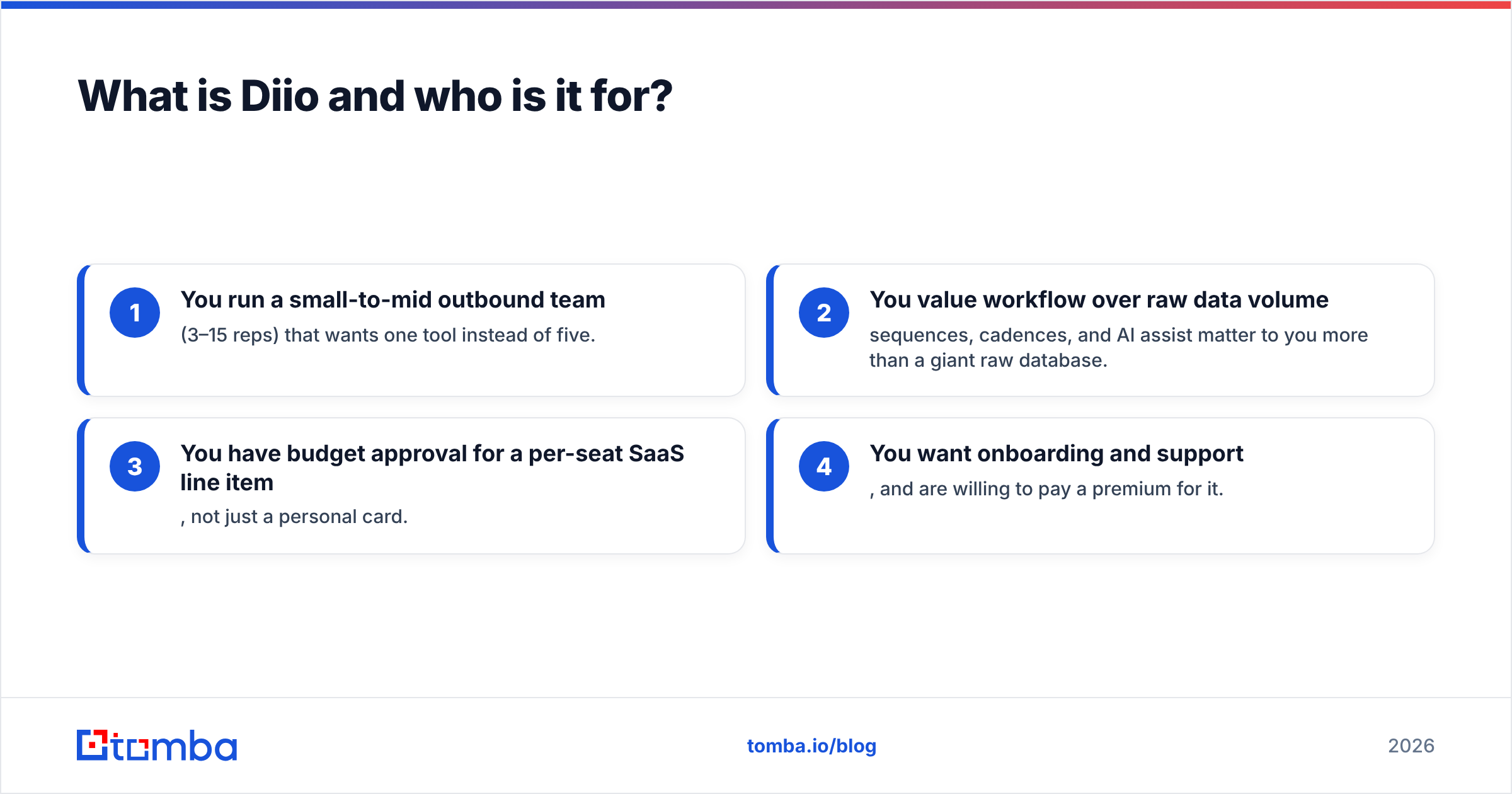
- You run a small-to-mid outbound team (3–15 reps) that wants one tool instead of five.
- You value workflow over raw data volume — sequences, cadences, and AI assist matter to you more than a giant raw database.
- You have budget approval for a per-seat SaaS line item, not just a personal card.
- You want onboarding and support, and are willing to pay a premium for it.
You are the wrong buyer if you are a founder, a freelancer, or a lean growth team whose real job is "find 500 verified emails this week and load them into a tool I already pay for."

How much does Diio cost in 2026?#
Short answer: more than the headline, less than enterprise "call us" tools — and the real number depends on seats and credits, not the tier name.
Like most sales platforms in this category, Diio prices along three levers that stack on top of each other:
- Per-seat licensing — every rep who logs in adds to the monthly bill.
- Credit or lookup limits — contact reveals, enrichments, and exports are metered, and overages cost extra.
- Feature gating — the AI features, integrations, and API access tend to sit on higher tiers.
Because these three levers compound, a "starter" price can double or triple by the time a five-person team is actually working. Always price your real usage, not the tier headline. And because vendors adjust plans often, check the current numbers on Diio's own site. Then cross-check user-reported costs on G2 or Capterra before you commit.
Here is how a bundled platform like Diio typically stacks up against a focused email-finding approach:
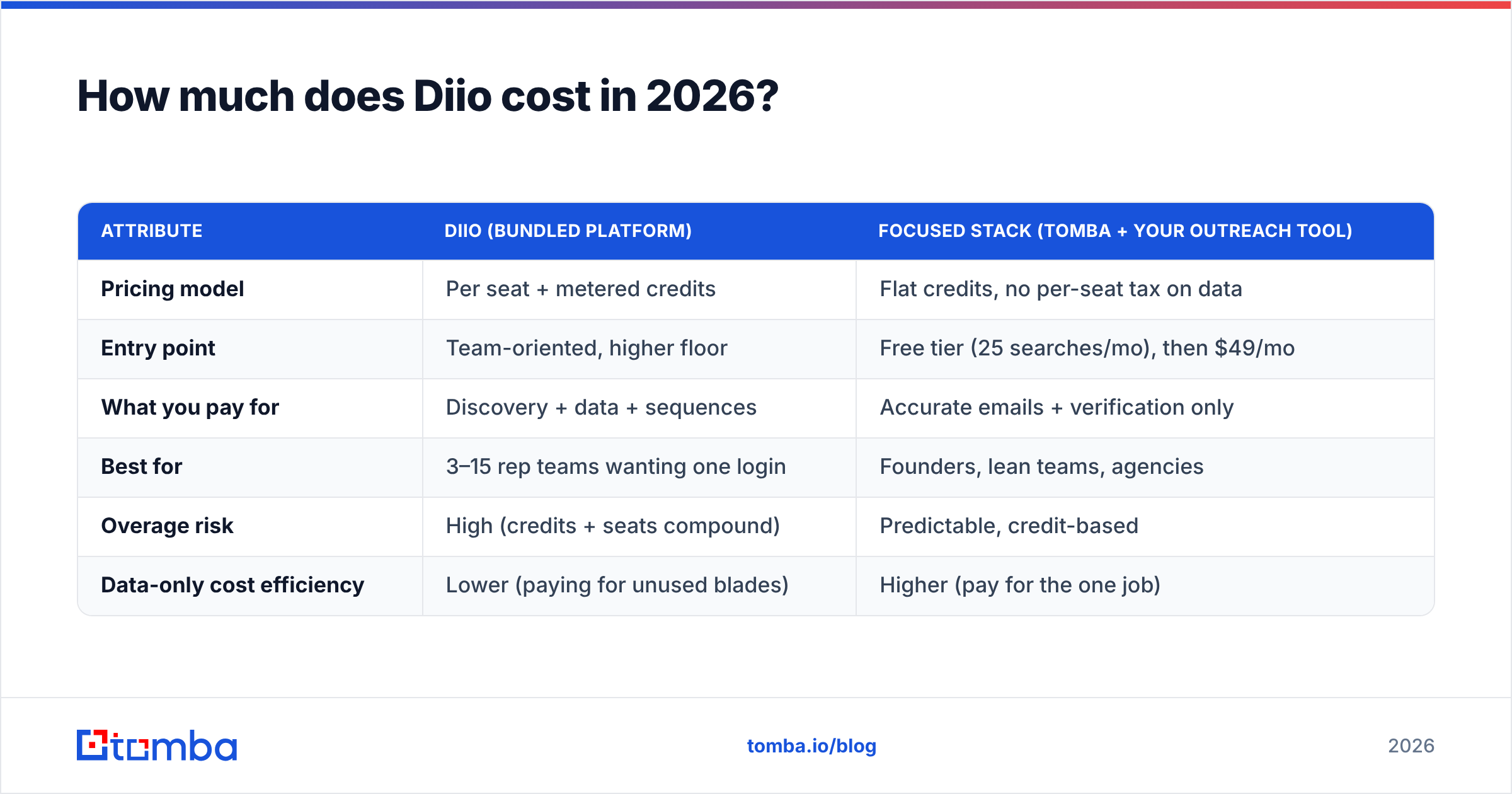
| Attribute | Diio (bundled platform) | Focused stack (Tomba + your outreach tool) |
|---|---|---|
| Pricing model | Per seat + metered credits | Flat credits, no per-seat tax on data |
| Entry point | Team-oriented, higher floor | Free tier (25 searches/mo), then $49/mo |
| What you pay for | Discovery + data + sequences | Accurate emails + verification only |
| Best for | 3–15 rep teams wanting one login | Founders, lean teams, agencies |
| Overage risk | High (credits + seats compound) | Predictable, credit-based |
| Data-only cost efficiency | Lower (paying for unused blades) | Higher (pay for the one job) |
The pattern is consistent across this category: bundles win on convenience and lose on cost-per-outcome when you only need one outcome. If email discovery is your bottleneck, compare that middle column against transparent Tomba pricing before you sign an annual Diio contract.
What do Diio reviews actually say?#
Consensus: easy to start, strong on workflow, uneven on data accuracy and support. That is the recurring shape of feedback for tools in this tier, and Diio fits the mold.
Sorting the signal from the noise, reviews tend to cluster into four themes:
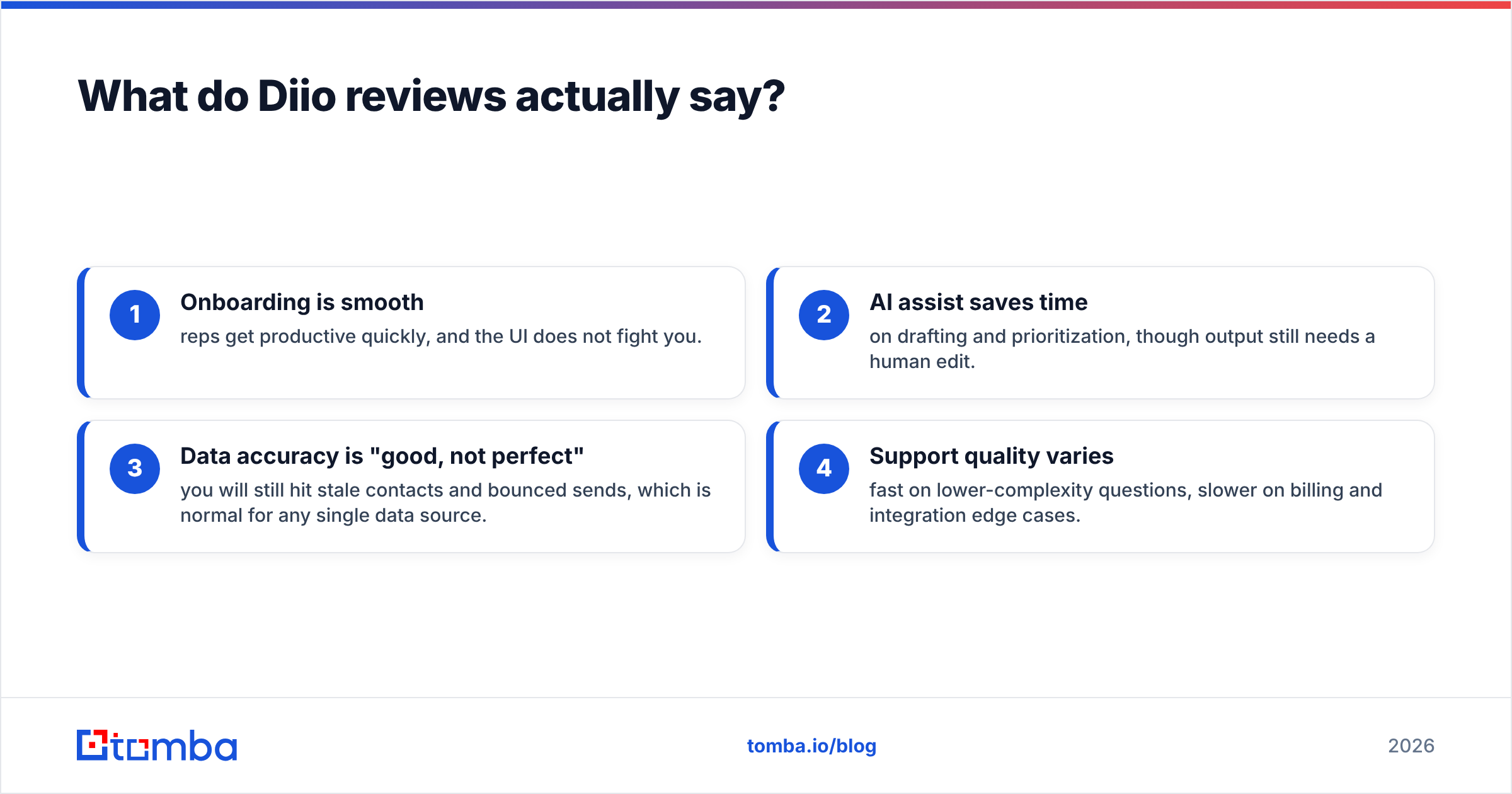
- Onboarding is smooth — reps get productive quickly, and the UI does not fight you.
- AI assist saves time on drafting and prioritization, though output still needs a human edit.
- Data accuracy is "good, not perfect" — you will still hit stale contacts and bounced sends, which is normal for any single data source.
- Support quality varies — fast on lower-complexity questions, slower on billing and integration edge cases.
The accuracy point deserves emphasis because it is where cost hides. Every wrong email is a wasted credit and a deliverability hit. Say 15% of your contacts bounce. You do not just lose 15% of your list — you teach inbox providers to distrust your domain. That is why many teams run a dedicated email verifier on any list before sending, no matter where the contacts came from. Clean data protects the sender reputation you cannot easily buy back.
What are the pros and cons of Diio?#
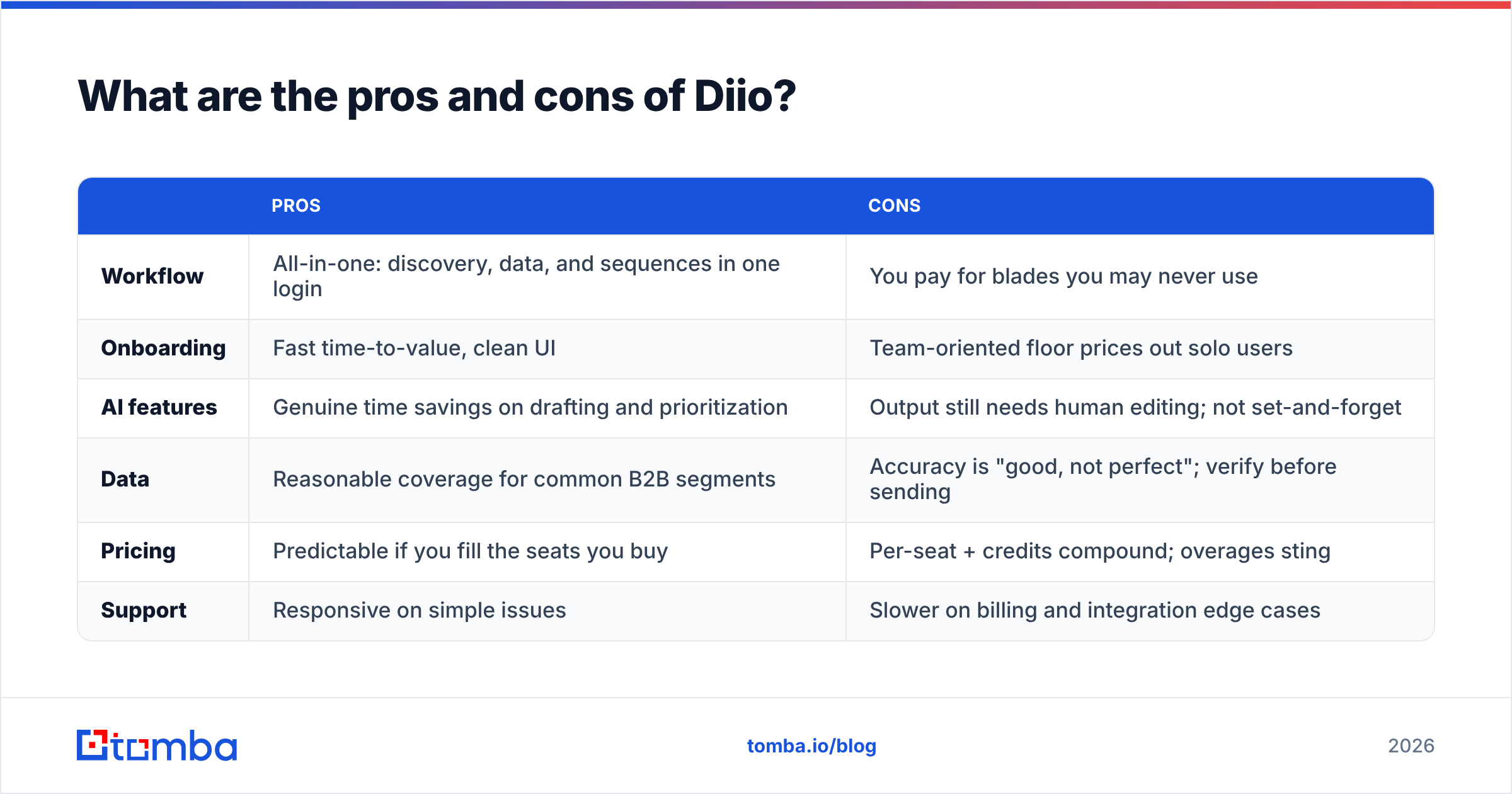
Here is the balanced ledger — no cheerleading, no hit piece.
| Pros | Cons | |
|---|---|---|
| Workflow | All-in-one: discovery, data, and sequences in one login | You pay for blades you may never use |
| Onboarding | Fast time-to-value, clean UI | Team-oriented floor prices out solo users |
| AI features | Genuine time savings on drafting and prioritization | Output still needs human editing; not set-and-forget |
| Data | Reasonable coverage for common B2B segments | Accuracy is "good, not perfect"; verify before sending |
| Pricing | Predictable if you fill the seats you buy | Per-seat + credits compound; overages sting |
| Support | Responsive on simple issues | Slower on billing and integration edge cases |
The one-line verdict: Diio is a competent bundle whose value collapses the moment you only need one part of it. For a full outbound team that will use every module, the math can work. For everyone else, the bundle is a tax.

Is Diio worth it, or should you unbundle?#
Worth it if you'll use most of the platform; overpriced if your real need is accurate contacts. The deciding question is not "is Diio good?" — it is "am I paying for a workflow platform to solve a data problem?"
Run this quick self-check before you buy:
- Do you already own an outreach tool (Instantly, Smartlead, HubSpot, your CRM's sequences)? If yes, Diio's sequencing is redundant.
- Is your reply rate limited by bad emails or by bad targeting? If it's data quality, a finder-plus-verifier fixes it for a fraction of a platform seat.
- How many seats will actually log in weekly? Multiply honestly — seat sprawl is where these bills balloon.
- Do you need an API to wire data into your own stack? A focused provider with a clean email finder API is usually cheaper than a platform's gated API tier.
If two or more of those point toward "I mostly need data," unbundling wins. Keep the outreach tool you like, and feed it accurate contacts from a specialist. This is the same logic behind picking an Apollo alternative when you want data without the all-in-one premium — you are refusing to pay platform prices for a commodity input.
How does Diio compare to a focused email-finding stack?#
For most lean teams, the "unbundled" stack is faster to value and cheaper to run. You trade a single login for lower cost and tighter data control.
A practical unbundled setup looks like this:
- Find contacts with a specialist finder — by name, company, or domain search when you want every reachable inbox at a target account.
- Verify before you send to strip catch-alls and dead addresses, protecting email deliverability.
- Send from the outreach tool you already trust — no forced migration, no relearning.
- Enrich as needed rather than paying for a giant always-on database you query twice a month.
The cost difference is not marginal. A specialist finder with a free tier and a $49/mo starter plan replaces the data portion of a platform seat that might run several times that — and you keep your existing sending stack. For agencies and founders sending across many domains, that flexibility compounds every month.
None of this means Diio is a bad product. It means the bundle is a poor fit for a point problem. Match the tool to the bottleneck.
The bottom line on Diio pricing reviews pros and cons#
So what is the honest verdict on Diio pricing reviews pros and cons? Diio earns its keep for full outbound teams that will use discovery, data, and sequencing together and want one login to rule them. The reviews back that up: smooth onboarding, useful AI, and coverage that is solid if imperfect. The cons are just as real — per-seat-plus-credit pricing that compounds, accuracy you must still verify, and a bundle premium you eat even when you only use one module.
If your honest bottleneck is finding and verifying accurate B2B emails — not building yet another sequencing workflow — you do not need a platform. You need a precise, affordable finder that plugs into what you already run.
That is exactly where Tomba fits. Start free with 25 searches a month, scale to $49/mo when you are ready, and use the Tomba Email Finder to pull verified, accurate contact emails by name, company, or domain — then send from whatever outreach tool you already love. Pay for the one job you actually need done, keep your deliverability clean, and skip the bundle tax. Try the email finder today and see how far a focused stack gets you.
Related guides#
Ready to find emails that actually work?
Join 150,000+ professionals who stopped guessing and started sending. Free credits on signup — no credit card required.
Get the Tomba newsletter
Practical outbound tactics and product updates — once every two weeks.
About the author