9 Best Discoverly Alternatives in 2026: Tested and Ranked
Discoverly's free social-overlay extension hasn't kept pace with modern prospecting. Here are nine Discoverly alternatives compared on data accuracy, pricing, extension quality, and API access.
TL;DR
- Discoverly was a free Chrome extension that overlaid social profile data on Gmail and LinkedIn. It never charged money, and it never built a verified contact database — which is exactly why it stopped being enough.
- If you only want social context inside your inbox, a lightweight extension still works. If you need a deliverable email address you can actually send to, you need a tool with verification and a real data pipeline.
- The strongest Discoverly alternatives in 2026 split into three groups: dedicated email finders (Tomba, Hunter, Findymail), all-in-one prospecting platforms (Apollo, Lusha, RocketReach), and static B2B databases (BookYourData, Cognism).
- Price per verified contact matters more than headline plan price. A $99/mo plan that returns 60% deliverable addresses is more expensive than a $99/mo plan that returns 95%.
- For most small teams replacing Discoverly, a verified email finder with a browser extension and an API — starting around $49/mo — is the honest upgrade path.
What was Discoverly and why are people replacing it?#
Discoverly (discover.ly) was a free browser extension that sat on top of Gmail, LinkedIn, Facebook, and Twitter, pulling public social signals into a sidebar. Open an email from someone you didn't know, and Discoverly would show you their LinkedIn headline, mutual connections, and recent social activity without you leaving the inbox.
That was genuinely useful in the 2010s, when the alternative was opening five browser tabs manually. Think of it like a caller-ID app for your inbox: it told you who was on the line, but it never dialed anyone for you.
The problem is that the ground shifted underneath it. Social platforms locked down their APIs and got aggressive about scraping. LinkedIn changed its DOM structure repeatedly, which breaks any extension that reads the page directly. Users report the extension going quiet for long stretches, with data panels rendering empty or not loading at all. Meanwhile, the job people actually hire these tools for changed: nobody wants "context on a contact you already have." They want new contacts — with a verified email address attached.
That's the real reason the search for Discoverly alternatives exists. It isn't that Discoverly got worse at what it did. It's that what it did stopped being the whole job.
What should you look for in a Discoverly alternative?#
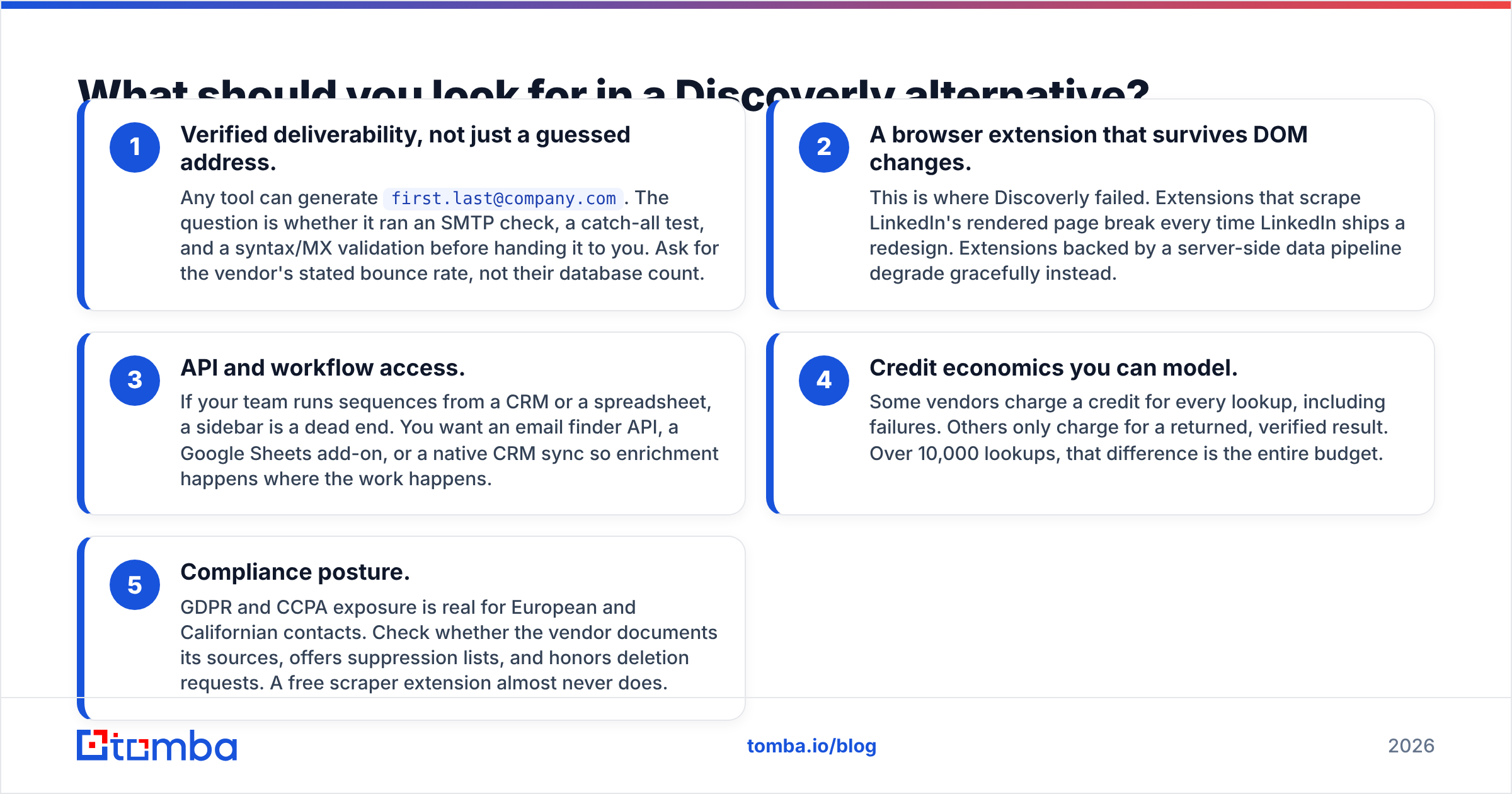
Before you compare logos and price tags, get clear on which of these five things you actually need. Most buyers over-index on database size and under-index on verification, then wonder why their bounce rate is 14%.
- Verified deliverability, not just a guessed address. Any tool can generate
first.last@company.com. The question is whether it ran an SMTP check, a catch-all test, and a syntax/MX validation before handing it to you. Ask for the vendor's stated bounce rate, not their database count. - A browser extension that survives DOM changes. This is where Discoverly failed. Extensions that scrape LinkedIn's rendered page break every time LinkedIn ships a redesign. Extensions backed by a server-side data pipeline degrade gracefully instead.
- API and workflow access. If your team runs sequences from a CRM or a spreadsheet, a sidebar is a dead end. You want an email finder API, a Google Sheets add-on, or a native CRM sync so enrichment happens where the work happens.
- Credit economics you can model. Some vendors charge a credit for every lookup, including failures. Others only charge for a returned, verified result. Over 10,000 lookups, that difference is the entire budget.
- Compliance posture. GDPR and CCPA exposure is real for European and Californian contacts. Check whether the vendor documents its sources, offers suppression lists, and honors deletion requests. A free scraper extension almost never does.
Which tools are the best Discoverly alternatives in 2026?#
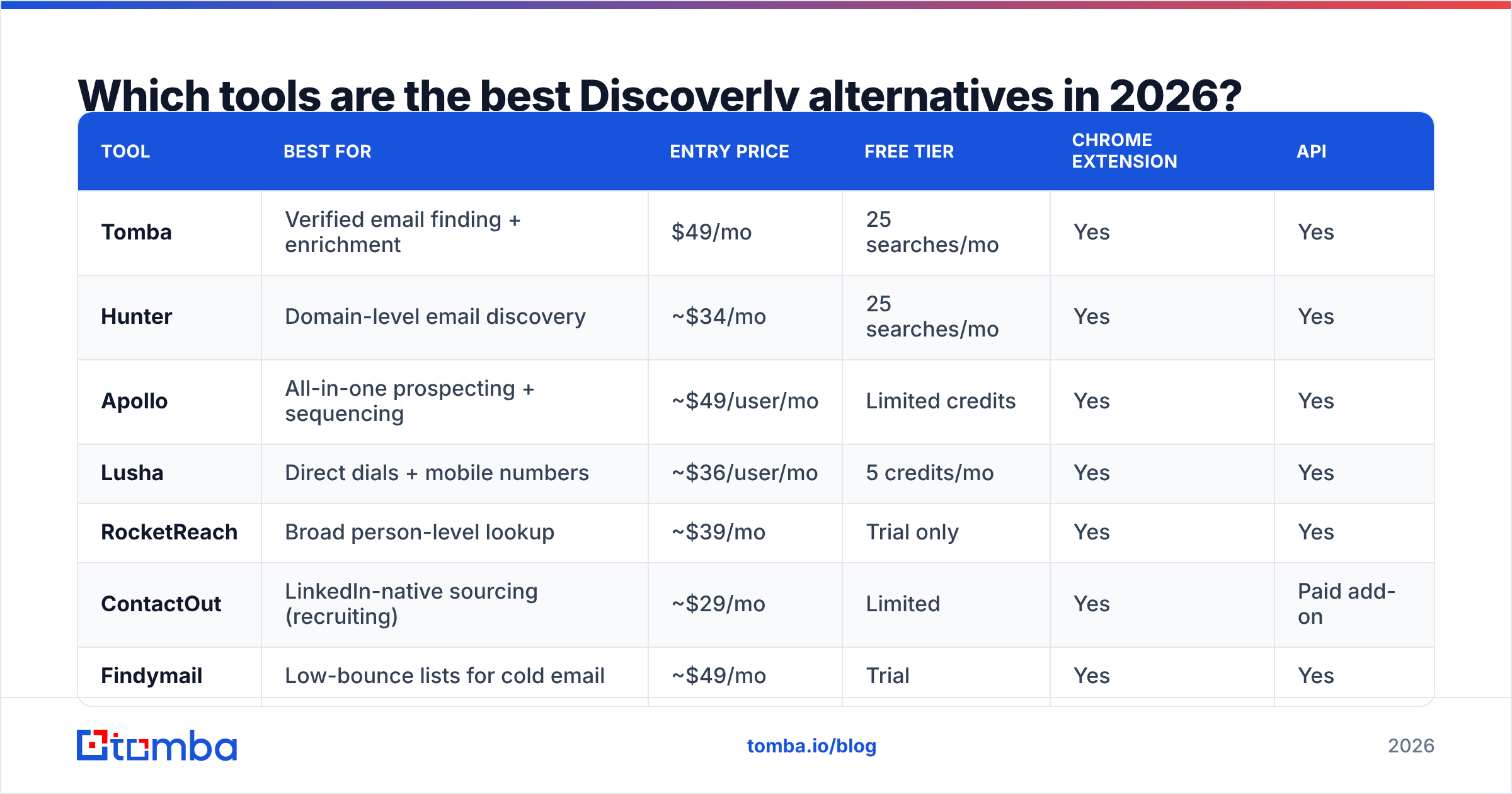
Here's the head-to-head. Prices are entry-level paid tiers as published by each vendor; verify before you buy, since B2B data pricing moves.
| Tool | Best for | Entry price | Free tier | Chrome extension | API |
|---|---|---|---|---|---|
| Tomba | Verified email finding + enrichment | $49/mo | 25 searches/mo | Yes | Yes |
| Hunter | Domain-level email discovery | ~$34/mo | 25 searches/mo | Yes | Yes |
| Apollo | All-in-one prospecting + sequencing | ~$49/user/mo | Limited credits | Yes | Yes |
| Lusha | Direct dials + mobile numbers | ~$36/user/mo | 5 credits/mo | Yes | Yes |
| RocketReach | Broad person-level lookup | ~$39/mo | Trial only | Yes | Yes |
| ContactOut | LinkedIn-native sourcing (recruiting) | ~$29/mo | Limited | Yes | Paid add-on |
| Findymail | Low-bounce lists for cold email | ~$49/mo | Trial | Yes | Yes |
| BookYourData | Pay-as-you-go verified B2B lists | Per-record credits | Sample list | No | Yes |
| Wiza | LinkedIn Sales Navigator exports | ~$83/mo | 20 credits | Yes | Yes |
Tomba#
Tomba is the closest thing to a direct functional upgrade if what you liked about Discoverly was "contact intelligence without leaving the page," but what you needed was a sendable address. The email finder resolves a name plus a domain into a verified address, and the email verifier runs the deliverability check separately so you can clean lists you already own.
Pricing runs Free (25 searches/mo), Starter $49/mo, Growth $99/mo, Pro $249/mo, and Enterprise custom — see Tomba pricing for current credit allocations. The surrounding toolkit (domain search, catch-all verification, phone finder, enrichment) means you're not stitching three vendors together.
Where it wins: verification depth, API-first design, a genuinely usable free tier for evaluation. Where it doesn't: it's not a sequencer. If you want to find and send from one dashboard, look at Apollo.
Hunter#
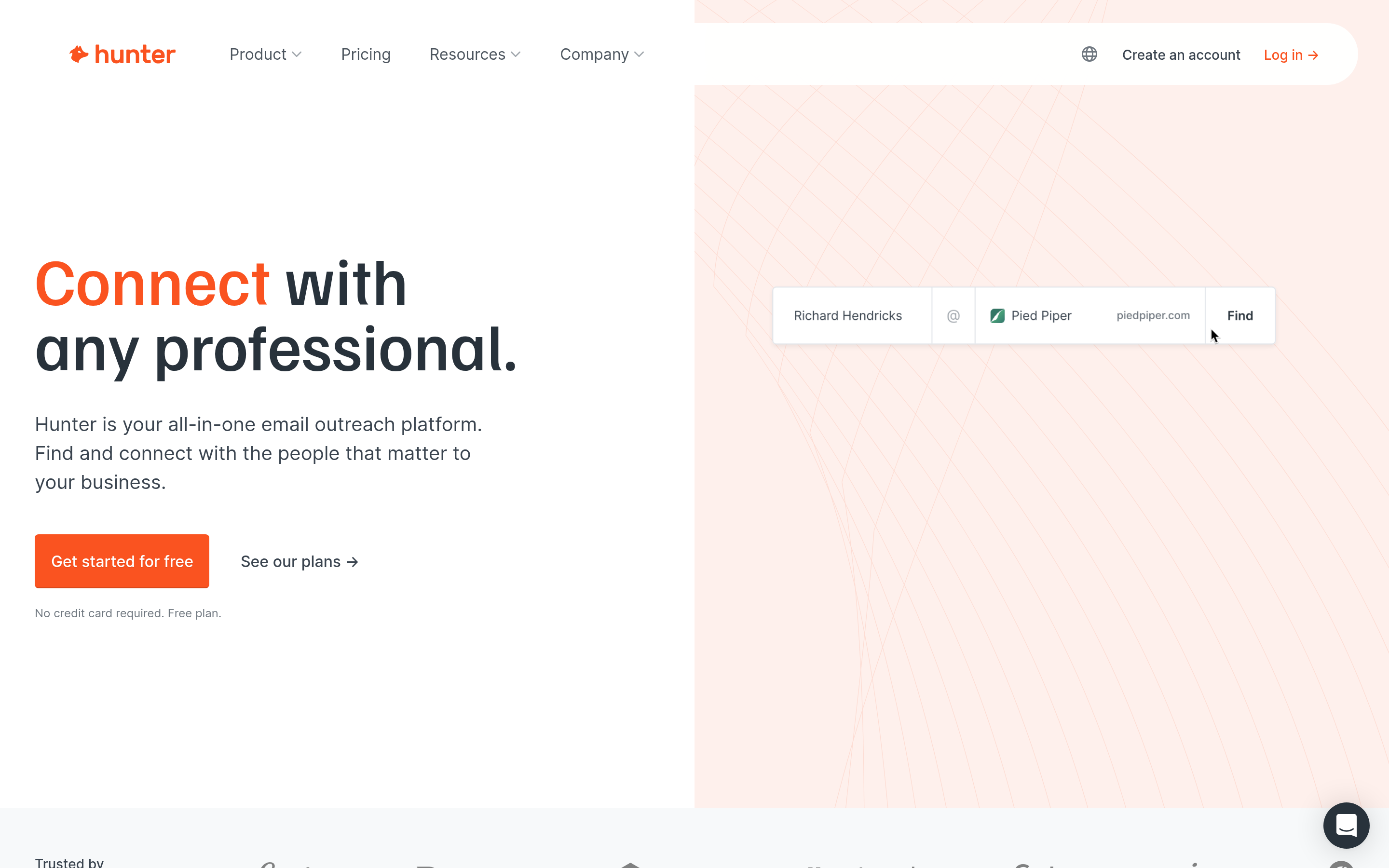
Hunter is the veteran of domain-based email discovery. Type a company domain, get the published email pattern plus known addresses with confidence scores. The interface is clean and the free tier is generous enough for genuine testing.
Where it wins: simplicity, strong brand trust, excellent domain search. Where it doesn't: person-level coverage outside published sources is thinner than database-first competitors, and enrichment is basic.
Apollo#
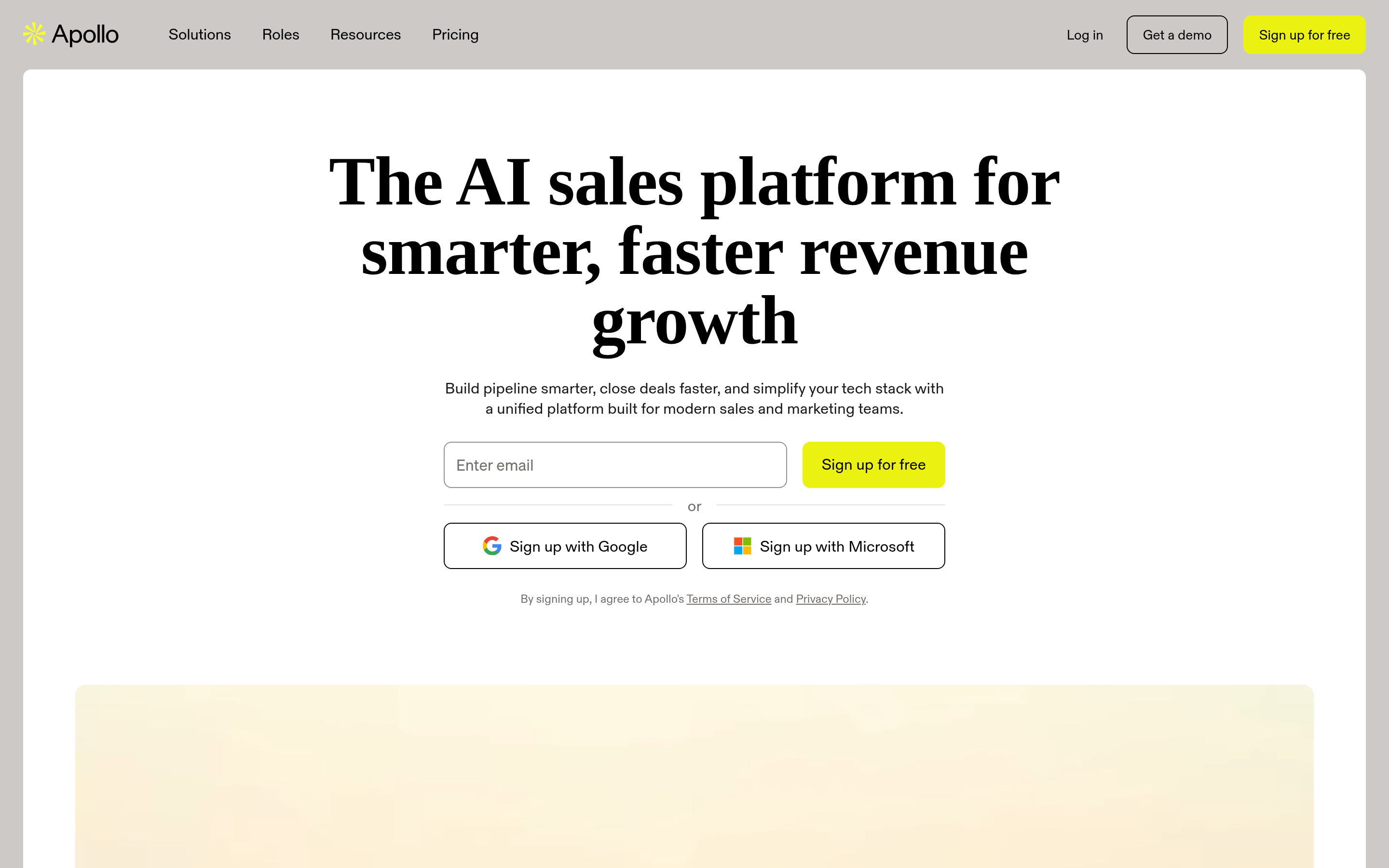
Apollo is the platform play: a large contact database, filters, sequences, dialer, and basic CRM in one product. If you're replacing Discoverly and a separate sending tool, it consolidates the stack.
Where it wins: breadth. One login covers sourcing through send. Where it doesn't: data freshness varies by segment, and per-seat pricing scales fast. Teams frequently look for an Apollo alternative once seat count grows past five.
Lusha#
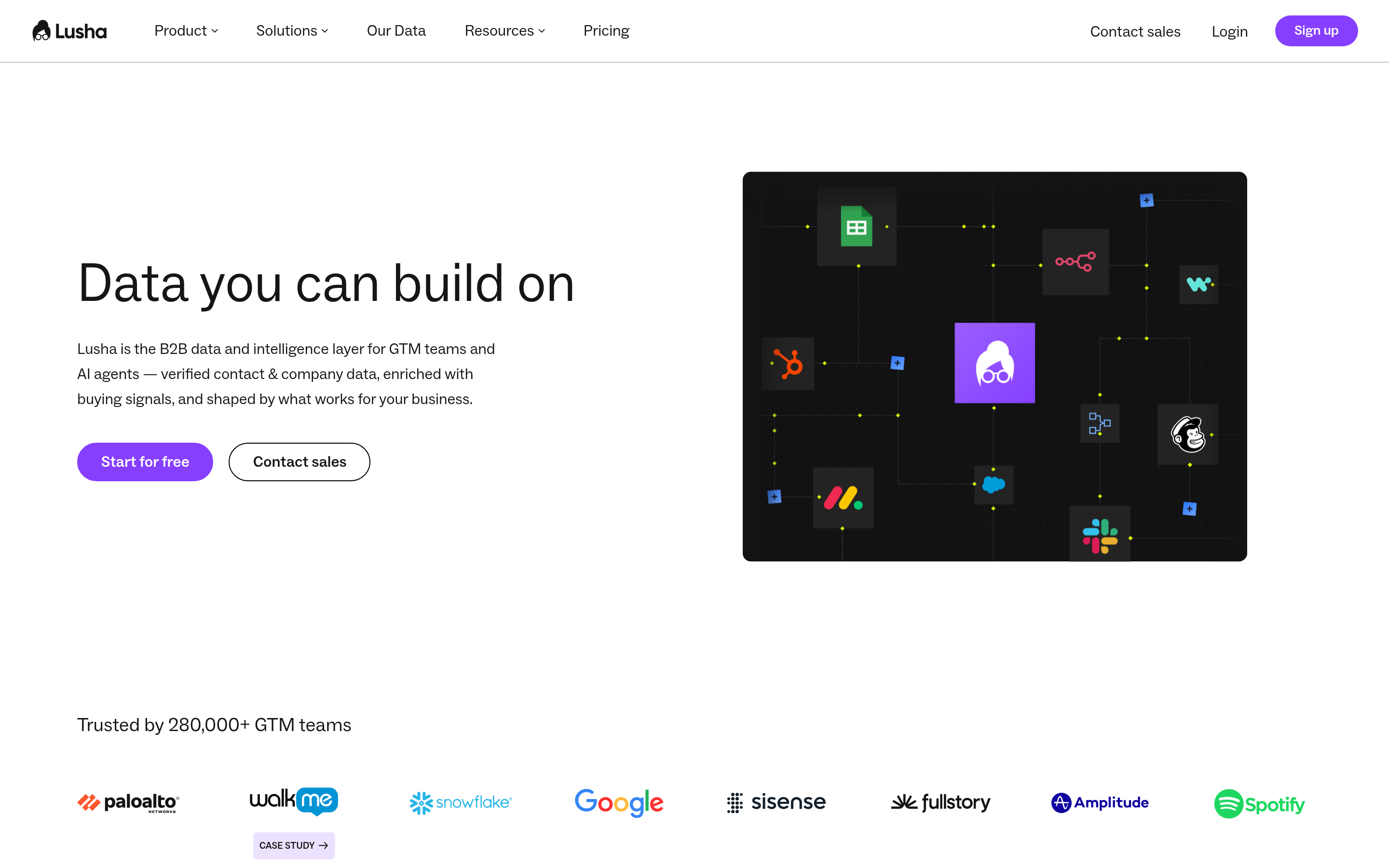
Lusha's differentiator is phone data. If your motion is call-first rather than email-first, it earns its place. The extension surfaces direct dials from LinkedIn profiles quickly.
Where it wins: mobile number coverage in North America. Where it doesn't: email verification is secondary, and credits burn quickly on unsuccessful lookups.
RocketReach#
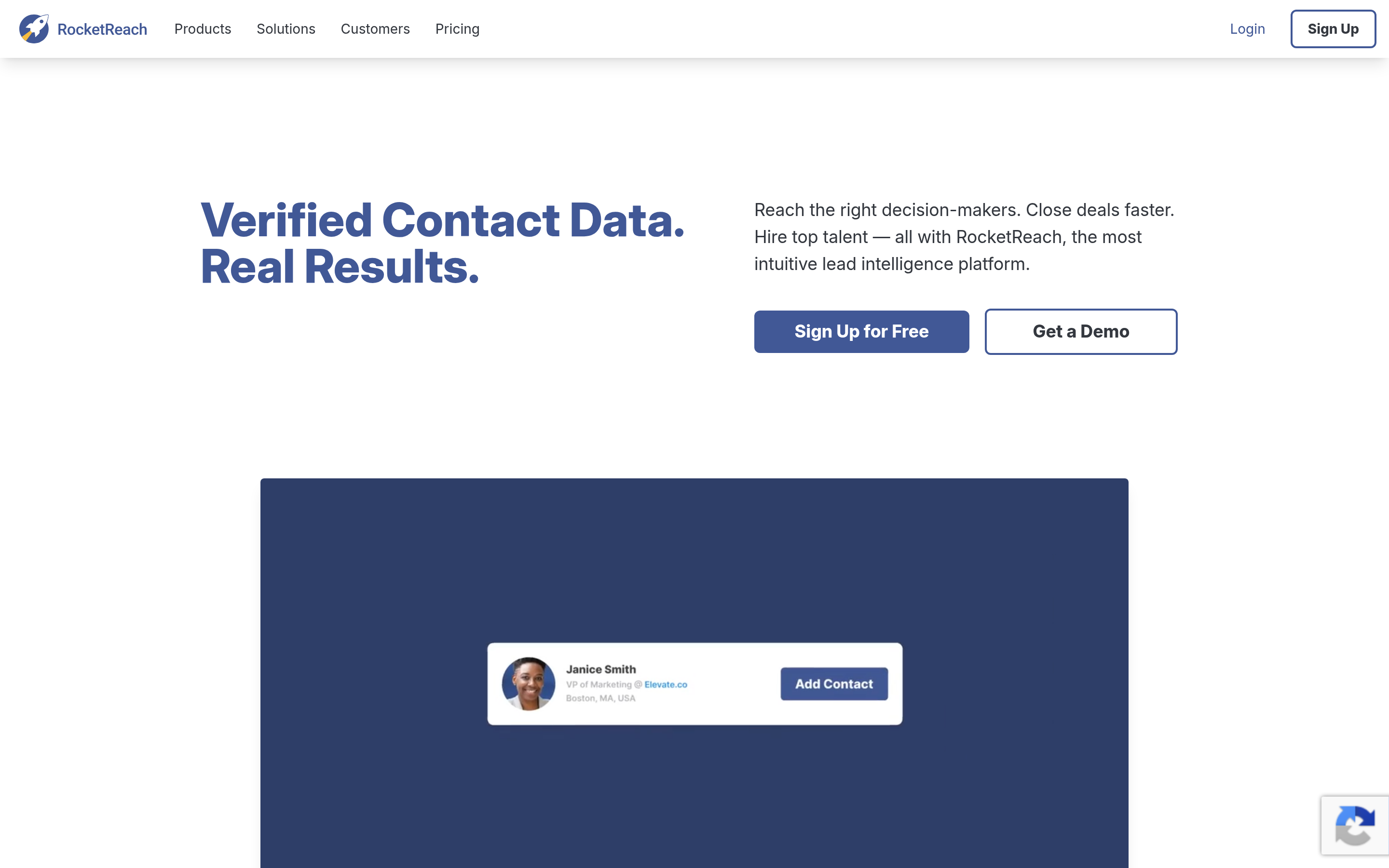
Broad person-level search across a very large index. Good when you have a name and little else.
Where it wins: raw coverage, including long-tail companies. Where it doesn't: accuracy is inconsistent, so budget for a verification pass on top.
ContactOut#
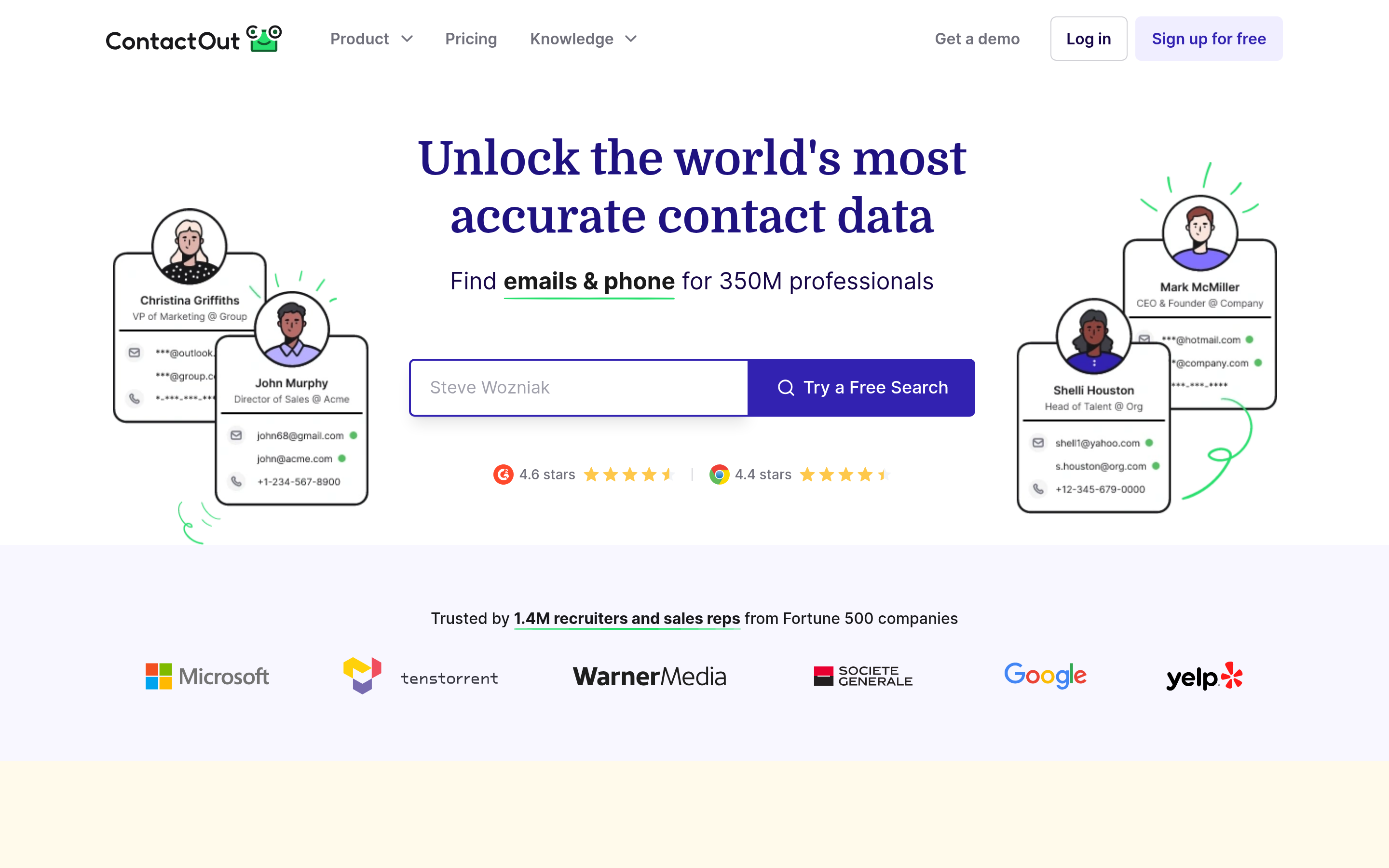
Built for recruiters working inside LinkedIn all day. Personal email coverage is unusually strong, which matters when you're contacting candidates rather than buyers.
Where it wins: recruiting workflows, personal-email hit rate. Where it doesn't: less suited to B2B sales enrichment at scale.
Findymail#
Positions itself squarely on bounce rate — the pitch is that it refuses to return an address it can't stand behind.
Where it wins: list hygiene for cold email senders. Where it doesn't: narrower feature surface; it's a finder, not a platform.
BookYourData#
A respected pay-as-you-go option that takes a different architectural approach: instead of live lookups, you build and buy a filtered list of verified records with a stated accuracy guarantee. That model suits teams who want a defined, one-time list rather than an ongoing subscription — for example, an ABM campaign against a fixed 2,000-account target. Their credits don't expire, which removes the "use it or lose it" pressure that subscription credits create. Worth a look at bookyourdata.com if your buying pattern is bursty rather than continuous.
Wiza#
Wiza's specialty is turning LinkedIn Sales Navigator searches into exportable, enriched CSVs. If Sales Navigator is already your source of truth, it's the shortest path from a saved search to a working list.
Where it wins: Sales Navigator export workflow. Where it doesn't: you need a Sales Navigator seat for it to make sense.
How accurate is the data across these tools?#
This is the part vendors bury. Every provider quotes a headline accuracy number, and those numbers are not measured the same way. Some report accuracy on returned results only (which flatters the number by excluding everything the tool couldn't find). Others report it across all attempted lookups.
The metric that actually predicts your outcome is verified hit rate: out of 100 real contacts you searched for, how many came back with an address that didn't bounce?

Three practical rules from running these tests yourself:
- Test on your own ICP, not the vendor's demo list. A tool that's excellent on US SaaS companies can be mediocre on German manufacturing or Southeast Asian logistics. Pull 100 contacts you already have verified addresses for, blank the email column, and see who reconstructs them.
- Catch-all domains are where scores diverge. A catch-all server accepts every address, so naive SMTP checks mark them "valid" and your bounce rate stays clean while your reply rate craters into the void. Use a dedicated catch-all verifier rather than trusting a green checkmark.
- Recheck age. A record verified 14 months ago is a coin flip. Ask when each vendor last re-validated the specific record they're selling you, not when they last refreshed "the database."
How do the pricing models actually compare?#
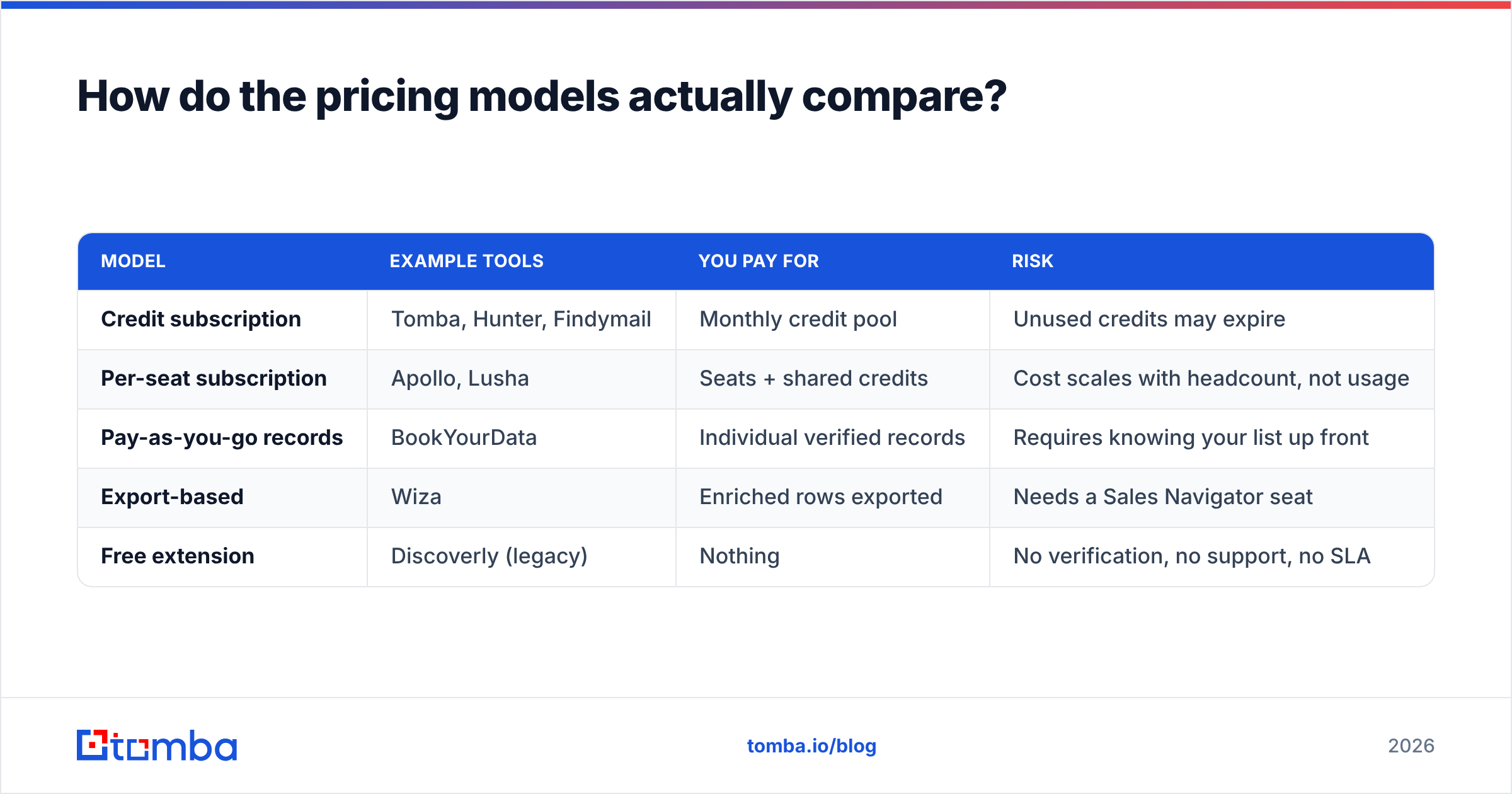
Headline price is the wrong comparison. Here's a normalized view at roughly 1,000 lookups per month, assuming a mid-tier plan on each.
| Model | Example tools | You pay for | Risk |
|---|---|---|---|
| Credit subscription | Tomba, Hunter, Findymail | Monthly credit pool | Unused credits may expire |
| Per-seat subscription | Apollo, Lusha | Seats + shared credits | Cost scales with headcount, not usage |
| Pay-as-you-go records | BookYourData | Individual verified records | Requires knowing your list up front |
| Export-based | Wiza | Enriched rows exported | Needs a Sales Navigator seat |
| Free extension | Discoverly (legacy) | Nothing | No verification, no support, no SLA |
Run the math as cost-per-usable-contact. If Tool A costs $99/mo for 2,000 credits at a 55% verified hit rate, you're paying about $0.09 per usable contact. If Tool B costs $99/mo for 1,200 credits at a 92% hit rate, you're paying about $0.09 too — but you also saved the hours you'd have spent scrubbing bounces and the sender reputation damage you'd have absorbed. Factor in the cost of a damaged domain and Tool B wins outright. If you're unsure where your list stands today, a quick free email checker pass will tell you.

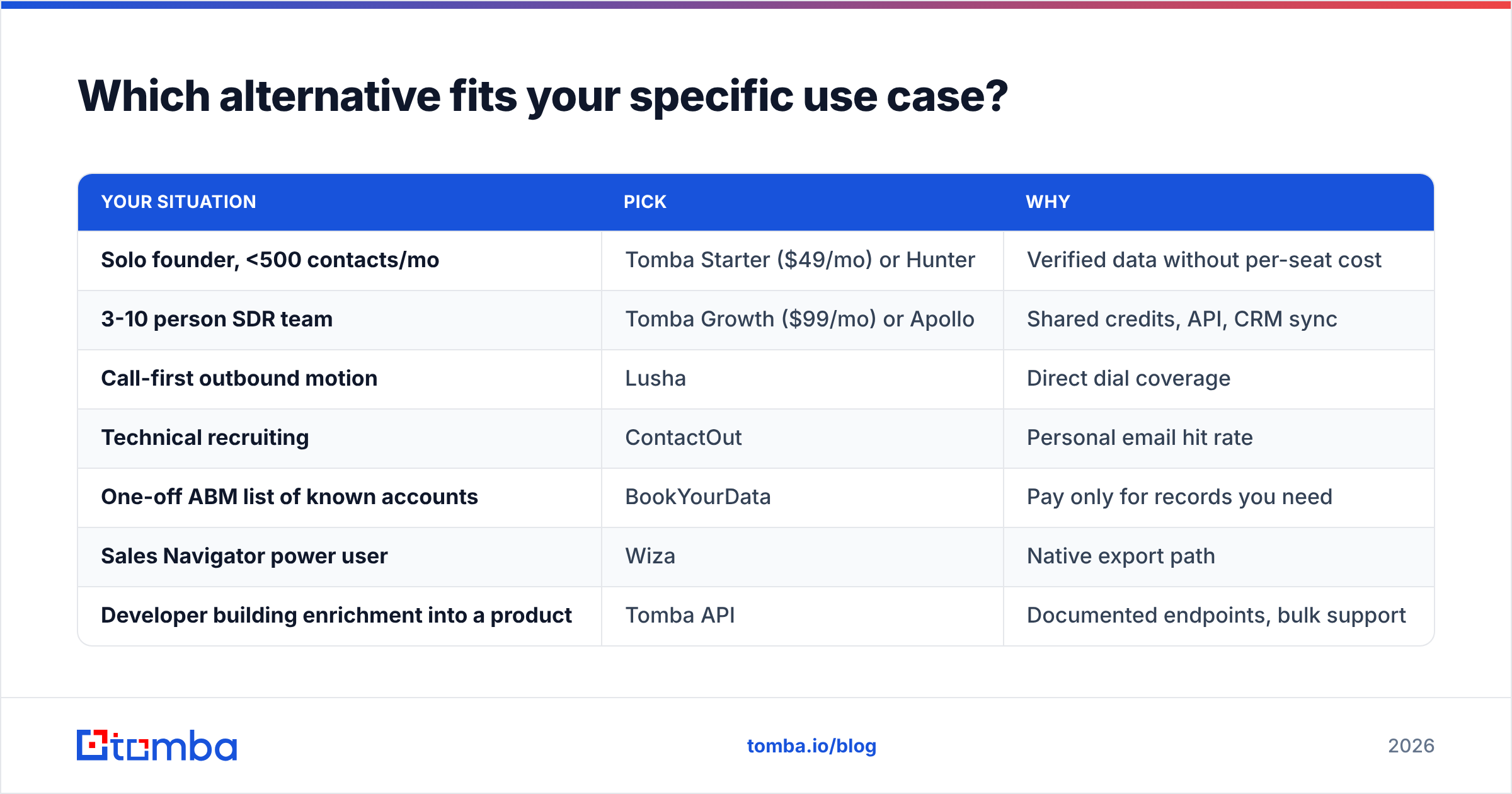
Which alternative fits your specific use case?#
| Your situation | Pick | Why |
|---|---|---|
| Solo founder, <500 contacts/mo | Tomba Starter ($49/mo) or Hunter | Verified data without per-seat cost |
| 3-10 person SDR team | Tomba Growth ($99/mo) or Apollo | Shared credits, API, CRM sync |
| Call-first outbound motion | Lusha | Direct dial coverage |
| Technical recruiting | ContactOut | Personal email hit rate |
| One-off ABM list of known accounts | BookYourData | Pay only for records you need |
| Sales Navigator power user | Wiza | Native export path |
| Developer building enrichment into a product | Tomba API | Documented endpoints, bulk support |
If you were using Discoverly primarily for LinkedIn context, the closest replacements are a LinkedIn finder paired with a browser extension — that combination reproduces the "profile in front of me, email in hand" workflow, except the email is verified rather than inferred.

Is there still a free Discoverly alternative?#
Yes, with caveats. Free tiers exist across most of this list — Tomba offers 25 searches per month, Hunter offers a similar allocation, and Lusha includes a handful of credits. Those are real, but they're evaluation budgets, not operating budgets. Twenty-five searches gets you an accuracy test, not a campaign.
The genuinely free path is manual: use a company email pattern checker to identify a domain's format, construct addresses yourself, then validate them individually. It works, it's slow, and it caps out around a few dozen contacts a week before the time cost exceeds any subscription you were avoiding.
Be skeptical of any tool that's free and claims unlimited lookups. Maintaining verified B2B contact data costs real money — SMTP infrastructure, crawling, re-validation cycles, compliance handling. If you're not paying, the economics are being covered somewhere else, usually by selling the data you look up. That's the same structural weakness that eventually hollowed out the free-extension category Discoverly belonged to.
What's the fastest way to migrate off Discoverly?#
Four steps, roughly a day of work:
- Export what you have. Pull your existing contact list out of your CRM or inbox, not out of the extension.
- Run a verification pass first. Before buying new data, find out how much of your current list is dead. Teams routinely discover 20-30% decay on lists older than a year.
- Trial two finders on the same 100-contact sample. Same input, same day, compare verified hit rates. This takes an hour and settles the argument better than any review roundup — including this one.
- Wire the winner into your workflow. Extension for ad-hoc lookups, API or bulk email finder for list building, CRM integration so records don't rot in a spreadsheet.
Don't skip step 3. The right answer genuinely varies by geography and industry, and no comparison table can substitute for testing against your own ICP.
Ready to replace the guesswork? Start with the Tomba Email Finder — find professional email addresses by domain, name, or company, with verification built into the same request instead of bolted on afterward. The free tier gives you 25 searches a month to run the head-to-head test described above, and Starter is $49/mo when you're ready to scale. Test it against whatever you're using today on 100 contacts you can independently verify, and let the hit rate decide.
Related guides#
Ready to find emails that actually work?
Join 150,000+ professionals who stopped guessing and started sending. Free credits on signup — no credit card required.
Get the Tomba newsletter
Practical outbound tactics and product updates — once every two weeks.
About the author