9 Best EmailBison Alternatives in 2026 (Free & Paid)
EmailBison is strong for agencies that need white-label sending — but it is not the only option. Here are nine EmailBison alternatives compared on price, sending limits, deliverability controls, and the data layer that actually drives replies.
TL;DR
- EmailBison is a cold email sending and sequencing platform built around unlimited sending accounts, reputation scoring, and white-label reselling for agencies. It is a sender, not a data provider.
- The most common reasons teams shop for EmailBison alternatives: white-label tiers priced above what a small agency needs, a steep setup curve for inbox infrastructure, and wanting a bigger integration ecosystem.
- Best swaps by use case: Smartlead and Instantly for volume senders, Saleshandy and Emelia for budget-conscious teams, lemlist and Reply.io for multichannel, QuickMail for deliverability nerds, Amplemarket for enterprise.
- Switching sending tools fixes maybe 20% of a bad cold email program. Bounce rate, list quality, and targeting drive the rest.
- Pair whichever platform you pick with verified contact data — a 2% bounce ceiling is the single cheapest deliverability win available.
What is EmailBison, and who is it actually for?#
EmailBison is a cold email outreach platform in the same category as Smartlead and Instantly: you connect sending mailboxes, load a lead list, build a multi-step sequence, and the platform rotates sends across inboxes to spread volume.
Its differentiators are narrow and deliberate:
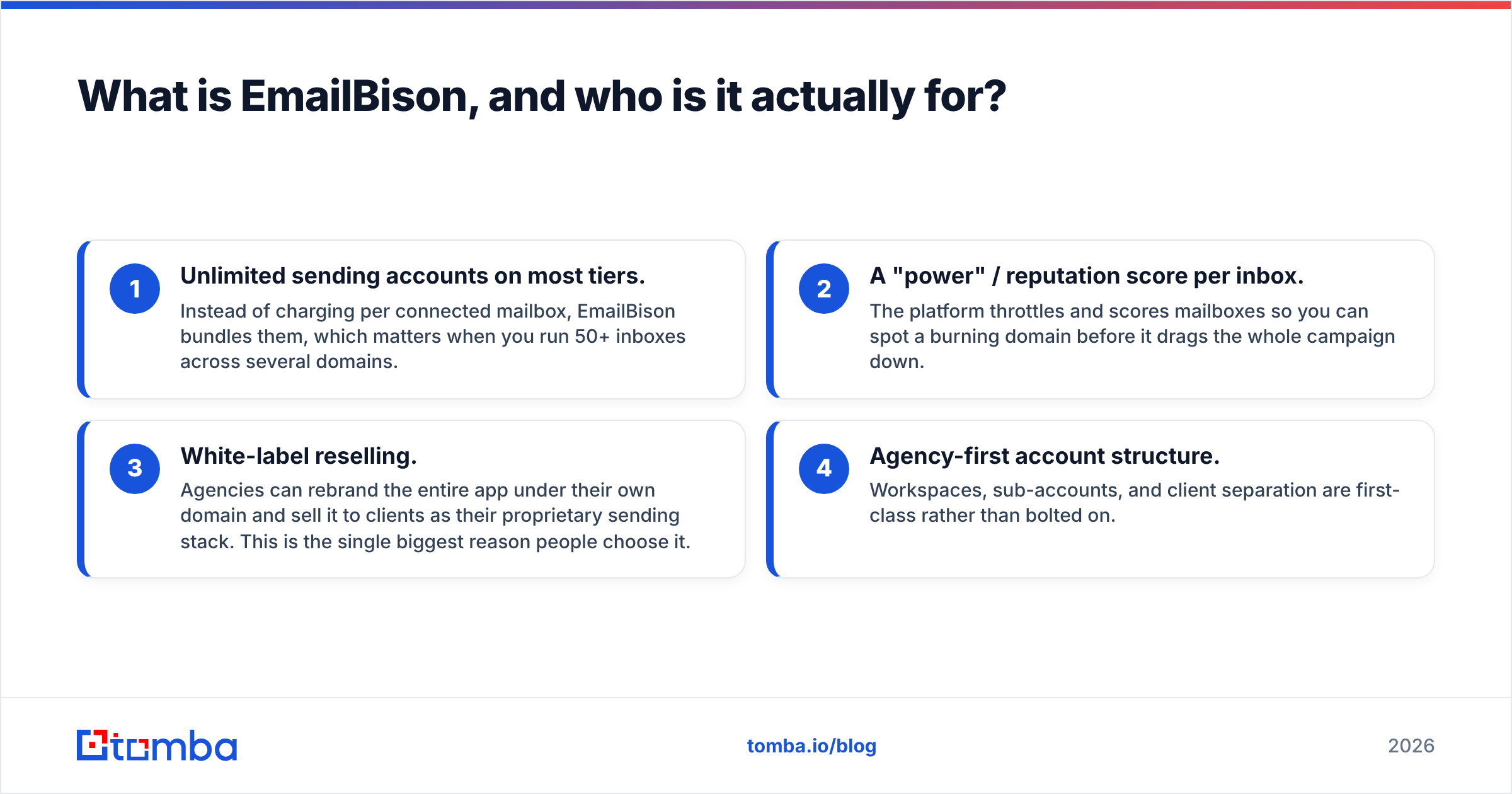
- Unlimited sending accounts on most tiers. Instead of charging per connected mailbox, EmailBison bundles them, which matters when you run 50+ inboxes across several domains.
- A "power" / reputation score per inbox. The platform throttles and scores mailboxes so you can spot a burning domain before it drags the whole campaign down.
- White-label reselling. Agencies can rebrand the entire app under their own domain and sell it to clients as their proprietary sending stack. This is the single biggest reason people choose it.
- Agency-first account structure. Workspaces, sub-accounts, and client separation are first-class rather than bolted on.
If you are a solo founder sending 300 emails a week, that feature set is overkill. If you run a lead-gen agency with 12 clients and want your own branded platform instead of reselling someone else's logo, it makes obvious sense. You can check their current packaging on the EmailBison site — pricing on this category of tool changes often, so treat every number in this post as a starting point to verify, not gospel.
Why do teams look for EmailBison alternatives?#
Five patterns show up repeatedly in reviews on G2 and in practitioner communities:
- White-label pricing outgrows the use case. The rebranding tier is the expensive one. If you are not actually reselling the software, you are paying for a feature you will never switch on.
- Infrastructure setup is on you. Domains, DNS, SPF/DKIM/DMARC, mailbox provisioning, warmup schedules. EmailBison assumes you know this. Newer teams often want a platform that sells the whole stack — domains, inboxes, and sending — in one checkout.
- Smaller integration ecosystem. Compared with tools that have been around since 2018, native CRM connectors and third-party app coverage are thinner. Expect to lean on webhooks, Zapier, or the API.
- Feature velocity cuts both ways. Fast shipping means occasional rough edges in the UI and settings that move between releases.
- Team size mismatch. Two-person sales teams do not need workspace hierarchies. They need a sequencer, a warmup pool, and an inbox that does not land in spam.
None of these make EmailBison a bad tool. They make it a specific tool. The question is whether your shape matches its shape.

What should you compare before switching sending platforms?#
Do not compare feature checklists. Every tool in this category has sequences, A/B testing, and a unified inbox. Compare the five things that actually change your results:
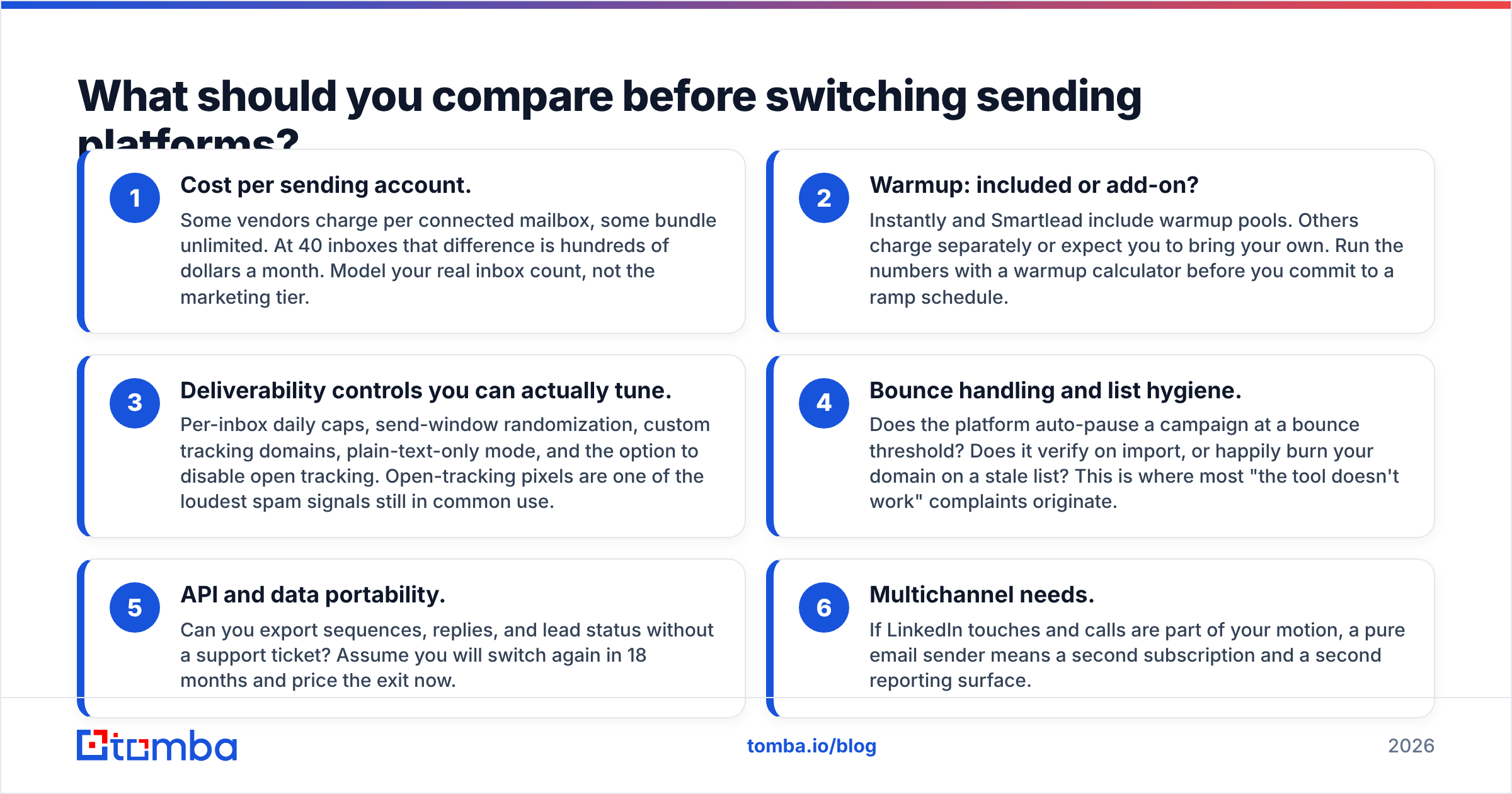
- Cost per sending account. Some vendors charge per connected mailbox, some bundle unlimited. At 40 inboxes that difference is hundreds of dollars a month. Model your real inbox count, not the marketing tier.
- Warmup: included or add-on? Instantly and Smartlead include warmup pools. Others charge separately or expect you to bring your own. Run the numbers with a warmup calculator before you commit to a ramp schedule.
- Deliverability controls you can actually tune. Per-inbox daily caps, send-window randomization, custom tracking domains, plain-text-only mode, and the option to disable open tracking. Open-tracking pixels are one of the loudest spam signals still in common use.
- Bounce handling and list hygiene. Does the platform auto-pause a campaign at a bounce threshold? Does it verify on import, or happily burn your domain on a stale list? This is where most "the tool doesn't work" complaints originate.
- API and data portability. Can you export sequences, replies, and lead status without a support ticket? Assume you will switch again in 18 months and price the exit now.
- Multichannel needs. If LinkedIn touches and calls are part of your motion, a pure email sender means a second subscription and a second reporting surface.
Which EmailBison alternatives are worth testing in 2026?#
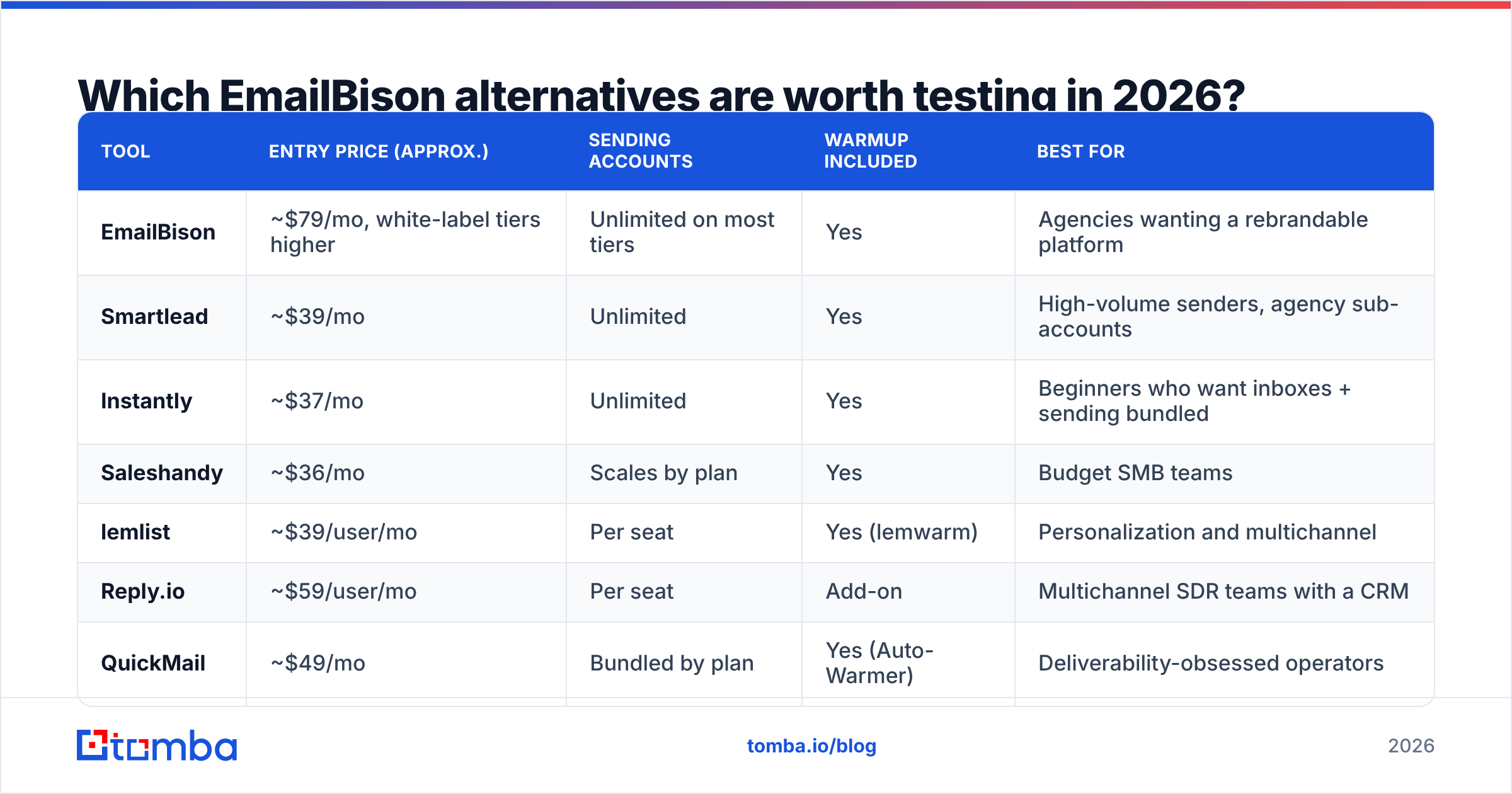
| Tool | Entry price (approx.) | Sending accounts | Warmup included | Best for |
|---|---|---|---|---|
| EmailBison | ~$79/mo, white-label tiers higher | Unlimited on most tiers | Yes | Agencies wanting a rebrandable platform |
| Smartlead | ~$39/mo | Unlimited | Yes | High-volume senders, agency sub-accounts |
| Instantly | ~$37/mo | Unlimited | Yes | Beginners who want inboxes + sending bundled |
| Saleshandy | ~$36/mo | Scales by plan | Yes | Budget SMB teams |
| lemlist | ~$39/user/mo | Per seat | Yes (lemwarm) | Personalization and multichannel |
| Reply.io | ~$59/user/mo | Per seat | Add-on | Multichannel SDR teams with a CRM |
| QuickMail | ~$49/mo | Bundled by plan | Yes (Auto-Warmer) | Deliverability-obsessed operators |
| Emelia | ~$37/mo | Bundled by plan | Yes | Simple, cheap, European teams |
| Amplemarket | Custom (enterprise) | Per seat | Yes | Enterprise with data + sending in one |
Prices are list prices at the time of writing and shift frequently — verify on each vendor's page before you budget.
Is Smartlead the closest like-for-like swap?#
Yes, for most agencies. Smartlead matches the parts of EmailBison people actually use daily: unlimited mailbox rotation, a master inbox, sub-accounts for clients, and a genuinely usable API. It also offers white-label, so the "I need my own branded platform" requirement is still covered — usually at a lower entry point than a full agency tier elsewhere.
Where it is weaker: the UI carries a lot of surface area, and reporting is functional rather than beautiful. If your client deliverables lean on polished dashboards, budget time for exports.
Is Instantly better for teams starting from zero?#
If you have never bought a domain for cold outreach, yes. Instantly sells accounts, domains, and warmup in one flow, so you skip the two-week DNS learning curve. The warmup network is large, and the campaign builder is the friendliest in the category.
The trade-off is control. Bundled infrastructure means shared reputation neighborhoods and less visibility into what is happening at the inbox level. Power users eventually outgrow it and move to dedicated infrastructure. If you are weighing the swap specifically, the Instantly alternative breakdown covers where each side wins.
What about Saleshandy and Emelia on a tight budget?#
Both land in the ~$36–39/mo range and cover the core loop: sequences, follow-ups, unified inbox, basic warmup. Saleshandy adds a lead database, which is convenient but not a replacement for dedicated prospecting data. Emelia is deliberately minimal — fewer settings, faster onboarding, popular with European teams for data-residency reasons.
Pick these when the honest requirement is "send 5,000 emails a month without breaking things," not "run an agency." See the Saleshandy alternative comparison if you want the feature-by-feature detail.
When do you need lemlist, Reply.io, or Amplemarket instead?#
When email alone is not the motion.
- lemlist wins on personalization: dynamic images, custom landing pages, and LinkedIn steps in the same sequence. Per-seat pricing makes it expensive for inbox-heavy setups but sensible for a small SDR pod.
- Reply.io is the closest thing to a full SDR platform in this price band — email, calls, LinkedIn, and a real CRM sync. Check the Reply.io alternative page for the sending-limit specifics.
- Amplemarket bundles data, sending, and AI signals for enterprise teams that want one vendor and one invoice. It is a different budget conversation entirely.
Does QuickMail still matter in 2026?#
For deliverability-first operators, yes. QuickMail's Auto-Warmer and its inbox-health reporting (via MailFlow) are among the most transparent in the category. It will not white-label for you, and the UI shows its age — but if your primary complaint about EmailBison is "I want to see exactly why this inbox is degrading," QuickMail answers that question better than most.
Is a cheaper sending tool enough to fix your reply rates?#
No — and this is the part most alternatives posts skip.
Sending platforms are commodity infrastructure. They rotate mailboxes, apply delays, and log replies. Any of the nine tools above will do that competently. What they cannot do is fix the input.
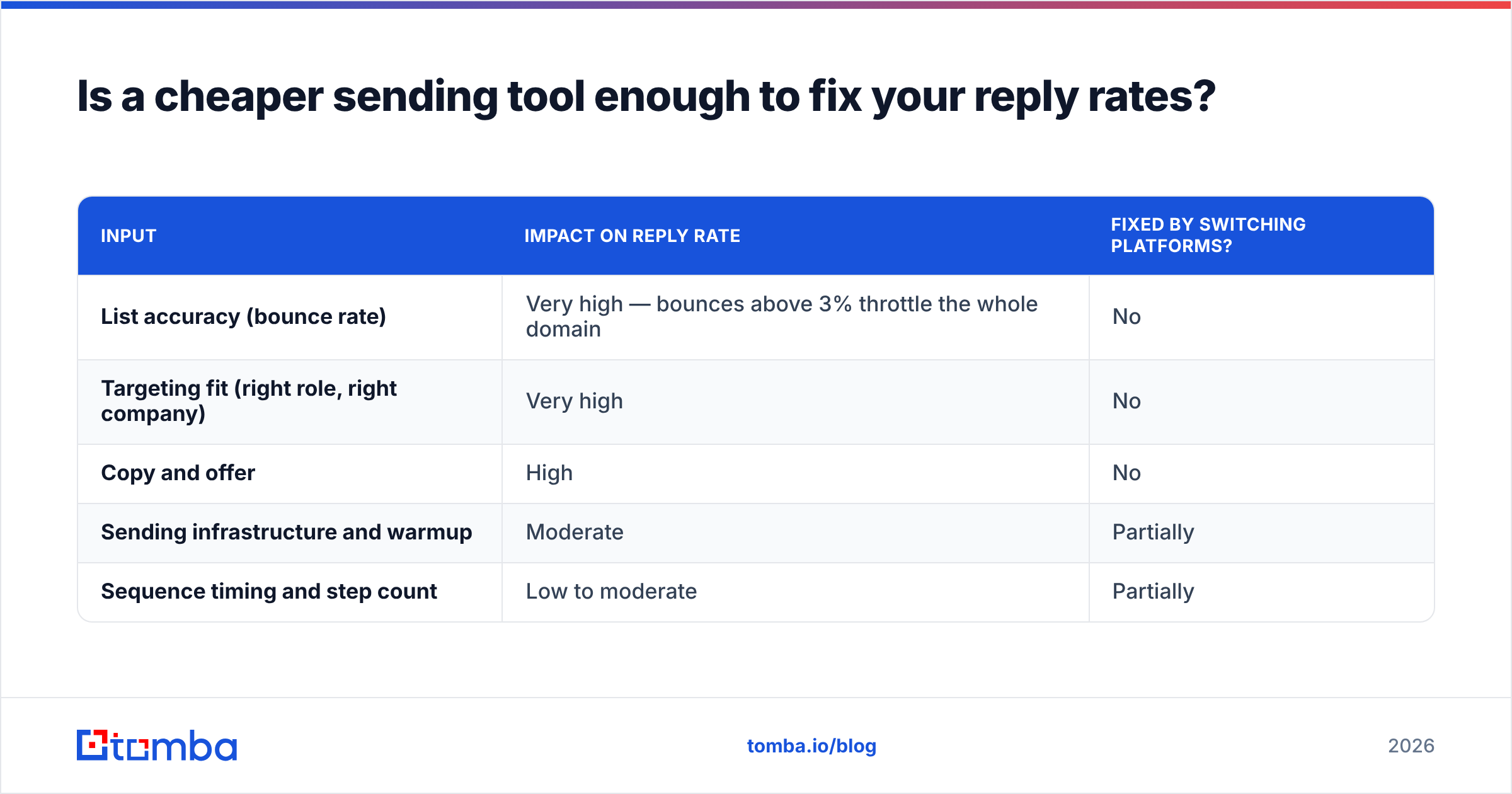
Three inputs decide whether a campaign works, in order:
| Input | Impact on reply rate | Fixed by switching platforms? |
|---|---|---|
| List accuracy (bounce rate) | Very high — bounces above 3% throttle the whole domain | No |
| Targeting fit (right role, right company) | Very high | No |
| Copy and offer | High | No |
| Sending infrastructure and warmup | Moderate | Partially |
| Sequence timing and step count | Low to moderate | Partially |
Mailbox providers judge you on complaint rate, bounce rate, and engagement. A 12% bounce rate on a scraped list will torch a domain on EmailBison, Smartlead, Instantly, and every other platform in this post at roughly the same speed. Google and Microsoft's bulk sender requirements made that ceiling explicit — sustained spam complaints above 0.3% get you filtered regardless of which app pushed SMTP.
So before you migrate: run your existing list through an email verifier and see what your real bounce exposure is. If it is above 3%, your sending platform was never the problem.

What does a clean data layer look like in practice?#
A workable stack separates three jobs:
- Find the contact. Domain-level discovery plus name-based lookup. Tomba's email finder and domain search cover this, and the Tomba API plugs the same results directly into your sequencer.
- Verify before import. SMTP-level checks, catch-all detection, role-address filtering. Do this at the point of import, not after your first campaign bounces.
- Send. Whichever platform from the table fits your structure and budget.
Providers like BookYourData are a solid option when you want pre-built, pre-verified lists rather than building them contact by contact — a reasonable path if speed matters more than precision targeting. The point is that the data layer is a separate purchase decision from the sending layer, and treating them as one product is how teams end up overpaying for a sequencer that cannot save them.
Which EmailBison alternative should you choose?#
Short answers, by situation:
- You run an agency and want a branded platform: Smartlead first, EmailBison second. Both do white-label; compare on price at your actual inbox count.
- You are new to cold email: Instantly. Buying domains and inboxes in-app is worth the reduced control for the first six months.
- You are cost-sensitive and send under 10k/month: Saleshandy or Emelia.
- You need LinkedIn plus email: lemlist for personalization, Reply.io for process discipline.
- Deliverability is your bottleneck: QuickMail, plus a hard bounce ceiling enforced at import.
- You are enterprise with procurement: Amplemarket, and negotiate the data seats.
- You already like EmailBison but hate the price: Downgrade to the non-white-label tier and put the savings into verified data. That usually moves reply rate more than any platform migration will.
One last operational note: before you send from a new domain on any of these tools, confirm your authentication records are actually live. A quick SPF checker run and a DMARC policy at p=none for monitoring will catch the configuration mistakes that get blamed on the software for weeks.
Ready to fix the input, not just the sender?#
Whichever platform you land on, it will only send what you feed it. Start with contacts that exist.
Use the Tomba Email Finder to build lists by domain, name, or company, verify them before import, and push them straight into Smartlead, Instantly, lemlist, or EmailBison through the API. The free tier gives you 25 searches a month to test accuracy against your own known-good contacts, and paid plans start at $49/mo — see Tomba pricing for the full breakdown. Run 100 contacts through it, compare the bounce rate against your current list, and let the numbers decide whether your sending tool was ever the problem.
Related guides#
Ready to find emails that actually work?
Join 150,000+ professionals who stopped guessing and started sending. Free credits on signup — no credit card required.
Get the Tomba newsletter
Practical outbound tactics and product updates — once every two weeks.
About the author