Emelia Alternatives in 2026: 9 Cold Email Tools Compared
Emelia is a solid multichannel sequencer, but it is not the right fit for every outbound team. Here are nine Emelia alternatives compared on pricing, deliverability controls, data quality, and API depth.
TL;DR
- Emelia is a France-built cold email and LinkedIn automation platform with unlimited sending accounts on most plans — strong value for solo operators and small agencies, thinner for teams that need deep CRM sync or granular reporting.
- Most people searching for Emelia alternatives want one of four things: better deliverability controls, a real API, cleaner contact data, or per-seat pricing that does not punish growth.
- The sequencer is only half the stack. A tool that sends beautifully into a list of 40% invalid addresses still burns your domain.
- Smartlead and Instantly win on inbox rotation at scale; Lemlist and La Growth Machine win on multichannel personalization; Saleshandy and Woodpecker win on simplicity.
- Pair whichever sender you pick with a dedicated data layer — that is where Tomba's email finder and verifier do the unglamorous work that protects your sender reputation.
What is Emelia and who is it actually for?#
Emelia is a cold outreach platform that bundles email sequencing, LinkedIn automation, a built-in email finder, and warmup into one subscription. Its pitch, straight from emelia.io, is simplicity: connect unlimited sending accounts, build a drip, add LinkedIn steps, go. No per-mailbox surcharge, no enterprise onboarding call.
That model fits a specific profile well:
- Freelancers and consultants running one or two campaigns a month
- Small agencies managing 5–15 client domains without wanting a per-seat bill per client
- European teams that prefer an EU-hosted vendor for GDPR comfort
Where it gets strained is at the next tier up. Once you have several SDRs, a CRM that must stay clean, a RevOps person asking for reply-rate breakdowns by segment, or an engineer who wants to trigger sequences from your own product events, Emelia starts to feel like a tool you are working around rather than with. That is the honest reason most people start shopping for Emelia alternatives — not because the product is bad, but because outbound stacks outgrow all-in-one tools faster than anyone expects.
Why do teams look for Emelia alternatives?#
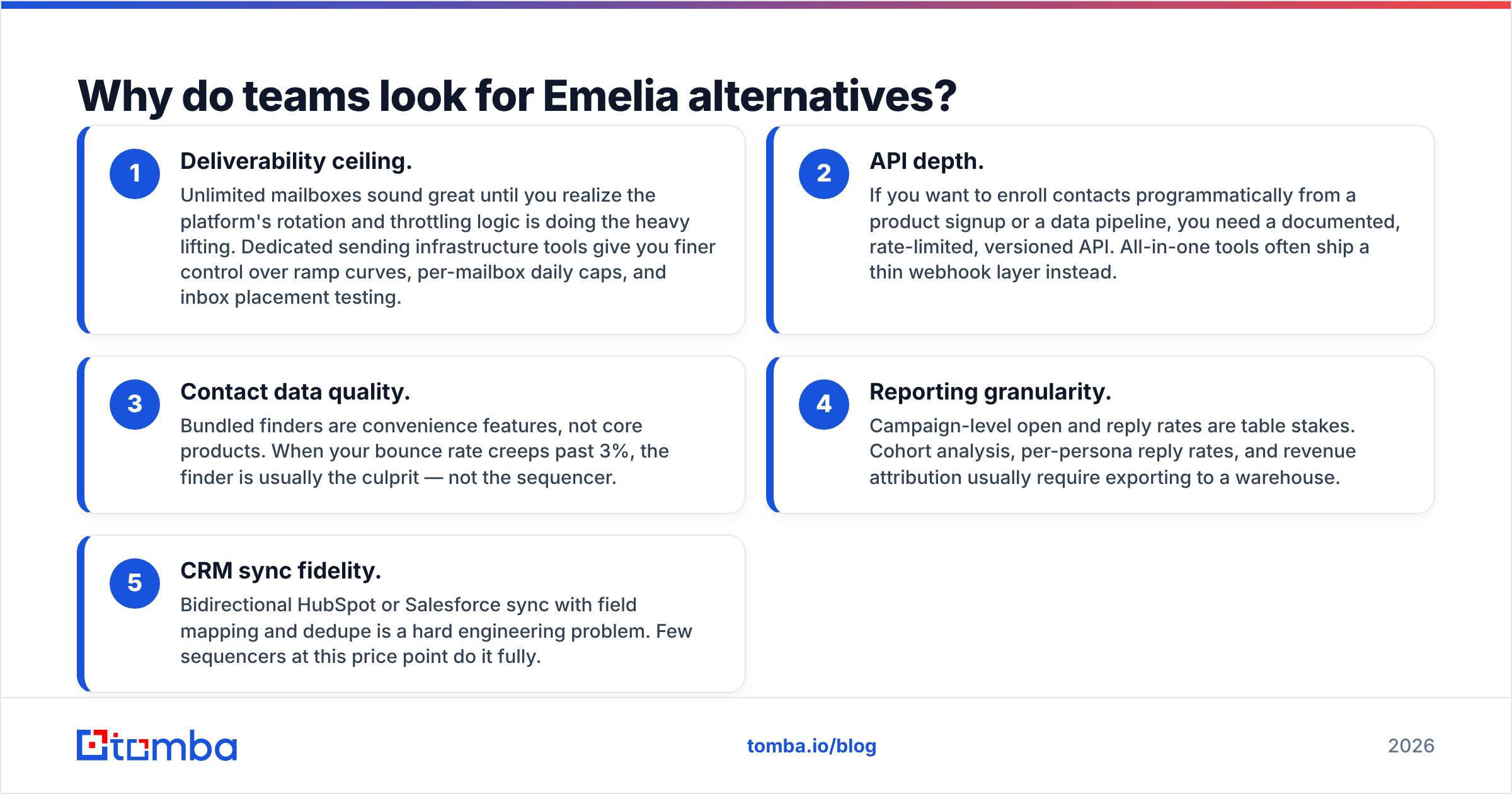
From reading review threads on G2 and talking to teams that have migrated, the same five complaints repeat:
- Deliverability ceiling. Unlimited mailboxes sound great until you realize the platform's rotation and throttling logic is doing the heavy lifting. Dedicated sending infrastructure tools give you finer control over ramp curves, per-mailbox daily caps, and inbox placement testing.
- API depth. If you want to enroll contacts programmatically from a product signup or a data pipeline, you need a documented, rate-limited, versioned API. All-in-one tools often ship a thin webhook layer instead.
- Contact data quality. Bundled finders are convenience features, not core products. When your bounce rate creeps past 3%, the finder is usually the culprit — not the sequencer.
- Reporting granularity. Campaign-level open and reply rates are table stakes. Cohort analysis, per-persona reply rates, and revenue attribution usually require exporting to a warehouse.
- CRM sync fidelity. Bidirectional HubSpot or Salesforce sync with field mapping and dedupe is a hard engineering problem. Few sequencers at this price point do it fully.
If none of those five apply to you, stay on Emelia. Genuinely. Switching costs are real and the tool is competent at its core job.
What should you compare before switching?#
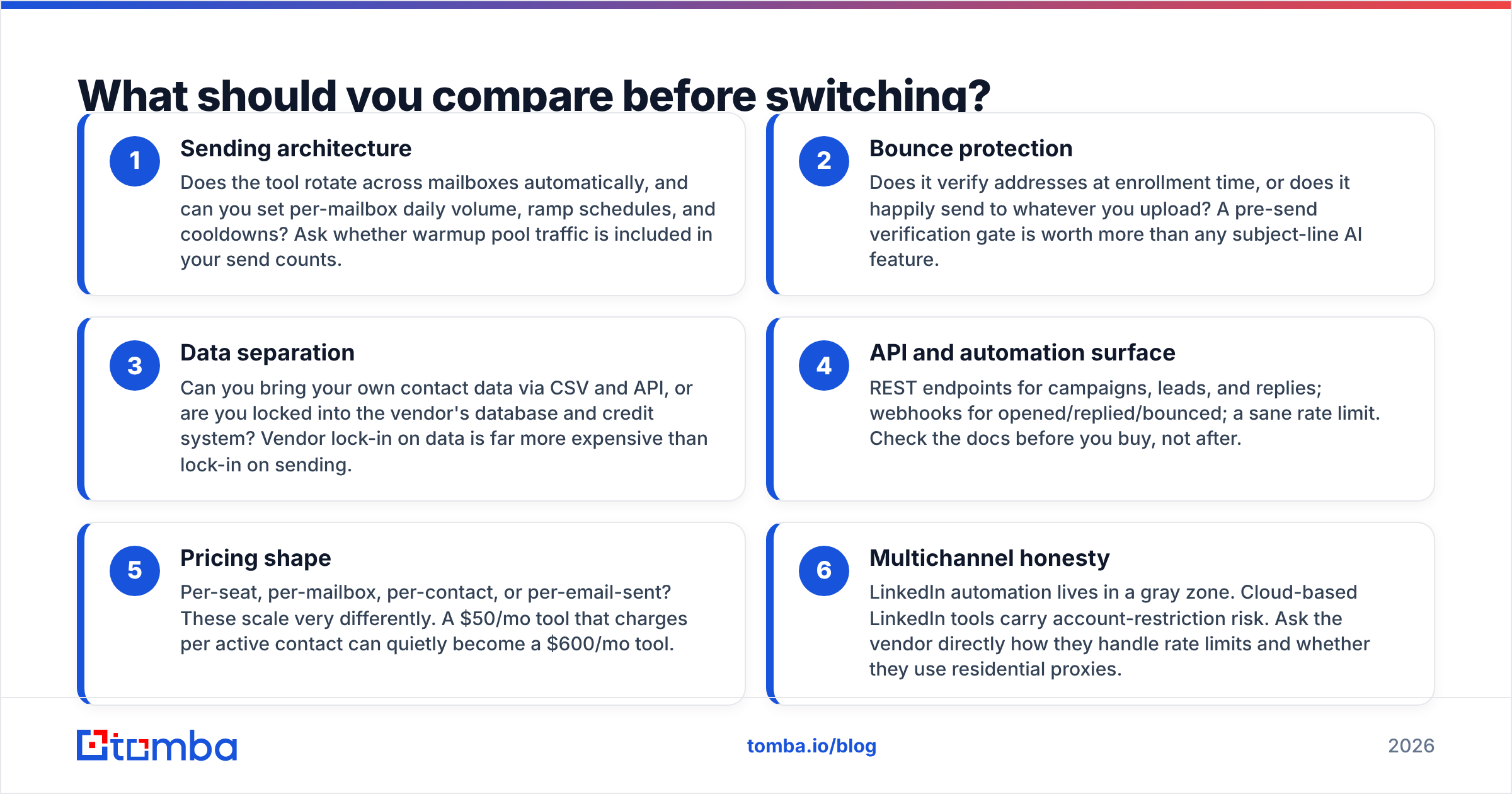
Do not compare feature checklists — every vendor's checklist looks identical. Compare these six things instead, in this order:
- Sending architecture — Does the tool rotate across mailboxes automatically, and can you set per-mailbox daily volume, ramp schedules, and cooldowns? Ask whether warmup pool traffic is included in your send counts.
- Bounce protection — Does it verify addresses at enrollment time, or does it happily send to whatever you upload? A pre-send verification gate is worth more than any subject-line AI feature.
- Data separation — Can you bring your own contact data via CSV and API, or are you locked into the vendor's database and credit system? Vendor lock-in on data is far more expensive than lock-in on sending.
- API and automation surface — REST endpoints for campaigns, leads, and replies; webhooks for opened/replied/bounced; a sane rate limit. Check the docs before you buy, not after.
- Pricing shape — Per-seat, per-mailbox, per-contact, or per-email-sent? These scale very differently. A $50/mo tool that charges per active contact can quietly become a $600/mo tool.
- Multichannel honesty — LinkedIn automation lives in a gray zone. Cloud-based LinkedIn tools carry account-restriction risk. Ask the vendor directly how they handle rate limits and whether they use residential proxies.
Which Emelia alternatives are worth testing in 2026?#
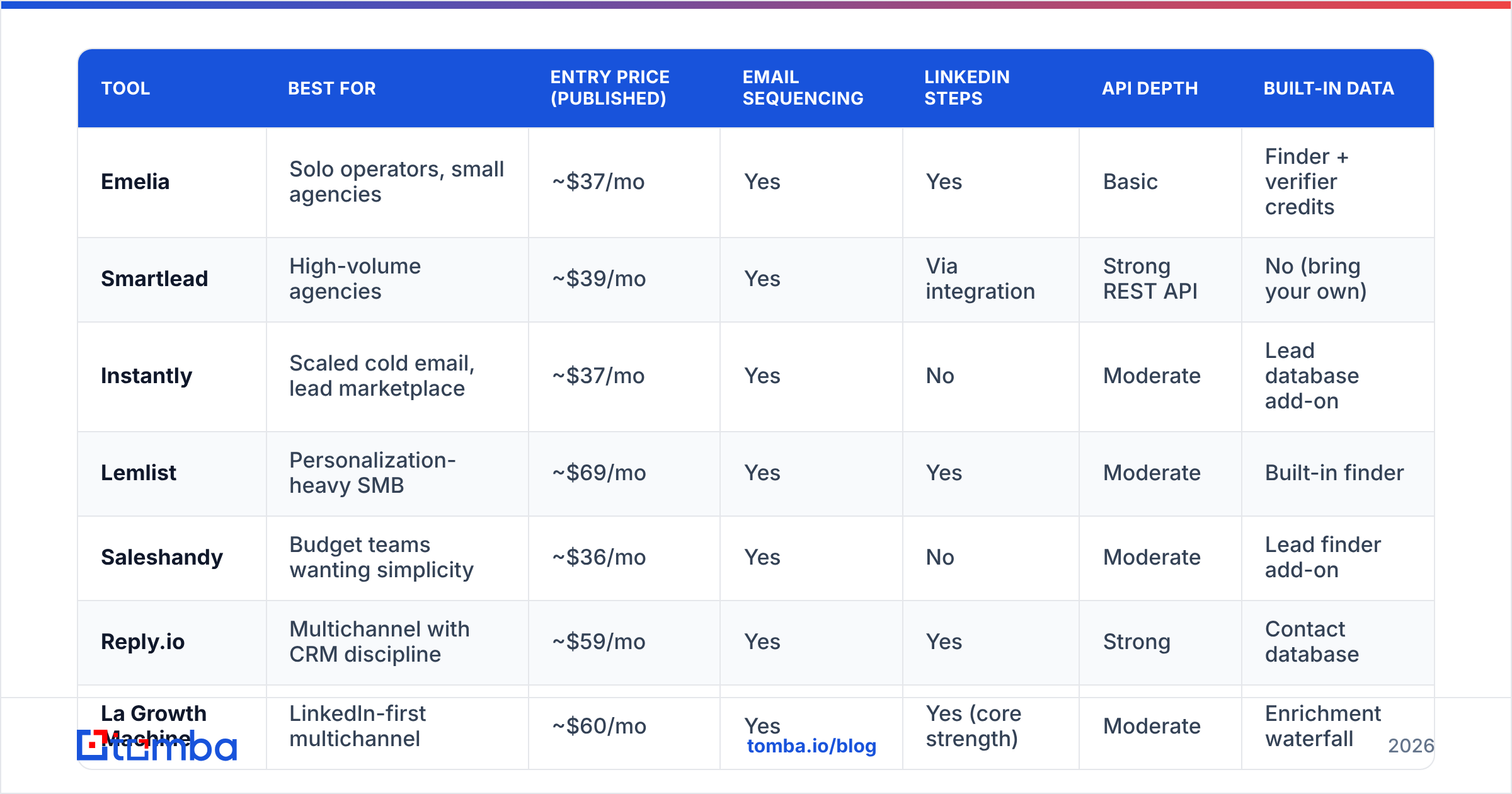
Here is the comparison table. Entry prices reflect publicly listed plans at the time of writing and change often — always verify on the vendor's own pricing page before committing.
| Tool | Best for | Entry price (published) | Email sequencing | LinkedIn steps | API depth | Built-in data |
|---|---|---|---|---|---|---|
| Emelia | Solo operators, small agencies | ~$37/mo | Yes | Yes | Basic | Finder + verifier credits |
| Smartlead | High-volume agencies | ~$39/mo | Yes | Via integration | Strong REST API | No (bring your own) |
| Instantly | Scaled cold email, lead marketplace | ~$37/mo | Yes | No | Moderate | Lead database add-on |
| Lemlist | Personalization-heavy SMB | ~$69/mo | Yes | Yes | Moderate | Built-in finder |
| Saleshandy | Budget teams wanting simplicity | ~$36/mo | Yes | No | Moderate | Lead finder add-on |
| Reply.io | Multichannel with CRM discipline | ~$59/mo | Yes | Yes | Strong | Contact database |
| La Growth Machine | LinkedIn-first multichannel | ~$60/mo | Yes | Yes (core strength) | Moderate | Enrichment waterfall |
| Woodpecker | Agencies and B2B services | ~$29/mo | Yes | Limited | Moderate | Verification built in |
| Overloop | Sales teams wanting a light CRM | ~$49/mo | Yes | Yes | Moderate | Finder credits |
| Tomba (data layer) | Feeding any of the above | $49/mo Starter | No (by design) | No | Full REST API | Finder, verifier, enrichment |
Note the last row. Tomba is deliberately not a sequencer — it sits underneath whichever one you choose. That distinction matters when you build your stack, and we will come back to it.
Smartlead — the volume play#
If your problem is "I need to send 50,000 emails a month across 40 mailboxes without landing in spam," Smartlead is the most common answer. Unlimited mailbox connections, automatic rotation, a warmup network, and a master inbox for replies. The reporting is workmanlike rather than beautiful, and there is no native LinkedIn automation, but the sending core is serious. Agencies like it because sub-accounts and white-labeling are first-class.
Trade-off: it assumes you already have good data. Smartlead will send to your bad list just as happily as your good one.
Instantly — the marketplace play#
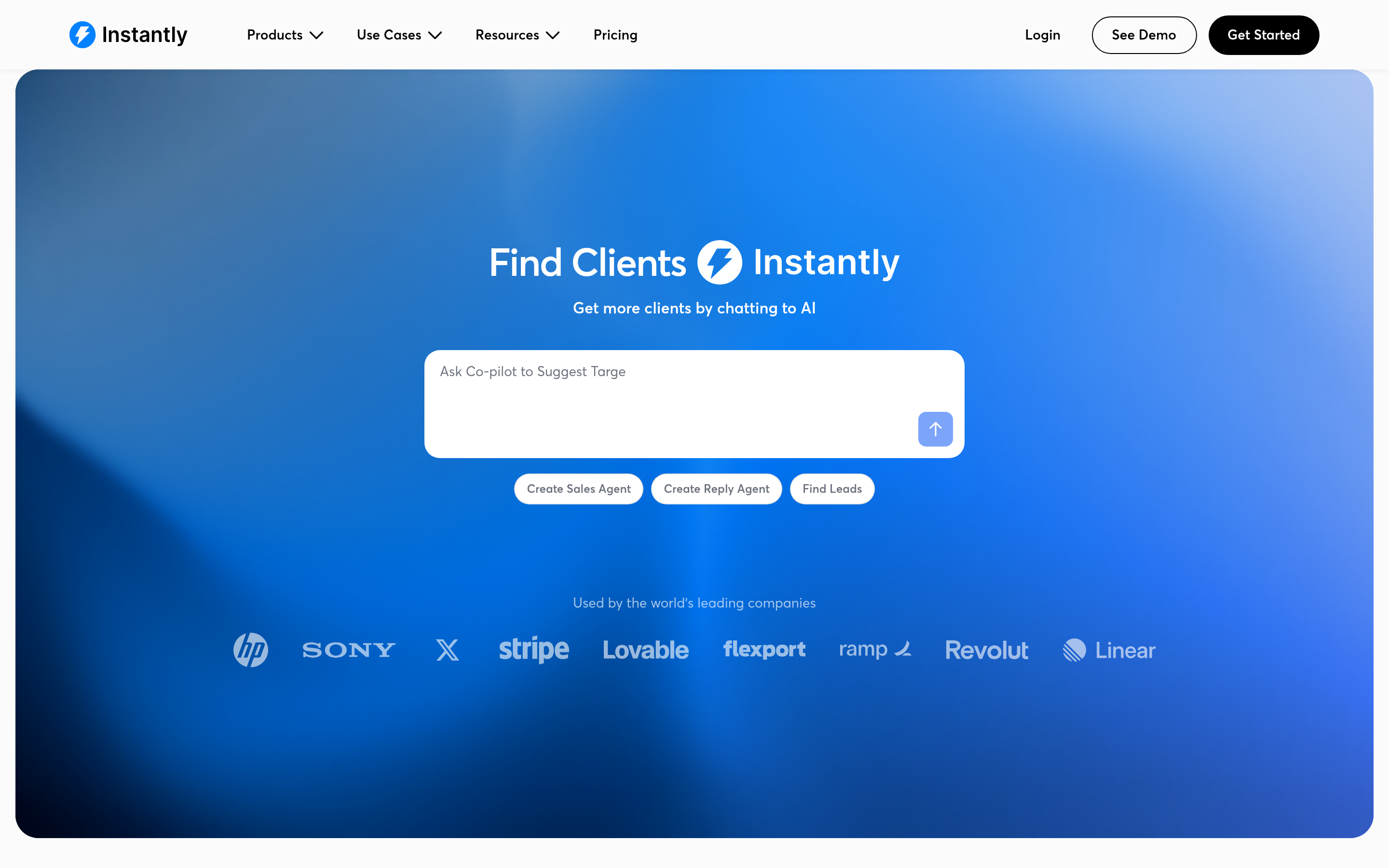
Instantly built its reputation on warmup and inbox rotation, then bolted on a lead database and a CRM layer. The UI is fast, the campaign builder is opinionated in a good way, and the warmup network is large. If you want one vendor for both sending and a starter list, it is a reasonable single-vendor bet. Teams evaluating it against Emelia usually find Instantly stronger on deliverability tooling and weaker on LinkedIn. Our full breakdown of the Instantly alternative landscape goes deeper on the data-quality question.
Lemlist — the personalization play#
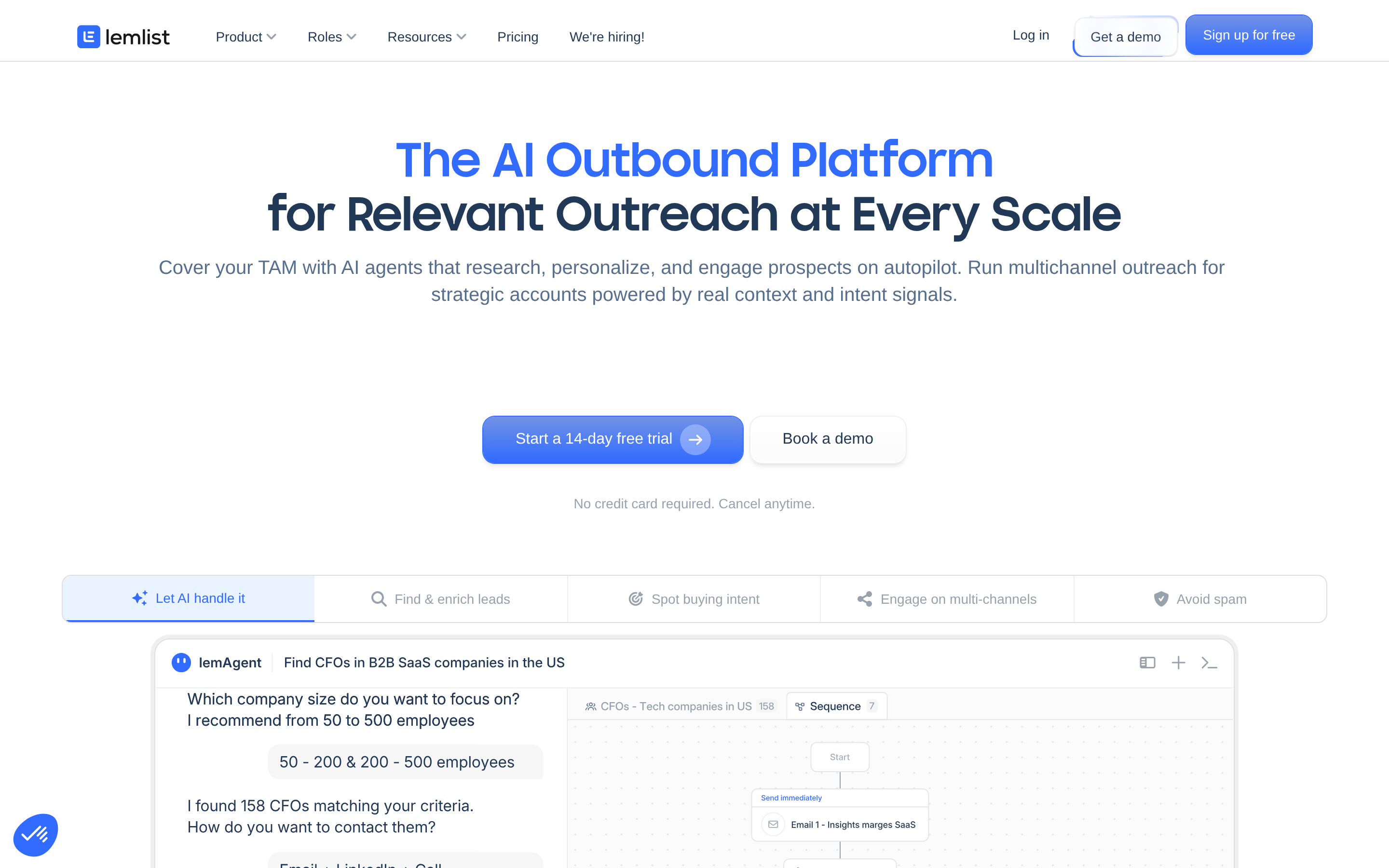
Lemlist is the tool for teams whose differentiator is the message, not the volume. Dynamic images, custom landing pages, video thumbnails, liquid-syntax conditionals. It also ships a built-in finder and a multichannel builder including LinkedIn and calls. It is more expensive per seat than Emelia, and it expects you to actually use the personalization features — otherwise you are paying for a paintbrush you never pick up.
La Growth Machine — the LinkedIn-first play#
LGM inverts the usual order: LinkedIn is the primary channel and email is the fallback. Its enrichment waterfall (try source A, then B, then C) is genuinely useful, and its "identity"-based pricing suits small teams. If more than half your pipeline comes from LinkedIn, this is the closest thing to a direct Emelia upgrade. See the La Growth Machine alternative comparison for where it falls short.
Saleshandy and Woodpecker — the boring-is-good plays#
Both are mature, unflashy email sequencers with solid deliverability practice and support teams that answer. Woodpecker's agency features and built-in verification are underrated. Saleshandy's pricing is among the lowest per email sent. Neither will impress your CTO, and neither will surprise you at renewal.
Reply.io and Overloop — the CRM-adjacent plays#
If your team lives in a pipeline view and you want sequencing attached to deals rather than the other way around, these two make sense. Reply.io has the deeper API and a real multichannel engine; Overloop leans lighter and cheaper with a mini-CRM attached.
Is Emelia's built-in email finder good enough?#
This is the question that decides most switches, and the answer is nuanced: bundled finders are fine for spot-checking a name, and risky as a primary data source.
The reason is structural. A sequencer's finder is a feature funded by sequencing revenue. A dedicated finder's revenue depends entirely on hit rate and accuracy, so it invests in crawling, pattern inference, SMTP validation, and catch-all handling. When you route a 5,000-row list through a bundled finder, you typically get:
- A lower match rate (fewer rows returned at all)
- A higher proportion of pattern-guessed addresses marked "probable"
- No meaningful distinction between "verified valid" and "catch-all domain, unknown"
That last one is the silent killer. Catch-all domains accept every address at the SMTP layer, so naive verifiers mark them valid. Send to enough of them and your hard-bounce rate looks fine while your spam-complaint and unknown-user signals quietly degrade sender reputation. A dedicated catch-all verifier treats those domains as their own category and applies different logic.

The practical rule: whatever sequencer you land on, verify the list in a separate tool before enrollment. Bounce rate under 2% is the target; over 5% and providers start throttling you regardless of how good your copy is. If you are rebuilding a list from scratch, bulk verify it once, then re-verify anything older than 90 days before the next campaign.
How do the pricing tiers really compare?#
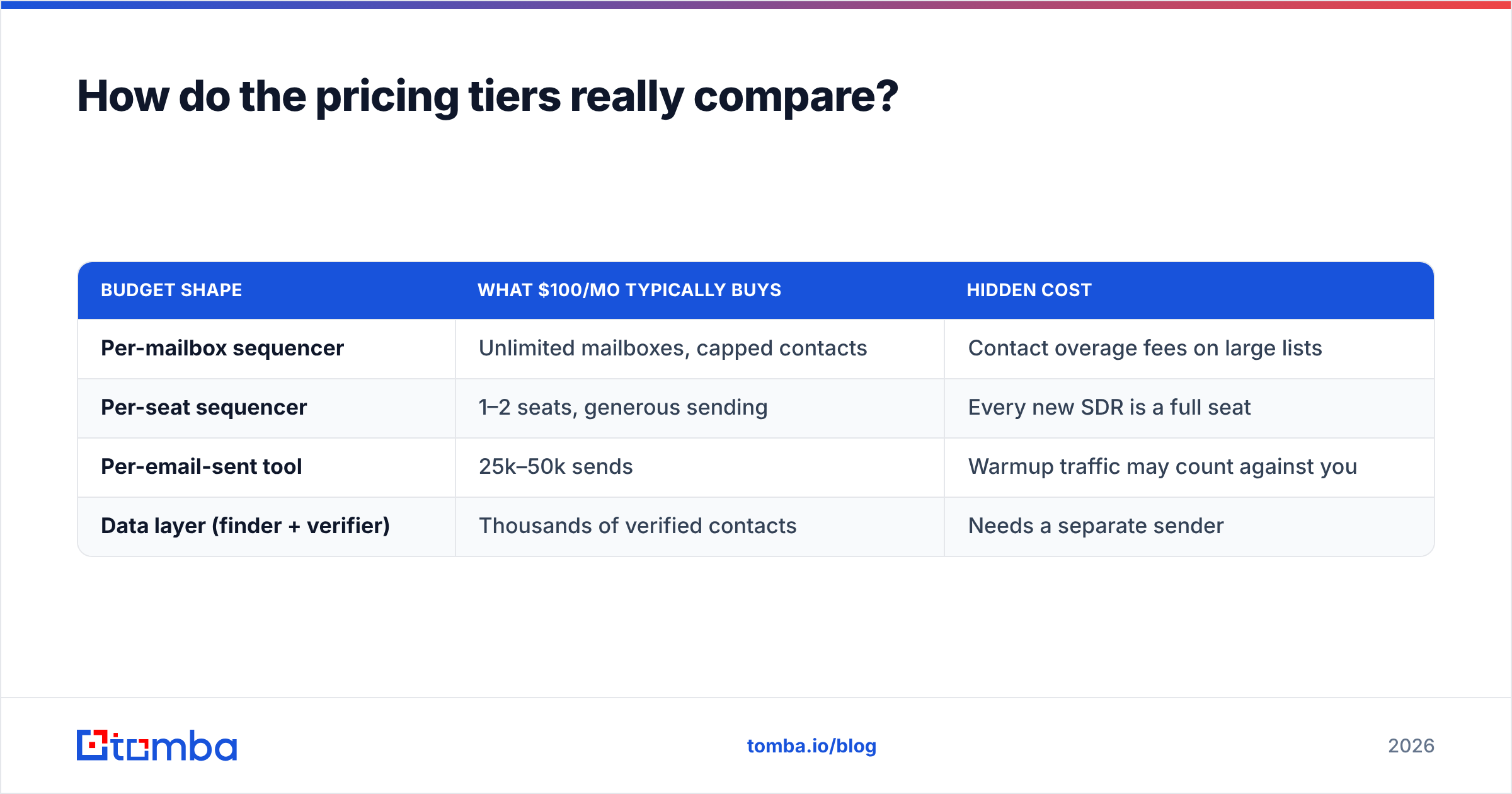
Sticker prices mislead because the units differ. Here is the same $100/mo budget spent four ways:
| Budget shape | What $100/mo typically buys | Hidden cost |
|---|---|---|
| Per-mailbox sequencer | Unlimited mailboxes, capped contacts | Contact overage fees on large lists |
| Per-seat sequencer | 1–2 seats, generous sending | Every new SDR is a full seat |
| Per-email-sent tool | 25k–50k sends | Warmup traffic may count against you |
| Data layer (finder + verifier) | Thousands of verified contacts | Needs a separate sender |
The stack most mid-market teams settle on is a per-mailbox sender plus a separate data subscription. Roughly: $40–60/mo for sending infrastructure, $49–99/mo for data. Tomba's pricing starts free at 25 searches/month, then $49/mo Starter, $99/mo Growth, and $249/mo Pro — sized so that the data half of that stack stays predictable while your sending volume flexes.
For teams that prefer to buy pre-built lists rather than search domain by domain, providers like BookYourData offer a different model — pay per verified record, no subscription. That works well for one-off campaigns into a fixed target account list; a search-and-verify API works better when your ICP shifts or you are enriching inbound signups continuously. Both approaches are legitimate; the choice is about how often your target list changes.
Which Emelia alternative fits your team?#
- You send under 5,000 emails/month, solo: Stay on Emelia or move to Woodpecker. Add a verifier and stop there.
- You run an agency with 10+ client domains: Smartlead, for sub-accounts and rotation. Budget separately for data.
- Your reply rate depends on message craft: Lemlist, and actually use the dynamic blocks.
- LinkedIn is your primary channel: La Growth Machine.
- You need programmatic enrollment from your own app: Reply.io or Smartlead for sending, plus a proper email finder API for the enrichment step.
- You are cost-constrained and pragmatic: Saleshandy for sending, free-tier verification, upgrade when volume justifies it.
What does migrating off Emelia look like?#
Plan for a week, not an afternoon.
- Export everything first. Contacts, campaign copy, reply history. Do this before you cancel anything — export access sometimes disappears with the subscription.
- Re-verify the exported list. Assume 15–30% decay if the list is over six months old. Run it through a email verifier before importing anywhere.
- Reconnect and re-warm mailboxes. Warmup reputation does not transfer between platforms. Budget 2–3 weeks of ramp before full volume. A warmup calculator will give you a realistic ramp curve rather than a guess.
- Rebuild one campaign, not all of them. Run it in parallel with Emelia for two weeks and compare reply rates on comparable segments.
- Wire the data layer last. Once sending is stable, connect enrichment so new contacts arrive pre-verified rather than getting cleaned after the fact.
- Cancel only after a full campaign cycle completes on the new platform.
Frequently asked questions#
Is Emelia GDPR compliant? Emelia is EU-based and markets GDPR alignment. Compliance is still your responsibility as the data controller — legitimate interest documentation, opt-out handling, and data retention policy are on you regardless of vendor.
Can I use two sequencers at once? Yes, and during migration you should. Just make sure the same contact is never enrolled in both — dedupe on email address before importing.
Does switching tools fix bad deliverability? No. Deliverability problems are usually list quality, domain reputation, and volume ramp — in that order. A new sequencer with the same bad list produces the same bounces. Fix the data first, then evaluate whether the tool was ever the problem.
What bounce rate should I target? Under 2% consistently. Above 5%, mailbox providers begin throttling. Verification before send is the only reliable way to hold that line.
Where to start#
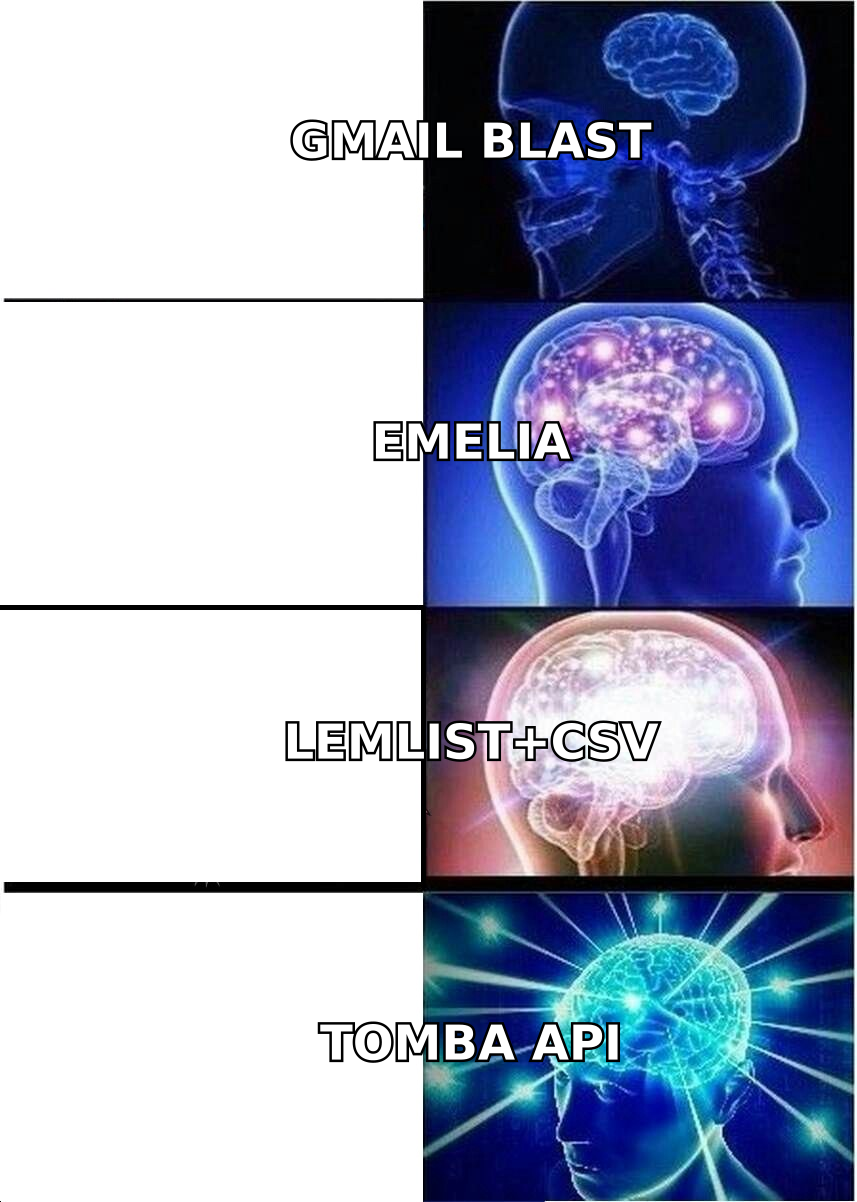
Pick your sequencer based on channel mix and volume — that is a genuine preference call, and several of the options above are excellent. But do not let the sequencer decide your data quality. The single highest-leverage change most outbound teams make is moving contact discovery and verification out of the all-in-one tool and into a dedicated layer.
Start with Tomba Email Finder: search by domain, name, or company, get a confidence score and verification status on every result, and export straight into whichever sequencer you land on. The free tier gives you 25 searches a month to test hit rate against your own ICP before you pay anything — run 25 of your hardest-to-find prospects through it and compare against whatever your current tool returns. That comparison, on your data, beats any vendor's marketing table including this one.
Related guides#
Ready to find emails that actually work?
Join 150,000+ professionals who stopped guessing and started sending. Free credits on signup — no credit card required.
Get the Tomba newsletter
Practical outbound tactics and product updates — once every two weeks.
About the author