FinalScout vs Jet Leads Pro: Which Email Finder Wins in 2026?
FinalScout leans on LinkedIn scraping and AI outreach. Jet Leads Pro sells cheap bulk credits. We break down accuracy, export limits, real cost per verified email, and when a straight API beats both.
TL;DR
- FinalScout is a LinkedIn-first email finder: you work from profiles and search results, it returns a business email and drafts outreach with AI. Strong if LinkedIn is your prospecting surface.
- Jet Leads Pro positions itself as a cheap bulk credit shop — big lists, low per-credit price, thin public documentation. Verify every claim before you commit budget.
- Neither tool wins on the metric that actually matters: cost per verified, deliverable email, after bounces and after wasted credits on catch-all domains.
- If your workflow is domain-driven (ABM lists, CRM enrichment, API calls inside a sequencer), a dedicated finder + verifier stack like Tomba at $49/mo beats both on unit economics.
- Read the export and seat terms before you read the pricing table. That is where the money leaks.
What are FinalScout and Jet Leads Pro?#
They solve the same job — turn a name and a company into a working inbox — from opposite directions.
FinalScout is a Chrome-extension-led product built around LinkedIn. You open a profile, a search result page, a group, or an event attendee list, and it extracts contacts into a workspace. Its differentiator is the AI layer: it will write a first-touch email based on the profile it just scraped. The pitch is "find and write in one motion," and for a solo founder doing 30 highly personalised touches a week, that motion is genuinely fast.
Jet Leads Pro sits in the other camp: bulk-credit lead tooling sold on price per lookup. Tools in this bracket compete on volume, not on workflow polish. Be honest about the research problem here — public, verifiable detail on Jet Leads Pro is thin compared to established vendors. There is no long G2 review history to sanity-check the marketing copy against, no published accuracy methodology, and no widely-cited API documentation. That does not make it bad. It does mean you should treat every number on its site as a claim to test, not a fact to plan around.
That asymmetry is the real story of this comparison. One tool has a clear, narrow, defensible use case. The other competes on a price you cannot yet verify.

How do you actually compare an email finder?#
Ignore the feature grid on the vendor's homepage. Five variables decide whether a tool pays for itself:
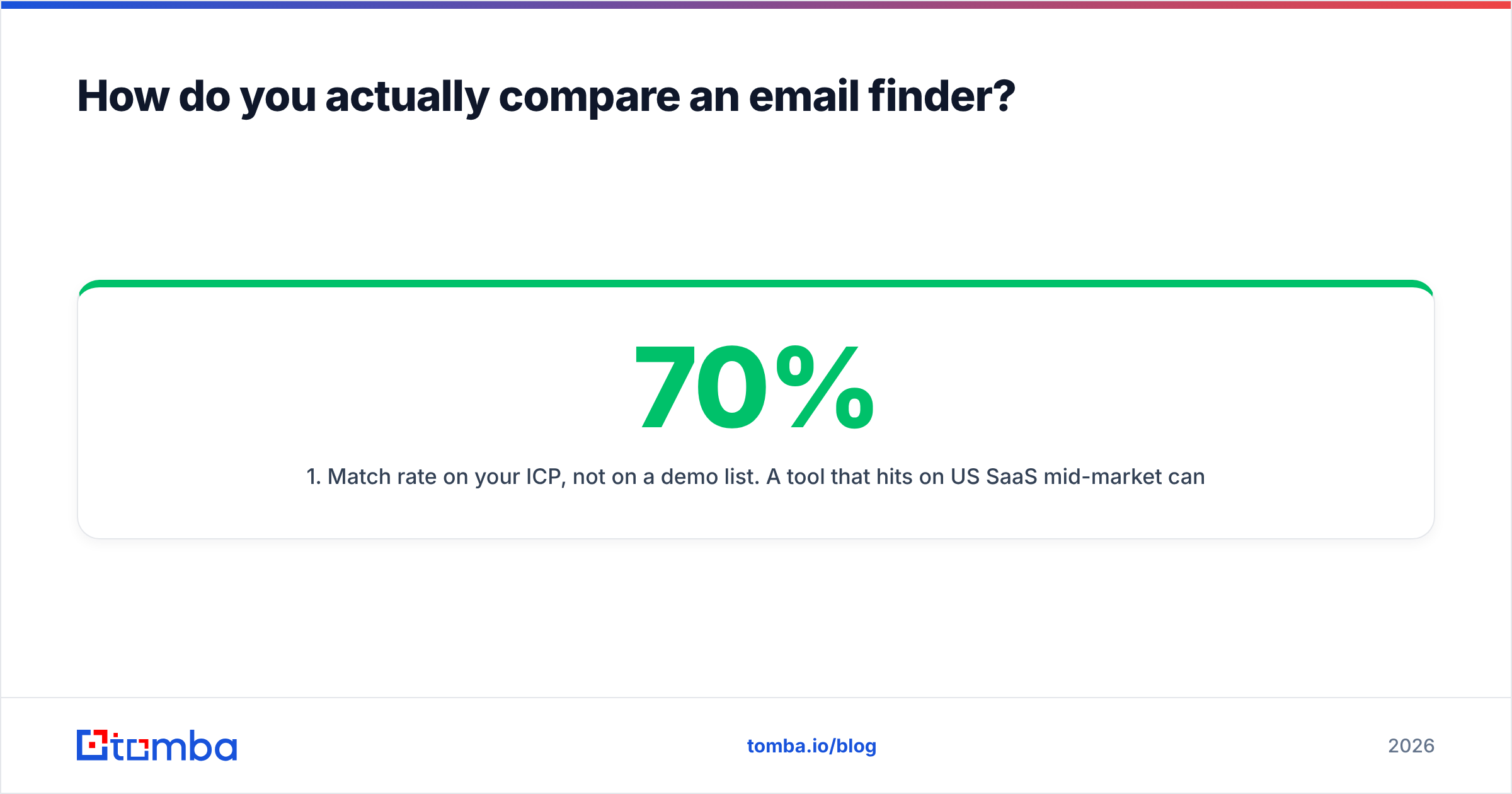
- Match rate on your ICP, not on a demo list. A tool that hits 70% on US SaaS mid-market can drop to 35% on European manufacturing or APAC logistics. Vendor-published averages are marketing artifacts. Run 100 of your accounts through a trial.
- Verification depth, not a green checkmark. Anyone can do syntax and MX checks. The money is in SMTP-level confirmation and honest handling of catch-all domains — where the server accepts everything and tells you nothing.
- Credit accounting rules. Does a failed search burn a credit? Does re-checking a contact next quarter cost again? Does a verification cost a separate credit from a find? Three vendors with identical sticker prices can differ 3x in real spend on these rules alone.
- Export and ownership. Can you get a full CSV on the entry plan, or is export gated to a higher tier? Are the contacts you found still yours if you downgrade?
- Where it plugs in. A browser extension is a human workflow. An API is a system workflow. If your SDR team enriches inside HubSpot or a sequencer, extension-only tooling forces manual copy-paste that quietly eats an hour a day.
Everything below is scored against those five.
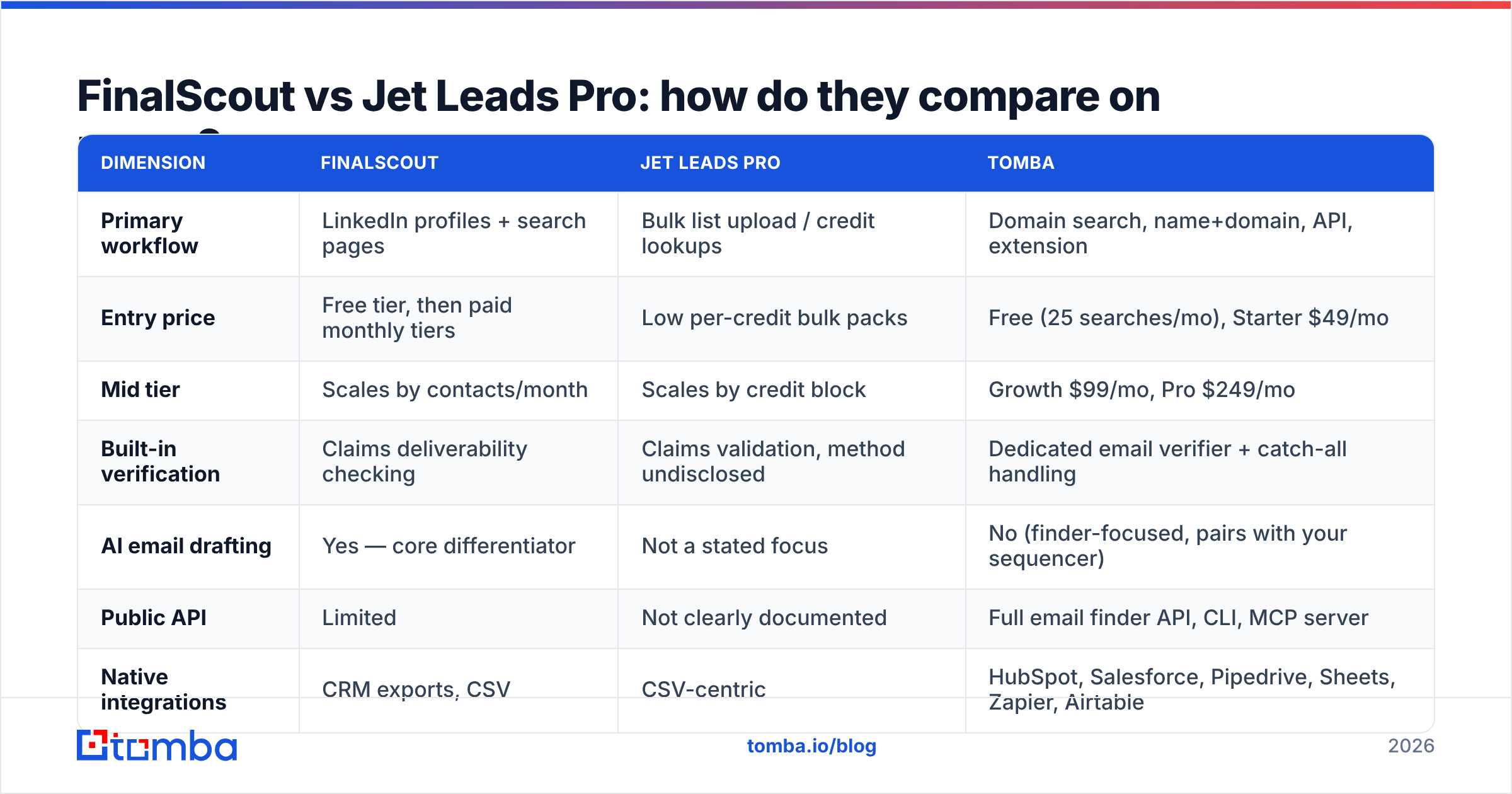
FinalScout vs Jet Leads Pro: how do they compare on paper?#
| Dimension | FinalScout | Jet Leads Pro | Tomba |
|---|---|---|---|
| Primary workflow | LinkedIn profiles + search pages | Bulk list upload / credit lookups | Domain search, name+domain, API, extension |
| Entry price | Free tier, then paid monthly tiers | Low per-credit bulk packs | Free (25 searches/mo), Starter $49/mo |
| Mid tier | Scales by contacts/month | Scales by credit block | Growth $99/mo, Pro $249/mo |
| Built-in verification | Claims deliverability checking | Claims validation, method undisclosed | Dedicated email verifier + catch-all handling |
| AI email drafting | Yes — core differentiator | Not a stated focus | No (finder-focused, pairs with your sequencer) |
| Public API | Limited | Not clearly documented | Full email finder API, CLI, MCP server |
| Native integrations | CRM exports, CSV | CSV-centric | HubSpot, Salesforce, Pipedrive, Sheets, Zapier, Airtable |
| Works without LinkedIn | Weak — LinkedIn is the surface | Yes | Yes — domain-first by design |
| Documented data sourcing | Partial | Not published | Published data sources |
Two things jump out.
First, FinalScout's value collapses outside LinkedIn. If your target list arrives as a spreadsheet of 400 company domains from a conference sponsor page, you are doing the wrong dance: search each company on LinkedIn, find the right title, scrape, repeat. A domain search answers that in one call per domain.
Second, "cheap credits" is not a price until you know the match rate. A 40%-match tool at $0.01/credit costs $0.025 per found contact. A 70%-match tool at $0.015/credit costs $0.021 — and produces fewer bounces downstream. Cheap credits with a low hit rate is the most expensive data you can buy, because the bounces also damage your sending domain.
Which one is more accurate?#
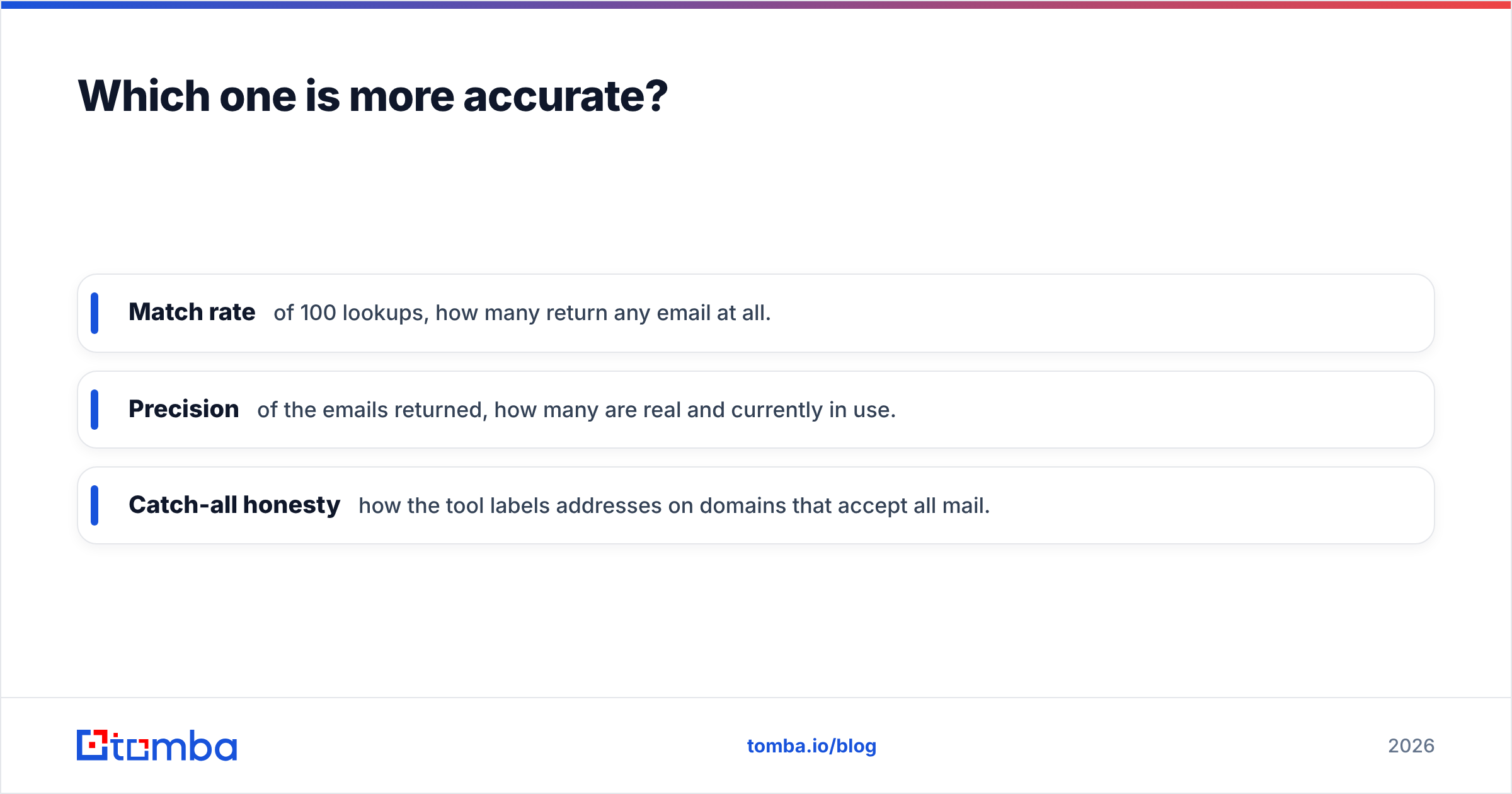
Accuracy in this category is three separate numbers that vendors blur into one:
- Match rate — of 100 lookups, how many return any email at all.
- Precision — of the emails returned, how many are real and currently in use.
- Catch-all honesty — how the tool labels addresses on domains that accept all mail.
That third one decides your bounce rate. A vendor that silently marks catch-all addresses as "valid" will show you a beautiful 95% validity score and then hand you a 12% bounce rate on send. A vendor that labels them "risky" looks worse on the dashboard and performs better in the inbox.

FinalScout's accuracy is tied to LinkedIn profile freshness — which is a genuine strength when your prospect updated their role last month, and a genuine weakness when the profile is three years stale and the person left the company. Profile currency and email currency are not the same thing.
For Jet Leads Pro, treat any headline accuracy percentage as unverified until you run your own test. Ask the vendor directly: is validation SMTP-level, and how are catch-all domains classified? A straight answer is a good sign. A deflection is a decision.
The practical move regardless of vendor: never trust a single source's verdict on a domain that accepts everything. Run the list through a dedicated catch-all verifier before it touches your sequencer. Cleaning 1,000 addresses costs less than one week of degraded sender reputation.
Is scraping LinkedIn a risk you want to carry?#
Worth saying plainly, because most comparison posts skip it. Tools that extract data from LinkedIn profiles operate against the platform's User Agreement, which prohibits automated scraping. The practical risk is not usually legal — it is account-level: restrictions and bans on the LinkedIn account doing the extracting.
That risk profile is fine for a founder using their own account for 20 lookups a day. It is a different conversation when you are asking eight SDRs to run an extension against their personal profiles as a mandated process, and one of them loses a network they spent six years building.
Domain-based finding sidesteps the question entirely. You query a company domain and a name; no platform account is exposed. If you specifically need LinkedIn-sourced contacts without hanging your team's accounts on it, a server-side LinkedIn finder is the safer shape of the same job.
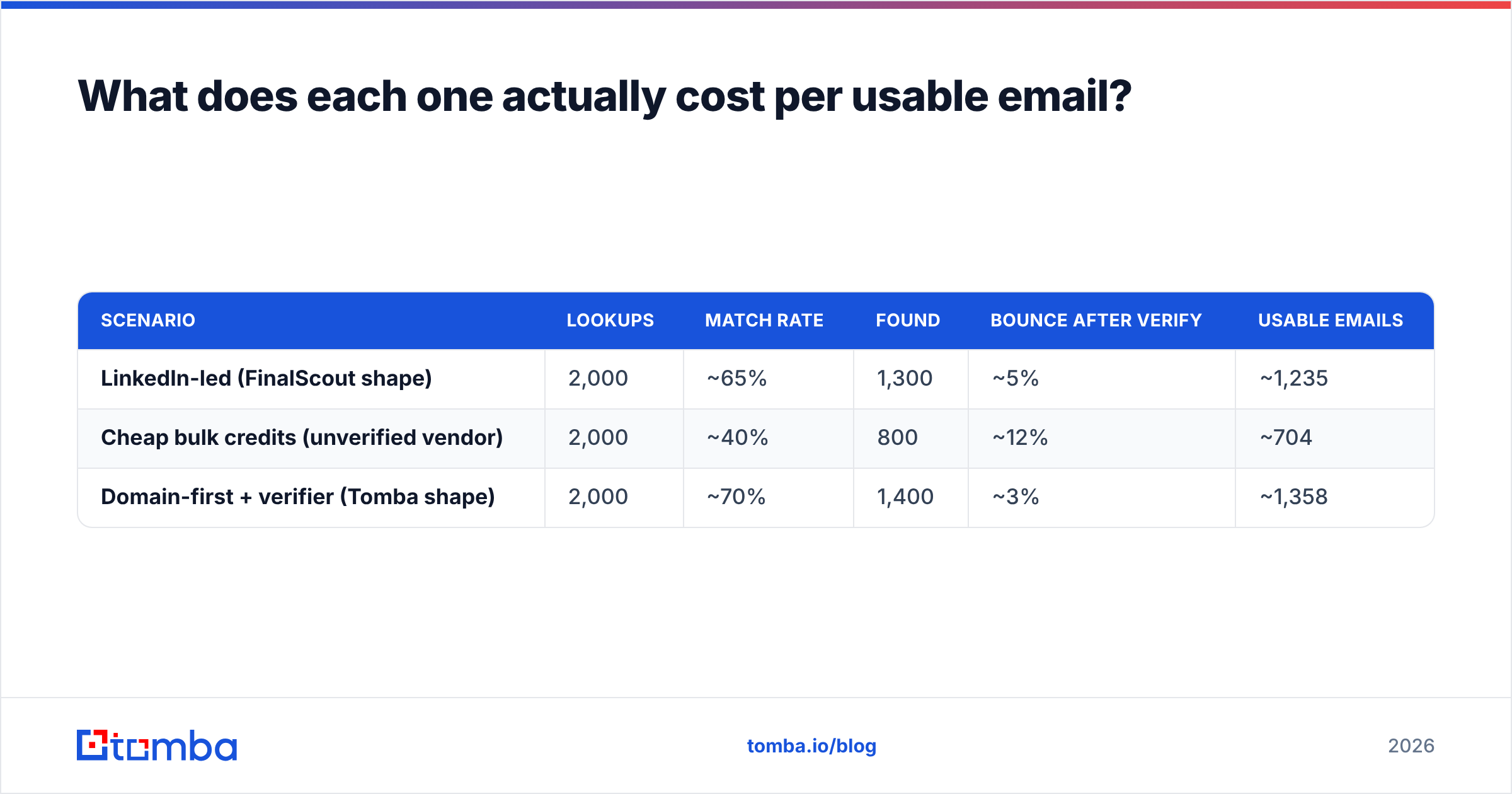
What does each one actually cost per usable email?#
Model it on 2,000 lookups a month. Plug in your own trial numbers — these are illustrative structures, not vendor quotes:
| Scenario | Lookups | Match rate | Found | Bounce after verify | Usable emails |
|---|---|---|---|---|---|
| LinkedIn-led (FinalScout shape) | 2,000 | ~65% | 1,300 | ~5% | ~1,235 |
| Cheap bulk credits (unverified vendor) | 2,000 | ~40% | 800 | ~12% | ~704 |
| Domain-first + verifier (Tomba shape) | 2,000 | ~70% | 1,400 | ~3% | ~1,358 |
The arithmetic that matters: at Tomba's Growth plan of $99/mo, ~1,358 usable emails works out near $0.073 each. A "cheaper" tool that delivers 704 usable emails has to cost under $51/mo to break even — and it still cost you 96 bounces' worth of domain reputation, which does not show up on any invoice.
That is the whole argument against buying on sticker price. Check the full Tomba pricing breakdown and run the same math against whatever quote you have in hand.


Who should pick which?#
Pick FinalScout if:
- LinkedIn Sales Navigator is where you actually live, and your list-building is manual and selective.
- You want AI-drafted first touches inside the same tool, and you will edit them rather than send raw.
- Volume is under a few hundred contacts a month and the workflow is one or two people, not a team of eight.
- You accept the account-risk tradeoff of extension-based extraction.
Pick Jet Leads Pro if:
- You have run a paid trial on your own ICP and the match rate held up.
- You got a written answer on catch-all classification and SMTP verification.
- Your use case is genuinely bulk and low-stakes — market sizing, TAM mapping — rather than reputation-sensitive outbound.
- Export is unrestricted on the tier you are buying.
Pick a domain-first stack (Tomba, or peers like BookYourData for pre-built list buying) if:
- Your lists start as company domains, not LinkedIn URLs.
- You need enrichment to run inside automation — CRM sync, sequencer, or a nightly job hitting an API.
- More than three people need access without per-seat pricing turning into a tax.
- You want the finder and the verifier from a vendor that publishes how the data is sourced.
What do most teams get wrong when switching?#
Four failure patterns show up repeatedly:
- Buying annual off a demo. The demo list is always the vendor's best territory. Buy monthly, run 200 of your own accounts, then commit.
- Skipping verification because the finder "already verifies." Finding and verifying are different jobs with different failure modes. Run them as separate steps.
- Ignoring the deduplication step. Multi-source enrichment produces the same person three times with two email formats. Clean it before it hits the CRM — a remove duplicates pass takes two minutes.
- Measuring the tool on match rate instead of reply rate. A 90% match rate on contacts who are not your buyer is worth less than a 55% match rate on the exact eight titles that close.
Track cost per reply, not cost per credit. That single change reframes most tool decisions inside a quarter.
The verdict#
FinalScout wins the narrow case: LinkedIn-native, low-volume, personalisation-heavy outreach where the AI drafting saves real time. Jet Leads Pro is a price play that needs verification before it earns a line in your budget — get the accuracy and catch-all answers in writing.
But if you zoom out, most B2B teams are not LinkedIn-only and not bulk-only. They have a target account list, a CRM, and a sequencer, and they need contacts to flow between the three without a human in the middle.
That is the job the Tomba Email Finder is built for: find by domain or by name, verify before export, push straight into HubSpot, Salesforce, Sheets, or your own stack via API. Start on the free tier — 25 searches a month, no card — and run it against the same 100 accounts you test the others on. Let your own match rate pick the winner.
Related guides#
Ready to find emails that actually work?
Join 150,000+ professionals who stopped guessing and started sending. Free credits on signup — no credit card required.
Get the Tomba newsletter
Practical outbound tactics and product updates — once every two weeks.
About the author