FinalScout vs VerifyEmail.io: Which Email Tool Wins in 2026?
One scrapes LinkedIn profiles into emails. The other only tells you if an address is real. Here's how FinalScout and VerifyEmail.io actually compare — and where each one quietly costs you pipeline.
FinalScout vs VerifyEmail.io is a strange match-up. One tool finds emails on LinkedIn. The other checks emails you already own. Below, both are compared on coverage, accuracy, price, and API access — so you can pick the right one, or skip both.
TL;DR — What's the actual difference?#
- They are not the same category. FinalScout finds and writes to contacts sourced from LinkedIn profiles. VerifyEmail.io validates addresses you already have. Comparing them head-to-head only makes sense if you're deciding which problem to solve first.
- Pick FinalScout if your prospecting starts inside LinkedIn, you work profile-by-profile, and you want AI-drafted outreach in the same tool.
- Pick VerifyEmail.io if you already own a list — from a CRM export, a form, or a scraper — and your only job is cutting the bounce rate before you send.
Two caveats most buyers miss:
- Neither covers the full loop of find at scale → verify → enrich → push to your stack. That's where a combined platform like Tomba does the work of both plus bulk and API layers.
- Cost reality: LinkedIn-based tools charge per revealed profile, verifiers charge per checked address. Run the same 5,000-contact month through both and you pay twice for one workflow.
What is FinalScout and who is it built for?#
FinalScout is a LinkedIn-first email finder wrapped around a Chrome extension. You browse a profile, a Sales Navigator list, or a LinkedIn group, and it returns a business email for the person in front of you. Its second selling point is AI-generated outreach: it reads the profile and drafts a personalized cold email so you never leave the tab.
That workflow suits a very specific buyer. If you are an SDR working 40 profiles a day, a recruiter sourcing candidates, or a founder doing manual, high-touch prospecting, the value is obvious — you never break flow. The extension is the product, and the browser is the interface.
The limits are equally specific. Everything is anchored to a LinkedIn profile existing and being visible to your account. No profile, no email. That means:
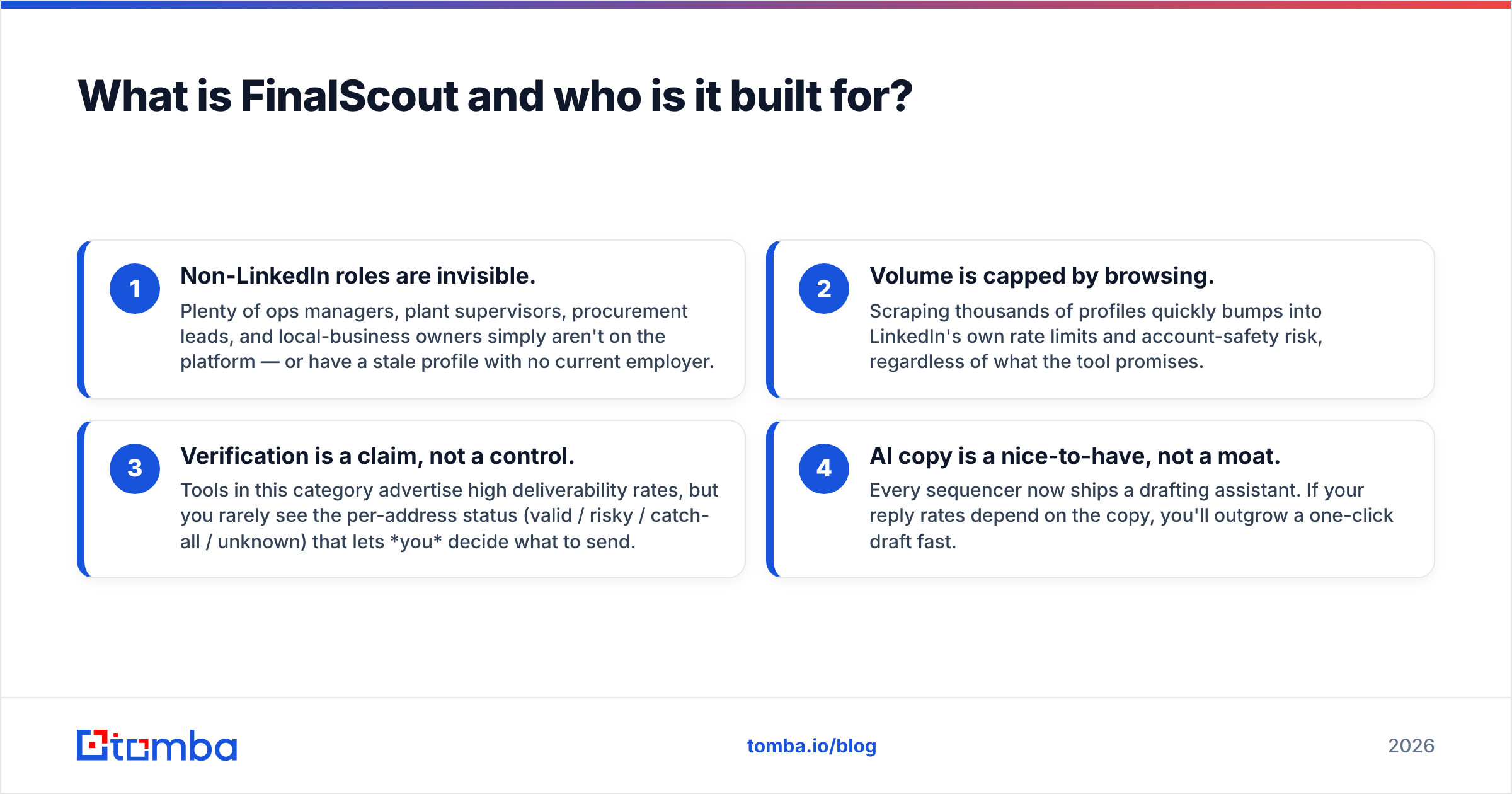
- Non-LinkedIn roles are invisible. Plenty of ops managers, plant supervisors, procurement leads, and local-business owners simply aren't on the platform — or have a stale profile with no current employer.
- Volume is capped by browsing. Scraping thousands of profiles quickly bumps into LinkedIn's own rate limits and account-safety risk, regardless of what the tool promises.
- Verification is a claim, not a control. Tools in this category advertise high deliverability rates, but you rarely see the per-address status (valid / risky / catch-all / unknown) that lets you decide what to send.
- AI copy is a nice-to-have, not a moat. Every sequencer now ships a drafting assistant. If your reply rates depend on the copy, you'll outgrow a one-click draft fast.

What is VerifyEmail.io and what does it actually do?#
VerifyEmail.io sits on the other side of the funnel. It doesn't find anything. You feed it addresses — one at a time, as a CSV, or through an API call — and it tells you whether each one is deliverable, invalid, disposable, role-based (like info@ or sales@), or sitting on a catch-all domain that won't confirm anything.
That's a genuinely important job. Mailbox providers judge you on hard-bounce rate, and a single dirty import can drag your sender reputation down for weeks. A verifier is the cheapest insurance in outbound.
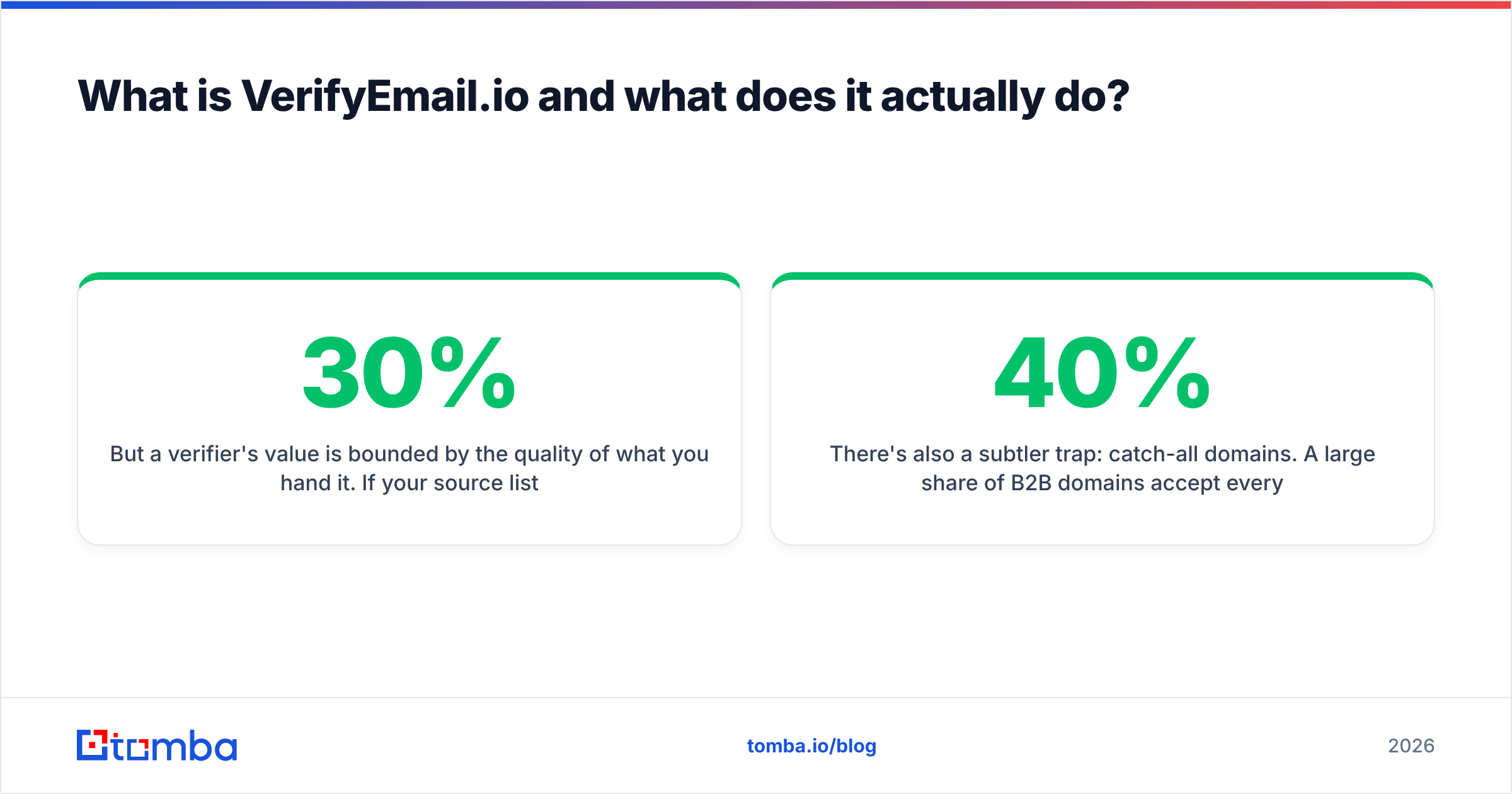
But a verifier's value is bounded by the quality of what you hand it. Say your source list is 30% guessed permutations. Verification will faithfully delete that 30% and hand you back a smaller list. It won't find the correct addresses for the people you lost. Verification is subtraction. Finding is addition. You need both, in that order: find, then verify, then send.
There's also a subtler trap: catch-all domains. A large share of B2B domains accept every address at the SMTP layer. The verifier then returns "unknown" or "accept-all" and quietly hands the risk back to you. How a tool handles that bucket matters more than its headline accuracy number, because for many enterprise lists the catch-all bucket is 20–40% of the file. A dedicated catch-all verifier uses extra signals instead of dumping those rows into a shrug.

FinalScout vs VerifyEmail.io: which one is better?#
Wrong question — but here's the honest answer to the question underneath it: whichever one you're missing is the better buy.
If you have a list and you're bouncing, buy verification. If you have a target account list and no contacts, buy finding. If you have neither, you need a platform, not a point tool.
Where the comparison does get real is on the dimensions that survive a procurement review: coverage, per-address confidence, pricing model, integration surface, and what happens when you need 10,000 contacts instead of 100.
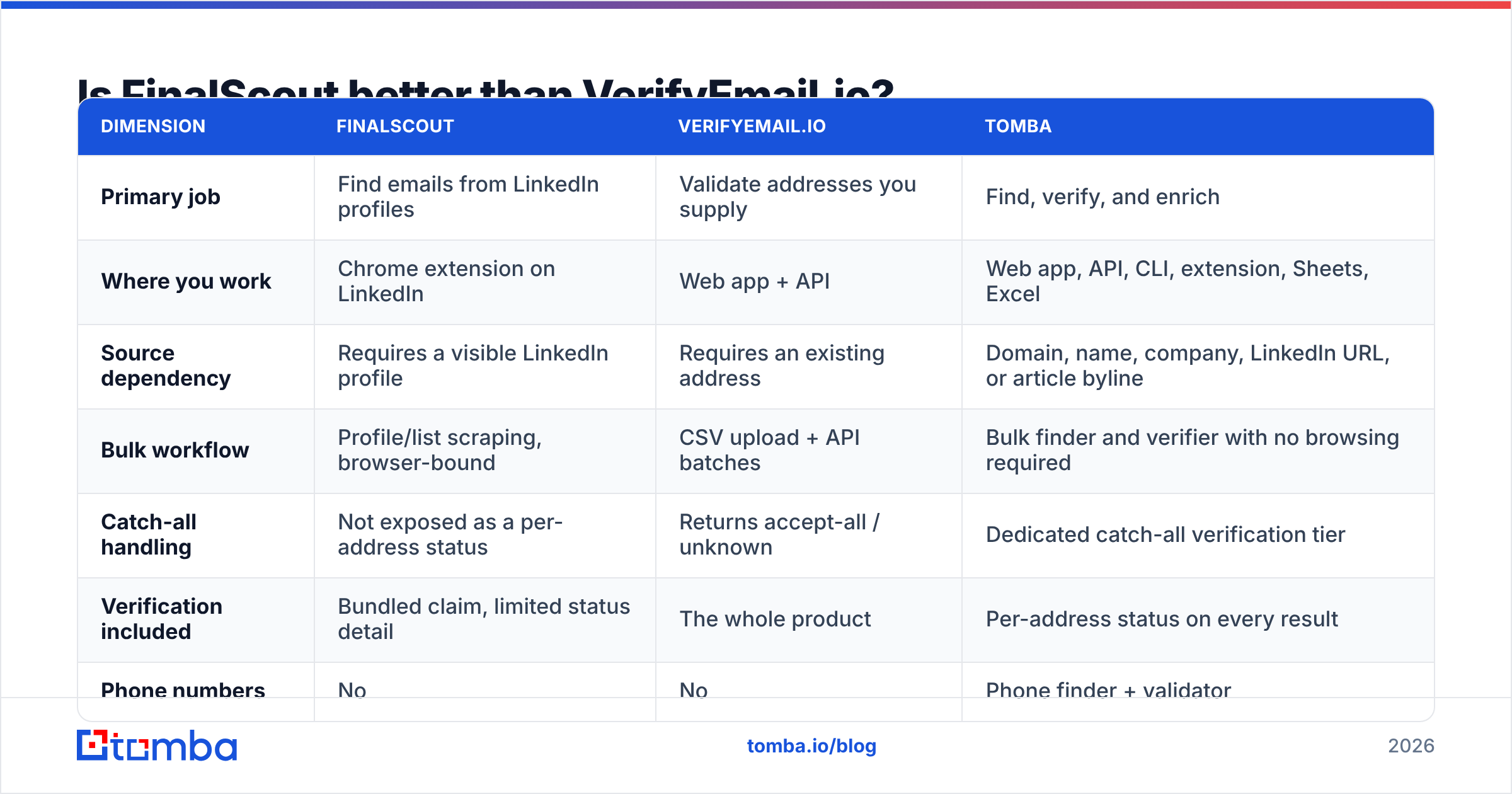
| Dimension | FinalScout | VerifyEmail.io | Tomba |
|---|---|---|---|
| Primary job | Find emails from LinkedIn profiles | Validate addresses you supply | Find, verify, and enrich |
| Where you work | Chrome extension on LinkedIn | Web app + API | Web app, API, CLI, extension, Sheets, Excel |
| Source dependency | Requires a visible LinkedIn profile | Requires an existing address | Domain, name, company, LinkedIn URL, or article byline |
| Bulk workflow | Profile/list scraping, browser-bound | CSV upload + API batches | Bulk finder and verifier with no browsing required |
| Catch-all handling | Not exposed as a per-address status | Returns accept-all / unknown | Dedicated catch-all verification tier |
| Verification included | Bundled claim, limited status detail | The whole product | Per-address status on every result |
| Phone numbers | No | No | Phone finder + validator |
| AI outreach drafting | Yes, built in | No | Separate free copy tools |
| Free tier | Small monthly allowance | Small credit trial | 25 searches/mo |
| Entry paid tier | Roughly $30–$40/mo range (check vendor) | Credit packs, pay-as-you-go | $49/mo Starter |
| API access | Limited | Yes — verification only | Full find + verify + enrich API |
| Best for | Manual 1:1 LinkedIn prospecting | Cleaning a list before send | Running the whole pipeline in one place |
Two notes on that table. First, pricing on both tools moves — treat the ranges as directional and confirm on the vendors' own pages before you commit budget; Tomba pricing is the one column I can state with certainty (Free, $49 Starter, $99 Growth, $249 Pro, Enterprise custom). Second, "API access" is where point tools diverge hardest from platforms. A verification-only API means your engineering team still has to source the addresses somewhere else.

How should you actually evaluate accuracy claims?#
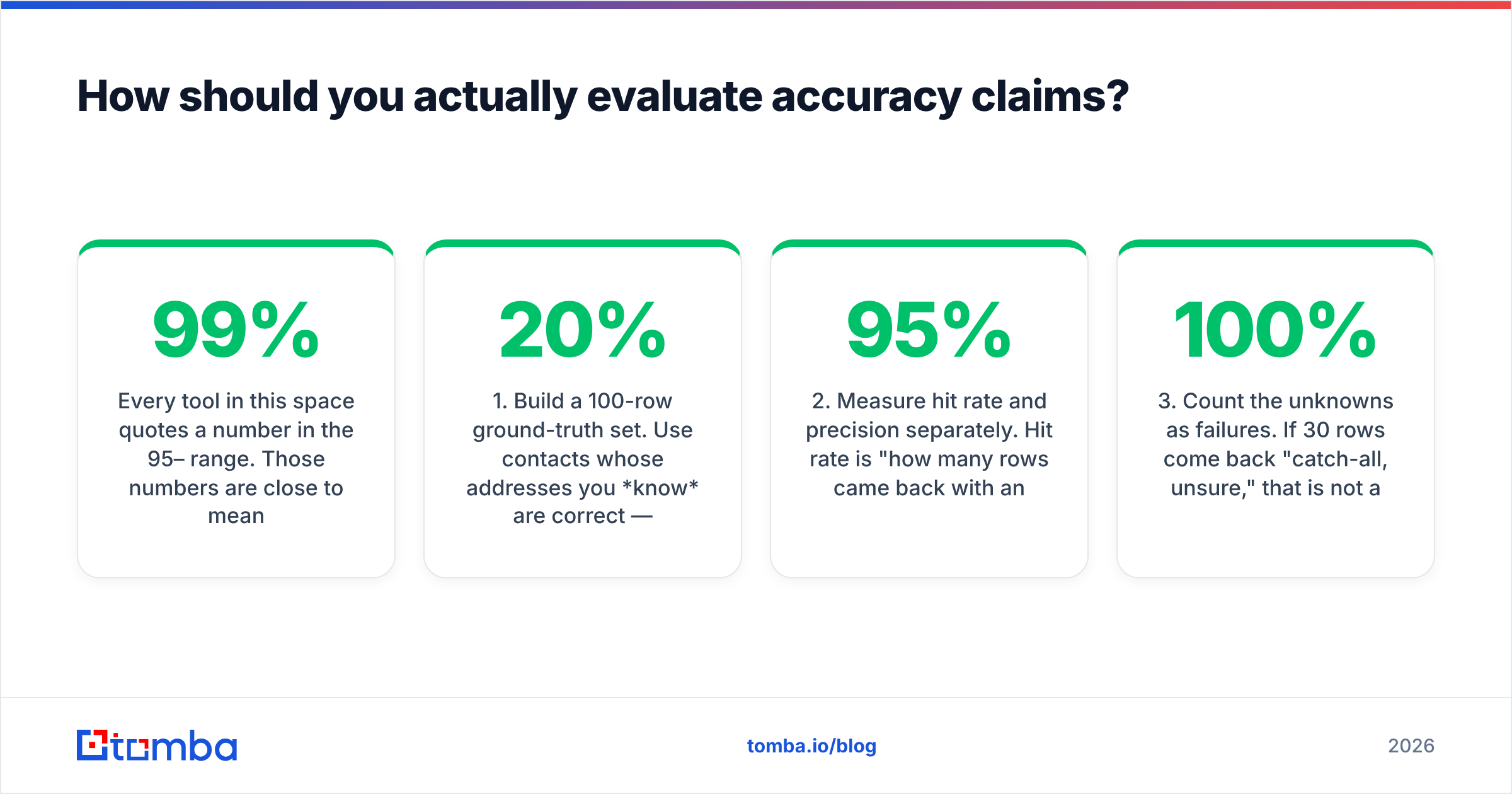
Every tool in this space quotes a number in the 95–99% range. Those numbers are close to meaningless as published, because vendors define the denominator differently. Here's how to test it yourself in an afternoon:
- Build a 100-row ground-truth set. Use contacts whose addresses you know are correct — past customers, partners, people who've replied to you. Mix industries, company sizes, and at least 20% non-US domains.
- Measure hit rate and precision separately. Hit rate is "how many rows came back with an address." Precision is "of those, how many matched the known-good address." A tool at 95% hit rate and 70% precision is worse than one at 60% and 98%.
- Count the unknowns as failures. If 30 rows come back "catch-all, unsure," that is not a 100% result. Score them as misses, because that's how they behave in your sequencer.
The next three steps are about time and evidence, not tooling:
- Send a real 200-address test. Run the survivors through a genuine campaign and read the bounce log. Nothing on a vendor's dashboard beats a Postmaster report.
- Re-test in 90 days. B2B data decays roughly 2–3% per month as people change jobs. A tool that wins on freshness today can lose on refresh cadence.
- Read third-party reviews with dates attached. Filter G2 reviews to the last six months only. Anything older describes a product that has since changed twice.
That process also exposes something vendors won't tell you: your own list hygiene is usually the bigger variable. If you're importing scraped addresses, no verifier can rescue precision you never had. Start with a real email finder and the verification step becomes confirmation rather than triage.

What does each tool cost you at real volume?#
Point tools look cheap at 100 contacts and get expensive fast at 5,000. Run the math on a realistic month.
Say your team needs 5,000 verified contacts. With a LinkedIn-based finder, you pay per revealed profile and burn SDR hours browsing. That human time is the hidden line item, and it usually costs more than the subscription. With a standalone verifier, you pay per checked address, including the 20–30% you'll discard. Stack them and you've bought two subscriptions, two logins, two support queues, and a CSV shuttle between them.
The consolidation argument isn't just about invoice size. It's about the shuttle. Every manual export-import step is a place where fields get mangled, duplicates creep in, and someone emails a contact twice. Automated hand-offs through a HubSpot integration or the Tomba API remove the step entirely rather than optimizing it.
Also budget for the thing nobody quotes: compliance overhead. If you sell into the EU or UK, your data source and lawful-basis documentation matter as much as accuracy. Vendors that publish where their data comes from make that review a 20-minute task. Vendors that don't make it a legal conversation.
Which one should you choose in 2026?#
Decide by workflow shape, not feature count. FinalScout vs VerifyEmail.io comes down to which half of the job you already own:
- You prospect one profile at a time inside LinkedIn, under 500 contacts a month, and you want copy drafted for you. FinalScout is a reasonable fit. Its whole design serves that motion.
- You already have a large list from forms, events, or a CRM migration, and your only metric is bounce rate. VerifyEmail.io does exactly that job and nothing you don't need. Pair it with a real sourcing step or you'll just be shrinking lists forever.
And two cases where neither point tool is enough:
- You need repeatable volume, per-address confidence, phone numbers, and something your engineers can call from a script. You want a platform with domain search, bulk processing, contact enrichment, and verification in one credit pool.
- You're building an agent or internal tool. Check for an MCP server and CLI before anything else. A verification-only API forces you to bolt on a second vendor for sourcing on day one.
One last framing that saves teams money: the tool is rarely the bottleneck. Deliverability is a system — authentication, warmed domains, sane volume, list quality, and copy that earns replies. A verifier fixes one input. A finder fixes another. Neither fixes a domain with no SPF record, or a sequence that opens with "I hope this email finds you well." Run a free SPF checker and a spam checker on your current setup before you blame your data vendor.
Where does Tomba fit?#
Honestly: Tomba overlaps both tools rather than replacing a single one. It won't draft your cold email inside LinkedIn the way FinalScout does. And if all you ever need is a raw verification API, a specialist verifier is a legitimate choice.
The FinalScout vs VerifyEmail.io debate assumes you must live with a seam between finding and checking. Tomba removes it. One search finds the address, the same call returns its verification status, and catch-all domains get their own handling instead of a shrug. Results flow out through the API, CLI, Chrome extension, Google Sheets, or your CRM without a CSV in the middle. Coverage isn't limited to people who keep their LinkedIn current, because searches can start from a domain, a company name, a name, or an article byline.
Start with the Tomba Email Finder. The free tier gives you 25 searches a month — enough to run the 100-row ground-truth test described above against whatever you're using today. If precision wins, Starter is $49/mo. If it doesn't, you've learned something useful for free. Either way, test with your own list, not a vendor's demo.
Related guides#
Ready to find emails that actually work?
Join 150,000+ professionals who stopped guessing and started sending. Free credits on signup — no credit card required.
Get the Tomba newsletter
Practical outbound tactics and product updates — once every two weeks.
About the author