Finder.io vs ZoomInfo (2026): Which B2B Data Tool Wins?
One is a $15/seat email finder bundled with 50 other apps. The other is a five-figure enterprise data platform with a 12-month contract. Here is how Finder.io and ZoomInfo actually compare on cost, accuracy, and exit terms in 2026.
TL;DR
- Finder.io (by 500apps) is a low-cost email finder sold inside a 50-app bundle. Expect roughly $15/user/month list pricing, basic domain search, bulk lookup, and verification — and expect coverage gaps outside large, well-indexed companies.
- ZoomInfo is an enterprise sales-intelligence platform: firmographics, intent data, org charts, direct dials, and deep CRM sync. It does not publish pricing, and reported contracts commonly land in the five figures per year with a 12-month minimum.
- These two tools are not really competitors. Finder.io competes on price per lookup. ZoomInfo competes on everything you can do after the lookup.
- Most teams under 20 reps overbuy when they sign ZoomInfo and undershoot when they buy Finder.io. The gap in the middle — high-accuracy email finding, verification, and API access at a predictable monthly price — is where tools like Tomba sit.
- Whichever you pick: verify before you send. Every provider on this list ships some stale data, and bounce rate is your problem, not theirs.
What is Finder.io and who is it for?#
Finder.io is the email-finding module inside the 500apps suite. Its pitch is bluntness itself: you get an email finder, an email verifier, a domain search, and bulk processing for roughly the price of two coffees per user per month — because the same subscription also unlocks dozens of unrelated apps (CRM, helpdesk, project management, and so on).
That bundling is the whole story. Finder.io is not built to be the best email finder on the market; it is built to make the bundle look like an obvious deal. If you are already paying for 500apps, the marginal cost of using its finder is effectively zero. If you are not, you are buying a suite to get one tool.
What it does well:
- Cheap per-seat pricing. Hard to beat on a raw cost-per-user basis.
- Basic bulk workflows. Upload a CSV of domains and names, get emails back.
- Bundled verification. You do not need a separate verifier subscription for light volume.
Where it struggles:
- Coverage depth. Small companies, non-US domains, and freshly hired contacts are where budget finders thin out fastest.
- API maturity. Documentation and rate limits are lighter than what engineering-led teams expect.
- Support and roadmap. A single module inside a 50-app suite rarely gets dedicated attention.
What is ZoomInfo and what are you actually buying?#
ZoomInfo is not an email finder. Calling it one is like calling a hospital a thermometer store. Emails are one field in a much larger record that includes company revenue, headcount, tech stack, funding, org hierarchy, direct dial phone numbers, intent signals from its content network, and — through its Copilot and workflow layers — recommendations about who to contact and when.
You buy ZoomInfo for four reasons, in roughly this order:
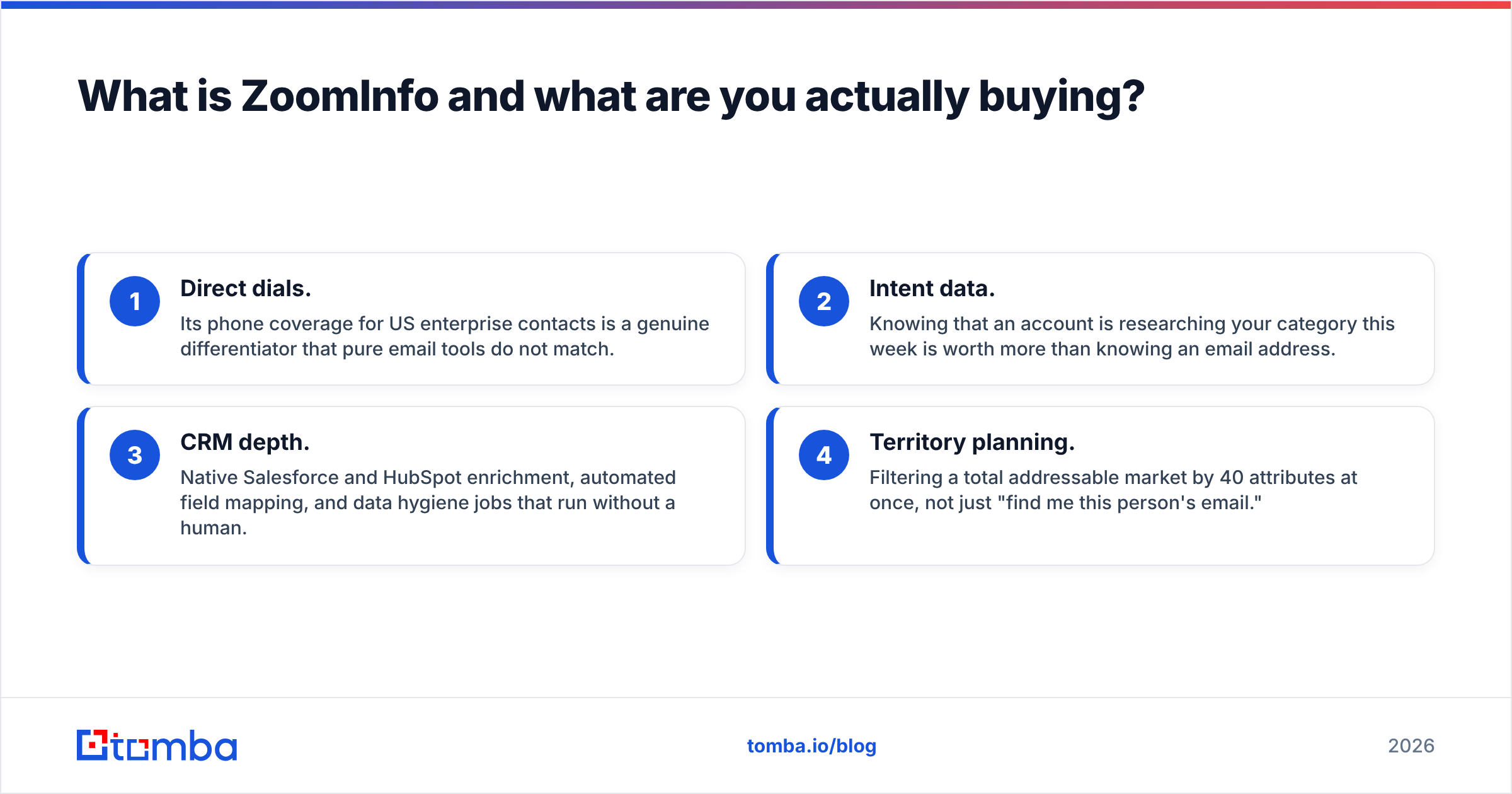
- Direct dials. Its phone coverage for US enterprise contacts is a genuine differentiator that pure email tools do not match.
- Intent data. Knowing that an account is researching your category this week is worth more than knowing an email address.
- CRM depth. Native Salesforce and HubSpot enrichment, automated field mapping, and data hygiene jobs that run without a human.
- Territory planning. Filtering a total addressable market by 40 attributes at once, not just "find me this person's email."
The counterweight is commercial. ZoomInfo sells annual contracts with credit allotments, seat minimums, and — this is the part buyers report most often on G2 — auto-renewal clauses that require written notice inside a specific window. Budget for the contract, not the monthly equivalent you calculated in your head.

How do Finder.io and ZoomInfo compare head to head?#
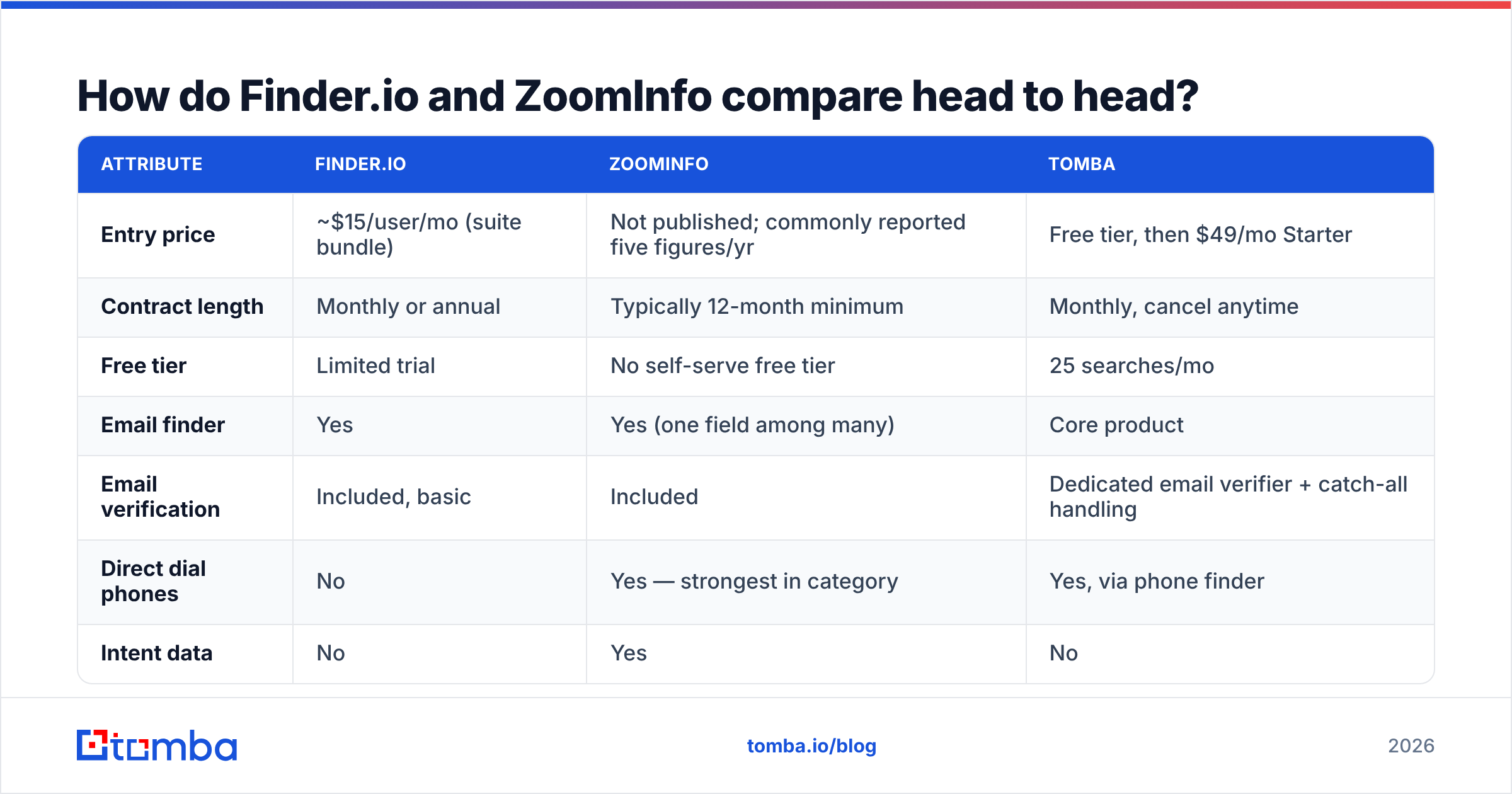
Here is the honest side-by-side. Pricing for ZoomInfo is not published; the figures below reflect what buyers commonly report on review sites and should be treated as a planning range, not a quote.
| Attribute | Finder.io | ZoomInfo | Tomba |
|---|---|---|---|
| Entry price | ~$15/user/mo (suite bundle) | Not published; commonly reported five figures/yr | Free tier, then $49/mo Starter |
| Contract length | Monthly or annual | Typically 12-month minimum | Monthly, cancel anytime |
| Free tier | Limited trial | No self-serve free tier | 25 searches/mo |
| Email finder | Yes | Yes (one field among many) | Core product |
| Email verification | Included, basic | Included | Dedicated email verifier + catch-all handling |
| Direct dial phones | No | Yes — strongest in category | Yes, via phone finder |
| Intent data | No | Yes | No |
| Org charts / firmographics | Minimal | Extensive | Company-level enrichment |
| API access | Basic | Yes, enterprise-tier | Full email finder API on all paid plans |
| Bulk processing | Yes | Yes | Yes, via bulk email finder |
| Best fit | Solo founders, cost-first teams | Enterprise SDR orgs, RevOps | SMB and mid-market outbound, developers |
Read that table twice and the shape of the decision becomes clear: Finder.io and ZoomInfo answer different questions. Finder.io answers "what is this person's email?" ZoomInfo answers "which 400 accounts should I work this quarter, who are the seven people involved, and what are their phone numbers?"
If you only need the first answer, ZoomInfo is a five-figure way to buy it.
Which one has better data accuracy?#
Accuracy is the only metric that survives contact with a real campaign, and it is measured in two numbers: hit rate (what percentage of your input list returns an address) and bounce rate (what percentage of returned addresses fail on send).
The two move in opposite directions. A provider can inflate hit rate by guessing patterns — first.last@domain.com — and shipping unverified guesses. Your hit rate looks fantastic and your bounce rate destroys your sender reputation three weeks later.

How the two tools tend to behave in practice:
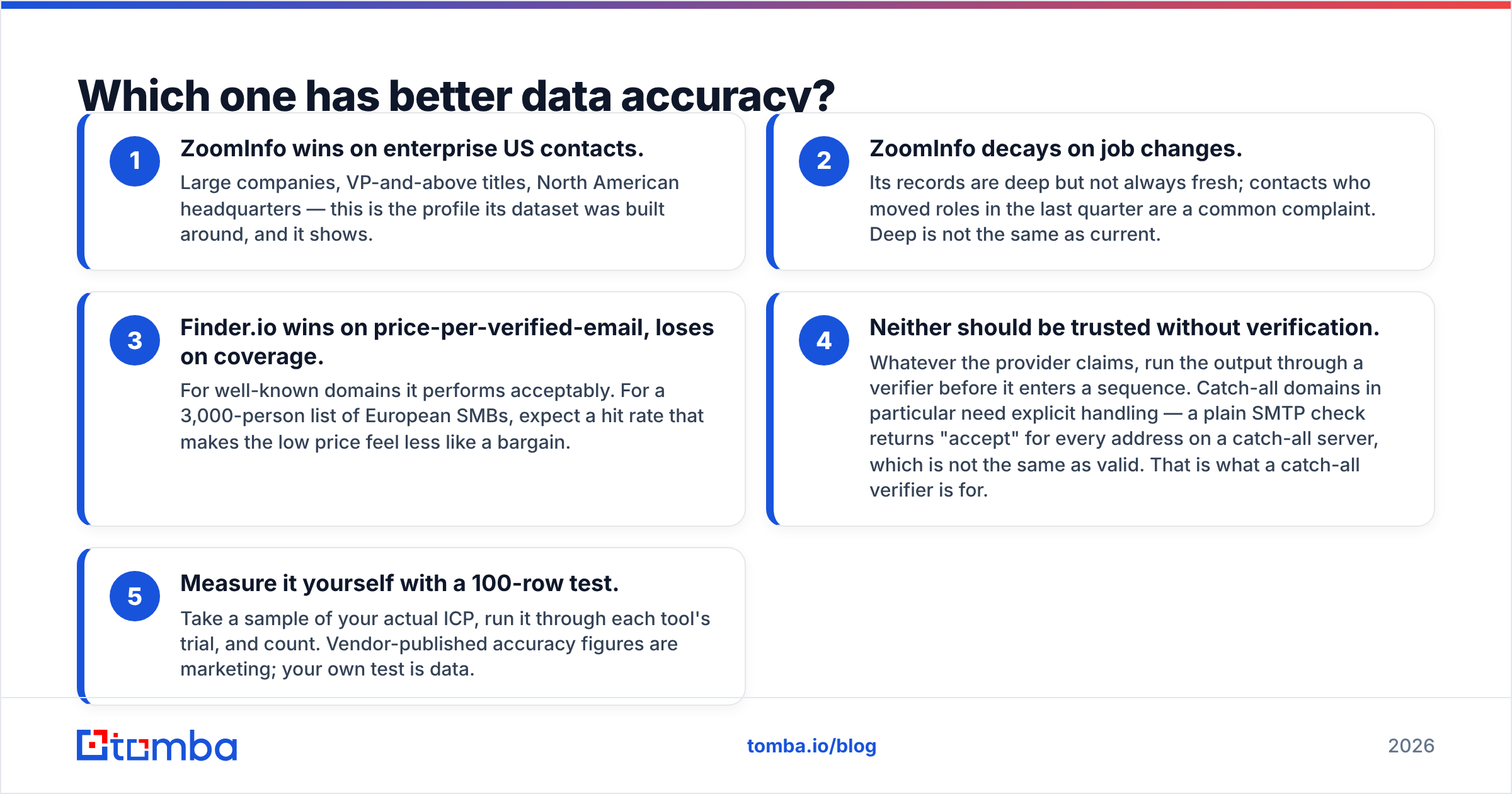
- ZoomInfo wins on enterprise US contacts. Large companies, VP-and-above titles, North American headquarters — this is the profile its dataset was built around, and it shows.
- ZoomInfo decays on job changes. Its records are deep but not always fresh; contacts who moved roles in the last quarter are a common complaint. Deep is not the same as current.
- Finder.io wins on price-per-verified-email, loses on coverage. For well-known domains it performs acceptably. For a 3,000-person list of European SMBs, expect a hit rate that makes the low price feel less like a bargain.
- Neither should be trusted without verification. Whatever the provider claims, run the output through a verifier before it enters a sequence. Catch-all domains in particular need explicit handling — a plain SMTP check returns "accept" for every address on a catch-all server, which is not the same as valid. That is what a catch-all verifier is for.
- Measure it yourself with a 100-row test. Take a sample of your actual ICP, run it through each tool's trial, and count. Vendor-published accuracy figures are marketing; your own test is data.
That last point matters more than any comparison article, including this one. A tool with 92% accuracy on the Fortune 500 and 40% on German manufacturing SMBs is a great tool or a useless one depending entirely on who you sell to.
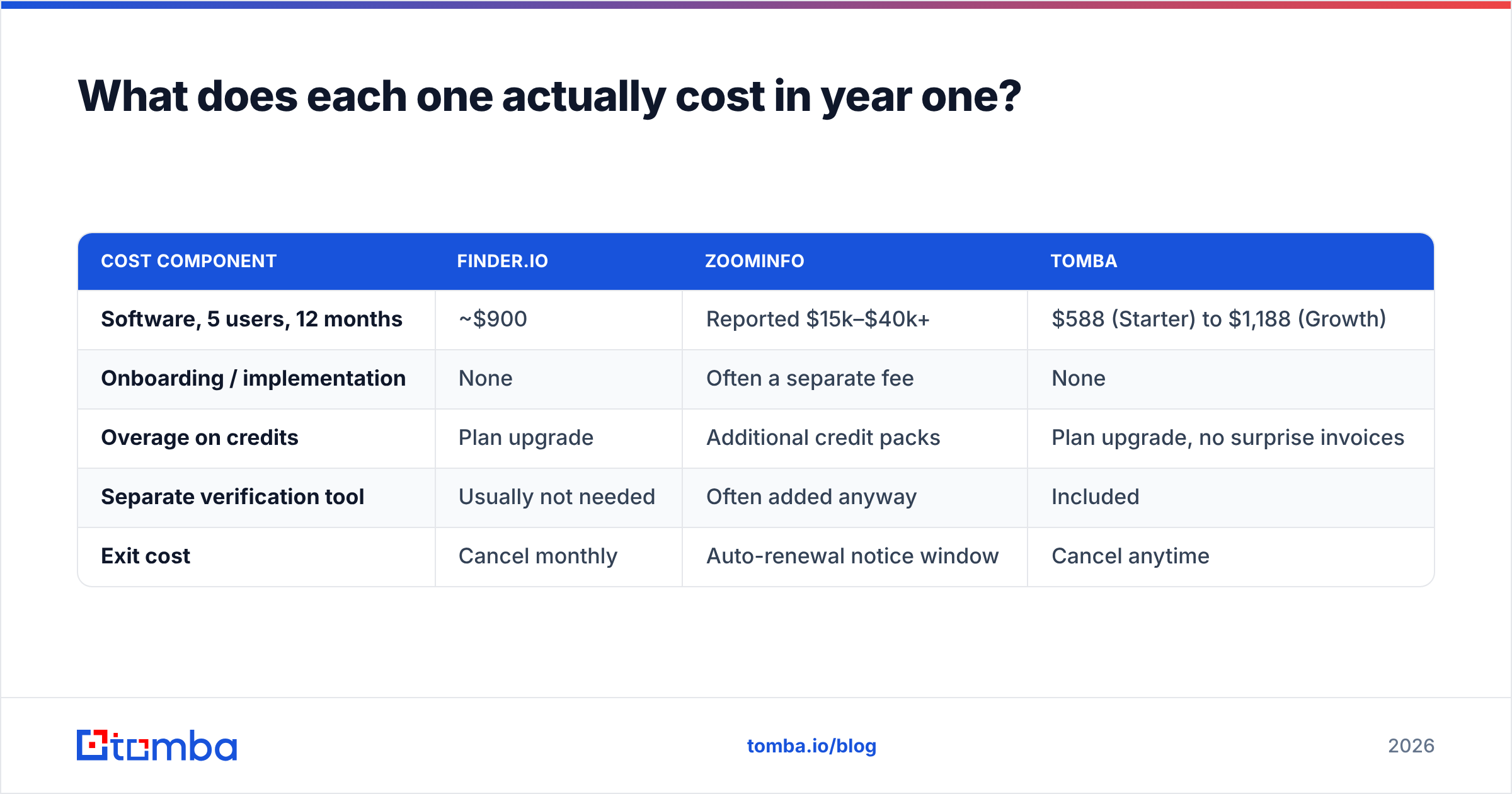
What does each one actually cost in year one?#
Build the comparison on total cost of ownership, not sticker price.
| Cost component | Finder.io | ZoomInfo | Tomba |
|---|---|---|---|
| Software, 5 users, 12 months | ~$900 | Reported $15k–$40k+ | $588 (Starter) to $1,188 (Growth) |
| Onboarding / implementation | None | Often a separate fee | None |
| Overage on credits | Plan upgrade | Additional credit packs | Plan upgrade, no surprise invoices |
| Separate verification tool | Usually not needed | Often added anyway | Included |
| Exit cost | Cancel monthly | Auto-renewal notice window | Cancel anytime |
Tomba pricing is included for reference because it occupies the band both other tools skip: Free (25 searches/month), Starter at $49/month, Growth at $99/month, Pro at $249/month, and custom Enterprise. There is no contract and no implementation fee.
The number that surprises buyers is not the ZoomInfo license — it is the exit. Teams that decide in month four that they overbought still pay through month twelve, and several report missing the cancellation notice window and paying for a second year. Read the renewal clause before you read the feature list.

When is ZoomInfo genuinely worth the money?#
Do not read the price warnings as a verdict. ZoomInfo is worth it under specific conditions, and when those conditions hold, nothing cheaper is a real substitute:
- You run 15+ SDRs and per-seat efficiency gains compound into real revenue.
- Phone is a primary channel. If your motion is cold calling, direct dial coverage is the product, and budget finders simply do not have it.
- You have a RevOps function that will actually configure enrichment jobs, dedupe rules, and territory logic. Without that person, you are paying enterprise prices for a search box.
- Intent data changes your prioritization. If your reps will genuinely reorder their day based on surge signals, that is a feature you cannot buy in a $15/month tool.
- Your CRM is the system of record and you need clean, continuously refreshed fields flowing into Salesforce or HubSpot without human intervention.
If three or more of those describe you, run the ZoomInfo evaluation properly and negotiate hard on seats and credits.
When is Finder.io the right call?#
Finder.io makes sense when the following are all true:
- You are a solo founder, a two-person agency, or a side project, and monthly software spend is a real constraint.
- Your targets are well-known companies with predictable email patterns.
- Your volume is low enough that a mediocre hit rate is annoying rather than fatal.
- You want the rest of the 500apps bundle anyway, so the finder is effectively free.
If you only want the finder and none of the other 49 apps, you are paying a bundling tax in complexity — a separate login, a separate roadmap, and a tool nobody at the vendor is optimizing.
What are the alternatives in the middle?#
Most teams sit between these two poles: they need better data than a bundled budget tool, and they do not need — or cannot afford — an enterprise platform.
Options worth evaluating in that band:
- Tomba — email finder, email verifier, domain search, catch-all verification, phone finder, and enrichment, with API access on every paid plan and a free tier to test with. Starts at $49/month with no contract.
- BookYourData — a pay-as-you-go B2B contact database with strong accuracy guarantees, well suited to teams that want to buy a list outright rather than subscribe to a lookup tool. A solid choice if your buying pattern is periodic rather than continuous.
- Apollo — combines a contact database with a sequencer; good if you want data and sending in one place, though data depth trails ZoomInfo. See our notes on Apollo alternatives.
- Clearbit / enrichment-first tools — better if your primary need is enriching inbound signups rather than sourcing outbound lists.

How should you run the evaluation?#
Four steps, one week, no vendor calls required until step four:
- Build a 100-row benchmark list from your actual pipeline — real companies, real titles, mixed geographies. Include 20 rows where you already know the correct email; those are your ground truth.
- Run the list through every trial you can get. Record hit rate, and separately record how many of your 20 known-correct rows came back correct.
- Verify every returned address with an independent checker before you count it as a win. Use a free email checker or a bulk verification pass so the numbers are not self-reported by the tool that produced them.
- Only then take the sales call, with your own numbers in hand. A benchmark table changes the negotiation from "what does it cost" to "what does it cost given that your hit rate on my ICP was 61%."
That process takes an afternoon and routinely saves five figures.
The verdict: Finder.io vs ZoomInfo in 2026#
ZoomInfo wins if you are an enterprise sales org with a RevOps team, a phone-heavy motion, and a budget that treats data as infrastructure. Nothing in the budget tier replaces its direct dials or intent layer.
Finder.io wins if your constraint is purely cost and your targets are large, well-indexed companies — especially if you already use the 500apps bundle.
Neither wins if you are a 3–30 person outbound team that needs accurate emails, real verification, and an API, at a price that does not require a procurement process. That is the most common profile among the people who read comparisons like this one, and it is the profile both tools serve worst.
If that is you, start with the Tomba Email Finder. The free tier gives you 25 searches a month — enough to run the 100-row benchmark above against your own list before you spend anything. Paid plans start at $49/month with verification, catch-all handling, bulk processing, and full API access included, and you can cancel in a click rather than a notice window. Test it against your own data, not against a vendor's accuracy claim.
Related guides#
Ready to find emails that actually work?
Join 150,000+ professionals who stopped guessing and started sending. Free credits on signup — no credit card required.
Get the Tomba newsletter
Practical outbound tactics and product updates — once every two weeks.
About the author