Findymail vs Lusha 2026: Accuracy, Pricing, and Verdict
Findymail sells verified B2B emails at scraper speed. Lusha sells a full contact database with phones and intent. We compare accuracy, pricing, credits, and coverage to show which one fits your outbound motion.
Findymail vs Lusha is a choice between two very different tools. One finds and verifies work emails. The other sells access to a contact database with phone numbers. This guide compares both on accuracy, credits, coverage, and real cost per lead.
TL;DR
- Findymail finds and verifies work emails for cold outbound. It charges only for emails it finds. It plugs into Lemlist, Smartlead, and Instantly. It has no phone numbers and no database to browse.
- Lusha is a contact database plus a Chrome extension. Its strength is direct-dial phone numbers and LinkedIn-first workflows. Its weakness is credits: phone and email credits are pooled or split by plan, and costs climb fast.
- Sending email only, at volume? Findymail is usually cheaper per usable contact.
- Calling as well as emailing? Lusha wins on phone coverage.
- Both tools cover one lane. If you need finding, verification, catch-all handling, phone lookup, and enrichment in one API, a platform like Tomba covers more of the stack for a lower blended cost.
- The real question in Findymail vs Lusha is cost per usable contact. That is find rate × verification accuracy × price per credit. Run the math in the table below first.
Findymail vs Lusha: What Each Tool Actually Does#
They solve overlapping problems from opposite directions.
Findymail started as a bounce-proof email finder. You give it a name and a company. It also accepts a LinkedIn URL, a CSV, or a Sales Navigator export. It returns a verified work email. Its pitch is a bounce guarantee: if an email passes verification and still bounces, you get a replacement or a refund. There is no database to browse. It is a lookup engine that runs on demand. See findymail.com for current plan details.
Lusha is a B2B contact database with roughly 150M+ records. Most people use it through a Chrome extension that overlays LinkedIn, company sites, and CRMs. You filter by title, seniority, industry, headcount, and location. Then you spend credits to reveal contacts. Its long-standing edge is direct-dial mobile numbers. See lusha.com for current plan details.
The distinction matters more than the feature lists suggest. A lookup engine answers "what is this person's email?" A database answers "who should I contact at these 400 companies?" Those are different jobs. Buy the wrong one and you pay for a capability you never use.

Findymail vs Lusha: Head-to-Head Comparison#
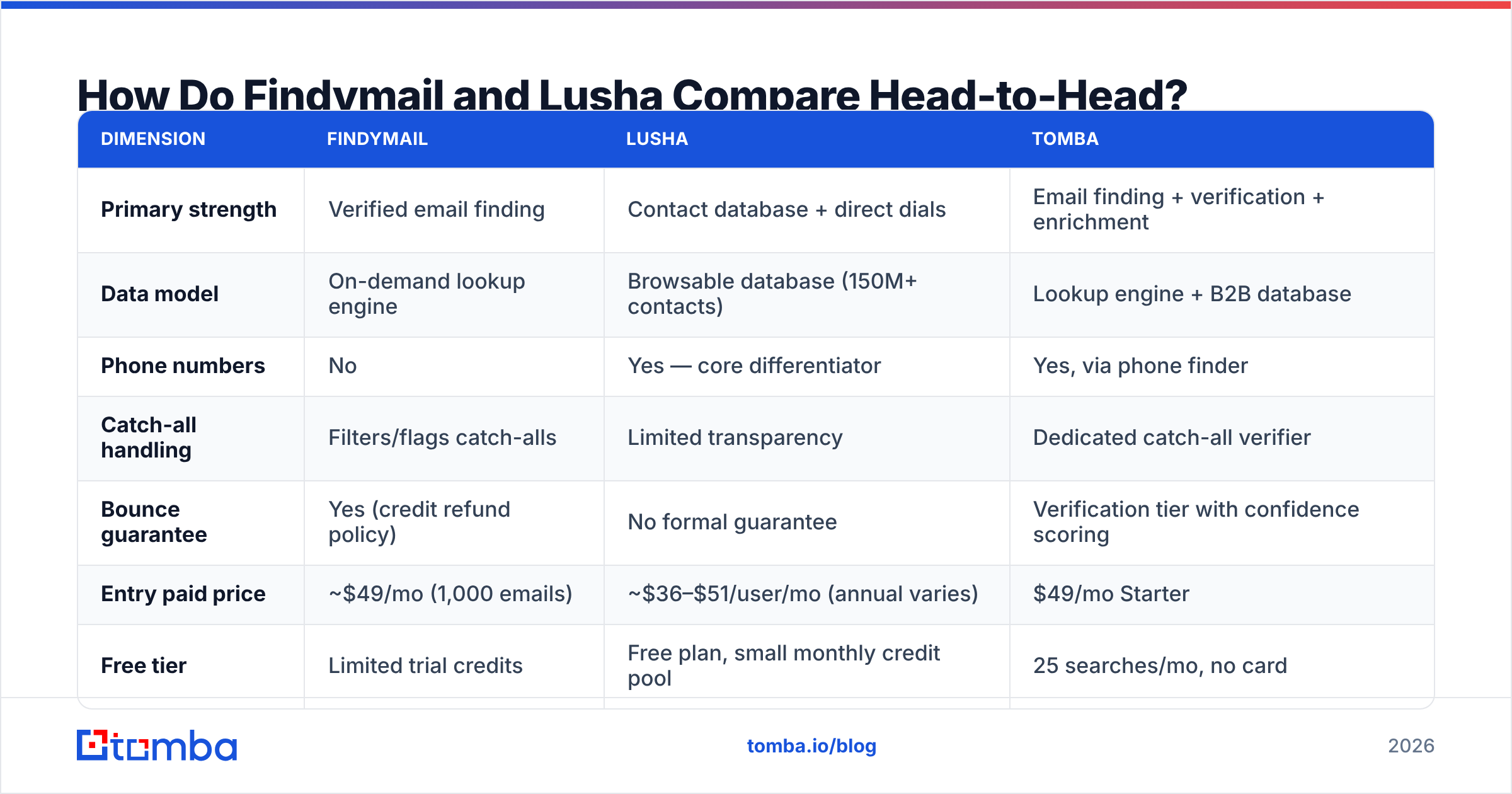
Here is the practical breakdown. Prices reflect public entry tiers as of early 2026. Always confirm on the vendor page, since both change tiers often.
| Dimension | Findymail | Lusha | Tomba |
|---|---|---|---|
| Primary strength | Verified email finding | Contact database + direct dials | Email finding + verification + enrichment |
| Data model | On-demand lookup engine | Browsable database (150M+ contacts) | Lookup engine + B2B database |
| Phone numbers | No | Yes — core differentiator | Yes, via phone finder |
| Catch-all handling | Filters/flags catch-alls | Limited transparency | Dedicated catch-all verifier |
| Bounce guarantee | Yes (credit refund policy) | No formal guarantee | Verification tier with confidence scoring |
| Entry paid price | ~$49/mo (1,000 emails) | ~$36–$51/user/mo (annual varies) | $49/mo Starter |
| Free tier | Limited trial credits | Free plan, small monthly credit pool | 25 searches/mo, no card |
| Credit model | Charged only on found email | Charged per reveal; phone credits separate on some tiers | Charged per successful search |
| Bulk CSV enrichment | Yes | Yes (higher tiers) | Yes via bulk tools |
| Native API | Yes | Yes | Yes — Tomba API, CLI, MCP |
| Sequencer integrations | Lemlist, Smartlead, Instantly | HubSpot, Salesforce, Outreach | 30+ integrations |
| Best for | Email-only cold outbound | Multichannel + calling teams | Teams wanting one vendor for both |
The row that decides most evaluations is phone numbers. If your reps cold call, Findymail is out on capability, not price. If they never call, you are paying Lusha's database premium for numbers you will never dial.
Which Tool Has Better Data Accuracy?#
Accuracy is three separate numbers. Vendors like to blur them into one.
- Find rate — of the contacts you searched, how many returned an email at all? Database size matters here. Thin regions such as LATAM, Southeast Asia, and Eastern Europe expose gaps in both tools.
- Deliverability rate — of the emails returned, how many actually accept mail? This is where verification quality shows up. Findymail's bounce guarantee is a real commercial signal, because a vendor that refunds bounces has priced its own confidence.
- Correctness — is
j.smith@acme.comreally Jane Smith? Or is it a pattern guess that happens to be a live alias? A deliverable but wrong email never bounces. It just never replies, and it quietly skews your reply-rate numbers.
Findymail usually wins on #2. The product is built around not returning risky addresses. Sometimes it returns nothing instead of a guess. For cold outbound, that is the right trade. A blank result costs you one prospect. A bounce costs you sender reputation across your whole domain.
Lusha usually wins on #1 for US enterprise and mid-market contacts. It pulls from a stored database instead of resolving each query live. The trade is stale data. A record checked 14 months ago still counts as a record. Job changes in B2B run roughly 20–25% a year, per workforce data cited by Gartner and most RevOps benchmarks. Databases decay. Lookup engines re-check.
The practical test: take 100 contacts you already know are correct. Your own customer list works well. Strip the emails, then run both tools against the names. Measure find rate and match rate separately. It takes an hour, and it beats every review site.
Want a third data point? Run the same 100 rows through a free email checker before you commit to any vendor. Checking a vendor's output yourself is the only honest audit.
How Do the Pricing Models Actually Differ?#
This is where most teams get it wrong. The sticker price is not the unit cost.
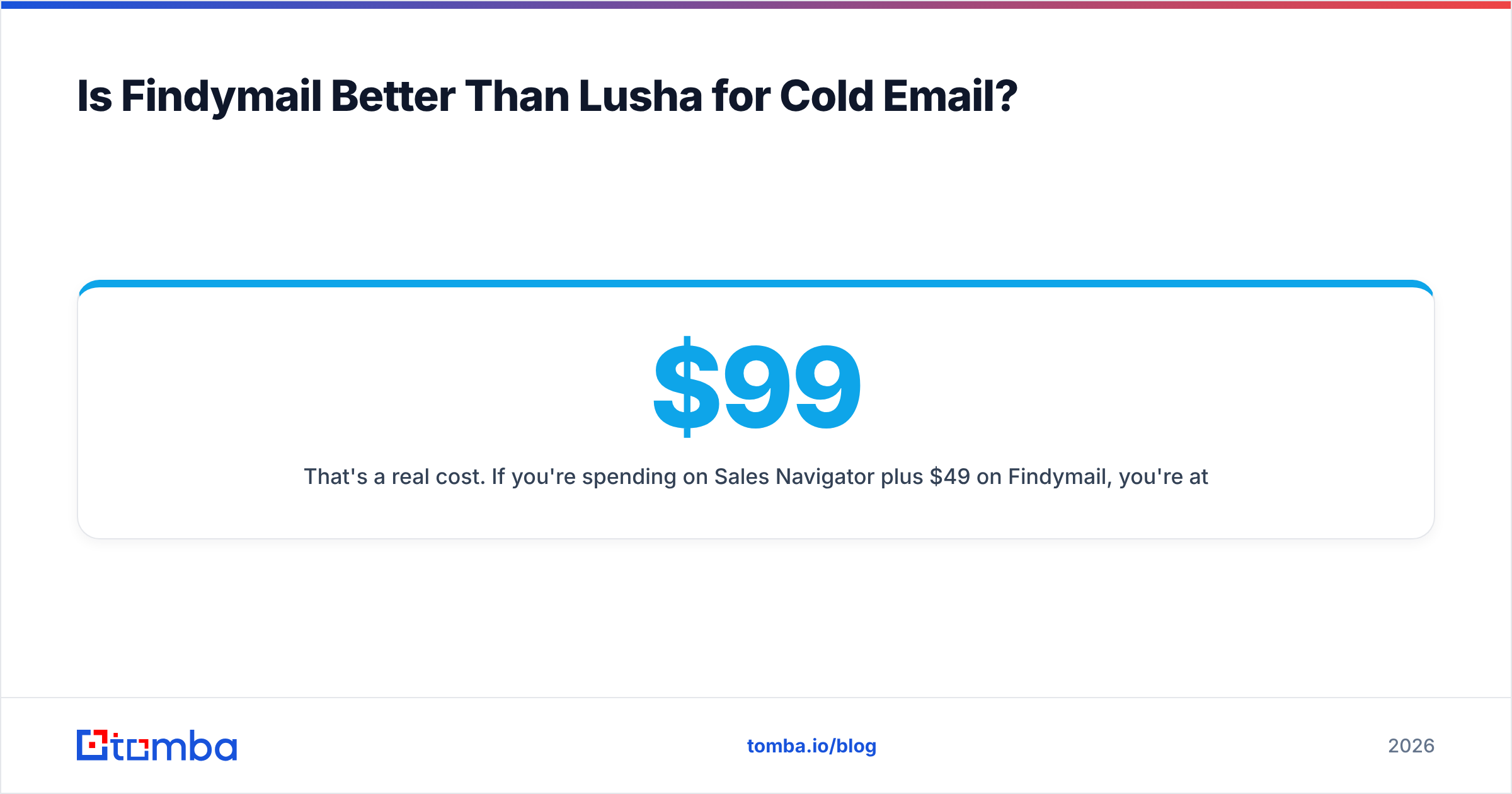
Findymail's model charges a credit only when it returns an email. Find nothing, pay nothing. So the effective cost is easy to predict: plan price ÷ emails found. On a 1,000-credit plan at about $49 a month, each returned email costs about 5 cents. Each one is also pre-verified.
Lusha's model charges on reveal, and the meaning of a reveal changes by plan. On some tiers, the email and the phone number for the same contact cost separate credits. Per-seat pricing adds to it. A five-person SDR team on a mid tier pays five seat fees plus the credit pool. The listed price and the first invoice rarely match.
Run the math this way:
- Estimate monthly contact volume. Not leads — contacts you will actually try to reach.
- Apply a realistic find rate. Assume 55–75% for your ICP until you have tested it. Anyone quoting 95% is quoting a benchmark, not your list.
- Subtract verification failures. Even good data has 3–8% unusable records after verification.
- Divide total monthly spend by that final usable number. Include seats, credits, and overage. That is your real cost per contact.
- Compare against consolidation. Add any separate spend on verification, phone data, or enrichment before you declare a winner.
Step 5 is the one people skip. A team paying Lusha for phones, a verifier for deliverability, and a third vendor for enrichment runs three invoices for one job. Tomba's pricing starts at $49/mo for Starter, $99/mo for Growth, and $249/mo for Pro. Email finding, email verification, domain search, catch-all handling, and phone lookup all sit in one account, behind one API key.

Is Findymail Better Than Lusha for Cold Email?#
For pure cold email, yes — with one caveat.
Findymail is built for the cold email use case in ways Lusha is not:
- Verification is not optional. You never have to remember a separate verify step. That step is where most bounce disasters start.
- Sequencer-native integrations. Push straight into Smartlead, Instantly, or Lemlist with no CSV round trip.
- Sales Navigator export handling. If your prospecting starts on LinkedIn, this is the fastest path from list to sequence.
- No seat tax. Credits are the unit, not users. A two-person team and a ten-person team pay the same for the same volume.
The caveat: Findymail does not help you build the list. It enriches a list you already have. You still need Sales Navigator, a scraper, an Apollo alternative, or a database to decide who to contact. Lusha bundles that discovery step. Findymail assumes you have solved it.
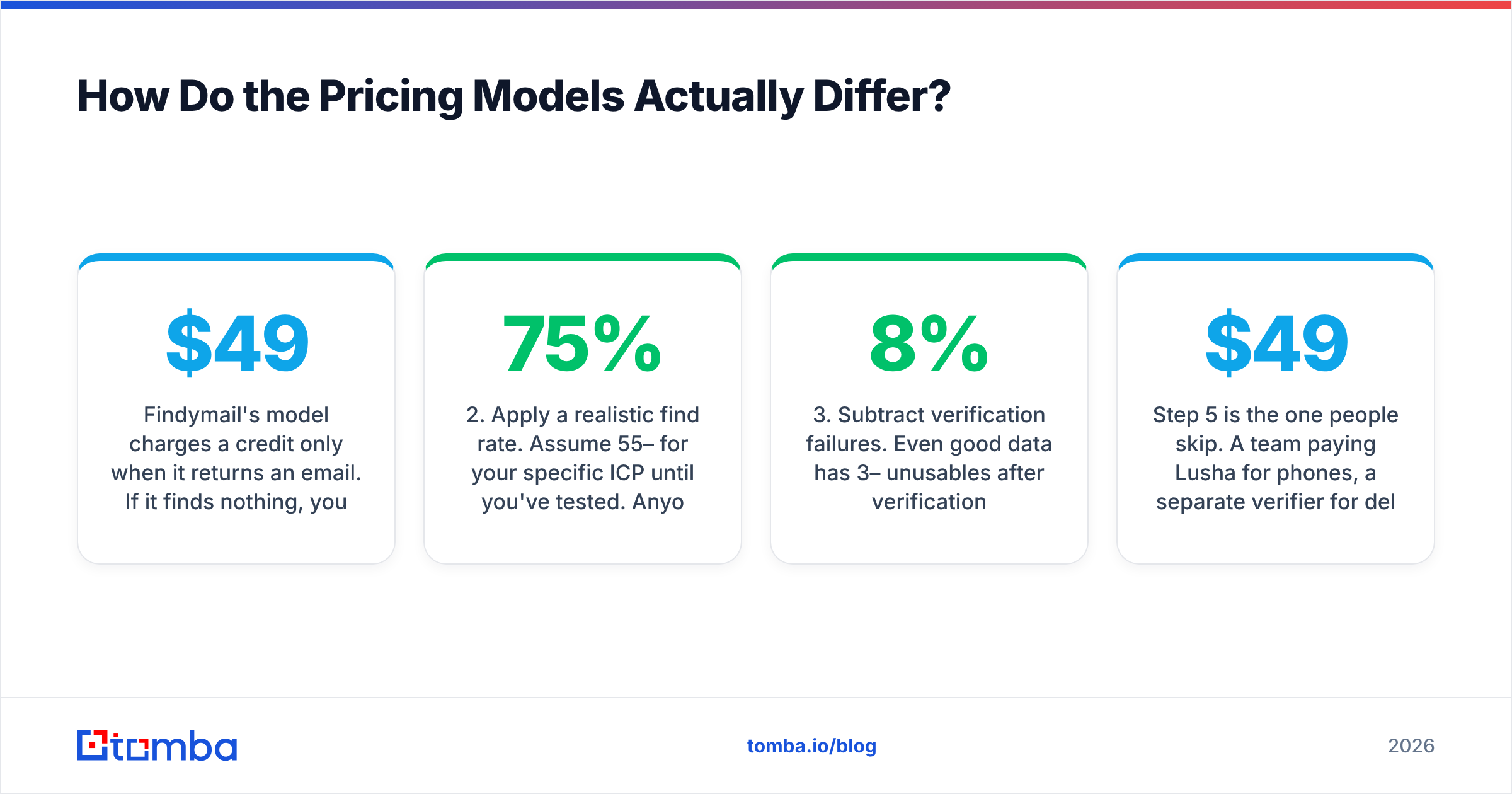
That gap costs money. Sales Navigator at $99 a month plus Findymail at $49 puts you at $148. A single database tool might cover both — usually with worse email accuracy.
Want discovery and verified emails in one place? Look at tools that ship a B2B database next to the finder. Or use domain search to pull every reachable contact at a target company in one call. When your ICP is defined by account rather than persona, that is often faster than filtering a database.
Is Lusha Better Than Findymail for Multichannel Outbound?#
Yes, if you genuinely call.
Lusha's direct dials survive every competitive comparison. Mobile numbers for mid-market and enterprise buyers are hard to source. Lusha's North America coverage is credible. The Chrome extension is fast: open a LinkedIn profile, click, get the phone. Reps actually use it, and adoption beats raw database size every time.
Lusha also does better on:
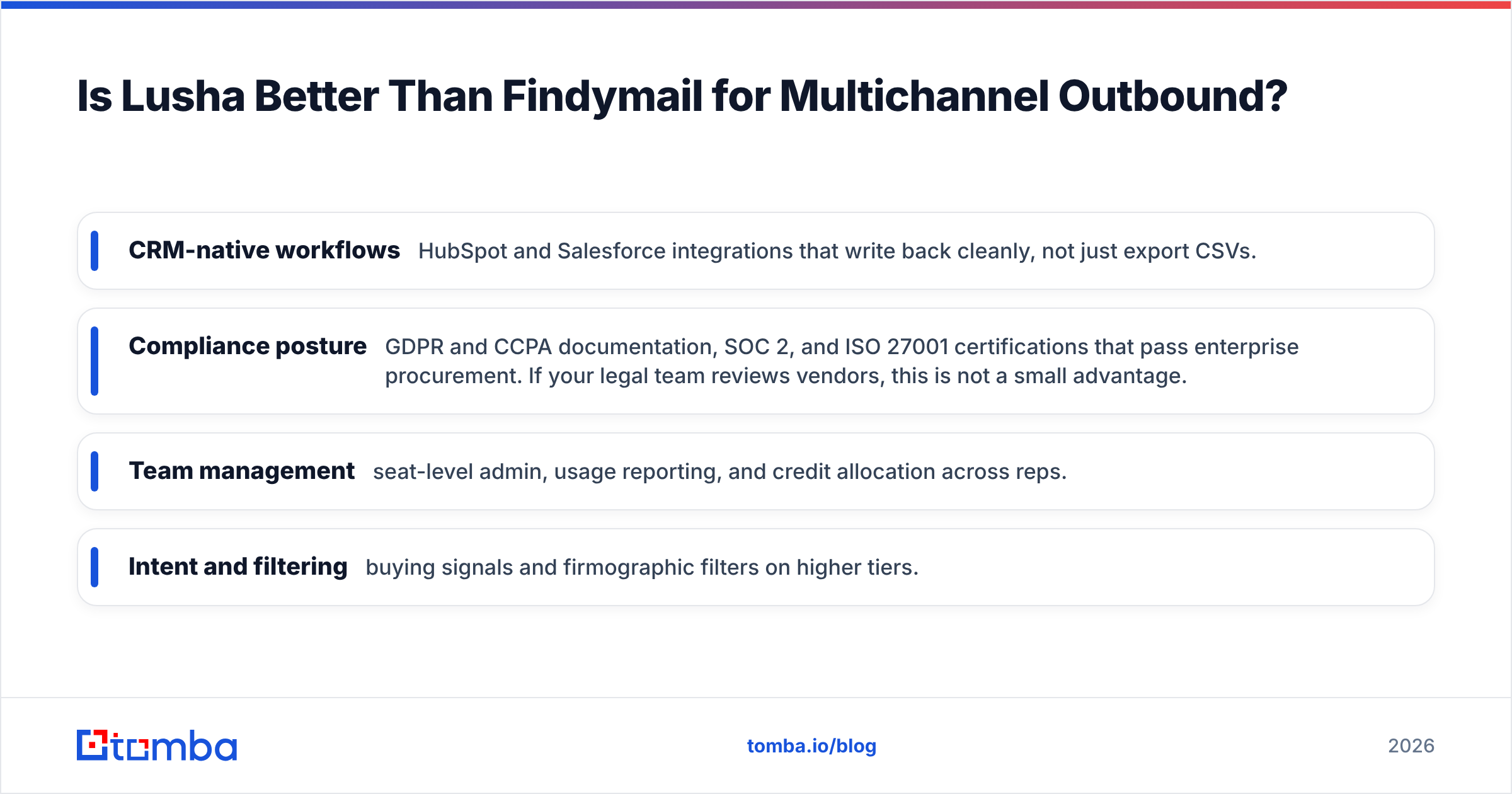
- CRM-native workflows — HubSpot and Salesforce integrations that write back cleanly, not just CSV exports.
- Compliance posture — GDPR and CCPA documentation, SOC 2, and ISO 27001. If your legal team reviews vendors, this is not a small advantage.
- Team management — seat-level admin, usage reports, and credit allocation across reps.
- Intent and filtering — buying signals and company filters on higher tiers.
The honest counterpoint: some teams make ten calls a week and send four hundred emails. If that is you, you are buying a phone database to support 2% of your activity. Check the real channel mix in your CRM before you pay for calling infrastructure.
Lusha and providers like BookYourData sit in adjacent but distinct spots. BookYourData sells verified list downloads, pay as you go, with its own accuracy guarantee. That suits teams who want to own the data outright rather than rent database access per seat. If your objection to Lusha is the seat model rather than the data, look at that category.
What Do Real Users Say on Review Sites?#
Patterns from G2 and Capterra reviews across both tools, filtered for signal:
Findymail — recurring praise: low bounce rates, simple credit model, responsive support, fast CSV enrichment. Recurring complaints: thin coverage outside North America and Western Europe, no phone data, no database to browse, and gaps at small companies with unusual email patterns.
Lusha — recurring praise: phone number quality, extension speed, easy onboarding, solid CRM sync. Recurring complaints: credits burn faster than expected, email accuracy lags phone accuracy, seat pricing hurts small teams, and records go stale when people change roles.
One thread runs through both: email accuracy from a database tool is usually worse than email accuracy from a dedicated finder. That is structural, not a vendor failing. Databases optimize for breadth. Finders optimize for one correct answer. Buy a database, skip verification, and you will bounce.
So the practical stack for most teams is a finder plus a verifier, plus a phone source if you call. That can be three vendors, or one that does all three.
Findymail vs Lusha: Which Should You Choose in 2026?#
Decide by motion, not by feature count:
- Email-only outbound, under 5,000 contacts a month, small team → Findymail. Cheapest per usable email, no seat tax, verification included.
- Heavy cold calling, enterprise ICP, procurement-driven buying → Lusha. The phone data justifies the price, and the compliance paperwork clears legal.
- You already have a list source and need accuracy → Findymail, or another finder with a bounce guarantee.
- You need discovery, emails, phones, and enrichment without three invoices → consolidate. See the Findymail alternative breakdown for what one platform covers.
- You are choosing on price alone → stop. Run the 100-contact test first. A tool that is 30% cheaper and 40% less accurate costs more.
One more thing: API access. Are you building enrichment into your own product, signup flow, or revenue operations stack? Check rate limits and per-call pricing, not just the UI plan. Both vendors offer APIs. At volume the terms differ a lot, and UI pricing rarely maps cleanly to programmatic use.
Start With Accuracy, Not With Features#
The tool that wins returns a correct, deliverable address for the exact people you need to reach. It also tells you honestly when it cannot.
Test that directly. Take fifty contacts from your ICP. Run them through the Tomba Email Finder free tier: 25 searches a month, no card required. Compare find rate and verification confidence against whatever you run today. If Tomba wins on your list, you also get email verification, catch-all handling, phone lookup, and enrichment on the same API key — from $49/mo on Starter, with no seat tax and no separate credit pools.
Run the test on your own data. It is the only benchmark that counts.
Related guides#
Ready to find emails that actually work?
Join 150,000+ professionals who stopped guessing and started sending. Free credits on signup — no credit card required.
Get the Tomba newsletter
Practical outbound tactics and product updates — once every two weeks.
About the author