GetProspect vs Tomba (2026): Which Email Finder Wins?
GetProspect and Tomba both promise verified B2B emails at low cost, but they solve different problems. Here's the honest breakdown on accuracy, pricing, API depth, and which one fits your workflow.
TL;DR
- GetProspect is a LinkedIn-first prospecting database: build a list in the UI, filter by title and headcount, export a CSV. Strong for people who live in a browser tab.
- Tomba is a finder-plus-verifier API layer: domain search, pattern detection, catch-all handling, enrichment, and a CLI/MCP surface. Strong for people who live in a script or a CRM.
- On price per verified email, the two land close at small volume. The gap opens at scale, where credit rollover, bulk pricing, and verification bundling matter more than sticker price.
- Choose GetProspect if your primary motion is manual list-building from LinkedIn filters. Choose Tomba if you need programmatic lookup, catch-all resolution, or enrichment inside an existing pipeline.
- Neither replaces verification hygiene. Whatever you pick, verify before you send — bounce rate is what kills your domain, not tool choice.
What are GetProspect and Tomba, actually?#
They both return work emails. They get there differently.
GetProspect is built around a searchable B2B contact database with a Chrome extension for LinkedIn. You open a LinkedIn search, filter by role, company size, industry, and location, then pull matching contacts into lists inside GetProspect. It also does email verification and has a CRM-lite layer with custom fields and stages. The mental model is "a database you browse."
Tomba starts from the domain. You give it a company website and it returns the email addresses associated with it, the confidence score for each, the detected pattern (first.last@, finitial+last@), and the sources it saw the address on. Alongside that sit an email verifier, a catch-all verifier, a phone finder, and data enrichment. The mental model is "a lookup service you call."
That difference explains most of what follows. A database tool optimizes for browse-and-export. A finder API optimizes for one-name-in, one-verified-address-out, at whatever volume your code asks for.

How accurate is each one in practice?#
Both vendors publish accuracy numbers in the 95-98% range. Treat those as ceilings measured on friendly data, not floors you'll hit on your ICP.
What actually drives your hit rate:
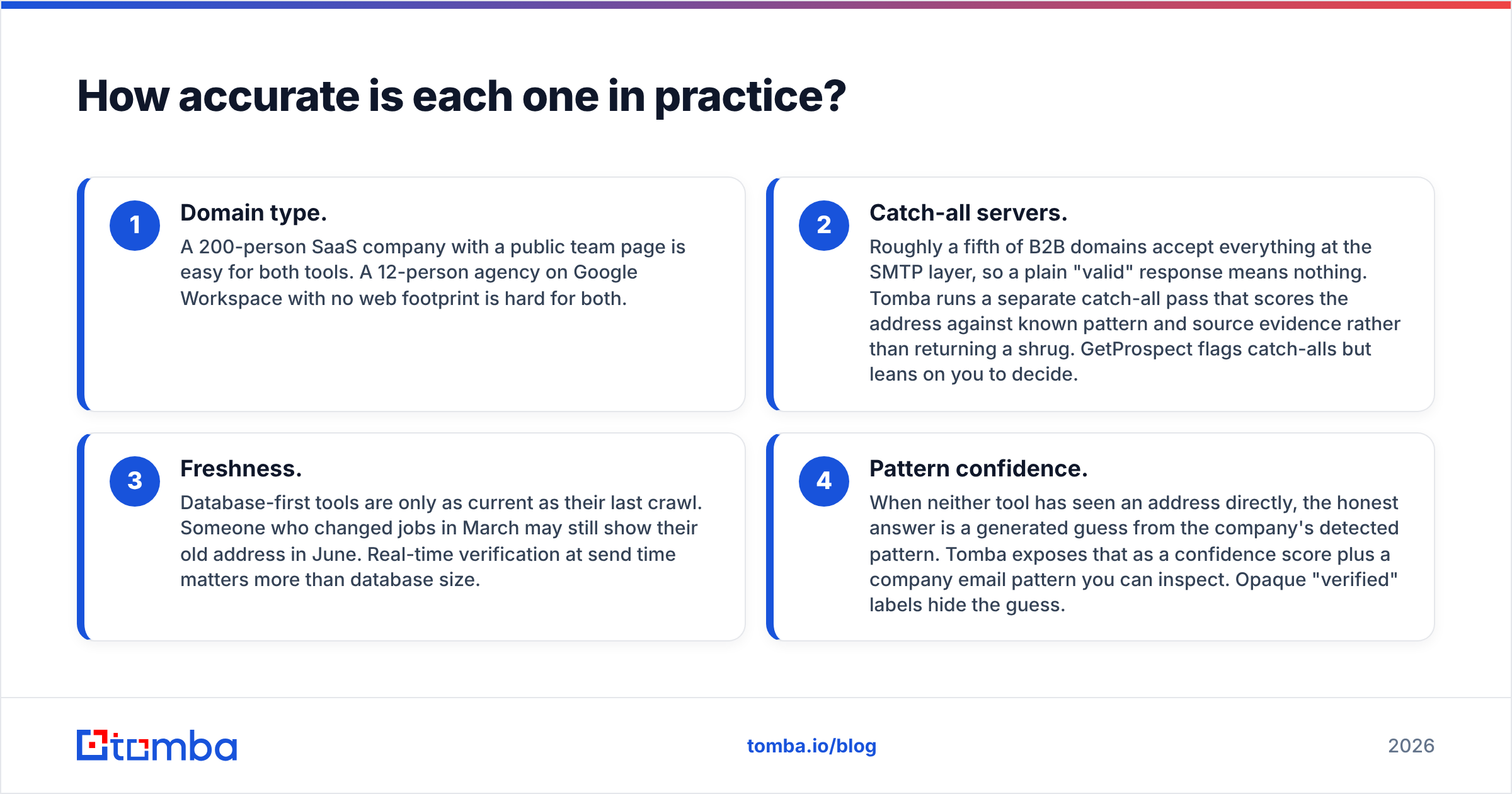
- Domain type. A 200-person SaaS company with a public team page is easy for both tools. A 12-person agency on Google Workspace with no web footprint is hard for both.
- Catch-all servers. Roughly a fifth of B2B domains accept everything at the SMTP layer, so a plain "valid" response means nothing. Tomba runs a separate catch-all pass that scores the address against known pattern and source evidence rather than returning a shrug. GetProspect flags catch-alls but leans on you to decide.
- Freshness. Database-first tools are only as current as their last crawl. Someone who changed jobs in March may still show their old address in June. Real-time verification at send time matters more than database size.
- Pattern confidence. When neither tool has seen an address directly, the honest answer is a generated guess from the company's detected pattern. Tomba exposes that as a confidence score plus a company email pattern you can inspect. Opaque "verified" labels hide the guess.

The practical test: take 100 contacts you already know are correct, run both tools blind, and count exact matches plus bounces. Fifteen minutes of work beats any vendor benchmark, including the one above.
GetProspect vs Tomba: full feature and pricing comparison#
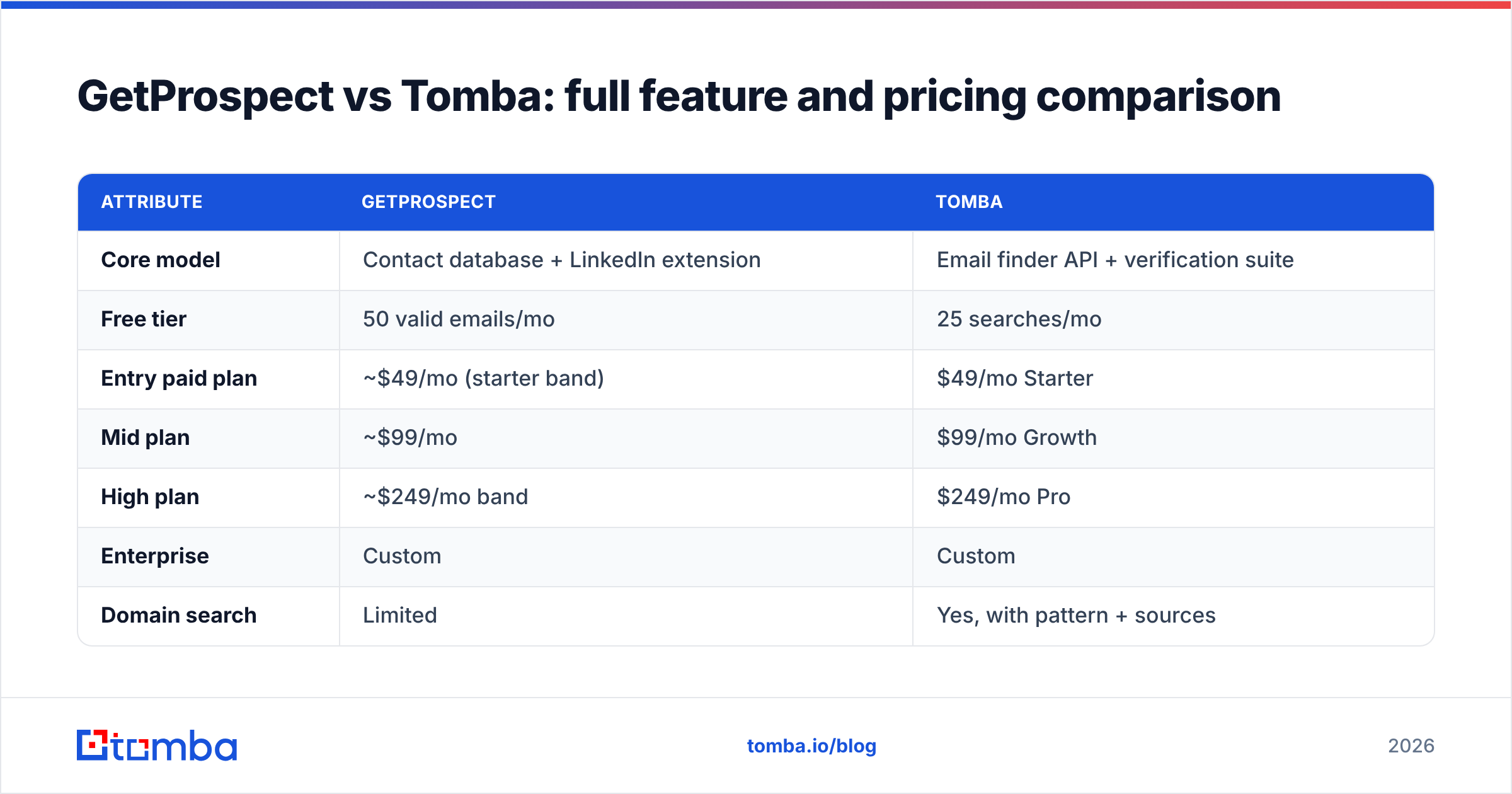
Here's the head-to-head on the attributes that change a buying decision.
| Attribute | GetProspect | Tomba |
|---|---|---|
| Core model | Contact database + LinkedIn extension | Email finder API + verification suite |
| Free tier | 50 valid emails/mo | 25 searches/mo |
| Entry paid plan | ~$49/mo (starter band) | $49/mo Starter |
| Mid plan | ~$99/mo | $99/mo Growth |
| High plan | ~$249/mo band | $249/mo Pro |
| Enterprise | Custom | Custom |
| Domain search | Limited | Yes, with pattern + sources |
| Catch-all handling | Flagged only | Dedicated catch-all verifier |
| Phone numbers | Add-on / limited | Yes, phone finder + validator |
| Public API | Yes | Yes, full REST + SDKs |
| CLI / MCP support | No | Yes (CLI + MCP server) |
| Bulk processing | CSV upload | CSV + API + Sheets/Excel add-ins |
| Chrome extension | Yes (LinkedIn-focused) | Yes |
| CRM-lite features | Yes (lists, stages, fields) | No — integrates instead |
| Native integrations | HubSpot, Pipedrive, Zapier | HubSpot, Salesforce, Pipedrive, Zapier, Make, Airtable, Slack, Notion |

Two honest caveats. First, GetProspect's public pricing shifts by plan bundle and credit type, so confirm the current tier on their site before you budget — the bands above are directional. Second, "credits" are not comparable units across vendors. One tool charges a credit for a failed lookup; another charges only on a returned result. Read the fine print or you'll compare $49 against $49 and be wrong by 40%.
Full Tomba pricing is public and flat: Free (25 searches/mo), Starter $49/mo, Growth $99/mo, Pro $249/mo, Enterprise custom.
Which one fits your workflow?#
Pick by motion, not by feature count.
- You're an SDR building lists from LinkedIn Sales Navigator. GetProspect wins. The extension-to-list flow is tighter, and the lightweight CRM layer means you don't need a second tool to track who you've pulled. If your day is "search, filter, export, send," that's the shorter path.
- You're a RevOps engineer enriching inbound signups. Tomba wins. You need an endpoint that takes a domain or a name and returns structured JSON with a confidence score, not a UI you have to click through. The Tomba API and SDKs plug into an existing enrichment job.
- You're a founder doing 50 outbound emails a week. Either free tier gets you started. Tomba's 25 searches versus GetProspect's 50 valid emails is a wash once you factor verification. Test both for a week.
- You're running a data team cleaning a 200k-row CRM. Tomba's bulk email finder plus catch-all verification is the better fit. Database-browse tools aren't designed for dedupe-and-refresh at that scale.
- You need phone numbers alongside email. Tomba bundles B2B phone numbers and validation natively. GetProspect treats phones as a secondary field.
- You want everything in one seat with minimal setup. GetProspect's all-in-one lean is genuinely convenient if you don't want to wire anything.
What does each one actually cost per verified email?#
Sticker price is the wrong metric. Cost per usable address is the right one.
Work it out like this:
Effective cost = (monthly price ÷ credits) ÷ (hit rate × verification pass rate)
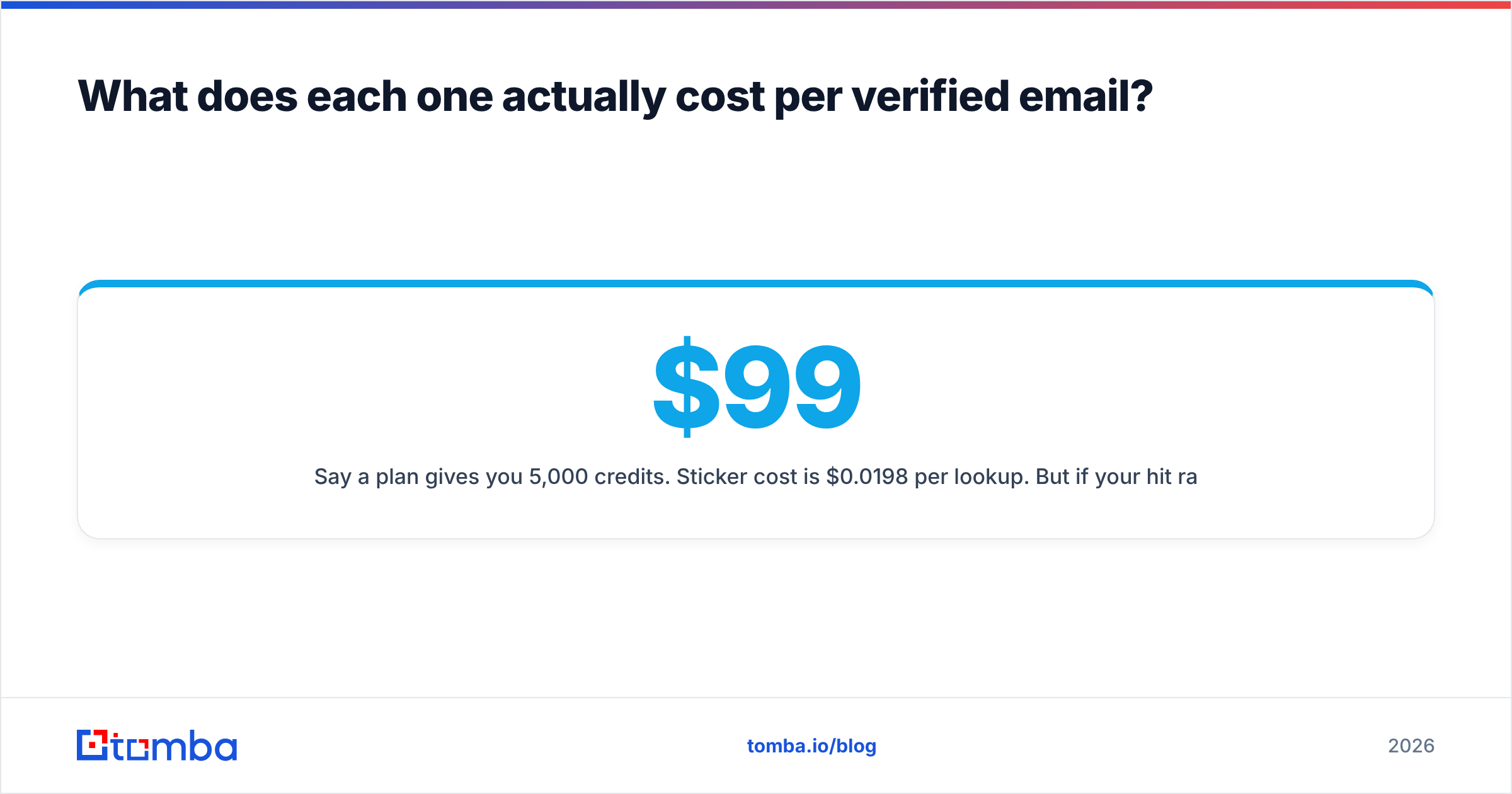
Say a $99 plan gives you 5,000 credits. Sticker cost is $0.0198 per lookup. But if your hit rate on your specific ICP is 62% and 8% of those fail verification, your real cost per sendable address is roughly $0.0347 — a 75% markup over what you thought you were paying.
Four line items people forget:
- Failed lookups. Some vendors bill a credit whether or not they return anything. That's the single biggest hidden multiplier.
- Verification as a separate charge. If finding and verifying draw from different credit pools, your effective volume is half what the plan says.
- Credit expiry. Unused credits that reset monthly turn a "5,000 credit" plan into "however many you used in your busiest week."
- Seat costs. Per-seat pricing scales badly on a five-person SDR team. Check whether the plan is per-workspace or per-user.
Run both tools on the same 200-domain sample and compute the formula above. That number, not the pricing page, is your comparison.
Is either one better for deliverability?#
Neither tool sends your email, so neither controls email deliverability directly. What they control is the bounce rate you feed into your sequencer — and that's upstream of everything else.
Google and Microsoft both tightened bulk-sender requirements, and the practical threshold is well documented in Google's sender guidelines: keep spam complaints under 0.3% and keep your lists clean. A 5% bounce rate on a cold campaign puts your domain at risk regardless of how good your copy is.
The rule that matters: verify at send time, not at list-build time. An address verified in January and mailed in April is a list you haven't verified. Both tools support re-verification; only one of them makes it a one-line API call.
If you want a sanity check on your current setup before scaling, run your domain through an SPF checker and a spam checker — free, and it catches the config mistakes that get blamed on data quality.
What do reviewers say about each?#
Both tools sit in respectable territory on G2 and Capterra, generally in the 4.3-4.6 range. The review patterns are more useful than the averages.
Recurring GetProspect praise: intuitive UI, fast LinkedIn workflow, good value at the entry tier. Recurring complaints: coverage gaps outside North America and Western Europe, and credit consumption on results users considered low quality.
Recurring Tomba praise: API reliability, documentation quality, and the breadth of the surrounding toolset (verifier, catch-all, enrichment, Google Sheets and Excel add-ins). Recurring complaints: it's a builder's tool — if you want a CRM with stages and pipelines built in, you'll be integrating rather than clicking.
Neither pattern is a dealbreaker. They're just different products wearing similar category labels. And if your evaluation is broader than these two, tools like BookYourData take a different angle again — pre-verified, purchase-by-the-list data with a bounce guarantee, which suits teams that want a delivered file rather than a lookup service.
What about alternatives to both?#
The email-finder category is crowded, and the honest answer is that most of the top ten cluster within a few points of each other on accuracy. Differentiation comes from surface area:
- Apollo — data plus sequencing plus dialer in one platform. Heavier, pricier, more lock-in. See the Apollo alternative breakdown.
- RocketReach — deep person-level coverage, weaker on domain-wide sweeps. Compared in the RocketReach alternative rundown.
- Findymail — waterfall-style finding with strong bounce guarantees, narrower feature set.
- ZeroBounce / Debounce — verification specialists, not finders. Pair with a finder rather than replace one.
If your shortlist has more than three names on it, you're optimizing too early. Pick two, run the 200-domain test, and decide on data.
The verdict: GetProspect or Tomba?#
Short version: GetProspect if you build lists by hand, Tomba if you build them with code.
GetProspect is the better product for a solo SDR or small sales team whose prospecting starts and ends in LinkedIn. The extension, the list management, and the built-in CRM fields remove steps from a manual workflow. That convenience is real and worth paying for if it matches how you work.
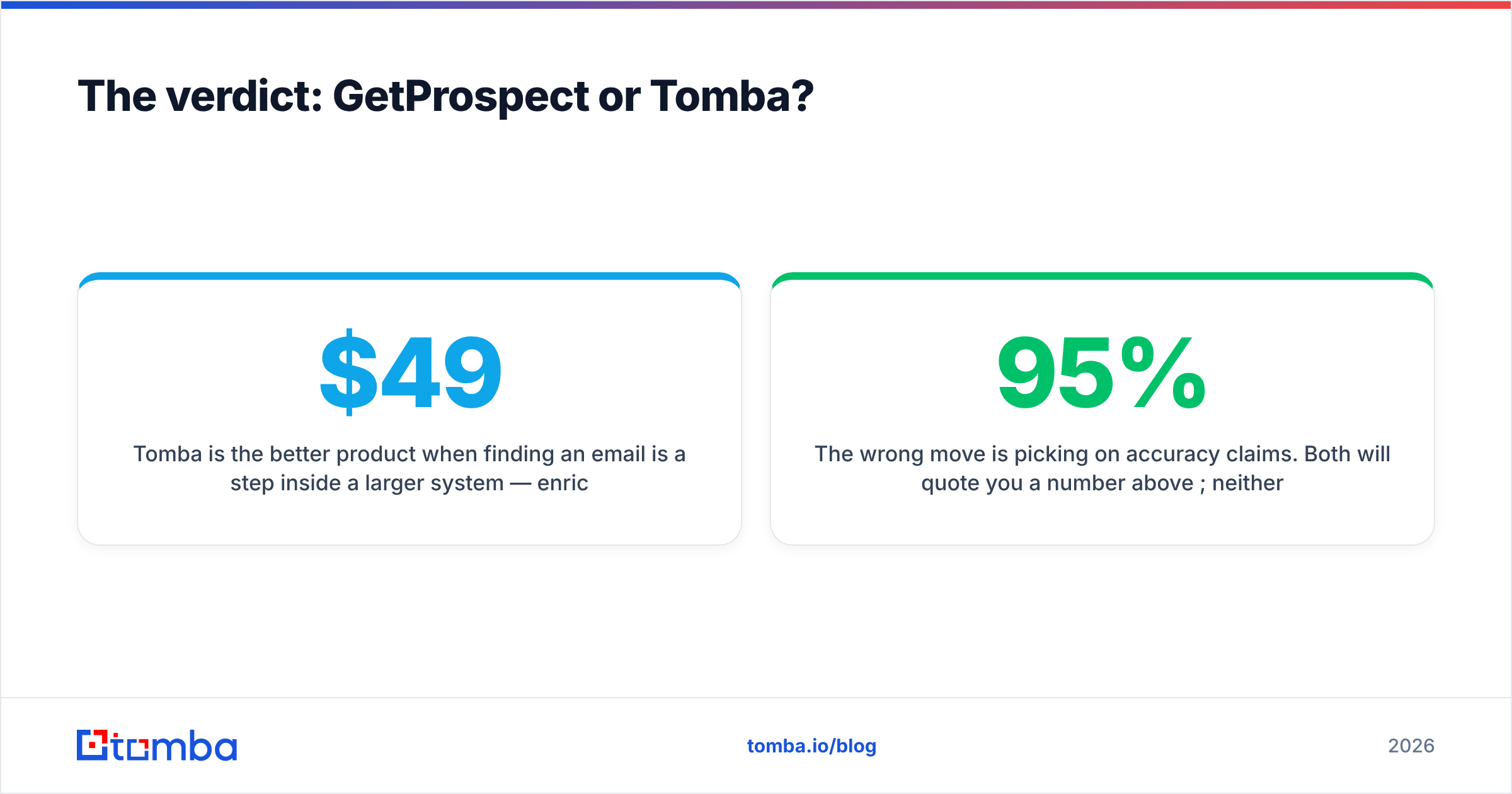
Tomba is the better product when finding an email is a step inside a larger system — enrichment on signup, CRM refresh, lead routing, or an agent workflow. Domain search with pattern transparency, a dedicated catch-all verifier, phone data, bulk processing, and an API with CLI and MCP support give you composable pieces instead of a fixed workflow. The flat public pricing ($49 Starter, $99 Growth, $249 Pro) makes budgeting predictable.
The wrong move is picking on accuracy claims. Both will quote you a number above 95%; neither number describes your list. Run the test, compute cost per verified send, and let that decide.
Ready to see what the numbers look like on your own domains? Start with the Tomba Email Finder — the free tier gives you 25 searches a month with no card, enough to benchmark against whatever you're using today and see the confidence scores, detected patterns, and sources behind every result.
Related guides#
Ready to find emails that actually work?
Join 150,000+ professionals who stopped guessing and started sending. Free credits on signup — no credit card required.
Get the Tomba newsletter
Practical outbound tactics and product updates — once every two weeks.
About the author