9 Best Klenty Alternatives in 2026 for Sales Engagement
Klenty is a solid sequencer, but per-seat pricing and a thin native data layer push plenty of teams to shop around. Here are 9 alternatives compared on price, data quality, deliverability, and who each one actually fits.
TL;DR
- Klenty is a competent multichannel sequencer — email, calls, LinkedIn tasks, CRM sync — but it charges per seat and does not ship a serious contact-data engine underneath it.
- If your problem is cost per seat, look at Smartlead, Instantly, Saleshandy or Woodpecker: mailbox-based or slot-based pricing that does not punish you for adding SDRs.
- If your problem is enterprise process and forecasting, Salesloft and Outreach are the upgrade path, not a sidegrade.
- If your problem is data — bounces, missing emails, stale titles — swapping sequencers will not fix it. Fix the source with a dedicated email finder and verifier first.
- Most teams end up with two line items instead of one: a cheap sending layer plus a reliable data layer. That combination usually lands under what a full-seat Klenty rollout costs.
What is Klenty and who is it actually for?#
Klenty is a sales engagement platform. You load prospects, build a cadence that mixes automated emails with call tasks and LinkedIn steps, and let it run against your CRM. It syncs with HubSpot, Salesforce, Pipedrive and Zoho, it has a dialer, and it has enough reporting to tell a manager which step of which sequence is dying.
That description fits roughly forty other products, which is exactly why the "Klenty alternatives" search exists. Klenty's real niche is the mid-market SDR team that outgrew a Gmail plugin but cannot justify an Outreach contract. It is priced per user, which means the tool is cheap when three reps use it and expensive when twelve do.
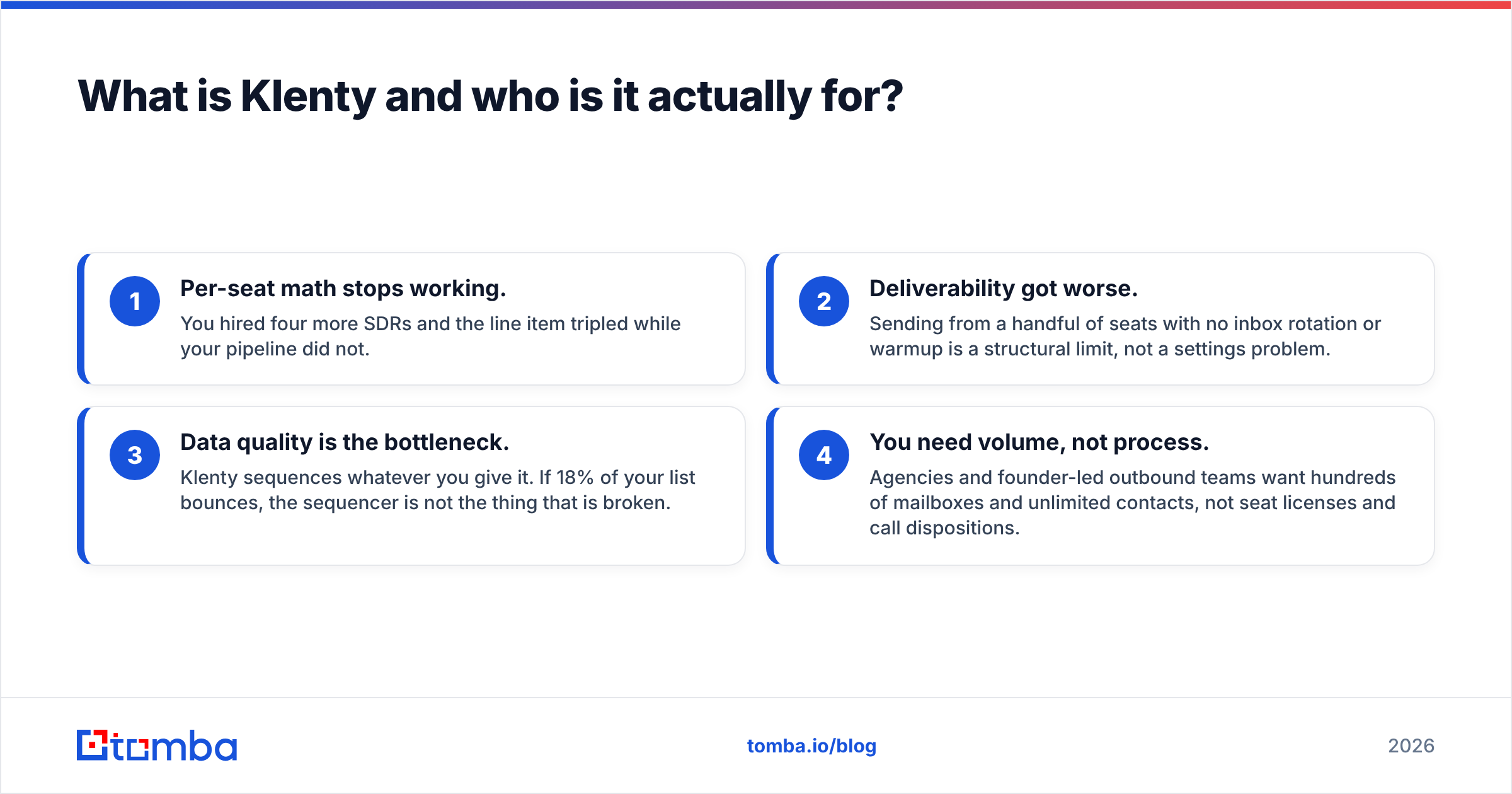
Teams usually start shopping for a replacement for one of four reasons:
- Per-seat math stops working. You hired four more SDRs and the line item tripled while your pipeline did not.
- Deliverability got worse. Sending from a handful of seats with no inbox rotation or warmup is a structural limit, not a settings problem.
- Data quality is the bottleneck. Klenty sequences whatever you give it. If 18% of your list bounces, the sequencer is not the thing that is broken.
- You need volume, not process. Agencies and founder-led outbound teams want hundreds of mailboxes and unlimited contacts, not seat licenses and call dispositions.

How much does Klenty cost in 2026?#
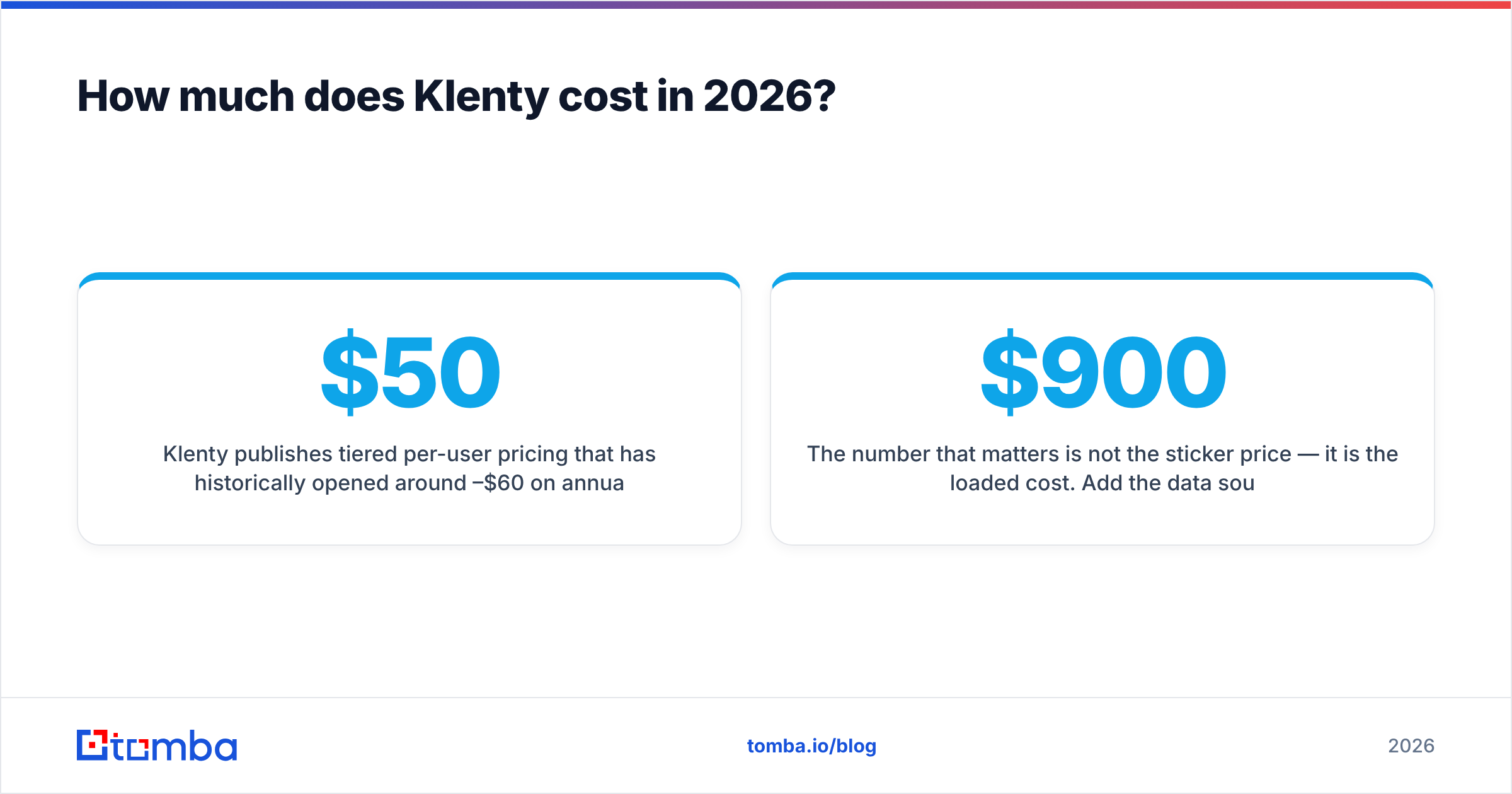
Klenty publishes tiered per-user pricing that has historically opened around $50–$60 per user per month on annual billing, with the mid tier near $85–$100 and enterprise quoted case by case. The vendor revises tiers regularly and regional pricing differs, so confirm the current numbers on klenty.com before you build a business case on them.
The number that matters is not the sticker price — it is the loaded cost. Add the data source you pay for separately, add the verification pass you run before import, add the seats you bought for managers who never send an email. A six-rep Klenty deployment with a mid-tier data provider attached commonly lands between $900 and $1,400 a month. That is the figure you should hold every alternative against.
What should you compare before switching?#
Do not compare feature grids. Compare the five things that actually change your reply rate and your invoice:
- Pricing model — per seat, per mailbox, per contact, or per credit. This single choice decides whether growth is cheap or punishing.
- Sending infrastructure — inbox rotation, automatic warmup, per-mailbox daily caps, and whether the vendor forces you onto shared IPs.
- Native data — does the platform find and verify addresses itself, or does it assume you bring a clean CSV? Most sequencers assume the CSV.
- Channel coverage — email only, or email plus dialer plus LinkedIn plus SMS. Pay for channels you will actually staff.
- CRM depth — bidirectional sync with field mapping beats a one-way Zapier push the moment two reps touch the same account.
- Exit cost — sequence export, contact export, and how many API calls it takes to leave. Assume you will switch again in three years.
Which Klenty alternatives are worth it in 2026?#
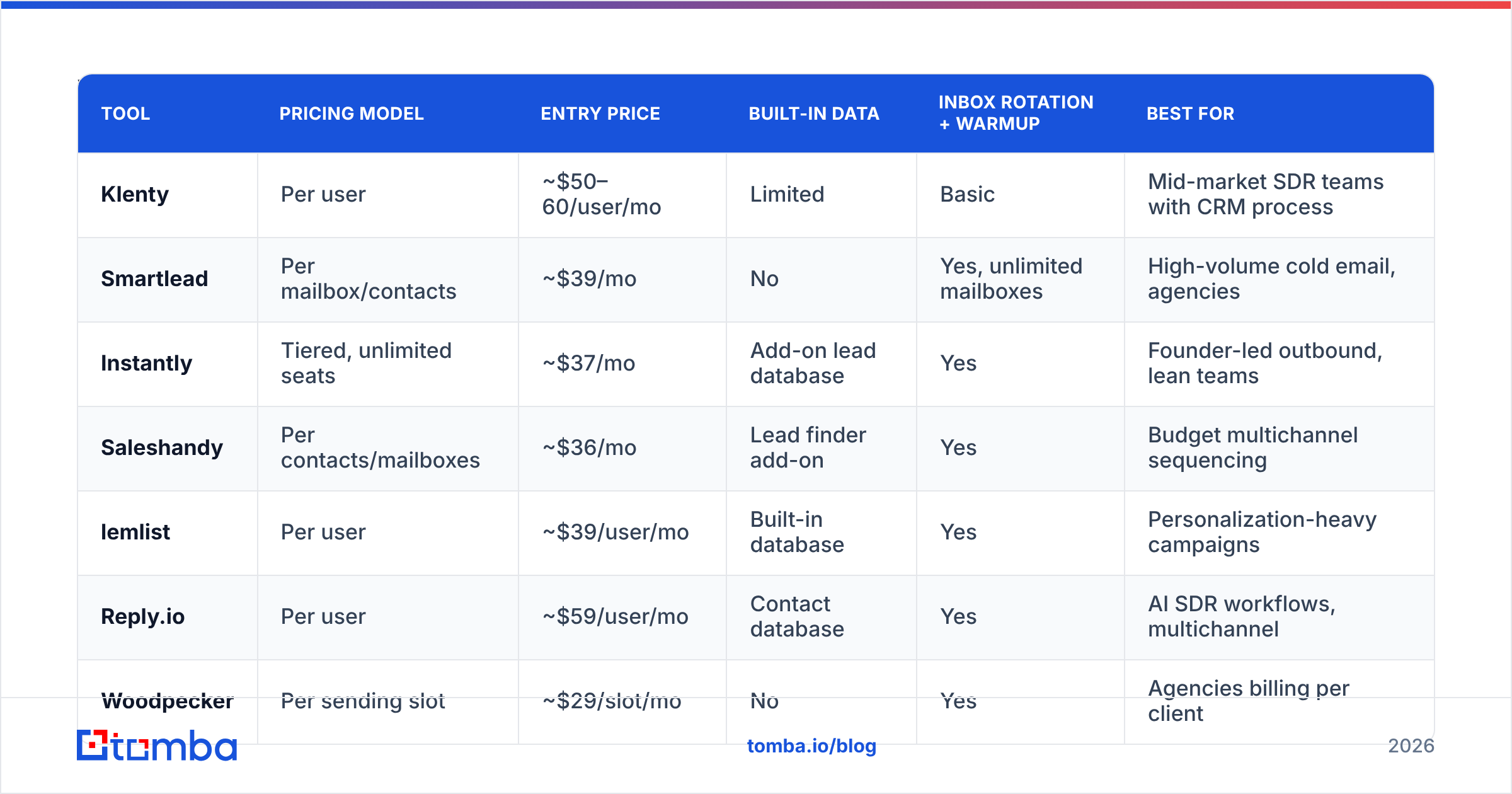
Here is the head-to-head. Prices are entry-level published rates at the time of writing and move often; treat them as ranges, not quotes.
| Tool | Pricing model | Entry price | Built-in data | Inbox rotation + warmup | Best for |
|---|---|---|---|---|---|
| Klenty | Per user | ~$50–60/user/mo | Limited | Basic | Mid-market SDR teams with CRM process |
| Smartlead | Per mailbox/contacts | ~$39/mo | No | Yes, unlimited mailboxes | High-volume cold email, agencies |
| Instantly | Tiered, unlimited seats | ~$37/mo | Add-on lead database | Yes | Founder-led outbound, lean teams |
| Saleshandy | Per contacts/mailboxes | ~$36/mo | Lead finder add-on | Yes | Budget multichannel sequencing |
| lemlist | Per user | ~$39/user/mo | Built-in database | Yes | Personalization-heavy campaigns |
| Reply.io | Per user | ~$59/user/mo | Contact database | Yes | AI SDR workflows, multichannel |
| Woodpecker | Per sending slot | ~$29/slot/mo | No | Yes | Agencies billing per client |
| Apollo.io | Per user + credits | Free tier, ~$49/user/mo | Yes, large database | Limited | All-in-one data plus sequencing |
| Salesloft | Per user, annual | Custom (~$125+/user/mo) | Partner data | Enterprise-grade | Large orgs with forecasting needs |
| Outreach | Per user, annual | Custom (~$130+/user/mo) | Partner data | Enterprise-grade | Enterprise revenue teams |
Smartlead — the volume play#
Smartlead decoupled price from headcount. You pay for contacts and email accounts, connect as many mailboxes as you can warm, and the platform rotates sends across them. Where Klenty gives you a dialer and call dispositions, Smartlead gives you a master inbox and a warmup pool. If your motion is "send 3,000 cold emails a week and book meetings from replies," this is a straight upgrade. If your motion is "12 SDRs working named accounts with call blocks," it is a downgrade.
Instantly — lean team default#
Instantly sits in the same volume bracket with a friendlier onboarding curve and an optional lead database. Seats are unlimited on most plans, which removes the exact pain that sends people looking for Klenty alternatives in the first place. Its weakness is CRM depth: if Salesforce is the system of record and your RevOps lead cares about field-level sync, you will feel the gap. Worth reading a side-by-side Instantly alternative breakdown before committing.
Saleshandy — the closest price-for-price swap#
Saleshandy is the most direct like-for-like replacement: sequences, multichannel steps, unified inbox, and pricing tied to contacts and mailboxes rather than seats. Teams migrating from Klenty typically rebuild cadences in an afternoon. Compare the tiers carefully against your actual contact volume — the Saleshandy alternative comparison is where most of the cost delta shows up.
lemlist — when personalization is the strategy#
lemlist earns its per-user price if your differentiator is custom images, dynamic landing pages and liquid-syntax variables. It is the wrong tool for commodity volume and the right tool when a 300-prospect list needs to convert at 8% rather than 2%.
Reply.io — AI-assisted multichannel#

Reply.io covers email, LinkedIn, calls and SMS with an AI layer that drafts and triages responses. It costs more than the volume tools and less than the enterprise ones. It is the natural move for a team that likes Klenty's channel mix but wants better AI tooling and a bundled contact database. See the Reply.io alternative notes for where its credit system bites.
Woodpecker — built for agencies#

Woodpecker prices by sending slot, which maps cleanly onto "one slot per client." Deliverability handling is conservative in a good way: adaptive sending, bounce shielding, per-domain limits. Feature depth is narrower than Klenty's, deliberately.
Apollo.io — data and sequencing in one bill#

Apollo is the most common answer when someone says "I want to stop paying two vendors." Its database is enormous, its sequencer is adequate, and its free tier is generous. The trade-off is well documented in user reviews on G2: data freshness is inconsistent by segment, and heavy users burn credits faster than the plan calculator suggests. Bundling is convenient until the bundled half is the weak half — which is why Apollo alternatives is itself a high-volume search.
Salesloft and Outreach — the deliberate step up#
These are not cost-saving moves. They are process moves. You go to Salesloft or Outreach when you need conversation intelligence, deal forecasting, rep coaching and a RevOps team that will configure all of it. Expect annual contracts, per-seat pricing well north of $100, and a real implementation. If you are leaving Klenty because it is too expensive, these are not your answer. If you are leaving because it is too shallow, they are.
HubSpot Sales Hub — when the CRM wins#
If your company already runs on HubSpot, the native Sales Hub sequences tool removes an integration and a vendor. It is not as strong a sequencer as any dedicated tool on this list, but "already in the CRM, already paid for" beats a marginally better standalone more often than tool reviewers admit.

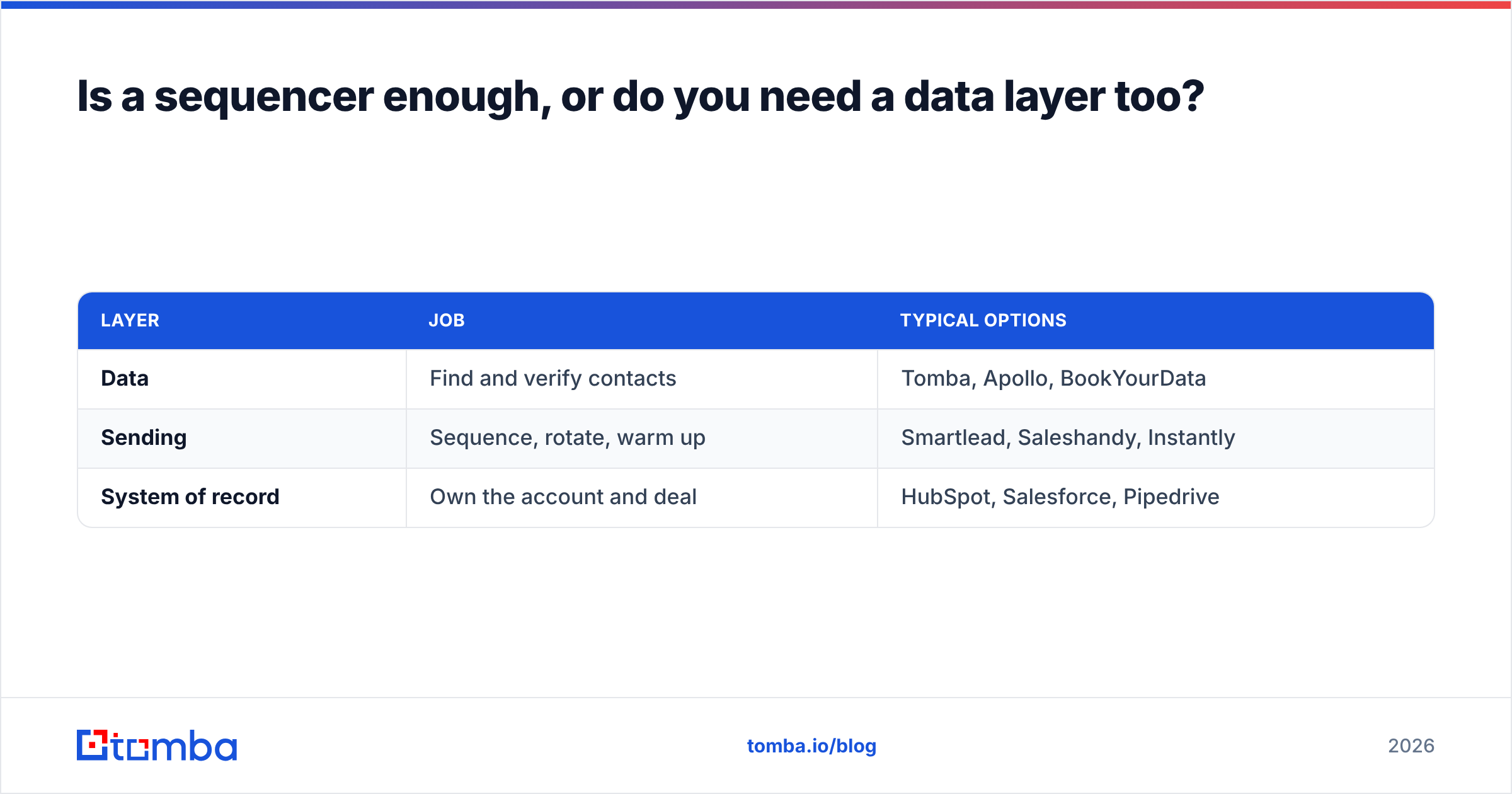
Is a sequencer enough, or do you need a data layer too?#
This is the question most Klenty alternatives lists skip, and it is the one that actually determines whether your switch works.
Every tool above is a delivery mechanism. None of them will tell you that the VP of Engineering you are emailing left the company in March. If your bounce rate sits above 4%, your problem is upstream, and moving the same list into a cheaper sequencer just gets you bounced faster and cheaper. Mailbox providers read hard bounces as a spam signal, and sender reputation damage takes weeks to undo.
A working stack has three separable parts:
| Layer | Job | Typical options |
|---|---|---|
| Data | Find and verify contacts | Tomba, Apollo, BookYourData |
| Sending | Sequence, rotate, warm up | Smartlead, Saleshandy, Instantly |
| System of record | Own the account and deal | HubSpot, Salesforce, Pipedrive |
Keeping these separate means you can replace the weak one without rebuilding everything. Bundled suites fail in exactly the opposite way: the day the data goes stale, you are renegotiating the whole contract.
On the data layer, Tomba prices independently of seats — Free (25 searches/mo), Starter $49/mo, Growth $99/mo, Pro $249/mo, Enterprise custom — so adding SDRs does not multiply your data bill. For teams that prefer buying pre-built lists outright rather than searching domain by domain, BookYourData is a well-regarded option in the same layer with a pay-as-you-go model. Both approaches work; the mistake is having no dedicated data layer at all.
Before any list goes into a sequencer, run it through an email verifier and resolve the catch-all domains rather than guessing. That one step does more for reply rates than any subject-line rewrite.
How do you migrate off Klenty without wrecking deliverability?#
Switching sending platforms is where teams accidentally torch their domains. Work through it in order:
- Export everything first — contacts, sequences, step copy, and reply history. Do this before you cancel, not after.
- Do not reuse a burned domain. If your current domain has elevated complaint rates, buy fresh sending domains and warm them for 2–3 weeks. Use a warmup calculator to set a realistic ramp instead of guessing.
- Re-verify the entire list. Klenty exports are only as fresh as the day they were imported. Run a bulk verify pass before the first send on the new platform.
- Rebuild sequences manually, not wholesale. Migration is the cheapest opportunity you will get to cut the two steps nobody ever replied to.
- Run both in parallel for two weeks. Split your list, compare reply rate and bounce rate on identical copy, then cut over with evidence.
- Re-check authentication. New domains need SPF, DKIM and DMARC configured before the first message. Verify with an SPF checker rather than assuming your DNS provider got it right.
Which Klenty alternative should you pick?#
Short version, by situation:
- You want the same thing cheaper: Saleshandy. Closest feature parity, contact-based pricing.
- You want volume and agency-grade rotation: Smartlead or Woodpecker.
- You are a small team that hates per-seat billing: Instantly.
- Personalization is your edge: lemlist.
- You want data and sending on one invoice: Apollo, with open eyes about data freshness.
- You need enterprise process, coaching and forecasting: Salesloft or Outreach.
- You live in HubSpot already: Sales Hub sequences.
And in every one of those cases, the data layer is a separate decision. The sequencer sets your cost. The data sets your results.
Fix the input before you change the tool#
If you are considering Klenty alternatives because campaigns are underperforming, run one diagnostic before you sign anything: pull 200 contacts from your current list, verify them, and see how many are still valid. If more than 5% fail, the sequencer was never the problem.
Start with Tomba Email Finder — find verified professional emails by domain, name or company, with a free tier to test against your own list before you commit to any plan. Clean data in whatever sequencer you choose beats dirty data in the perfect one, every time.
Related guides#
// get started
Find, verify and enrich your first contacts today
Start on the free plan with 25 searches a month, then scale when your team is ready.
Free plan · No credit card required · GDPR & CCPA
// about the author