7 Best Mailin Alternatives for Cold Email Infrastructure (2026)
Mailin.ai sells pre-built cold email inboxes in bulk, but its $299 entry plan doesn't suit every team. We compare 7 Mailin alternatives on cost per inbox, IP setup, warmup and lock-in.
TL;DR
- Mailin.ai sells cold email infrastructure: bulk inboxes, dedicated servers and IPs, and automated DNS. Third-party listings put the entry plan at about $299/mo for 200 accounts, or roughly $1.20–$1.50 per inbox if you use all of them.
- The best Mailin alternatives depend on volume. Maildoso is usually cheapest per inbox at scale. Mailforge and Zapmail suit small teams that want fewer inboxes. Infraforge and Inframail fit teams that want dedicated IPs. Plain Google Workspace / Microsoft 365 is still the safest option at low volume.
- No inbox provider fixes a bad list. Bounce rates above about 2% damage sender reputation faster than any infrastructure can make up for, so verify contacts before you send.
- Pricing in this category changes often. Treat every figure below as a starting point and check each vendor's pricing page before you buy.
What is Mailin, and why do teams look for alternatives?#
Mailin (mailin.ai) is a cold email infrastructure provider. You don't get a sequencer or a lead database. What you get is the plumbing underneath: sending inboxes, domains, dedicated servers and IPs, and automatic SPF, DKIM and DMARC setup. You then connect those inboxes to a sequencer such as Instantly, Smartlead or Lemlist.
Public directory listings and competitor reviews describe the main plan as roughly $299/month for 200 email accounts. It includes dedicated servers and IPs, a short onboarding process, domain purchase or transfer, and email verification credits. Mailin recommends 2–5 inboxes per domain and a 2–3 week warmup before you raise volume.
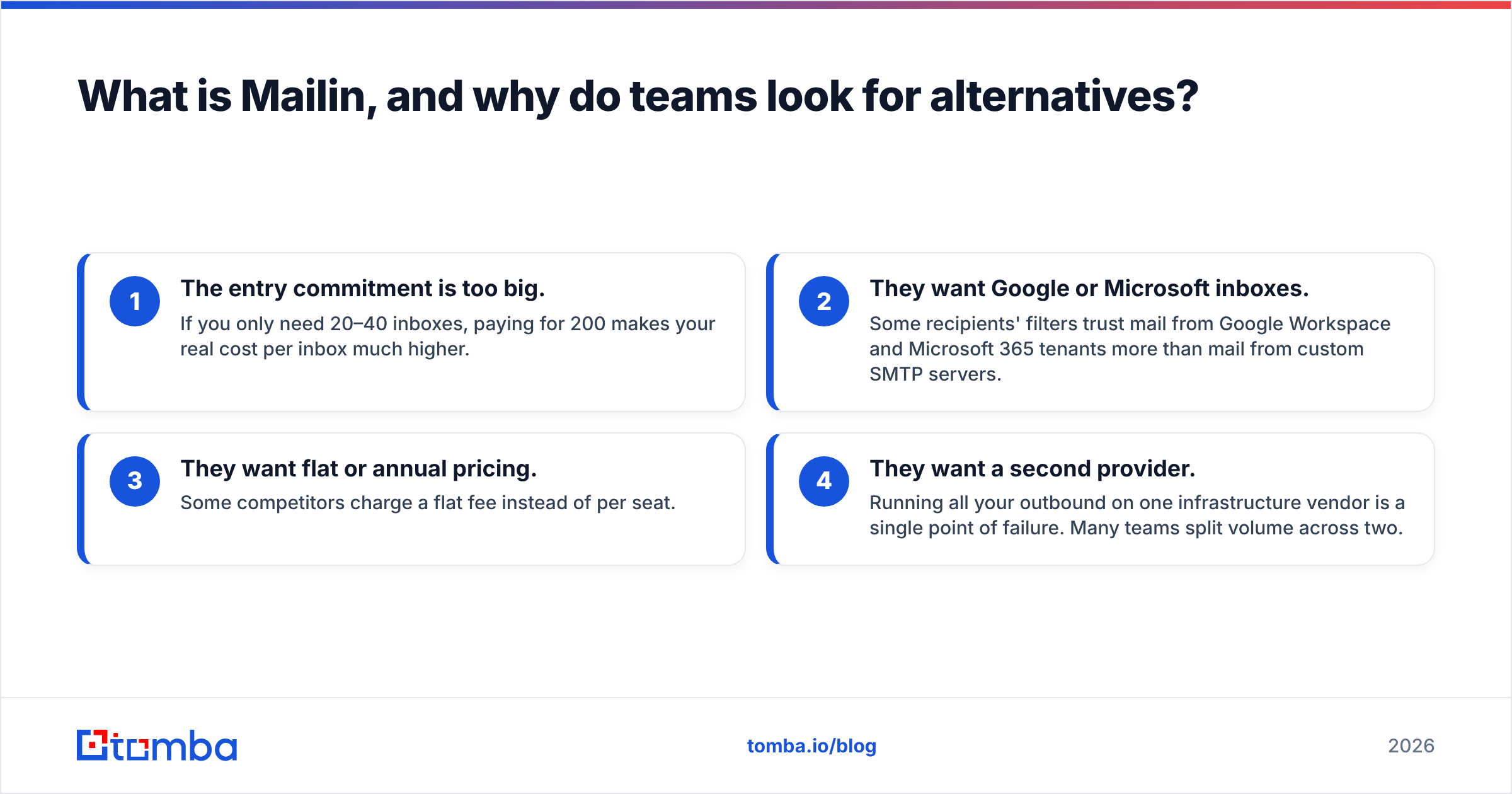
For an agency running 150+ inboxes, that's good value. Teams usually start looking at Mailin alternatives for one of four reasons:
- The entry commitment is too big. If you only need 20–40 inboxes, paying for 200 makes your real cost per inbox much higher.
- They want Google or Microsoft inboxes. Some recipients' filters trust mail from Google Workspace and Microsoft 365 tenants more than mail from custom SMTP servers.
- They want flat or annual pricing. Some competitors charge a flat fee instead of per seat.
- They want a second provider. Running all your outbound on one infrastructure vendor is a single point of failure. Many teams split volume across two.
How do cold email infrastructure providers actually differ?#
From the outside, all of these providers look the same: "unlimited inboxes, automated DNS, high deliverability." The real differences are in five places:
- Mailbox type: Google Workspace or Microsoft 365 tenants, or custom SMTP/IMAP on the provider's own servers. This affects how recipients' filters judge you.
- IP model: shared pool, dedicated IP per customer, or dedicated IP as a paid add-on. A dedicated IP protects you from other senders' behaviour, but it also means you carry your own reputation alone.
- Pricing unit: per inbox, per tier of inboxes, or a flat platform fee. That decides whether 30 inboxes costs you $60 or $299.
- Warmup: whether inboxes ship pre-warmed, come with warmup tooling, or you have to bring your own.
- Lock-in: whether you own the domains and can take them with you, or whether they're held in the provider's registrar account.
Use these five as your evaluation checklist. The rest is mostly marketing.

What are the best Mailin alternatives in 2026?#
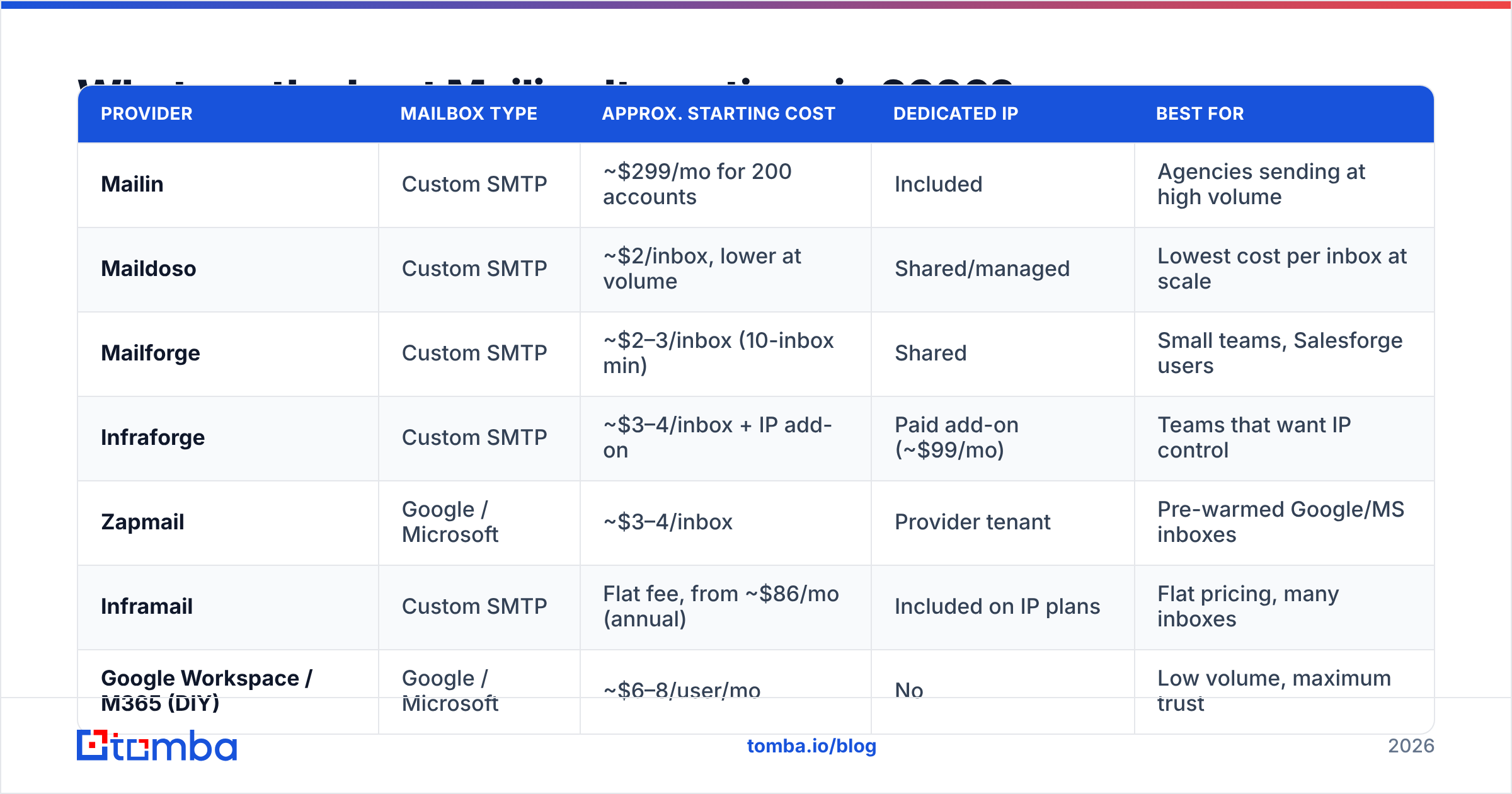
These are the seven providers that come up most often as Mailin alternatives. Prices come from vendor pages and third-party comparisons. They vary a lot between sources, so confirm the current figures yourself.
| Provider | Mailbox type | Approx. starting cost | Dedicated IP | Best for |
|---|---|---|---|---|
| Mailin | Custom SMTP | ~$299/mo for 200 accounts | Included | Agencies sending at high volume |
| Maildoso | Custom SMTP | ~$2/inbox, lower at volume | Shared/managed | Lowest cost per inbox at scale |
| Mailforge | Custom SMTP | ~$2–3/inbox (10-inbox min) | Shared | Small teams, Salesforge users |
| Infraforge | Custom SMTP | ~$3–4/inbox + IP add-on | Paid add-on (~$99/mo) | Teams that want IP control |
| Zapmail | Google / Microsoft | ~$3–4/inbox | Provider tenant | Pre-warmed Google/MS inboxes |
| Inframail | Custom SMTP | Flat fee, from ~$86/mo (annual) | Included on IP plans | Flat pricing, many inboxes |
| Google Workspace / M365 (DIY) | Google / Microsoft | ~$6–8/user/mo | No | Low volume, maximum trust |
1. Maildoso — best for lowest cost per inbox#
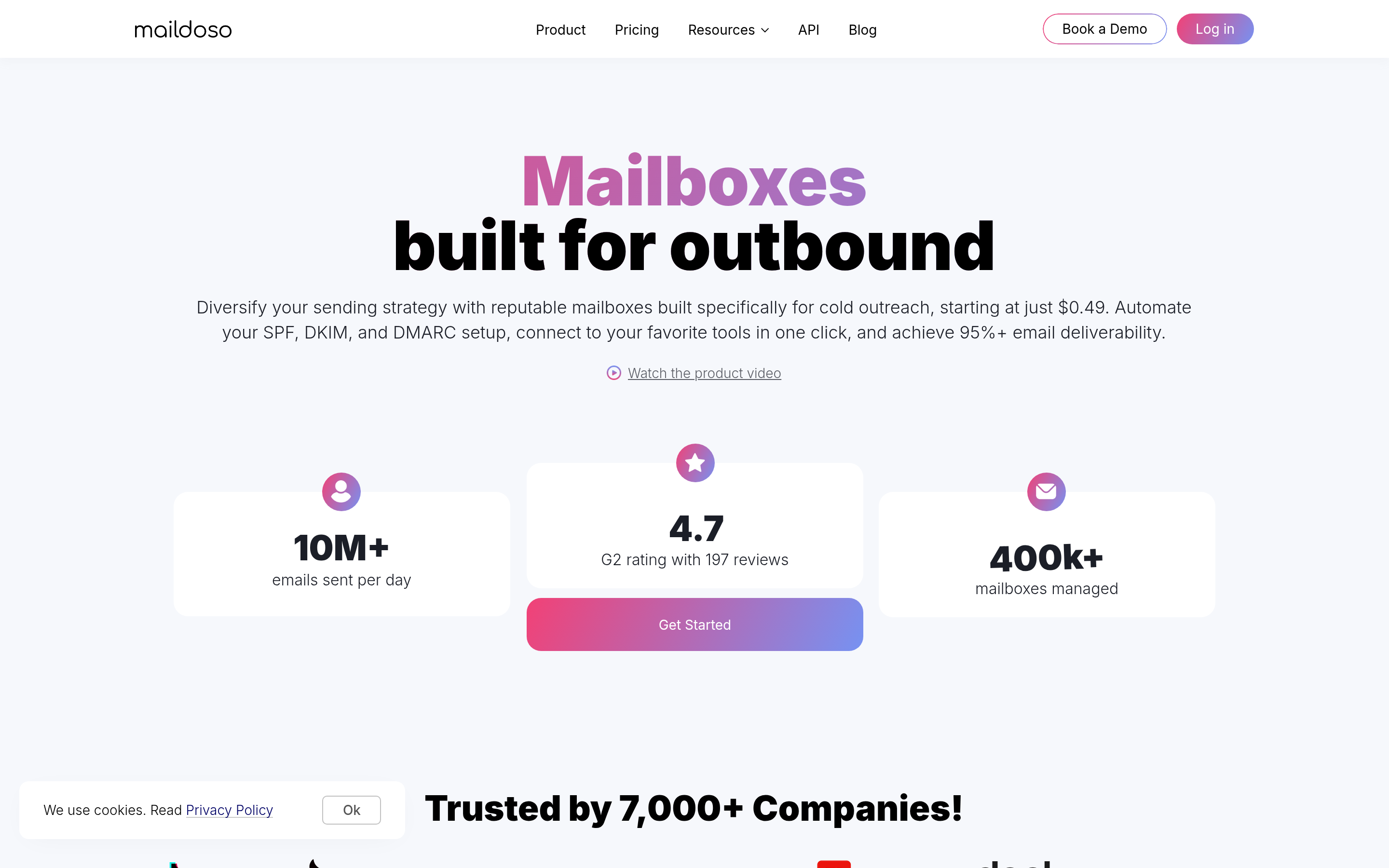
Maildoso competes almost entirely on price. Third-party sources quote around $2 per inbox on small plans, and much less on its largest tiers. DNS setup and warmup are automated, and you can buy domains in bulk.
Pick it if: you run high-volume campaigns and care most about cost per send. Watch out for: shared infrastructure means your reputation partly depends on other customers. Keep per-inbox volume low (20–30 emails/day) and watch your bounce rates closely.
2. Mailforge — best for small teams#
Mailforge is the infrastructure product from the Salesforge team. It charges per mailbox at roughly $2–3 each, with a 10-mailbox minimum. Domains are billed separately. The low minimum is the main reason it beats Mailin for a founder or a two-person SDR team that needs 20 inboxes, not 200.
Pick it if: you want to start small and add inboxes as you grow, or you already use Salesforge. Watch out for: domain costs add up. Add them to your per-inbox maths before comparing.
3. Infraforge — best for dedicated IP control#

Infraforge is from the same company as Mailforge but sits further upmarket. It runs on private infrastructure, and dedicated IPs are available as an add-on (around $99/mo in published comparisons). Expect about $3–4 per mailbox before the IP fee.
Pick it if: you send enough volume to justify owning an IP's reputation, or you've been burned by shared pools before. Watch out for: a fresh dedicated IP has no history. It needs patient warmup, and every bounce counts against you alone.
4. Zapmail — best for Google and Microsoft inboxes#
Zapmail provisions real Google Workspace and Microsoft 365 inboxes rather than custom SMTP accounts. Some plans ship pre-warmed. Third-party pricing ranges from about $2.50 to $3.90 per mailbox depending on the source and plan.
Pick it if: your audience is mostly on Google Workspace or Outlook and you want mail that comes from the same ecosystem. Watch out for: Google and Microsoft can suspend tenants they flag for bulk cold sending, so stay within sensible daily limits.
5. Inframail — best for flat pricing#
Inframail charges a flat platform fee instead of per seat. Plans with dedicated IPs are listed from about $86/mo on annual billing. If you plan to add inboxes steadily, a flat fee makes your budget predictable.
Pick it if: finance wants a fixed number and you'll keep adding inboxes. Watch out for: annual commitments. Confirm the cancellation terms and whether you can move your domains out.
6. Mailreef — best for agencies sending at very high volume#
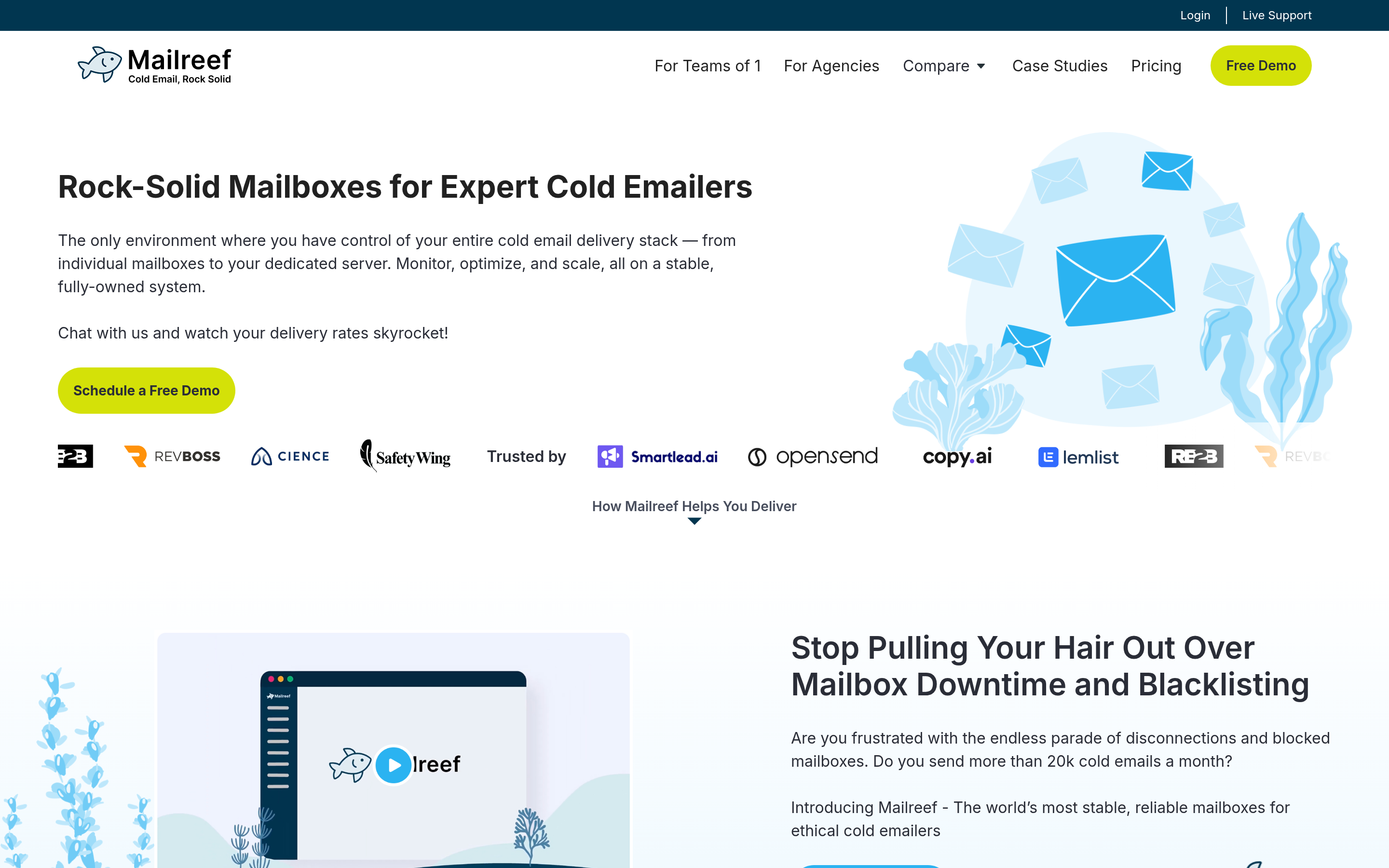
Mailreef targets agencies sending tens of thousands of emails a day. It has its own sending infrastructure and is built for large inbox counts. It's the alternative closest to Mailin's positioning, so look at it if Mailin's model suits you but you want a second vendor to spread risk.
Pick it if: you run outbound for several clients and need fast provisioning at volume. Watch out for: it's overkill below a few hundred inboxes.
7. Google Workspace or Microsoft 365, set up yourself#
The do-it-yourself route is still a real option. Buy secondary domains, create users in Google Workspace or Microsoft 365, and configure SPF, DKIM and DMARC by hand. At about $6–8 per user per month it's the most expensive per inbox, but you own everything and nothing sits between you and the mailbox provider.
Pick it if: you need fewer than 15 inboxes and want full control. Watch out for: setup time. Each domain needs correct DNS records. A free SPF checker catches most mistakes before they hurt deliverability.
Is Mailin better than Mailforge, Maildoso or Zapmail?#
Not across the board. Mailin wins on bundled value at its main tier: 200 accounts, dedicated IPs and verification credits for one price is hard to beat if you'll use all of it. It loses when you need fewer inboxes, specifically want Google/Microsoft mailboxes, or want to start small without a large monthly commitment.
A simple rule of thumb:
- Under 20 inboxes: DIY Google Workspace, or Mailforge.
- 20–100 inboxes: Mailforge, Zapmail or Maildoso, depending on whether you want Google/Microsoft or SMTP mailboxes.
- 100–300 inboxes: Mailin, Maildoso or Inframail. This is where Mailin's bundle makes most sense.
- 300+ inboxes or several clients: Mailin or Mailreef as the main provider, with a second provider for redundancy.
Which setup checklist matters more than the provider?#
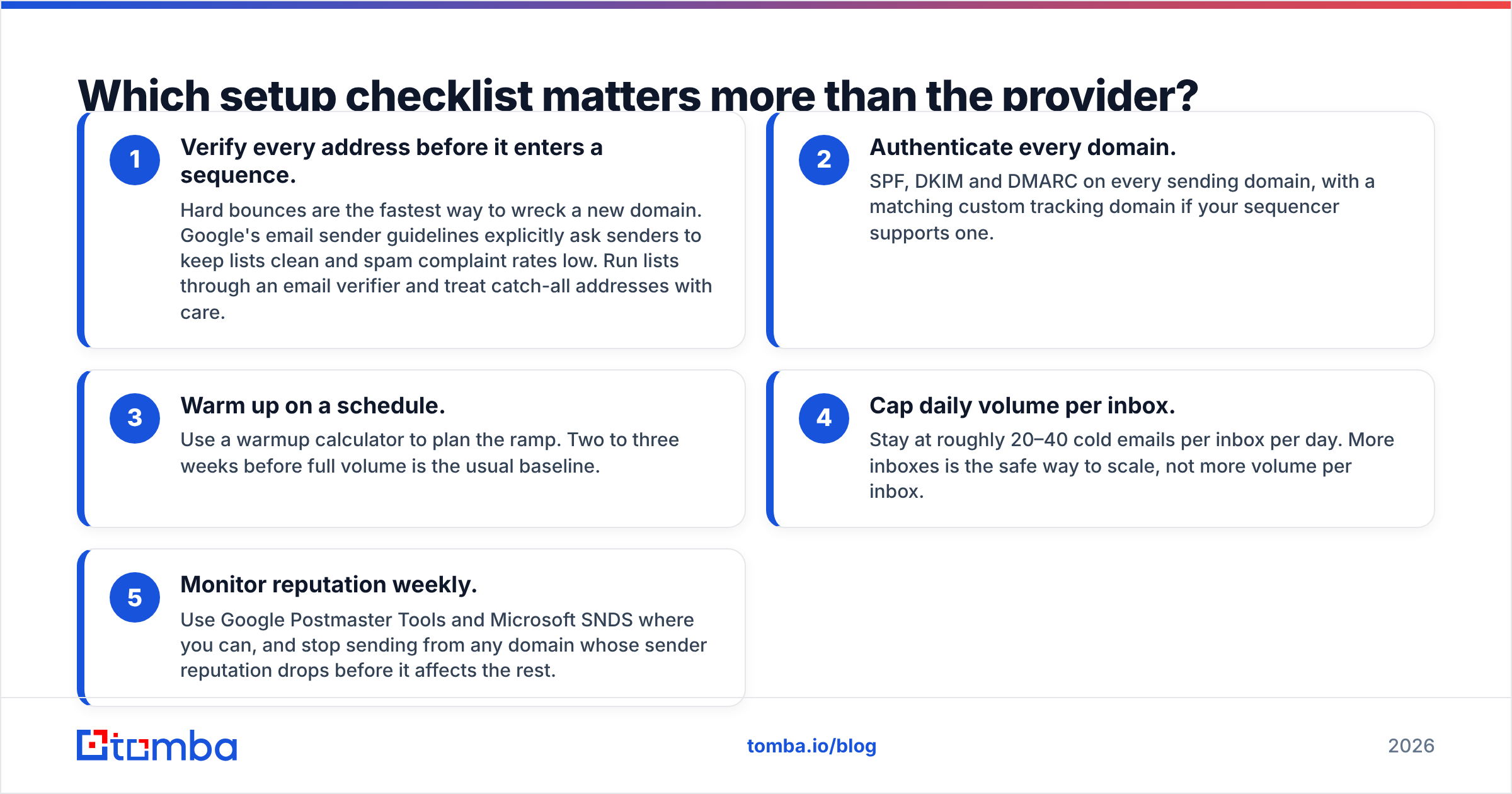
Switching inbox vendors won't save a campaign with weak foundations. Whichever Mailin alternative you pick, work through these first:
- Verify every address before it enters a sequence. Hard bounces are the fastest way to wreck a new domain. Google's email sender guidelines explicitly ask senders to keep lists clean and spam complaint rates low. Run lists through an email verifier and treat catch-all addresses with care.
- Authenticate every domain. SPF, DKIM and DMARC on every sending domain, with a matching custom tracking domain if your sequencer supports one.
- Warm up on a schedule. Use a warmup calculator to plan the ramp. Two to three weeks before full volume is the usual baseline.
- Cap daily volume per inbox. Stay at roughly 20–40 cold emails per inbox per day. More inboxes is the safe way to scale, not more volume per inbox.
- Monitor reputation weekly. Use Google Postmaster Tools and Microsoft SNDS where you can, and stop sending from any domain whose sender reputation drops before it affects the rest.
Why does list quality decide whether any of these tools work?#
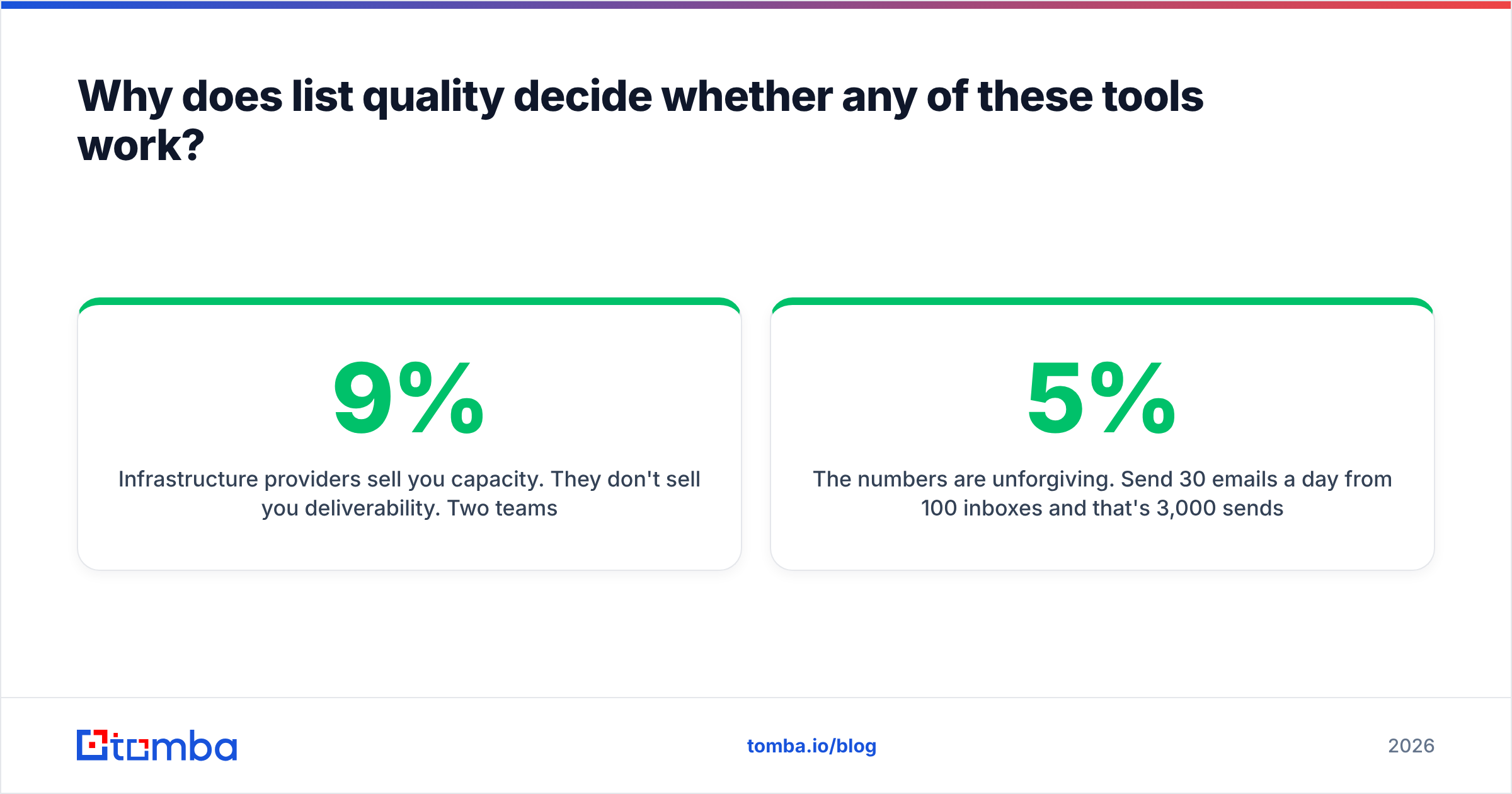
Infrastructure providers sell you capacity. They don't sell you deliverability. Two teams on the same Maildoso plan can get completely different inbox placement because one sends to verified, relevant contacts and the other sends to a scraped CSV with a 9% bounce rate.
The numbers are unforgiving. Send 30 emails a day from 100 inboxes and that's 3,000 sends a day. At a 5% bounce rate you generate 150 hard bounces daily, which is enough to get domains flagged within a week whoever hosts your inboxes. At under 1% it's 30 bounces spread across 100 inboxes, which mailbox providers barely notice.
That's why serious outbound teams treat data as the first layer of the stack:
- Find the right person's work email from their name and company domain.
- Verify it in real time, including catch-all checks.
- Load only valid addresses into the sequencer.
- Re-verify lists older than 60–90 days, because B2B data decays as people change jobs.

How should you migrate from Mailin to another provider?#
If you're switching rather than adding a second vendor, plan the move so your sending reputation survives:
- Check domain ownership. Confirm whether the domains are in your registrar account or Mailin's. If they're Mailin's, start the transfer early.
- Run both providers in parallel. Warm up the new inboxes for 2–3 weeks while your existing campaigns keep running on Mailin.
- Move campaigns gradually. Shift 20–25% of daily volume each week instead of switching everything at once.
- Re-verify active lists during the move. A migration is a good time to remove contacts who have gone stale since you first imported them.
- Keep the old domains warm or retire them cleanly. Don't leave burned domains pointing at live inboxes, and don't suddenly stop sending from domains with good reputation if you plan to reuse them.
Which Mailin alternative should you choose?#
- Cheapest per inbox at scale: Maildoso.
- Smallest commitment: Mailforge or DIY Google Workspace.
- Google/Microsoft inboxes: Zapmail.
- Dedicated IP control: Infraforge or Inframail.
- Agency-scale volume: stay on Mailin, or pair it with Mailreef.
Whichever you choose, the provider handles maybe a third of deliverability. Authentication and warmup handle another third. The last third, and the one most teams neglect, is who you send to.
Get the data layer right before you buy more inboxes#
New inboxes won't help if the list going into them is bad. Before you spend $299 or more a month on infrastructure, make sure every contact in your sequences is real and current. Tomba Email Finder finds professional email addresses from a name and company domain, then verifies them so only deliverable contacts reach your new inboxes. It works with whichever Mailin alternative you pick. The free tier includes 25 searches a month, and paid plans start at $49/mo. See the full Tomba pricing to match a plan to your sending volume.
Related guides#
// get started
Find, verify and enrich your first contacts today
Start on the free plan with 25 searches a month, then scale when your team is ready.
Free plan · No credit card required · GDPR & CCPA
// about the author