Cold Email Outreach Tools in 2026: The Complete Stack Guide
Most cold email outreach tools solve one slice of the problem. Here's how the sending, warmup, data, and verification layers actually fit together in 2026 — and where teams overspend.
TL;DR
- "Cold email outreach tools" is not one category. It's four: data, verification, sending/sequencing, and deliverability infrastructure. Buying one and expecting the others to work is the single most common mistake.
- Sequencer pricing (Instantly, Smartlead, Saleshandy, Lemlist) has converged around $30–$100/mo. Your cost variance lives in the data layer, not the sending layer.
- Bounce rate is the metric that kills accounts. Google and Microsoft both enforce complaint and authentication thresholds now — a 6% bounce rate on a fresh domain ends the domain, not the campaign.
- A workable 2026 stack for a 2-person team runs roughly $150–$250/mo total: one sequencer, one data source, one verifier, and free warmup baked into the sequencer.
- The tool you can cut first is almost always the AI copy generator. The tool you cannot cut is verification.
What are cold email outreach tools, exactly?#
Think of cold outreach like running a restaurant. The sequencer is the dining room — it plates and serves. But if the ingredients are rotten (bad data), the health inspector shuts you down (deliverability), and no amount of plating helps.
Every functional cold email stack has four layers:
- Data / prospecting — finding the right person and their work email. Tools: Tomba, Apollo, BookYourData, Clay, LinkedIn Sales Navigator.
- Verification — confirming that address will accept mail before you send to it. Tools: Tomba's verifier, ZeroBounce, NeverBounce, Bouncer.
- Sending & sequencing — inbox rotation, multi-step cadences, reply detection, unibox. Tools: Instantly, Smartlead, Saleshandy, Lemlist, Reply.io.
- Deliverability infrastructure — domains, SPF/DKIM/DMARC, warmup, inbox placement monitoring. Tools: Google Workspace, Mailreach, Instantly's built-in warmup, Google Postmaster Tools.
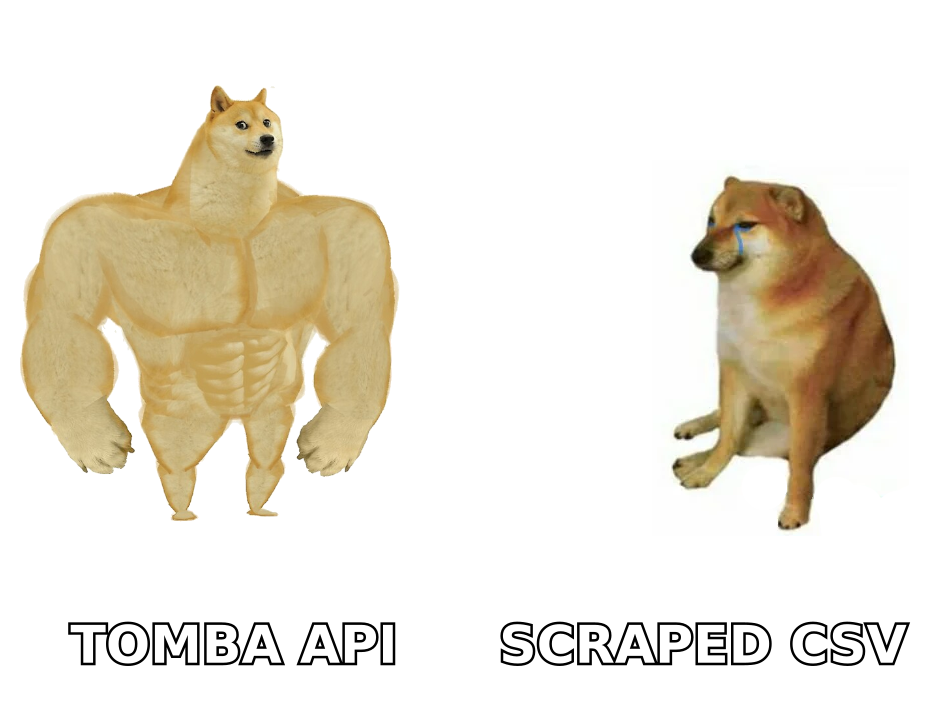
Most vendors will tell you they cover all four. In practice, a tool that is excellent at one layer is usually mediocre at the next. Apollo does data and sequencing; its sequencing is fine, its data is broad and shallow. Instantly does sending and warmup brilliantly; its lead database is an afterthought. Nobody has won all four, and you should be suspicious of anyone claiming otherwise.

Wait — that's the actual point of the meme below.
Which layer actually determines your reply rate?#
Data. Not copy, not send volume, not subject lines.
Here's the arithmetic. Suppose you send 1,000 emails. With a well-targeted list and verified addresses, expect roughly 40–50% open, 2–5% reply. With a scraped list where 20% of addresses bounce and 30% belong to people who left the company, your effective deliverable, relevant audience is around 550. Same copy, same sequencer, half the pipeline.
Worse, that 20% bounce rate doesn't just waste sends. It poisons the domain. Google's bulk sender requirements put hard expectations on authentication and complaint rates, and mailbox providers treat repeated hard bounces as a strong spam signal. One bad list can retire a domain you spent six weeks warming.
So the honest ordering of spend, for a team under 10 people:
- Verification — non-negotiable, cheapest insurance you'll buy.
- Data quality — pay for accuracy, not volume.
- Sequencer — commoditized; buy the cheap one that has inbox rotation.
- Copy tooling — nice to have. A good writer with a doc beats a bad writer with GPT.
How do the major cold email outreach tools compare?#
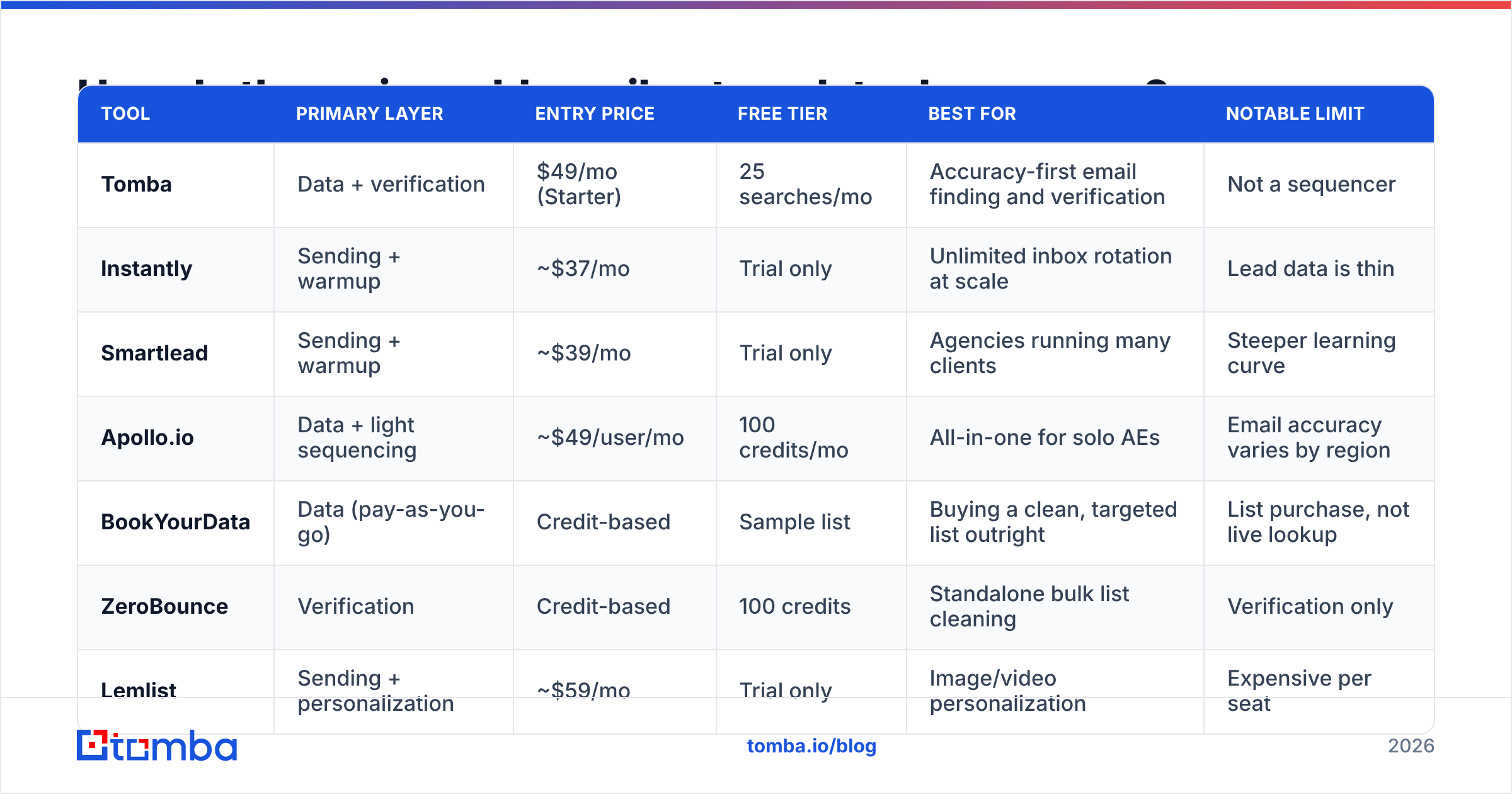
Here's the layer-by-layer view, using published list pricing as of mid-2026. Prices move; check the vendor page before you commit.
| Tool | Primary layer | Entry price | Free tier | Best for | Notable limit |
|---|---|---|---|---|---|
| Tomba | Data + verification | $49/mo (Starter) | 25 searches/mo | Accuracy-first email finding and verification | Not a sequencer |
| Instantly | Sending + warmup | ~$37/mo | Trial only | Unlimited inbox rotation at scale | Lead data is thin |
| Smartlead | Sending + warmup | ~$39/mo | Trial only | Agencies running many clients | Steeper learning curve |
| Apollo.io | Data + light sequencing | ~$49/user/mo | 100 credits/mo | All-in-one for solo AEs | Email accuracy varies by region |
| BookYourData | Data (pay-as-you-go) | Credit-based | Sample list | Buying a clean, targeted list outright | List purchase, not live lookup |
| ZeroBounce | Verification | Credit-based | 100 credits | Standalone bulk list cleaning | Verification only |
| Lemlist | Sending + personalization | ~$59/mo | Trial only | Image/video personalization | Expensive per seat |
Two things jump out.
First, the sequencers are within $20/mo of each other. Instantly, Smartlead, and Saleshandy all give you inbox rotation, warmup, and a unibox. Feature parity is real. Choose on UI and support, not on a spec sheet. If you're comparing them head-to-head, the G2 grid for sales engagement is a more useful signal than any vendor's own comparison page.
Second, the data layer is where the money and the risk sit. Apollo bundles data with sequencing at a per-seat price that scales badly. Dedicated finders like Tomba pricing charge per lookup, which is honest but requires you to know your volume. BookYourData sells targeted lists outright — a genuinely different model that suits teams who want a one-time clean list for a defined campaign rather than an ongoing subscription. Neither approach is wrong; they solve different problems. Live lookup wins when you're prospecting continuously off LinkedIn or a website; a purchased list wins when you have a fixed ICP and a fixed campaign window.
Do you need a separate verification tool?#
Usually not, if your data provider verifies at the point of discovery.
Verification is a spectrum, and the vocabulary matters:
- Syntax check — is it a well-formed address? Free, near-worthless.
- MX record check — does the domain accept mail at all? Catches dead domains.
- SMTP handshake — does the mailbox exist? This is the real test.
- Catch-all detection — the domain accepts everything, so SMTP tells you nothing. This is where most verifiers give up and mark the address "risky."
- Role account flagging —
info@,sales@,support@. Deliverable but low-intent, and they inflate complaint rates.
The catch-all case is the interesting one. Roughly 15–20% of B2B domains are configured as catch-alls, and a verifier that returns "unknown" on all of them has just handed you back a fifth of your list with a shrug. Tools that do dedicated catch-all verification use pattern confidence and cross-source corroboration to give you a real probability instead of a shrug.
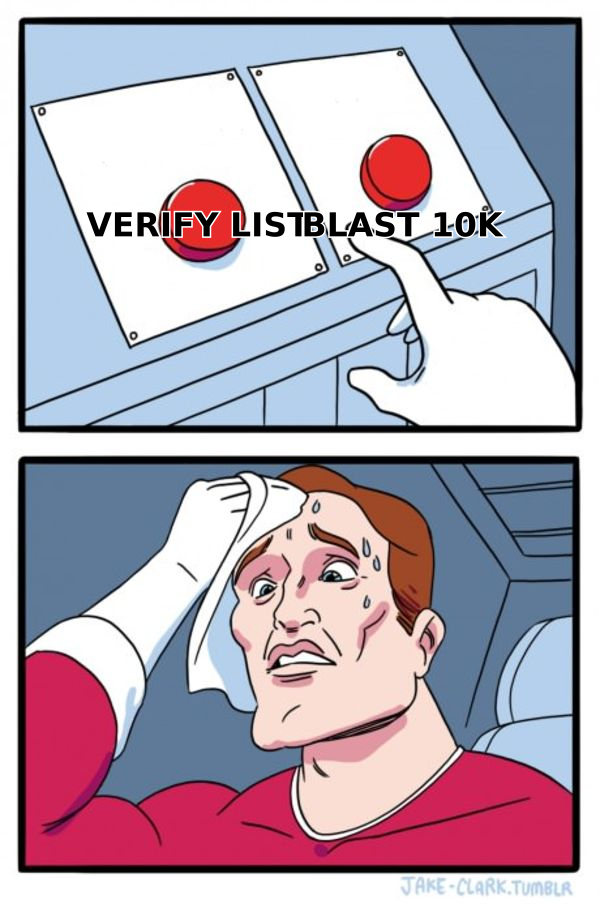
Practical rule: if your finder returns a confidence score and you're only sending to results above ~90%, you can skip the standalone verifier. If you're importing lists from anywhere else — a conference attendee export, a partner's spreadsheet, an old CRM segment — run it through an email verifier before it touches your sequencer. Every time. No exceptions. That old CRM segment is the single most common source of a bounce spike, because those addresses were valid once.
What does a working stack look like at each budget?#
Budgets, not brands. Pick the row that matches your situation.
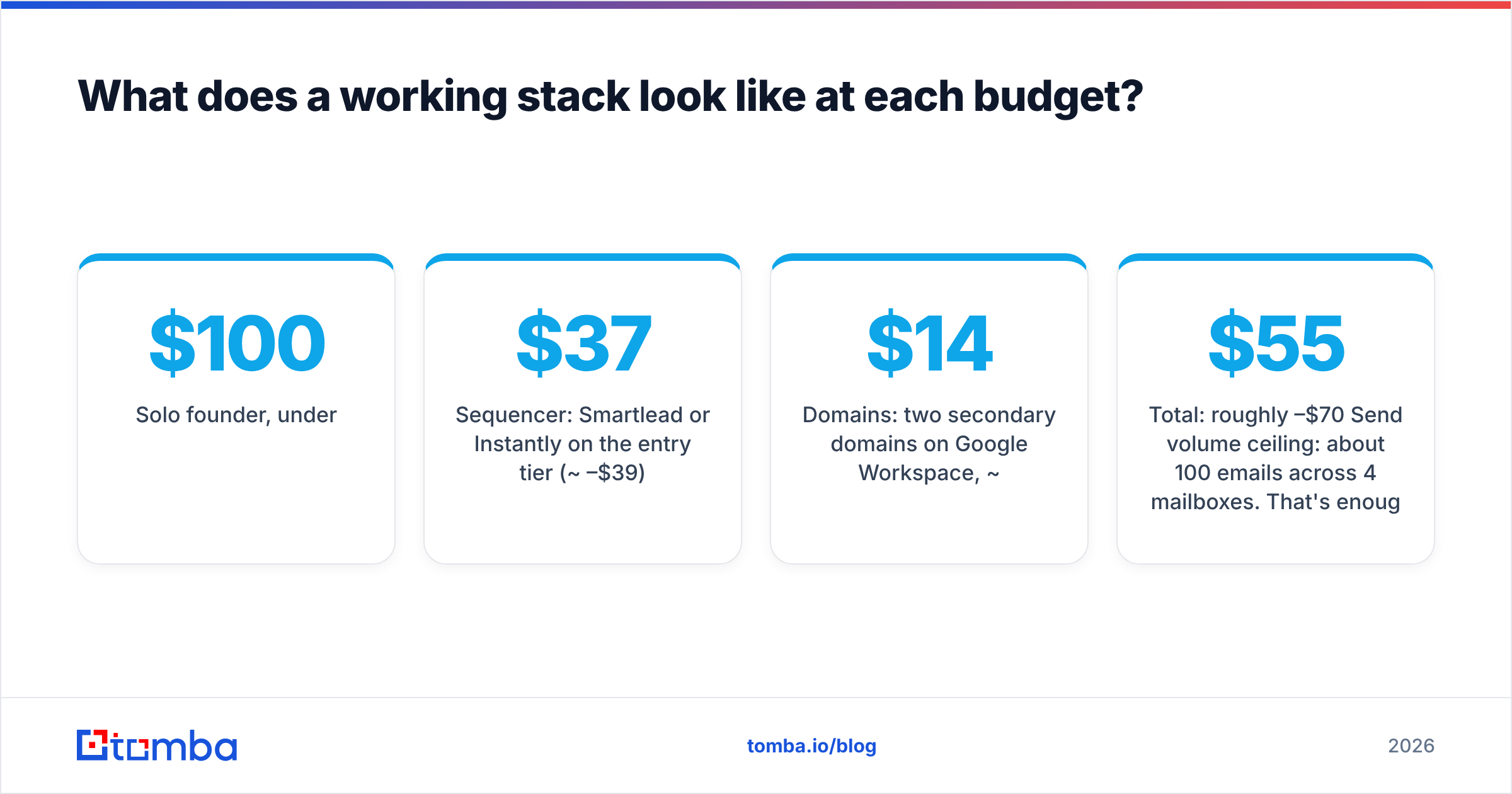
Solo founder, under $100/mo
- Sequencer: Smartlead or Instantly on the entry tier (~$37–$39)
- Data: Tomba free tier (25 searches) plus a Chrome extension for one-off lookups
- Verification: bundled with your finder
- Warmup: included in the sequencer
- Domains: two secondary domains on Google Workspace, ~$14/mo
Total: roughly $55–$70/mo. Send volume ceiling: about 100 emails/day across 4 mailboxes. That's enough to test messaging, not enough to build a pipeline.
Two-to-five person sales team, $150–$300/mo
- Sequencer: Instantly Growth or Smartlead Pro (~$79–$94)
- Data: Tomba Growth at $99/mo, or Starter at $49/mo if you prospect in bursts
- Verification: included
- Enrichment: data enrichment on inbound signups, batched weekly
- Warmup: sequencer-native + Google Postmaster monitoring (free)
- Domains: 4–6 secondaries, ~$35/mo
Total: roughly $215–$230/mo. Volume ceiling: 400–600/day. This is the configuration most teams should run, and most teams instead pay $600/mo for a per-seat all-in-one because a sales rep told them "one platform is simpler."
Agency or 10+ SDRs, $500+/mo
Now the calculus changes. You need programmatic access, not a UI. An email finder API that you call from your enrichment pipeline, bulk verification jobs, and a sequencer with a real API for pushing leads. Smartlead's multi-client workspace design is built for this. You'll also want inbox placement monitoring beyond warmup — actual seed-list testing against Gmail, Outlook, and corporate Microsoft 365 tenants, because those three behave very differently.
What are the deliverability rules you cannot ignore?#
The 2024 Gmail and Yahoo enforcement changes were not a one-off. The direction is permanent: authenticated, low-complaint, low-bounce senders get the inbox; everyone else gets the folder.
The non-negotiables:
- SPF, DKIM, and DMARC on every sending domain. Not the root domain — the secondaries. Check yours with an SPF checker before your first send, not after your first bounce spike.
- Never send cold from your primary domain. Buy
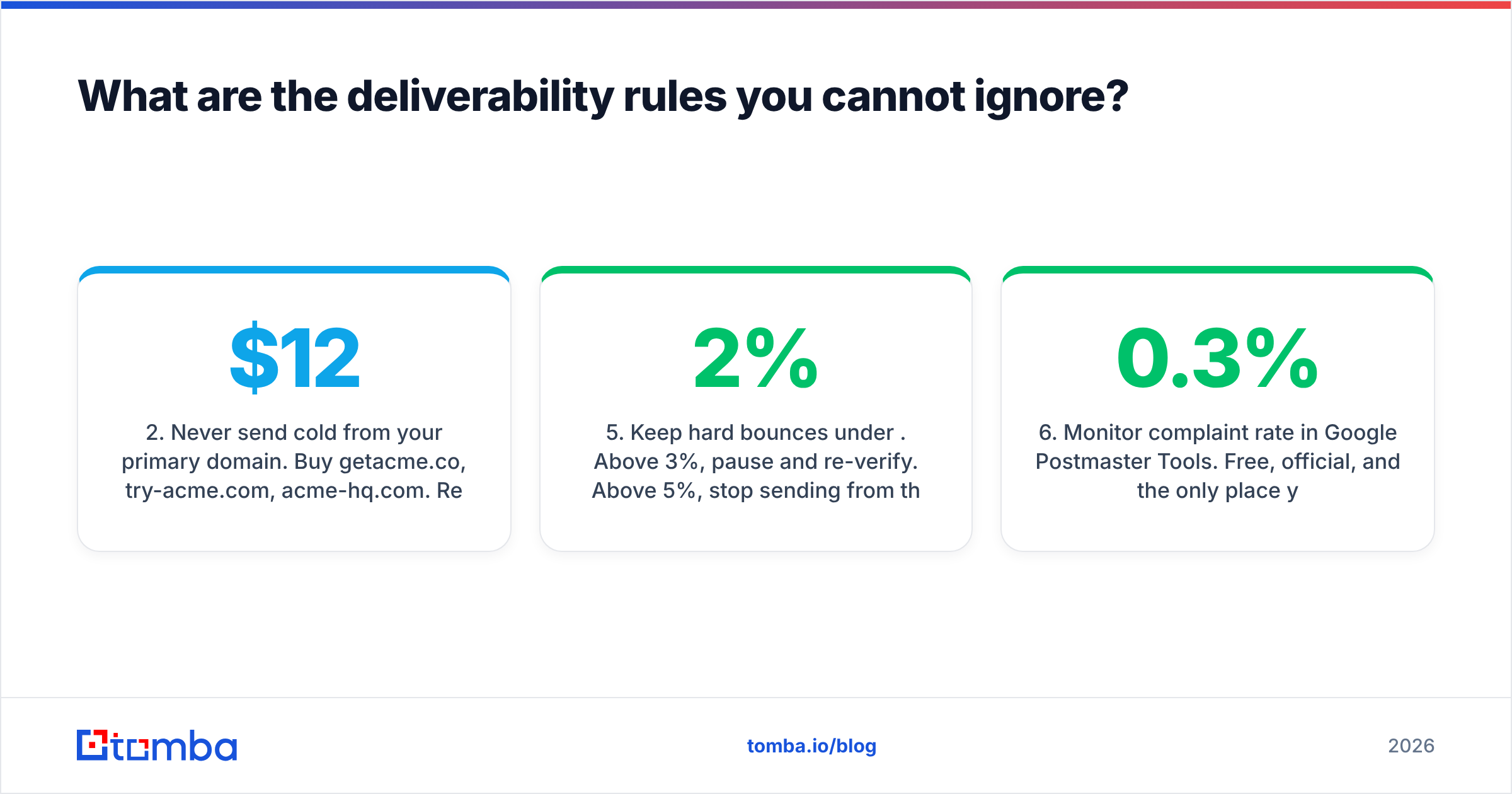
getacme.co,try-acme.com,acme-hq.com. Redirect them to your real site. If a secondary burns, you lose $12 and a warmup cycle — not your company's transactional mail. - Warm for 3–4 weeks minimum before real volume. Ramp from 5/day to 30/day per mailbox. Most sequencers automate this; the email warmup calculator will tell you the ramp curve for your target volume.
- Cap at 30–50 sends per mailbox per day. Forever. Not just during warmup. Higher volumes are how you get flagged, and adding mailboxes is cheaper than losing a domain.
- Keep hard bounces under 2%. Above 3%, pause and re-verify. Above 5%, stop sending from that domain and let it rest for two weeks.
- Monitor complaint rate in Google Postmaster Tools. Free, official, and the only place you see what Gmail actually thinks of you. Above 0.3% complaints and you are already in trouble.
None of that requires a paid tool beyond what you already bought. It requires discipline, which is why most teams skip it and then blame the sequencer.
Is an all-in-one platform better than a best-of-breed stack?#
It depends on one variable: how much your list quality varies.
All-in-ones like Apollo or HubSpot's sales suite win on procurement simplicity and CRM proximity. If your reps live in HubSpot and your deals are inbound-heavy, running outreach from inside the CRM removes a sync problem you'd otherwise pay an ops person to solve.
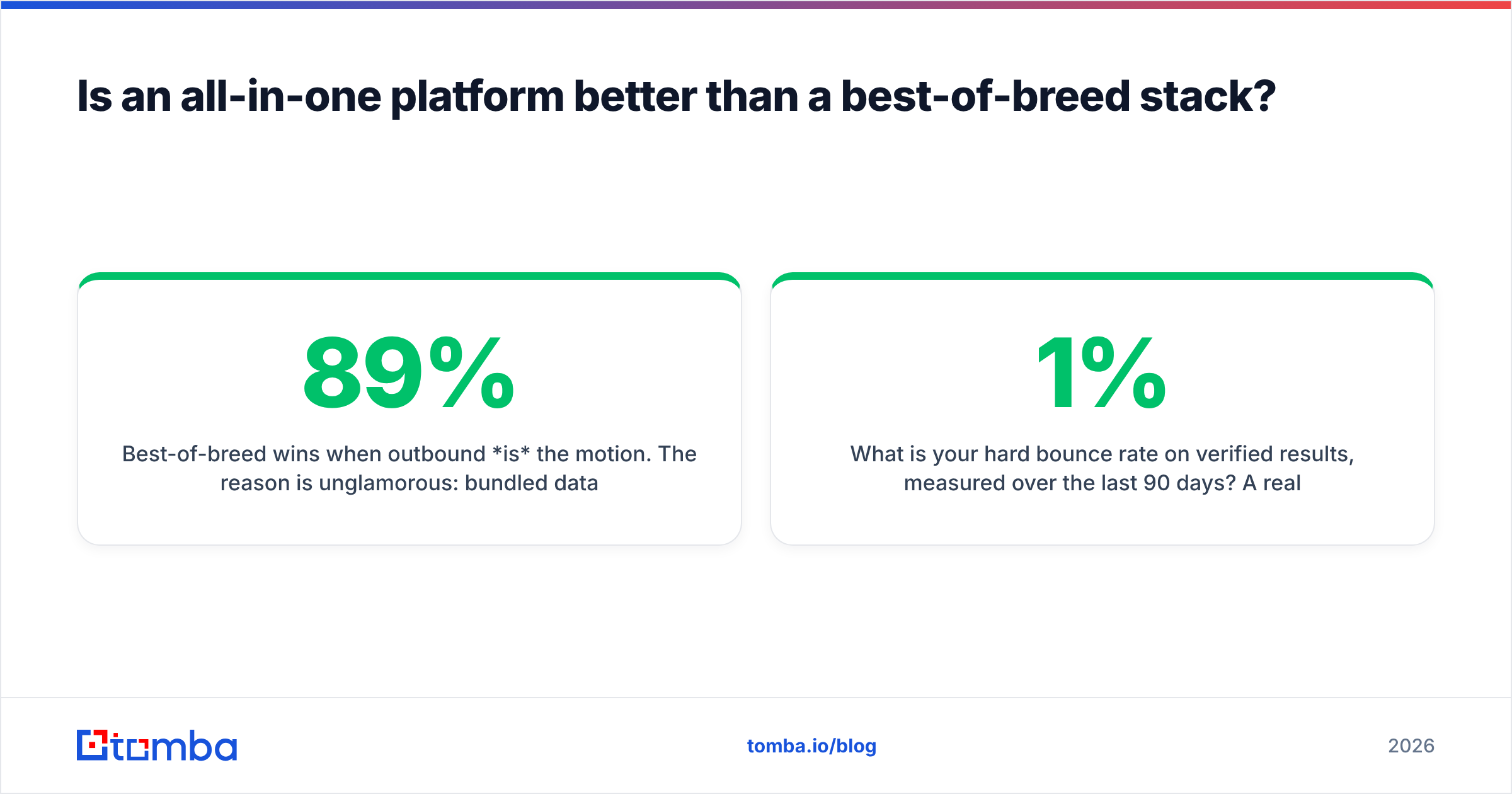
Best-of-breed wins when outbound is the motion. The reason is unglamorous: bundled data providers optimize for coverage, because coverage is what sells demos. "600 million contacts" is a better sales line than "89% accuracy on verified sends." But coverage numbers include stale records, personal Gmail addresses, and pattern guesses presented with no confidence score. A dedicated finder that returns nothing rather than a guess is more valuable than one that returns a plausible-looking first.last@company.com it has never confirmed.
Ask any vendor two questions:
- What is your hard bounce rate on verified results, measured over the last 90 days? A real answer is a number between 1% and 5%. "Industry-leading" is not an answer.
- What do you return when you cannot confirm an address? The correct answer is "nothing, or a confidence score below threshold." The wrong answer is "our best guess."
Vendors who answer both crisply are worth your money. Vendors who pivot to a coverage number are selling you a bounce rate.
What should you actually do this week?#
Concrete, in order:
- Audit your current bounce rate. If you don't know it, that's your finding.
- Register two secondary domains, configure SPF/DKIM/DMARC, and start warmup today. The clock is three weeks either way.
- Take your existing list and run it through verification. Delete everything that isn't deliverable. Yes, even the ones you paid for.
- Pick a sequencer on price and UI. Do not spend a week on this. They are the same.
- Fix your data source last, because it's the decision with the longest payback and you'll make it better after steps 1–3 tell you what's broken.
Cold email outreach tools are a solved problem at the sending layer and an unsolved one at the data layer. Spend accordingly.
Start where the leverage is. Before you compare another sequencer, find out whether the addresses you're sending to actually exist. Tomba's Email Finder returns verified professional addresses with a confidence score — and returns nothing rather than a guess when it can't confirm. The free tier covers 25 searches a month, enough to sanity-check a segment of your current list before you send another campaign to it. Starter is $49/mo when you're ready to prospect at volume.
Related guides#
Ready to find emails that actually work?
Join 150,000+ professionals who stopped guessing and started sending. Free credits on signup — no credit card required.
Get the Tomba newsletter
Practical outbound tactics and product updates — once every two weeks.
About the author