Emailing Tool Guide 2026: How to Build a Stack That Sends
Most teams buy the wrong emailing tool because they never define the job. Here's how the four categories differ, what each costs in 2026, and which combination actually gets replies.
TL;DR
- "Emailing tool" is not one product category. It's four: address discovery, verification, cold-outreach sending, and bulk marketing (ESP). Buying the wrong one is the most common budget leak in B2B.
- Your sending platform does not control deliverability nearly as much as your list quality does. A 12% bounce rate will sink a perfectly configured domain.
- Budget in 2026: a workable two-person outbound stack costs $150–$300/month. A marketing-email stack starts around $30/month and scales with list size, not seats.
- Never buy a single "all-in-one" until you've run 90 days on separate tools. Bundles hide bad data behind good UI.
- Start with data quality — find and verify before you send. Everything downstream inherits that decision.
What is an emailing tool, exactly?#
An emailing tool is any software that helps you find, validate, send, or track email. That definition is uselessly broad, and that's the problem. When someone says "we need an emailing tool," three people in the room picture three different products: one imagines Mailchimp, one imagines a cold-outreach sequencer, one imagines a Chrome extension that pulls addresses off LinkedIn.
Think of it like kitchen equipment. "Cooking tool" covers a chef's knife, a stove, and a fridge. All three are necessary; none substitutes for another. The same is true here. An email verifier will never send a campaign. A sending platform will never tell you whether j.doe@acme.com exists.
So before you compare pricing pages, answer one question: what job are you hiring the tool for?
- Discovery — you have company names or LinkedIn profiles and need work email addresses. This is the email finder category.
- Verification — you have a list and need to know which addresses will bounce before you send. This is the email verifier category.
- Cold outreach sending — you need to send 50–500 personalized 1:1 emails per day from your own mailboxes, with reply detection and follow-up logic.
- Bulk marketing (ESP) — you need to send 10,000 identical newsletters from a shared or dedicated IP with templates, unsubscribes, and CAN-SPAM footers.
- Enrichment and routing — you need firmographics, job titles, and phone numbers attached to each contact so your CRM rules work.
Most teams need three of those five. Almost nobody needs one vendor for all of them.
Which type of emailing tool do you actually need?#
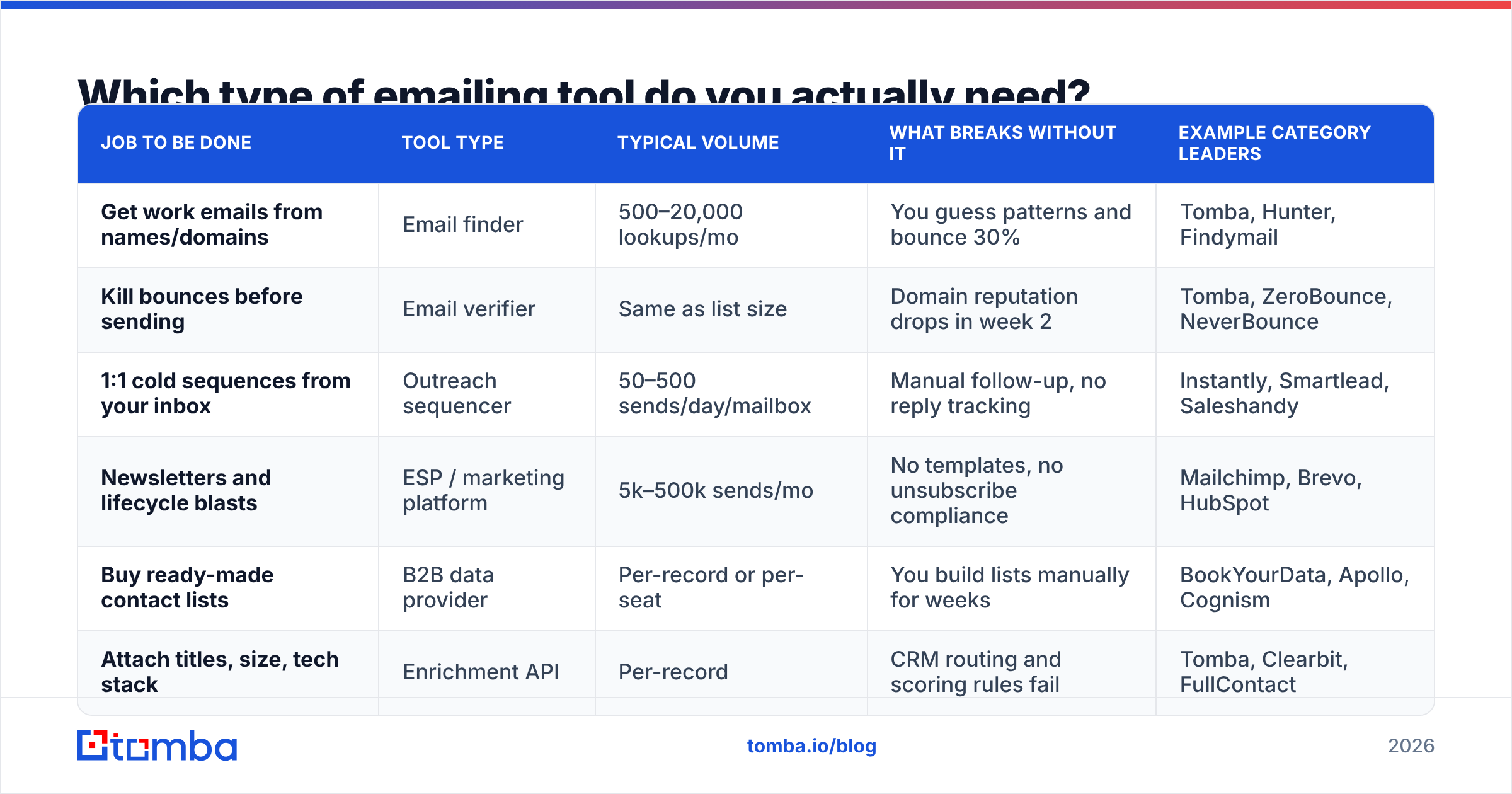
Here's the mapping most teams get wrong. Match your motion to the column, not to whichever tool your last company used.
| Job to be done | Tool type | Typical volume | What breaks without it | Example category leaders |
|---|---|---|---|---|
| Get work emails from names/domains | Email finder | 500–20,000 lookups/mo | You guess patterns and bounce 30% | Tomba, Hunter, Findymail |
| Kill bounces before sending | Email verifier | Same as list size | Domain reputation drops in week 2 | Tomba, ZeroBounce, NeverBounce |
| 1:1 cold sequences from your inbox | Outreach sequencer | 50–500 sends/day/mailbox | Manual follow-up, no reply tracking | Instantly, Smartlead, Saleshandy |
| Newsletters and lifecycle blasts | ESP / marketing platform | 5k–500k sends/mo | No templates, no unsubscribe compliance | Mailchimp, Brevo, HubSpot |
| Buy ready-made contact lists | B2B data provider | Per-record or per-seat | You build lists manually for weeks | BookYourData, Apollo, Cognism |
| Attach titles, size, tech stack | Enrichment API | Per-record | CRM routing and scoring rules fail | Tomba, Clearbit, FullContact |
Two notes on reading this table. First, a sequencer is not an ESP. Sending 300 newsletters through a cold-outreach tool will get your Google Workspace account flagged, and sending cold emails through Mailchimp violates their acceptable use policy outright. Second, data providers and finders overlap but differ in posture: a provider like BookYourData sells you a pre-built list you download, while a finder resolves addresses on demand for the specific accounts you've already targeted. If you already know exactly which 400 companies you want, on-demand lookup is usually cheaper and fresher. If you need volume across a broad ICP fast, a curated list saves days of work. Plenty of teams run both.
How much should an emailing tool cost in 2026?#
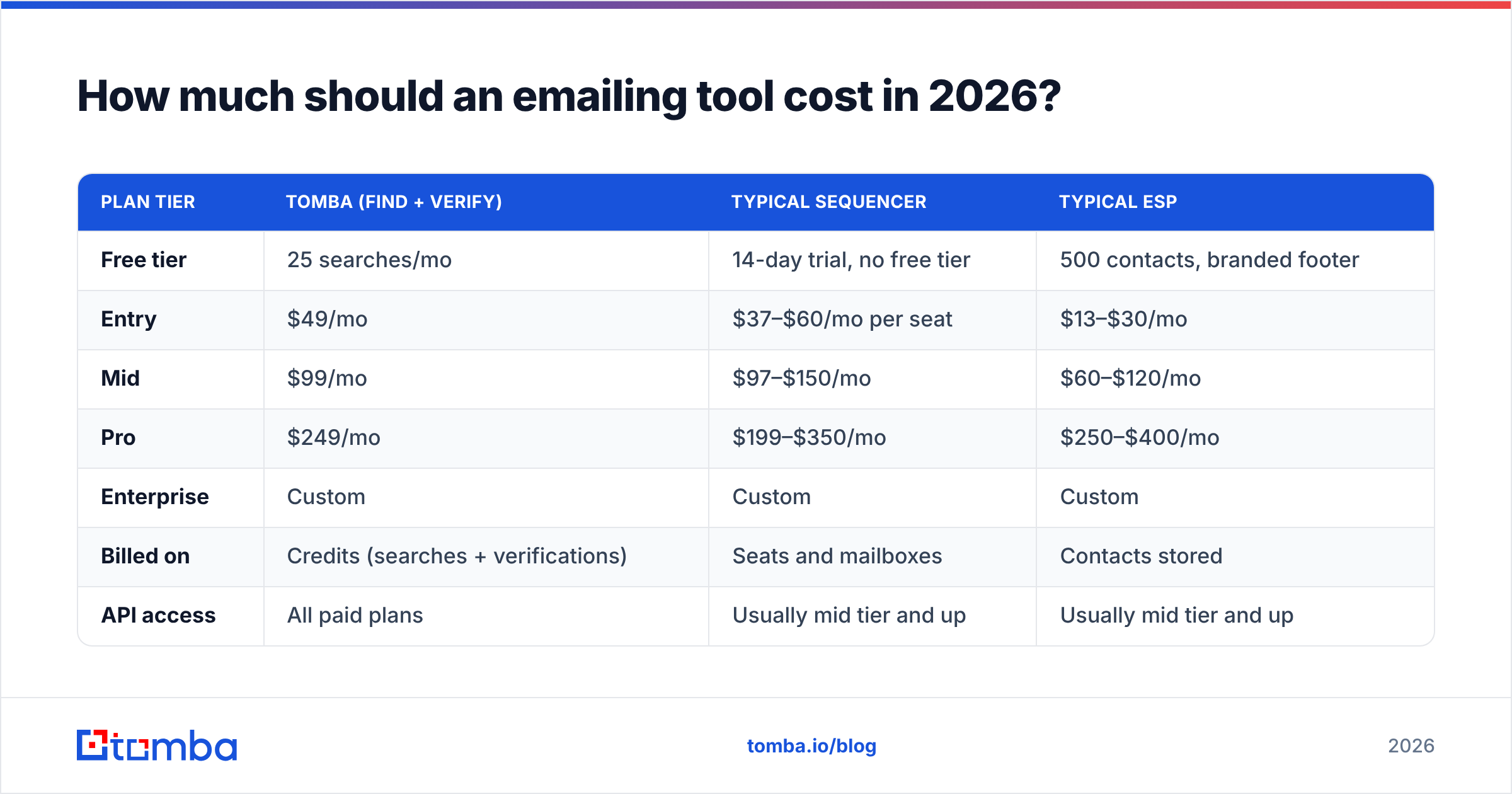
Pricing models differ by category, which makes head-to-head comparison misleading unless you normalize. Finders and verifiers charge per credit. Sequencers charge per seat or per connected mailbox. ESPs charge per contact stored, regardless of how often you email them.
| Plan tier | Tomba (find + verify) | Typical sequencer | Typical ESP |
|---|---|---|---|
| Free tier | 25 searches/mo | 14-day trial, no free tier | 500 contacts, branded footer |
| Entry | $49/mo | $37–$60/mo per seat | $13–$30/mo |
| Mid | $99/mo | $97–$150/mo | $60–$120/mo |
| Pro | $249/mo | $199–$350/mo | $250–$400/mo |
| Enterprise | Custom | Custom | Custom |
| Billed on | Credits (searches + verifications) | Seats and mailboxes | Contacts stored |
| API access | All paid plans | Usually mid tier and up | Usually mid tier and up |
The number that surprises people is the ESP line. You pay for contacts you store, so a 40,000-record list you email twice a year costs the same as one you email weekly. Prune aggressively. Meanwhile, credit-based tools like Tomba pricing scale with actual work done, which is friendlier for spiky prospecting cycles.
Watch for three hidden costs across every category:
- Overage rates. Some vendors charge 3–5x list price for credits past your plan cap. Check the overage line before you commit to an annual contract.
- Per-mailbox fees on sequencers. A "$97/mo" plan that charges $5 per connected inbox costs $147/mo once you're running ten domains for volume.
- Verification you pay for twice. If your finder already returns a verification status, re-running the whole list through a standalone verifier is duplicate spend. Only re-verify the accept-all and unknown segments.
- Annual lock-in with no rollover. Unused monthly credits usually expire. Buy for your median month, not your best one.
Does your emailing tool decide whether you land in the inbox?#
Partly — but far less than vendors imply. Deliverability is roughly three layers, and the sending tool only owns the thinnest one.
Layer 1: authentication and infrastructure. SPF, DKIM, and DMARC records on your sending domain. Google and Yahoo have enforced bulk-sender requirements since 2024, and DMARC is now table stakes rather than a nice-to-have. Any competent tool walks you through this, and you can self-check with an SPF checker in under a minute. This layer is binary: either it's right or your mail is suspect.
Layer 2: list quality. This is where campaigns actually die. Mailbox providers read bounce rate as a proxy for "did this sender obtain these addresses legitimately?" Sustained hard bounces above ~3% start suppressing your delivery; above 8–10% you're looking at real damage to sender reputation that takes weeks to repair. No sending platform can save you from a dirty list. Verification is not optional hygiene — it is the single highest-leverage deliverability control you have.
Layer 3: content and behavior. Volume ramp, spam-trigger language, link count, image-to-text ratio, reply rate. Your tool influences this through templates and throttling, but the writing is yours.
Google's own Postmaster Tools will show you domain reputation and spam-complaint rates for Gmail recipients — free, and more honest than any vendor dashboard. If your reputation reads "Low" or "Bad" there, no amount of tool-switching fixes it. For the underlying mechanics, the email deliverability primer covers the terminology you'll see in support tickets.
What features actually matter when comparing emailing tools?#
Feature lists on vendor sites are optimized for checkbox parity, not for the three or four things that change your results. Here's what to weight heavily, by category.
For finders and verifiers:
- Verification status returned with each result, not as a separate paid step. A finder that hands you an unlabeled address has moved the problem, not solved it.
- Catch-all handling. Roughly 15–20% of B2B domains accept everything at the SMTP layer, so a naive verifier marks them "valid" and you bounce anyway. Look for explicit catch-all logic — a dedicated catch-all verifier is a genuine differentiator, not marketing filler.
- Bulk plus API. You will start in the UI and end up automating. If the API is a separate SKU, factor that in now.
- Source transparency. Vendors that publish where records come from are easier to defend in a GDPR conversation than ones that say "proprietary."
For sequencers:
- Inbox rotation and throttling with per-mailbox daily caps.
- Reply detection that actually stops the sequence — including replies from a different address on the same domain.
- Native CRM sync, not a Zapier bridge you maintain yourself.
For ESPs:
- Suppression list management across campaigns, not per-campaign.
- Dedicated IP option if you'll exceed roughly 100k sends/month.
- Deliverability reporting split by mailbox provider, since Gmail and Outlook behave differently.
Independent review aggregation on G2's email marketing category is useful for spotting support-quality complaints that never appear on a pricing page — filter reviews to the last six months, since these products change fast.
How do you build an emailing stack that works?#
A practical sequence, in the order that minimizes wasted spend:
- Define the list before the tool. Write down your ICP as a query: industry, headcount band, geography, title keywords. If you can't express it that way, no tool will help.
- Source addresses. Use domain search to pull every public address at a target company, or a name-plus-domain lookup when you already know who you want. Export with confidence scores attached.
- Verify before import. Split results into valid / catch-all / invalid. Send to valid. Route catch-all to a low-volume test batch first. Delete invalid — do not "try anyway."
- Warm the sending domain. New domains need 2–4 weeks of gradual ramp. Start at 10–20 sends/day per mailbox and increase 20% weekly. Use a warmup calculator to plan the curve rather than eyeballing it.
- Connect the sequencer and cap volume. 30–50 cold sends per mailbox per day is the realistic ceiling for sustained sending. Adding mailboxes beats raising per-mailbox volume.
- Measure reply rate, not open rate. Apple Mail Privacy Protection has made open rates directionally useless since 2021. Track replies, positive replies, and meetings booked.
That's the whole loop. Notice that four of six steps happen before a single email is sent — which is exactly why teams that lead with "which sending tool should we buy?" underperform teams that lead with data.
What are the most common emailing tool mistakes?#
Buying an all-in-one first. Bundles are convenient and usually mediocre in at least one dimension — most often data accuracy, because that's the expensive part to maintain. Run separate tools for 90 days, find your actual bottleneck, then consolidate if the numbers justify it.
Treating a marketing ESP as a cold-email tool. It violates most acceptable-use policies, it damages the shared IP pool you sit on, and it will get your account terminated. Different job, different tool.
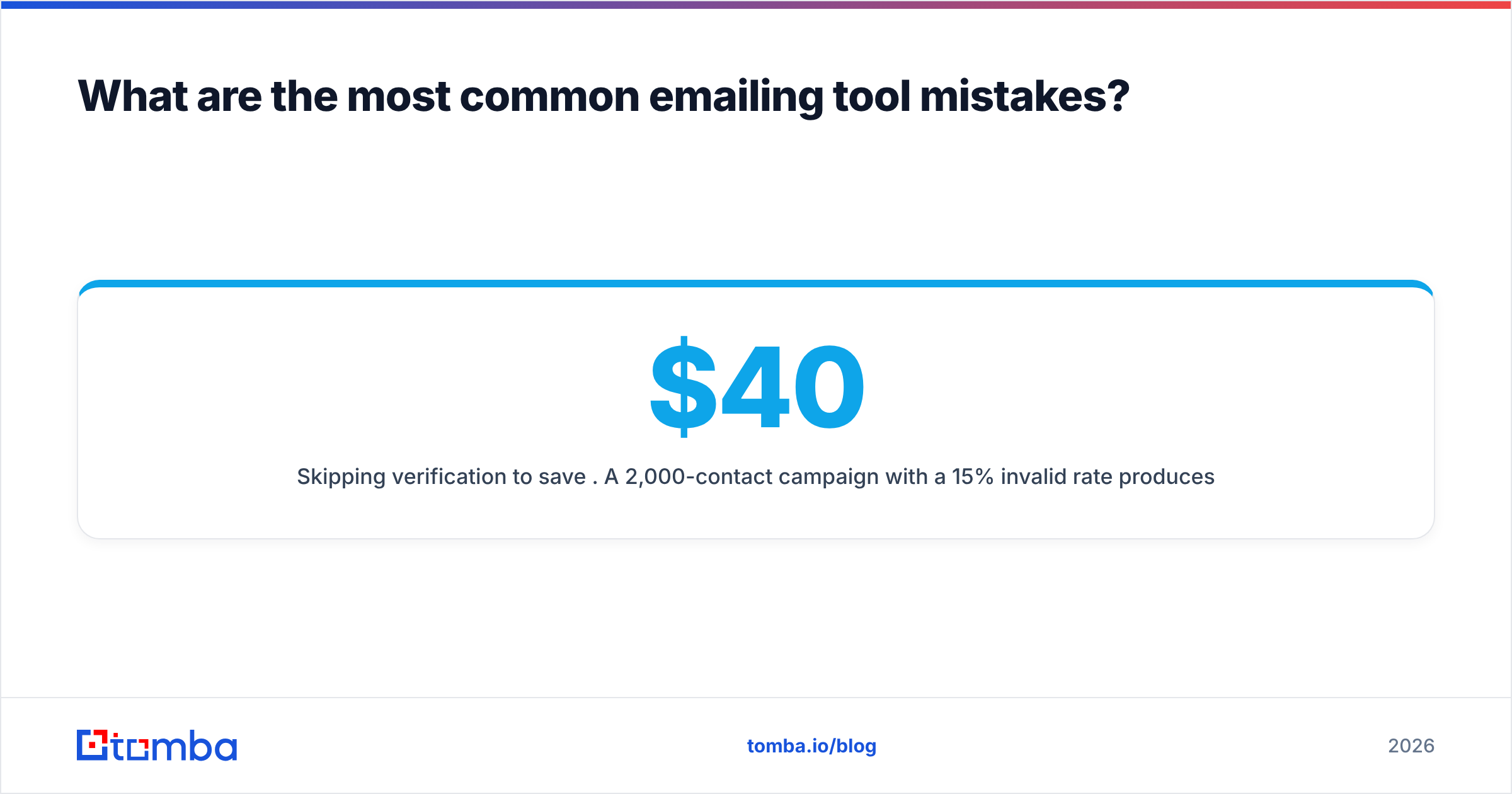
Skipping verification to save $40. A 2,000-contact campaign with a 15% invalid rate produces 300 hard bounces. That's not a $40 problem; that's a burned domain and a month of rebuild.
Optimizing the sequence before the list. Copy improvements move reply rate by a point or two. Targeting the right accounts moves it by five to ten. Fix the list first.
Ignoring the CRM handoff. If your emailing tool doesn't write back to your CRM, your reps will work from spreadsheets within a month and your reporting will be fiction. Check the integrations list before you buy, not after.
Running one domain. Your primary corporate domain should not carry cold outreach. Register two or three lookalike domains, warm them, and keep your main domain clean for customer and marketing mail.
Which emailing tool should you start with?#
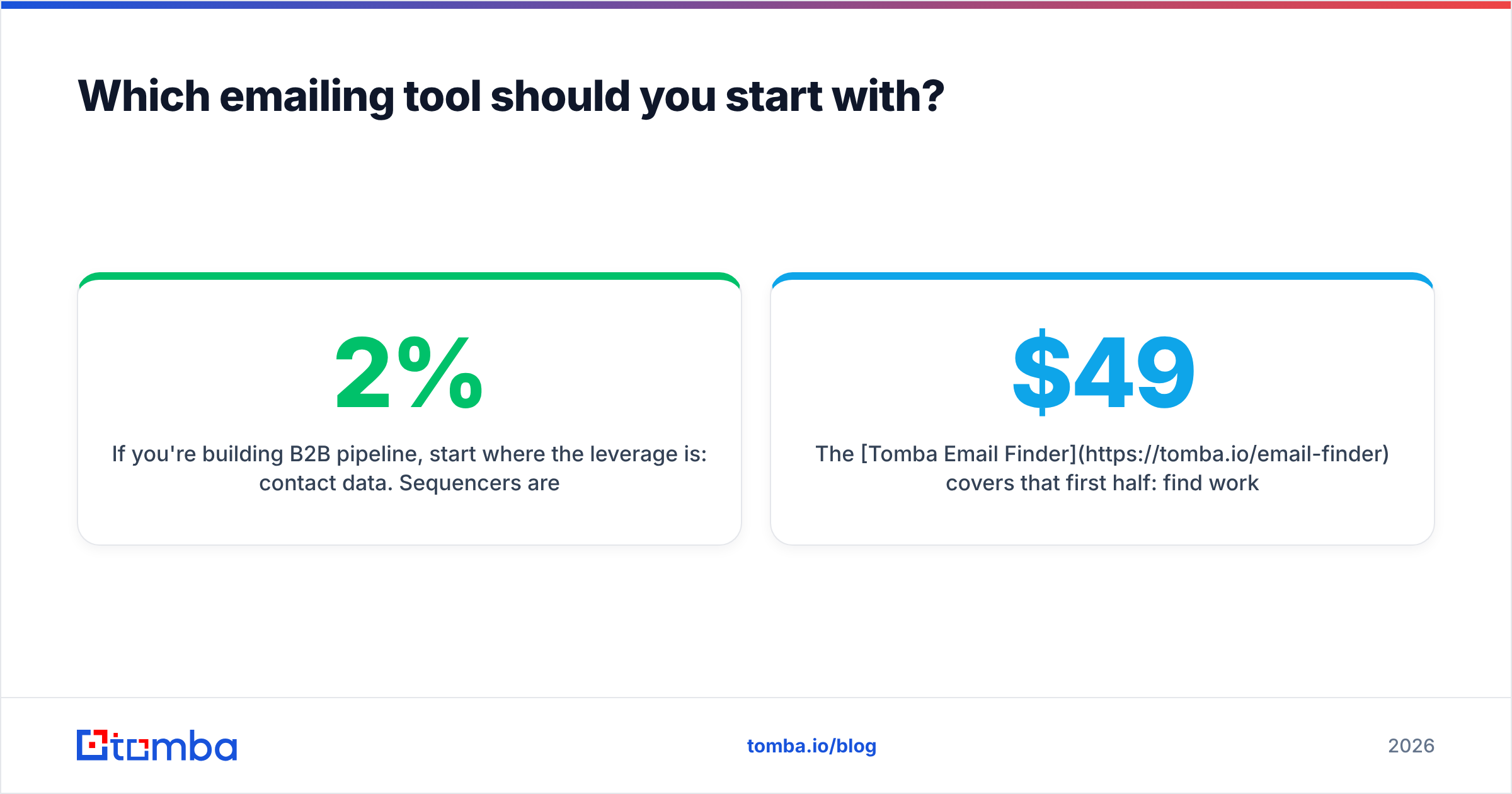
If you're building B2B pipeline, start where the leverage is: contact data. Sequencers are largely commoditized — they all rotate inboxes, all detect replies, all schedule follow-ups. The variable that separates a 2% reply rate from a 9% reply rate is whether the addresses are real and the targeting is right.
The Tomba Email Finder covers that first half: find work emails by domain, name, or company, with verification status returned alongside each result so you're not paying twice for the same check. The free tier gives you 25 searches a month to test accuracy against a list you already know the answers to — which is exactly how you should evaluate any data vendor. Paid plans start at $49/mo, and everything is available through the Tomba API once you're ready to automate the whole loop.
Test it against your own accounts before you commit to anything. Good data makes every downstream tool look smarter than it is.
Related guides#
Ready to find emails that actually work?
Join 150,000+ professionals who stopped guessing and started sending. Free credits on signup — no credit card required.
Get the Tomba newsletter
Practical outbound tactics and product updates — once every two weeks.
About the author