11 Best GMass Alternatives in 2026 (Free and Paid Tools)
GMass is great until your Gmail sending limits, thin lead data, or deliverability caps get in the way. Here are 11 GMass alternatives compared on price, sending model, and data quality.
TL;DR
- GMass is a Gmail mail-merge extension, not a full outbound platform. It sends from your inbox, which is why it's cheap ($25/mo solo) and why it hits a ceiling around Google's 2,000 recipients/day cap.
- You outgrow GMass when you need multi-inbox rotation, real sequence logic, a built-in lead database, or a deliverability team watching your domains.
- Best GMass alternatives by job: Instantly and Smartlead for inbox rotation at volume, Saleshandy and Mailshake for straightforward sequences, Apollo and BookYourData for data plus sending, Woodpecker for agencies, Streak or YAMM if you just want a cheaper Gmail merge.
- The part nobody swaps out: your list. Bad addresses tank deliverability regardless of which sender you pick — pair whatever tool you choose with a verified source like Tomba's email finder.
- Pricing below is per-seat monthly at published list rates as of early 2026. Vendors change tiers often — check the source pages before you buy.
What is GMass and who is it actually for?#
GMass is a Chrome extension that turns Gmail into a mass-mailing tool. You write a draft, pick a Google Sheet or a Gmail search as your recipient list, hit the GMass button instead of Send, and it fires personalized copies one at a time through your own Gmail account. Follow-ups, open tracking, and unsubscribe handling are layered on top.
That architecture is the whole story — both the strengths and the ceilings.
What GMass does well:
- Zero learning curve. If you can send a Gmail, you can run a GMass campaign. There's no separate app to log into, no sequence builder to learn.
- Real inbox sending. Mail leaves your actual Gmail account with your actual signature and threading, so replies land naturally in your inbox.
- Cheap entry. The Standard plan starts around $25/mo per user, with Premium and Professional tiers roughly $35 and $55.
- Google Sheets as a CRM. Merge fields pull straight from a sheet, which is enough structure for a solo founder or a small agency.
- Reply and bounce detection. GMass auto-stops follow-ups when someone replies, which is table stakes but done cleanly.
Where it stops:
Google enforces a hard sending ceiling — 2,000 recipients per day on a paid Workspace account, 500 on free Gmail. GMass can't route around that, because the whole point is that it uses your Gmail. It also has no lead database, thin multi-inbox support compared to purpose-built senders, limited A/B logic, and no LinkedIn or multichannel steps. If your outbound plan involves more than a couple thousand touches a week across several domains, you are shopping for a different category of tool.
When should you actually replace GMass?#
Swap only if one of these is true. Otherwise you're paying more for features you won't touch.
- You're capped. You want 5,000+ sends/day. That needs multiple inboxes across multiple domains with rotation — Instantly, Smartlead, or Saleshandy territory.
- Your deliverability is slipping. Open rates dropping, replies landing in spam. You need warmup, per-inbox health scoring, and domain rotation, none of which GMass provides natively.
- You need data and sending in one place. GMass assumes you already have the list. Apollo, BookYourData, and similar platforms bundle contact data with outreach.
- You need branching sequences. Multi-condition logic, task steps for reps, calls, and LinkedIn touches. GMass follow-ups are linear.
- You have a team. Shared templates, unified reporting, role permissions, CRM sync — GMass is per-seat but not really built for pipeline management.
If none of those apply and you send 300 emails a week from one inbox, GMass is fine. Genuinely. Save your money.
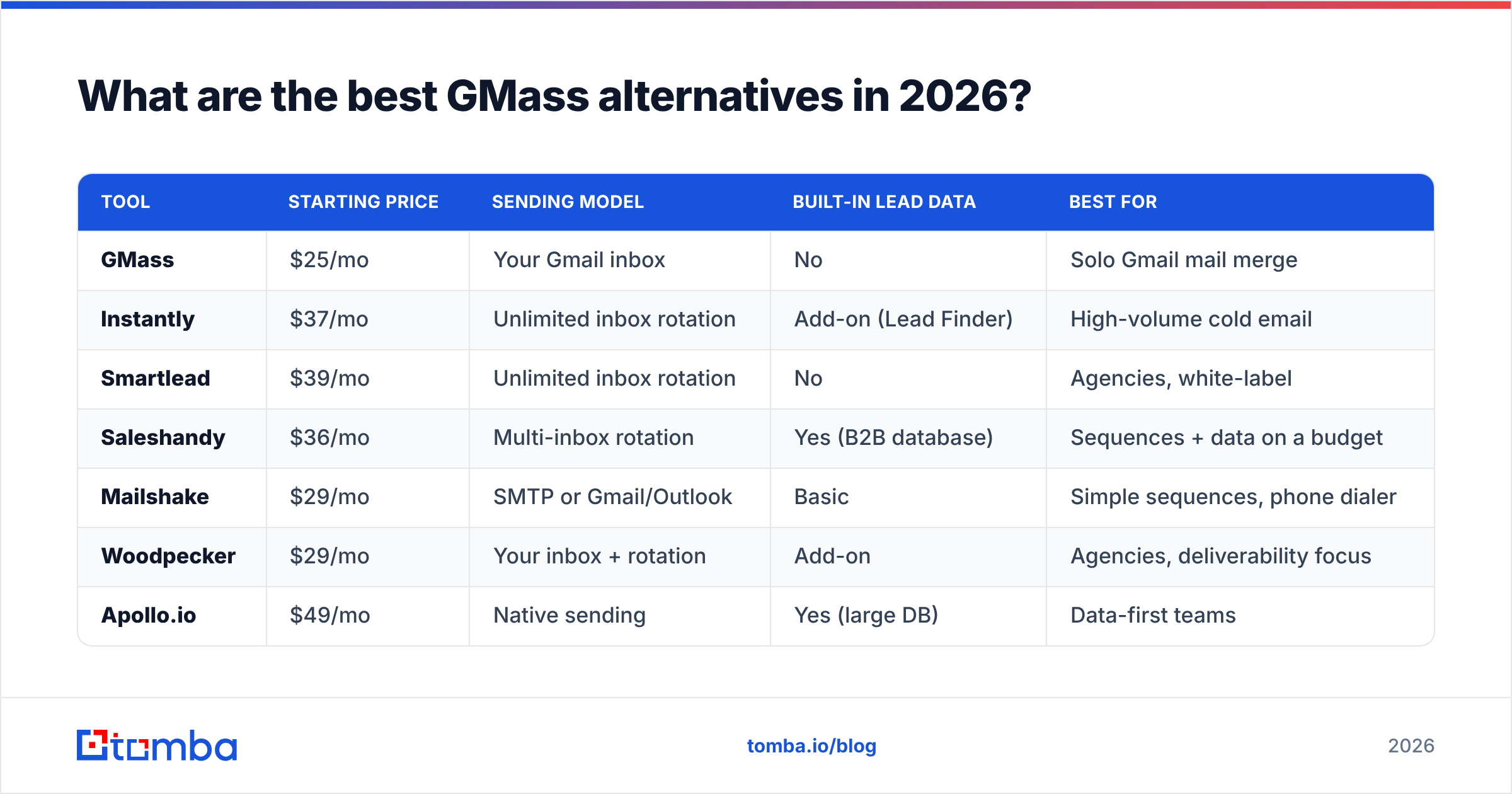
What are the best GMass alternatives in 2026?#
| Tool | Starting price | Sending model | Built-in lead data | Best for |
|---|---|---|---|---|
| GMass | $25/mo | Your Gmail inbox | No | Solo Gmail mail merge |
| Instantly | $37/mo | Unlimited inbox rotation | Add-on (Lead Finder) | High-volume cold email |
| Smartlead | $39/mo | Unlimited inbox rotation | No | Agencies, white-label |
| Saleshandy | $36/mo | Multi-inbox rotation | Yes (B2B database) | Sequences + data on a budget |
| Mailshake | $29/mo | SMTP or Gmail/Outlook | Basic | Simple sequences, phone dialer |
| Woodpecker | $29/mo | Your inbox + rotation | Add-on | Agencies, deliverability focus |
| Apollo.io | $49/mo | Native sending | Yes (large DB) | Data-first teams |
| BookYourData | Pay-as-you-go | Bring your own sender | Yes (verified B2B) | Buying clean lists outright |
| Lemlist | $69/mo | Multichannel | Yes | Personalized image/video outreach |
| Streak | $59/mo | Gmail inbox | No | Gmail CRM + light merge |
| YAMM | $50/yr | Gmail inbox | No | Cheapest Gmail merge |
Prices are per user per month at published list rates unless noted. Annual billing usually shaves 15–30%.
Instantly — best for volume without Gmail's ceiling#
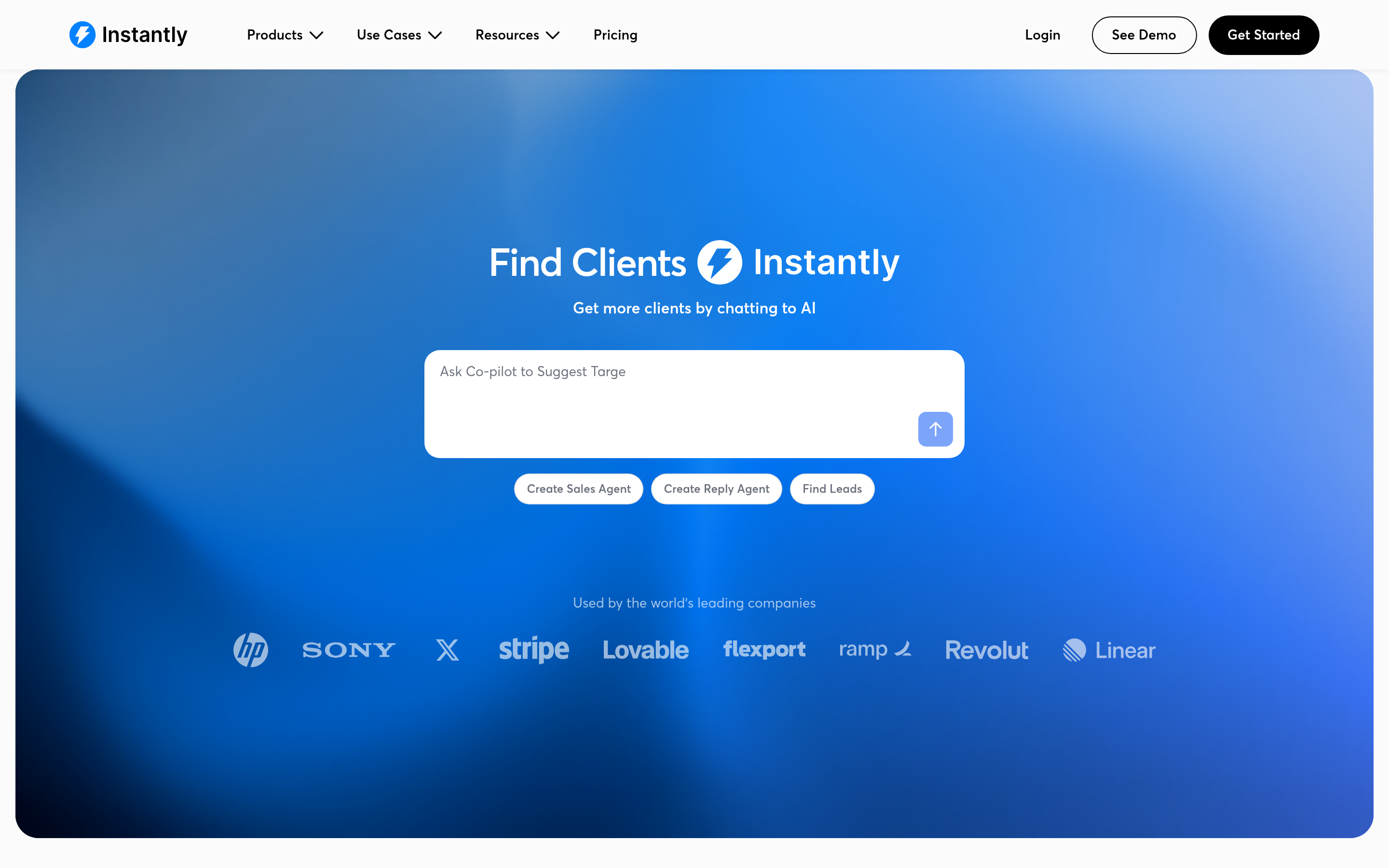
Instantly's core pitch is unlimited connected inboxes on every paid plan. You buy 10–50 cheap domains, connect a mailbox on each, and Instantly rotates sends across them so no single account trips a limit. Built-in warmup runs continuously in the background. Growth is around $37/mo, Hypergrowth roughly $97/mo.
The tradeoff: you now manage a domain portfolio. That's real ops work — DNS records, warmup schedules, monitoring which domains are getting flagged. Instantly makes it manageable, but it isn't the one-click experience GMass is. If you're evaluating this route, our Instantly alternative breakdown covers where it fits versus lighter tools.
Smartlead — best for agencies running many clients#
Smartlead does the same unlimited-rotation trick with a stronger agency layer: white-labeling, sub-accounts per client, a unified master inbox, and an API that's genuinely usable for custom workflows. Basic starts around $39/mo, Pro around $94/mo.
Choose Smartlead over Instantly when you need to hand a client a branded dashboard. Choose Instantly when you want a slicker UI for your own team.
Saleshandy — best price-to-feature ratio#
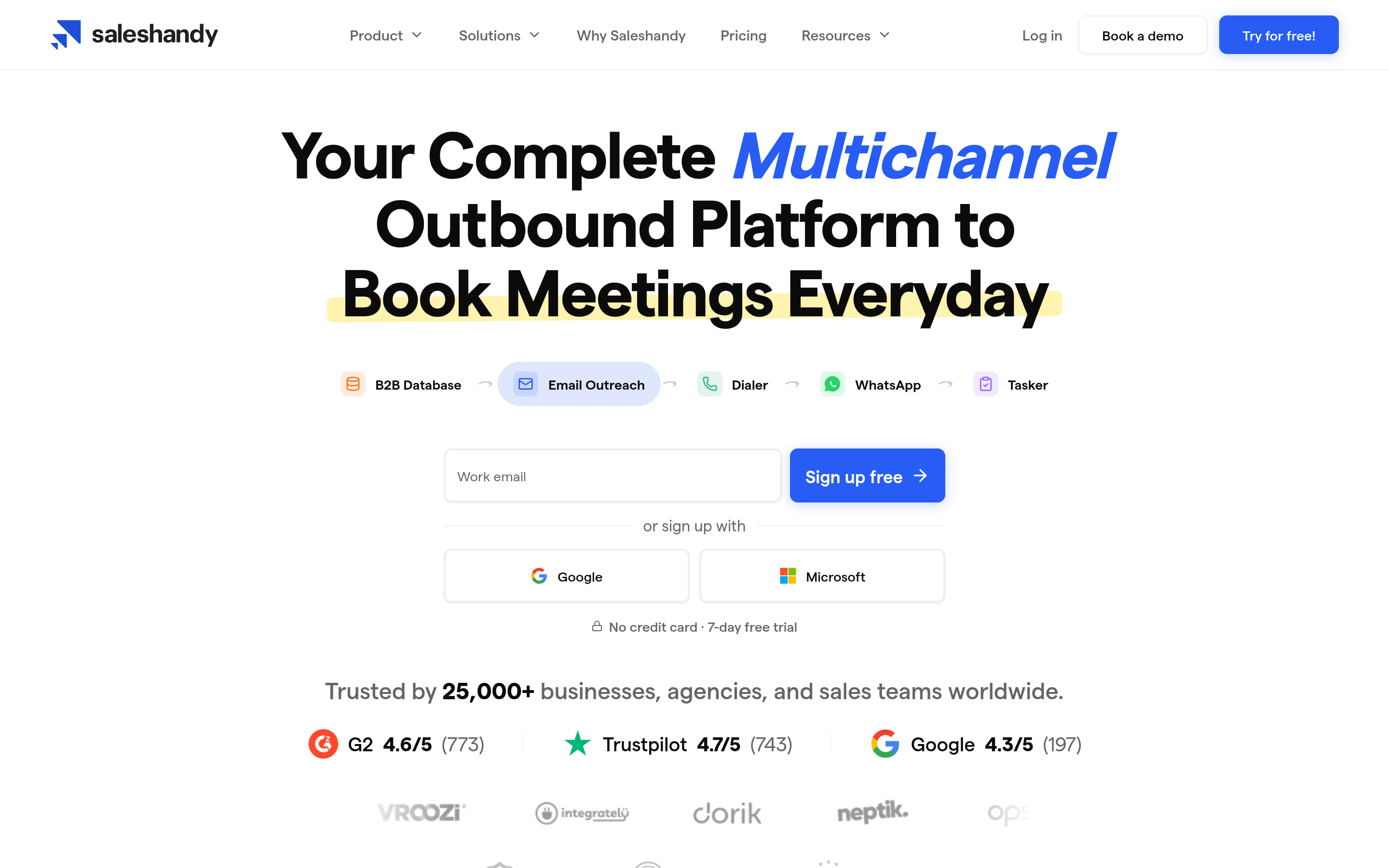
Saleshandy sits between GMass and the enterprise sequencers. You get multi-inbox rotation, warmup, sequence steps with conditions, and a B2B lead database — starting around $36/mo. For teams that want to leave GMass but don't want a $100/seat bill, this is usually the landing spot. See our Saleshandy alternative comparison for the fine print on credit limits.
Mailshake — best for sales teams that also call#
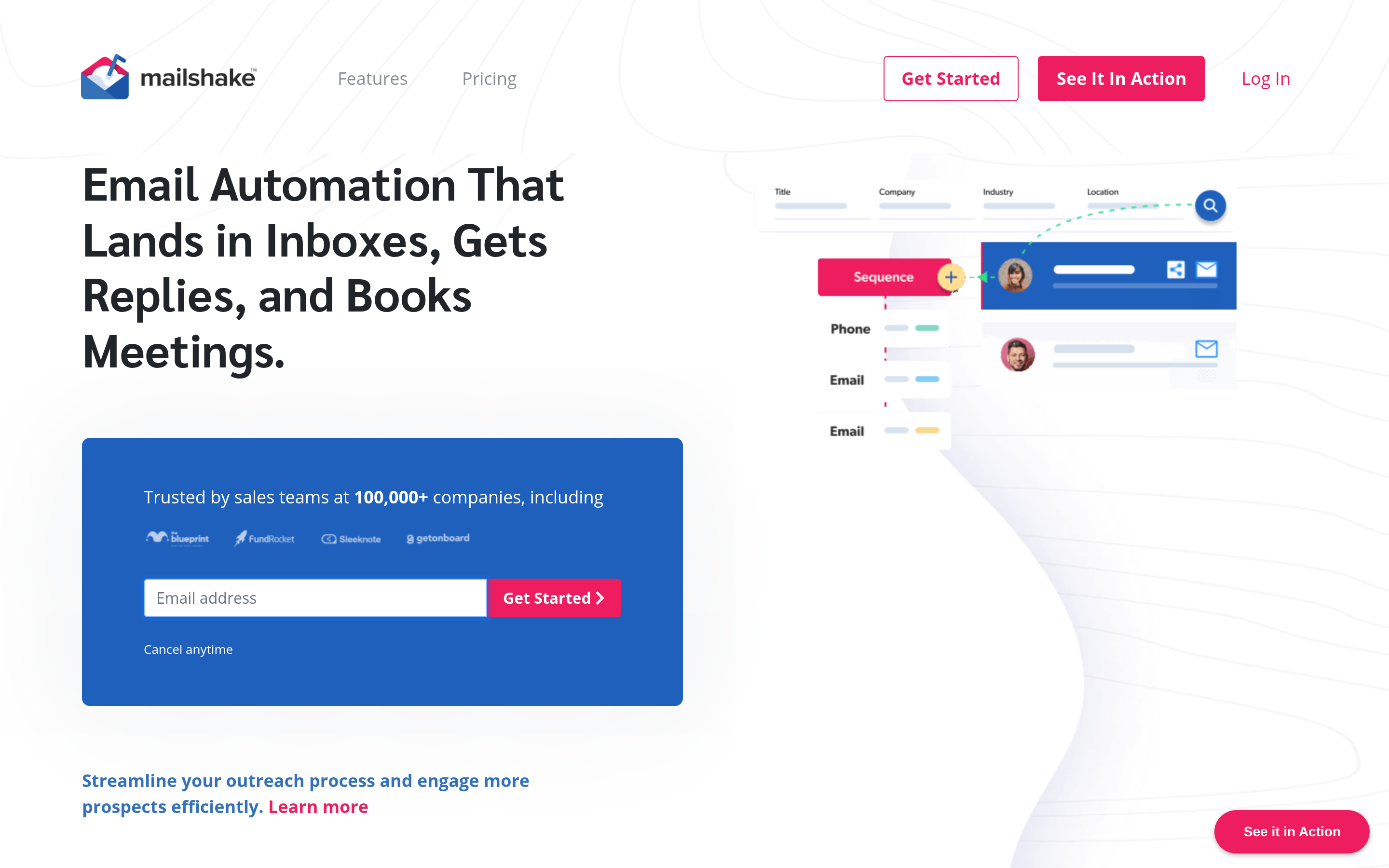
Mailshake bundles email sequences with a built-in dialer and LinkedIn task steps, starting around $29/mo for email-only and roughly $99/mo for the sales-engagement tier. It's less obsessed with volume than Instantly and more focused on rep workflow. If your motion is 40 well-researched accounts rather than 4,000 cold ones, that's a better fit.
Woodpecker — best deliverability discipline#

Woodpecker has been around longer than most of this list and its reputation is built on not letting you shoot yourself in the foot: adaptive sending, human-like delays, per-inbox limits enforced by default. Agency plans start around $29/mo and scale by prospects contacted.
Apollo.io — best if you need the list too#
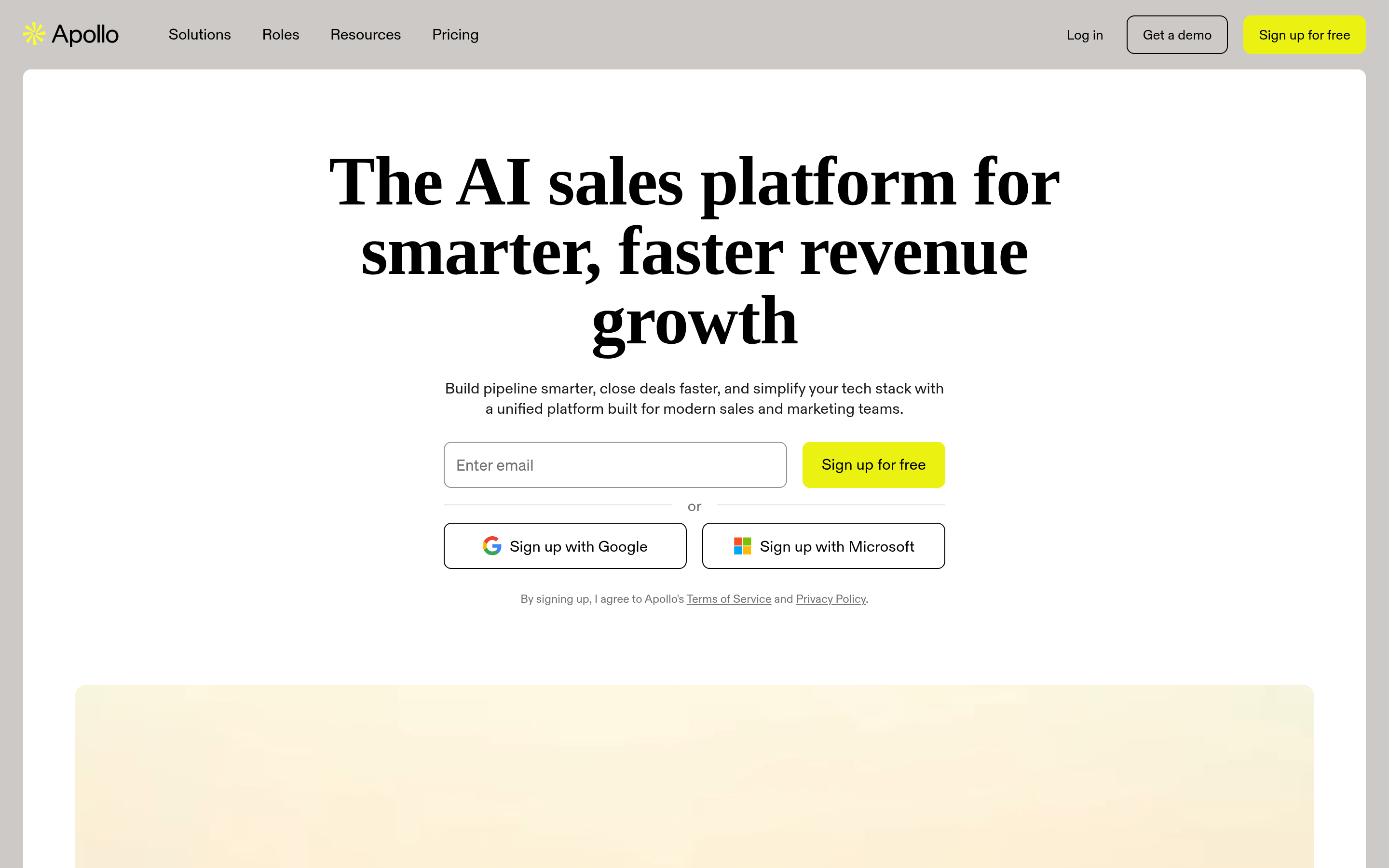
Apollo bundles a large B2B contact database with sequencing, dialing, and CRM sync. Basic is around $49/user/mo, Professional around $79. The catch is that database quality varies sharply by region and seniority, and email credits are metered — many teams end up running Apollo for sequencing and a dedicated finder for verification. Our Apollo alternative page goes into the credit math.
BookYourData — best for buying verified lists directly#
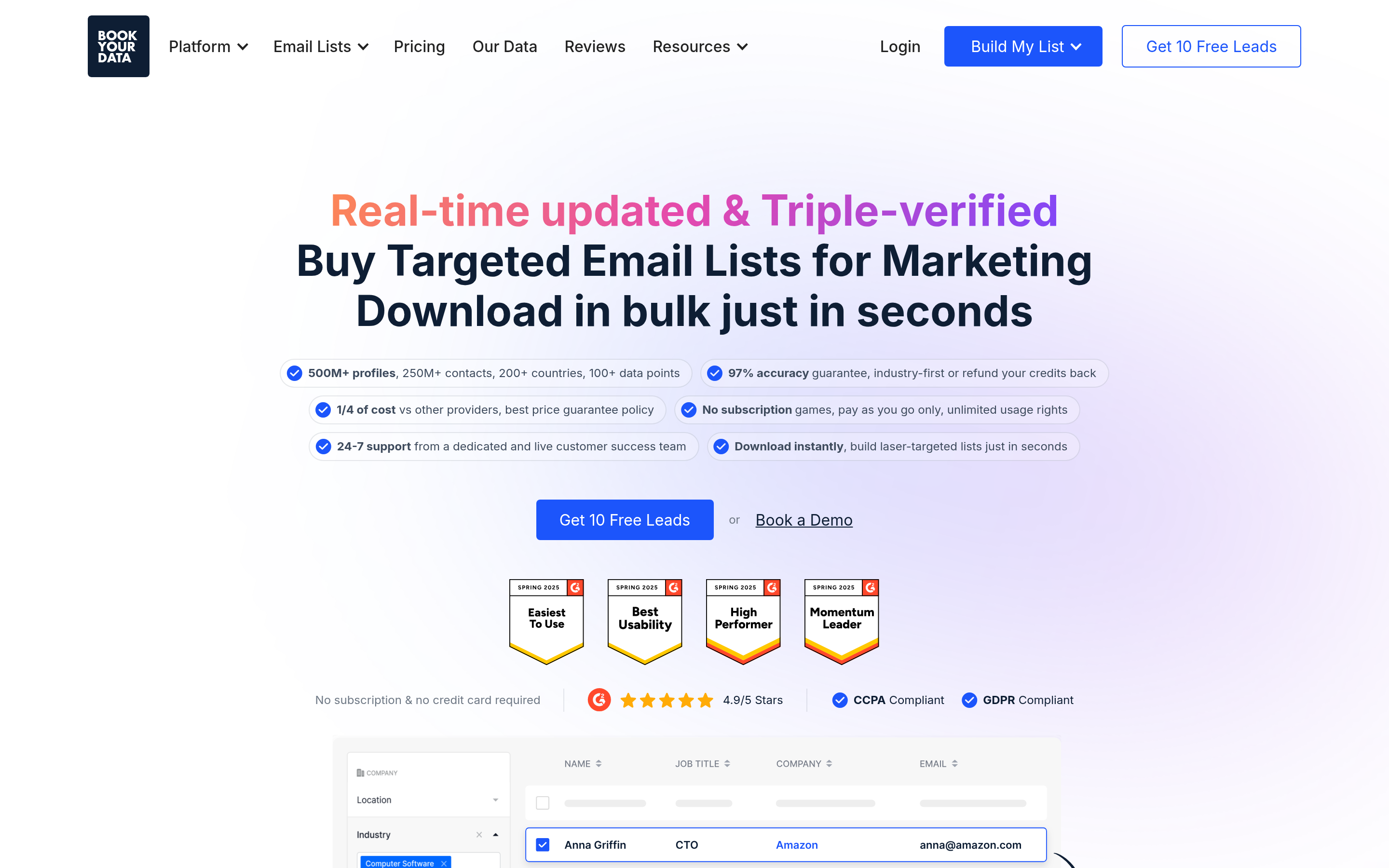
BookYourData takes a different approach: instead of a subscription sender, you buy verified B2B contact lists pay-as-you-go, with a 97%+ accuracy guarantee and credit refunds on bounces. Pair it with any sender on this list. It's a strong option when your bottleneck is data rather than sending infrastructure, and the pay-per-record model means you're not stuck paying monthly for a tool you use in bursts. Worth a look if your campaigns are project-based.
Lemlist — best for heavy personalization#
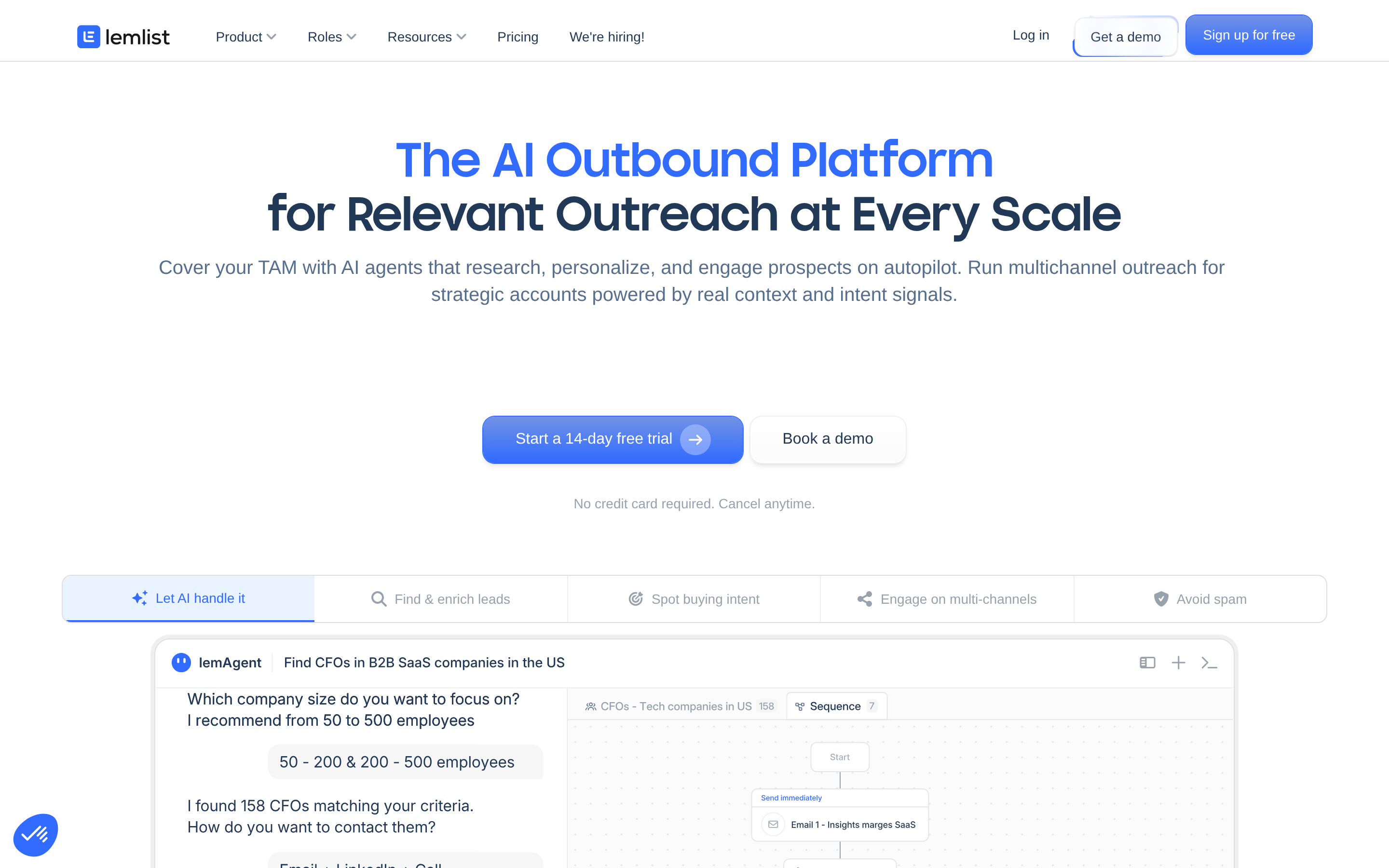
Lemlist made its name on dynamic images and personalized landing pages, and has since added LinkedIn steps and a contact database. Starting around $69/mo, it's the priciest per-seat option here and only worth it if personalization is your actual differentiator, not a checkbox.
Streak and YAMM — the cheaper Gmail-native options#
If you liked GMass specifically because it lives in Gmail, these are your lateral moves. Streak is a Gmail CRM with mail merge attached (around $59/mo for the tier with real merge limits). YAMM (Yet Another Mail Merge) is a Google Sheets add-on at roughly $50/year — the cheapest thing on this page, with correspondingly basic features. Both are still bound by Google's daily caps.
How do sending limits actually compare?#
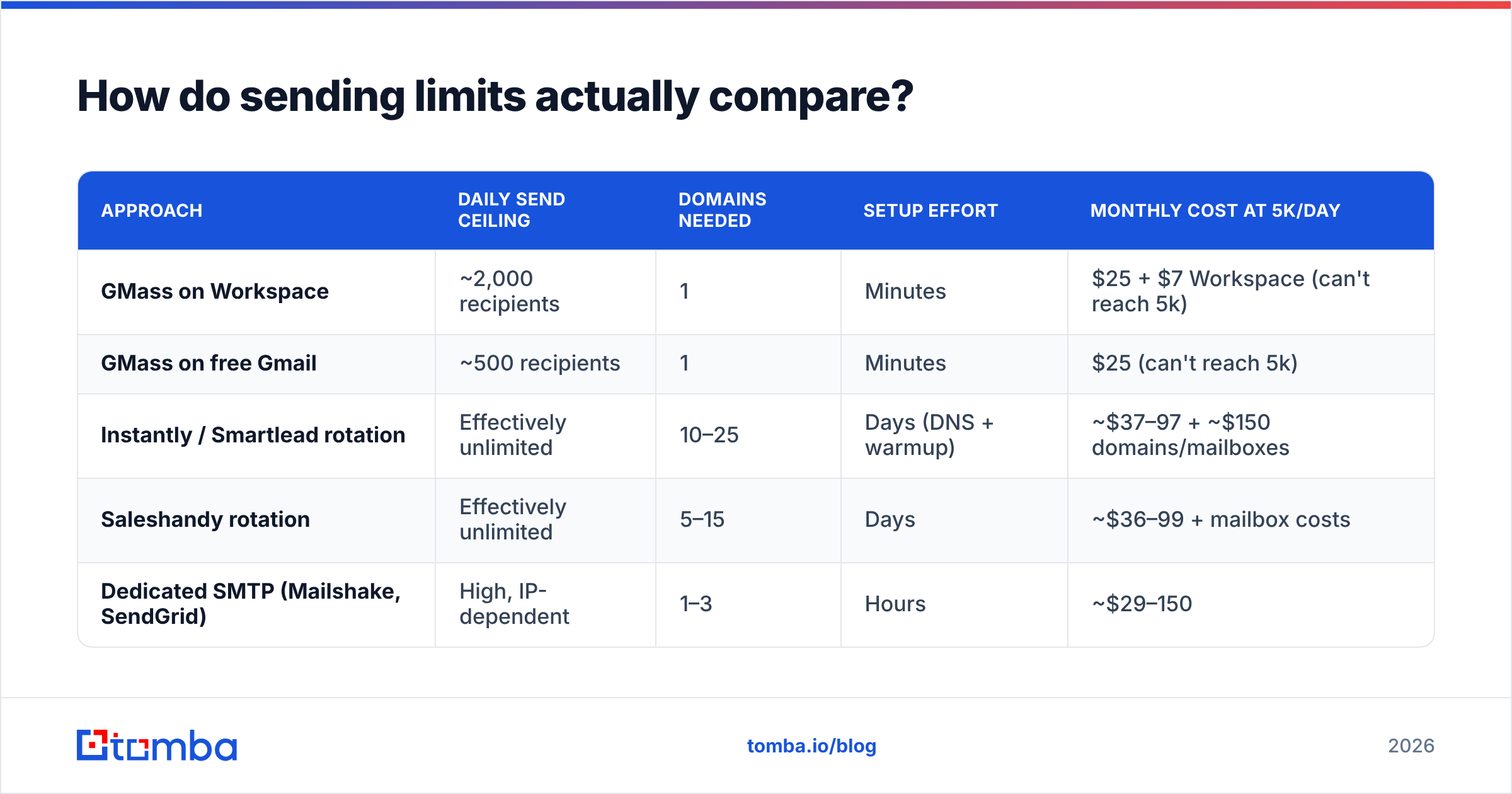
This is the deciding factor for most GMass refugees, so it deserves its own table.
| Approach | Daily send ceiling | Domains needed | Setup effort | Monthly cost at 5k/day |
|---|---|---|---|---|
| GMass on Workspace | ~2,000 recipients | 1 | Minutes | $25 + $7 Workspace (can't reach 5k) |
| GMass on free Gmail | ~500 recipients | 1 | Minutes | $25 (can't reach 5k) |
| Instantly / Smartlead rotation | Effectively unlimited | 10–25 | Days (DNS + warmup) | ~$37–97 + ~$150 domains/mailboxes |
| Saleshandy rotation | Effectively unlimited | 5–15 | Days | ~$36–99 + mailbox costs |
| Dedicated SMTP (Mailshake, SendGrid) | High, IP-dependent | 1–3 | Hours | ~$29–150 |
Two things people get wrong here. First, "unlimited sending" means unlimited by the tool — the mailbox provider still caps each individual inbox around 300–500/day for a warmed Google or Microsoft account. Second, the domain and mailbox costs are usually larger than the software bill once you're past 3,000 sends/day. Budget for both.
Does switching tools fix your deliverability?#
Mostly no — and this is where teams waste the most money.
Think of it like moving apartments to escape a noisy neighbor, when the noise is coming from your own speakers. Changing senders doesn't change what you're sending, who you're sending to, or whether those addresses exist.
The three things that actually move reply rates, in order of impact:
- List accuracy. A 15% bounce rate is a domain-reputation death sentence at any provider. Google's own Postmaster Tools guidance is explicit that invalid recipients and spam complaints drive filtering decisions, not which client sent the mail. Run every list through an email verifier before the first send, and treat catch-all domains as a separate risk bucket.
- Authentication. SPF, DKIM, and DMARC configured on every sending domain. Google and Yahoo have required this for bulk senders since 2024. If you're rotating 20 domains, that's 20 sets of records to get right.
- Relevance and volume ramp. Warmup schedules, sensible daily caps, and copy that gets replies rather than reports. Sender reputation is earned per-domain over weeks.
Tool choice affects #3 a little and #1 not at all. Which is why the highest-ROI upgrade for most GMass users isn't a new sender — it's a better source of addresses.
How do you migrate off GMass without losing momentum?#
A workable sequence, roughly two weeks:
- Day 1–2: export and audit. Pull your Google Sheets lists and campaign history. Deduplicate, then verify. Expect to lose 10–25% of any list older than six months — that's normal decay, and finding out now is cheaper than finding out via bounces.
- Day 3–4: buy and configure domains. If you're going the rotation route, register lookalike domains (yourbrand-mail.com, getyourbrand.com), set up Workspace or Microsoft 365 mailboxes, and configure SPF/DKIM/DMARC on each. Verify with a free SPF checker before moving on.
- Day 5–18: warm up. New domains need 2–3 weeks of gradual volume ramp. Don't skip this. Every tool on this list has warmup built in or bundled; turn it on and leave it alone.
- Day 10: rebuild sequences. Port your best-performing GMass copy into the new tool's sequence builder. Don't reinvent — start with what already worked, then add the branching logic you couldn't do before.
- Day 19+: run parallel. Keep GMass running for your existing warm domain while the new domains ramp. Cut over once the new stack's reply rate matches or beats the old one.
The most common migration failure is sending 2,000/day from brand-new domains on day one. That burns the domains permanently, and you'll be buying more.
Which GMass alternative should you pick?#
Short version:
- Under 500 emails/day, one inbox, tight budget: stay on GMass, or drop to YAMM if you only need merge.
- 500–2,000/day, want better sequences: Saleshandy or Mailshake. You get real sequence logic without the domain-portfolio overhead.
- 2,000–10,000+/day: Instantly or Smartlead. Budget for domains and mailboxes on top of the software.
- Agency with multiple clients: Smartlead for white-label, Woodpecker for deliverability-first accounts.
- You need contacts more than you need a sender: Apollo for the all-in-one, BookYourData for clean pay-as-you-go lists.
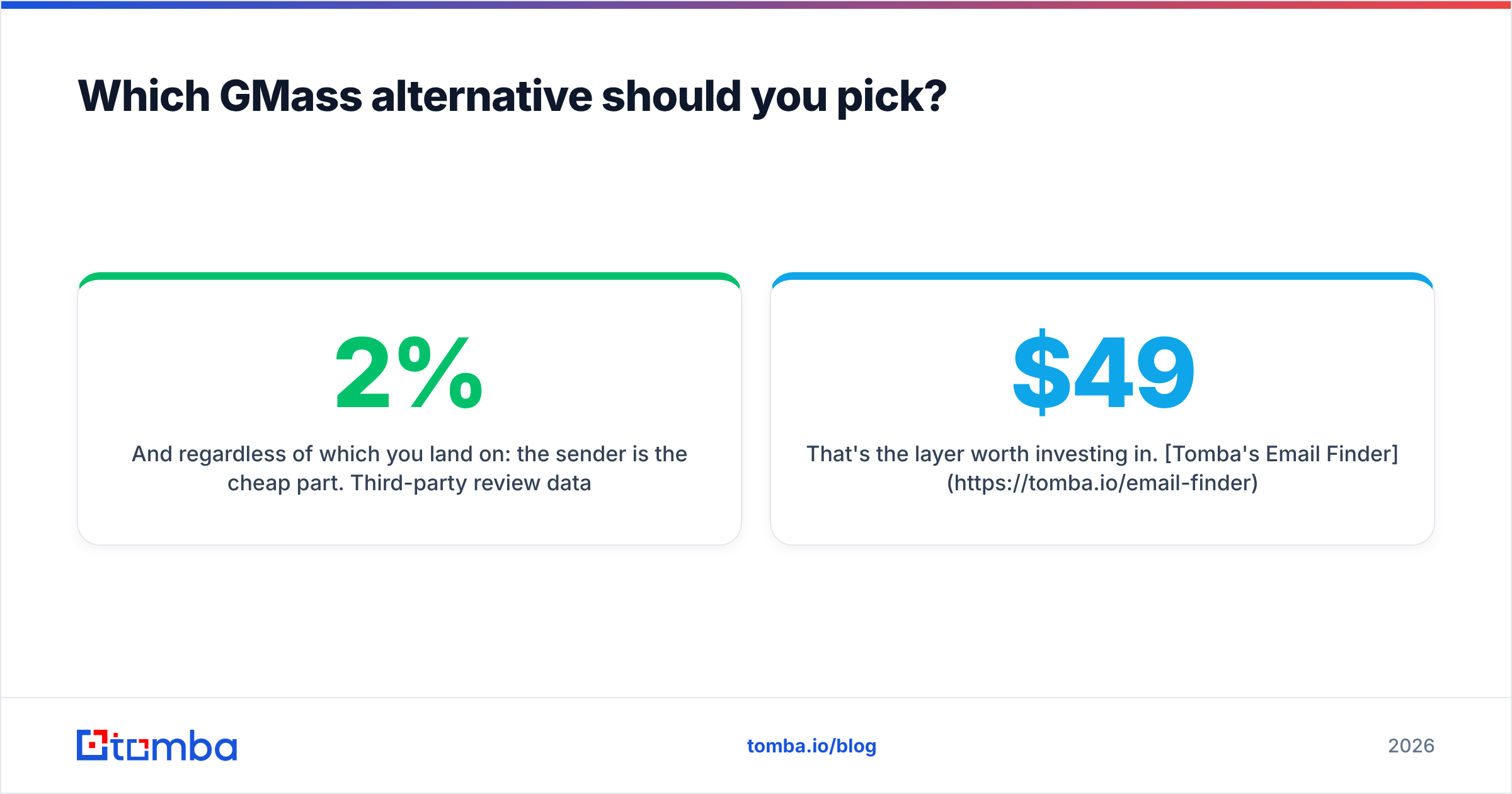
And regardless of which you land on: the sender is the cheap part. Third-party review data on G2's sales engagement category shows the tools cluster tightly on features — what separates a 2% reply rate from an 8% one is who's on the list and whether those addresses are real.
That's the layer worth investing in. Tomba's Email Finder finds and verifies professional addresses by name, company, or domain, with a free tier at 25 searches/month and paid plans from $49/mo — and it plugs into whichever sender you choose via API, CSV, or bulk lookup. Fix the list first, then pick the tool. Your deliverability will thank you either way.
Related guides#
Ready to find emails that actually work?
Join 150,000+ professionals who stopped guessing and started sending. Free credits on signup — no credit card required.
Get the Tomba newsletter
Practical outbound tactics and product updates — once every two weeks.
About the author