Domain Extractor: How to Pull Clean Domains From Any List
Most domain extractors choke on subdomains, ccTLDs, and tracking parameters. Here is how domain extraction actually works, where regex quietly fails, and how to turn a clean domain list into real contacts.

TL;DR
- A domain extractor pulls the root domain out of messy inputs — full URLs, email addresses, raw HTML, CRM exports — so you end up with
stripe.cominstead ofhttps://blog.stripe.com/en-gb/posts/x?utm_source=li. - Naive regex works on about 85% of a real list. The other 15% (multi-part TLDs like
.co.uk, subdomains, IDNs, redirects, free-mail addresses) is where lists silently break. - The correct approach uses the Public Suffix List, not a dot-counting heuristic. Anything else will treat
bbc.co.ukasco.uk. - Extraction is step one. The commercial value shows up only when the clean domain becomes a company record and then a verified contact.
- Pick by volume: browser tools for under 500 rows, spreadsheet formulas for one-off cleanup, an API for anything recurring or over a few thousand rows.
What is a domain extractor?#
A domain extractor is a tool or function that takes an arbitrary string containing a web address and returns the registrable domain — the part a company actually owns and pays for.
Think of it like separating a street address from a full delivery label. The label has an apartment number, a floor, a courier barcode, and a "leave at door" note. The street address is the stable part that identifies the building. A domain extractor throws away the courier noise and hands you the building.
Concretely, it turns this:
https://www.shop.acmecorp.co.uk/products/42?ref=newsletter→acmecorp.co.uksarah.jones+sales@acmecorp.com→acmecorp.com<a href="//cdn.acmecorp.com/logo.png">→acmecorp.com
Why does anyone care? Because the domain is the join key of B2B data. CRMs deduplicate accounts on domain. Enrichment vendors index on domain. Intent data providers report on domain. If your domain column is dirty, every downstream system fragments one account into five.
Why does domain extraction break so often?#
Because the domain name system is older and stranger than most people assume, and because real-world lists are not clean URLs.
Here are the failure modes that cost the most time, ranked by how often they show up in actual client lists:
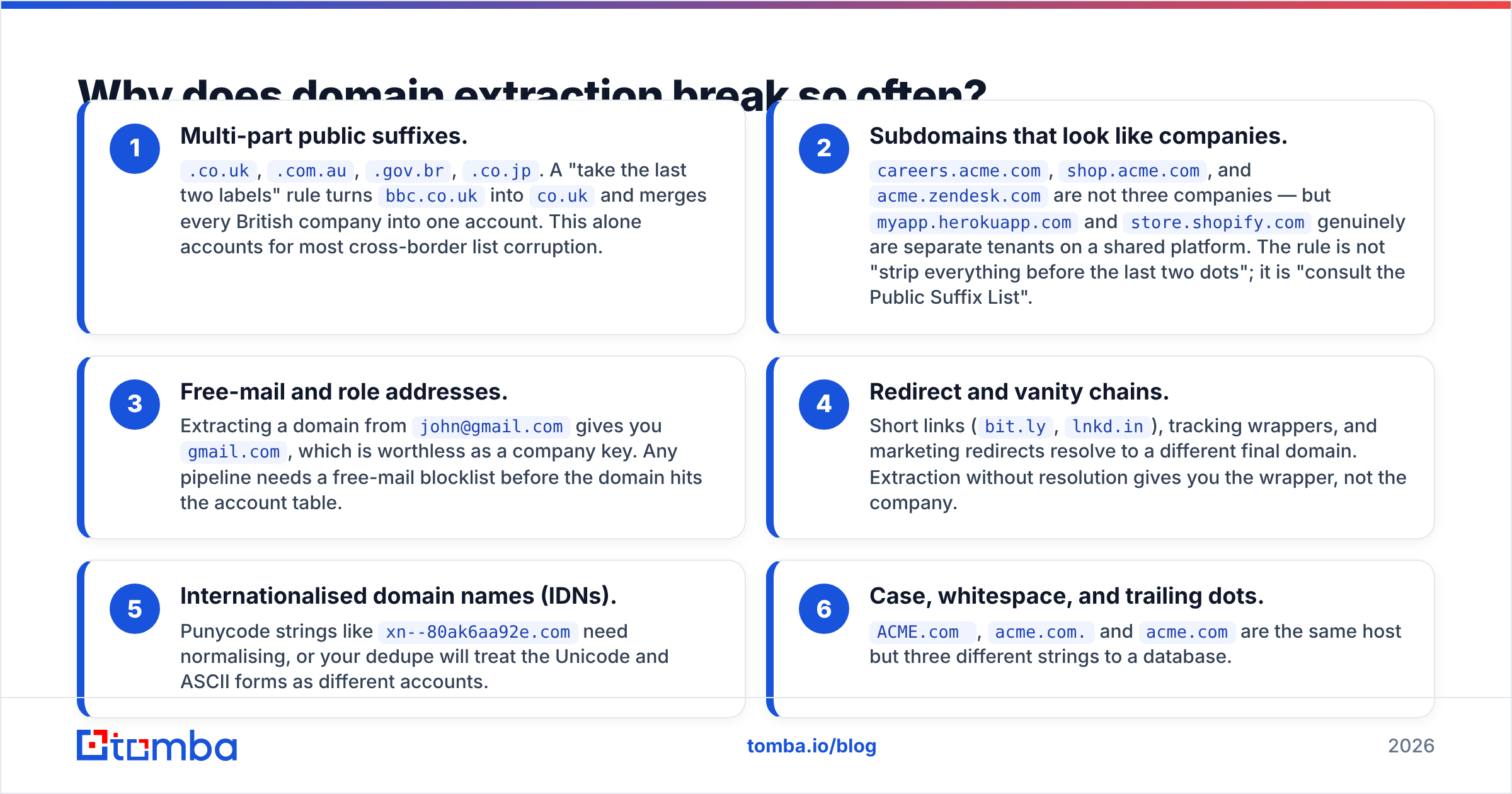
- Multi-part public suffixes.
.co.uk,.com.au,.gov.br,.co.jp. A "take the last two labels" rule turnsbbc.co.ukintoco.ukand merges every British company into one account. This alone accounts for most cross-border list corruption. - Subdomains that look like companies.
careers.acme.com,shop.acme.com, andacme.zendesk.comare not three companies — butmyapp.herokuapp.comandstore.shopify.comgenuinely are separate tenants on a shared platform. The rule is not "strip everything before the last two dots"; it is "consult the Public Suffix List". - Free-mail and role addresses. Extracting a domain from
john@gmail.comgives yougmail.com, which is worthless as a company key. Any pipeline needs a free-mail blocklist before the domain hits the account table. - Redirect and vanity chains. Short links (
bit.ly,lnkd.in), tracking wrappers, and marketing redirects resolve to a different final domain. Extraction without resolution gives you the wrapper, not the company. - Internationalised domain names (IDNs). Punycode strings like
xn--80ak6aa92e.comneed normalising, or your dedupe will treat the Unicode and ASCII forms as different accounts. - Case, whitespace, and trailing dots.
ACME.com,acme.com.andacme.comare the same host but three different strings to a database.

That last category sounds trivial until you run a dedupe and discover a 40,000-row account table was really 28,000 companies. Normalisation is not cosmetic; it is the difference between an accurate territory count and a fake one.

How do you extract domains from URLs, emails, and raw text?#
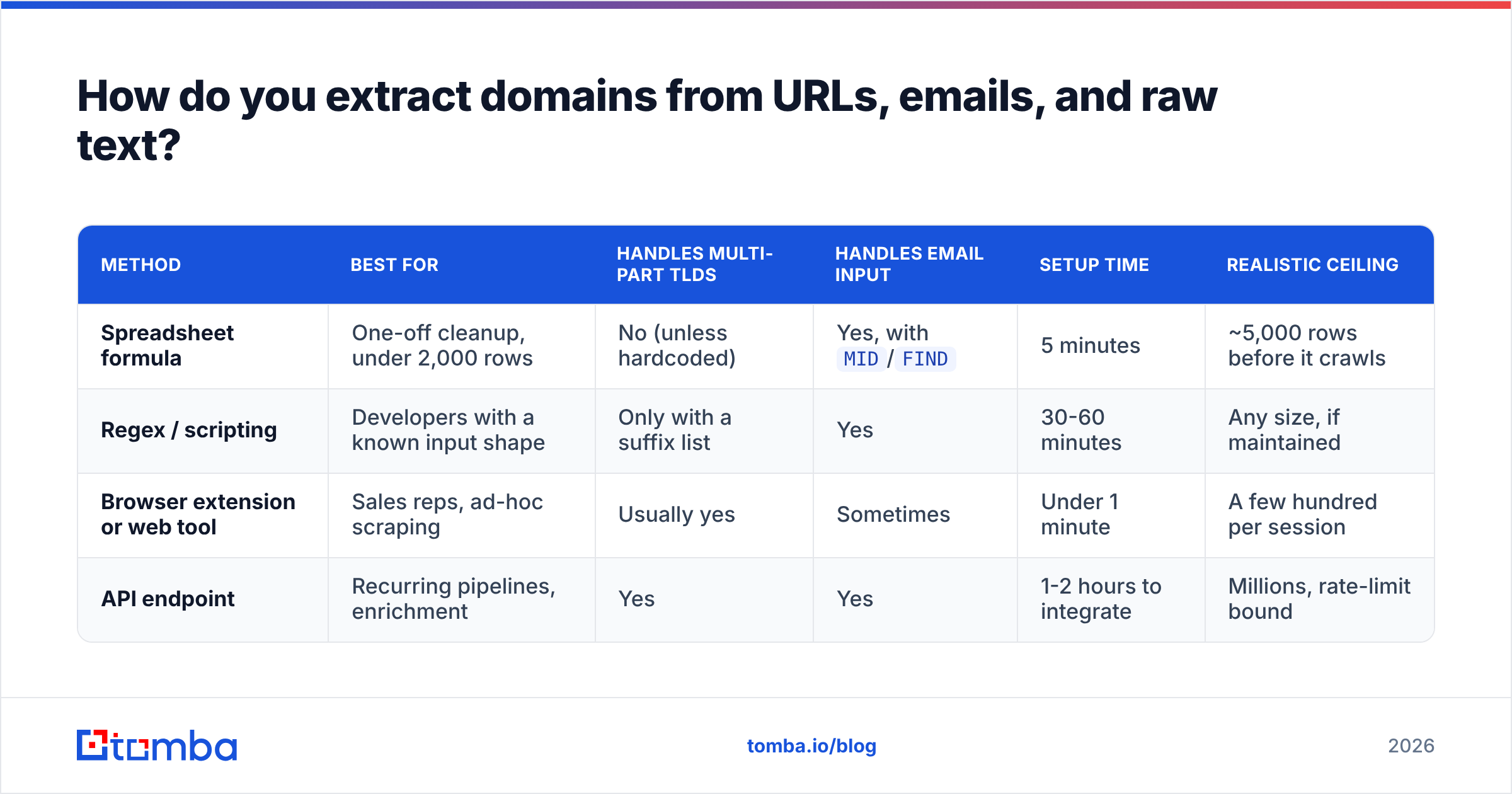
Four methods, in increasing order of robustness. Pick the cheapest one that survives your edge cases.
| Method | Best for | Handles multi-part TLDs | Handles email input | Setup time | Realistic ceiling |
|---|---|---|---|---|---|
| Spreadsheet formula | One-off cleanup, under 2,000 rows | No (unless hardcoded) | Yes, with MID/FIND |
5 minutes | ~5,000 rows before it crawls |
| Regex / scripting | Developers with a known input shape | Only with a suffix list | Yes | 30-60 minutes | Any size, if maintained |
| Browser extension or web tool | Sales reps, ad-hoc scraping | Usually yes | Sometimes | Under 1 minute | A few hundred per session |
| API endpoint | Recurring pipelines, enrichment | Yes | Yes | 1-2 hours to integrate | Millions, rate-limit bound |
The spreadsheet route#
For a quick pass in Google Sheets or Excel, the pattern is: strip the protocol, cut at the first slash, drop www., lowercase. Something like:
=LOWER(REGEXEXTRACT(A2, "^(?:https?:\/\/)?(?:www\.)?([^\/\?#]+)"))
That gets you the host. It does not get you the registrable domain — blog.acme.co.uk stays intact. Fine if your list is single-country and subdomain-free. Dangerous otherwise. If you live in spreadsheets, a Sheets email finder add-on removes most of this manual work because it accepts a URL and returns company data directly.
The scripting route#
In Python, tldextract and in JavaScript, psl both bundle the Public Suffix List and return subdomain, domain, and suffix as separate fields. This is the correct DIY answer. The maintenance cost is real but small: the suffix list changes a few times a year, and stale copies cause exactly the .co.uk bug described above.
The paste-and-go route#
For a rep who just scraped 200 URLs off a conference exhibitor page, a web tool is faster than any code. An email extractor will pull addresses out of pasted text, and running the output through a deduplicate email list step catches the repeats before they reach the CRM. It takes under a minute and requires no engineering ticket.
The API route#
If the same extraction runs weekly, put it behind an endpoint. The Tomba API accepts a domain and returns the company's email patterns and contacts, which means the extraction step and the enrichment step collapse into one call instead of two systems and a CSV handoff.
What are the best domain extractor options in 2026?#
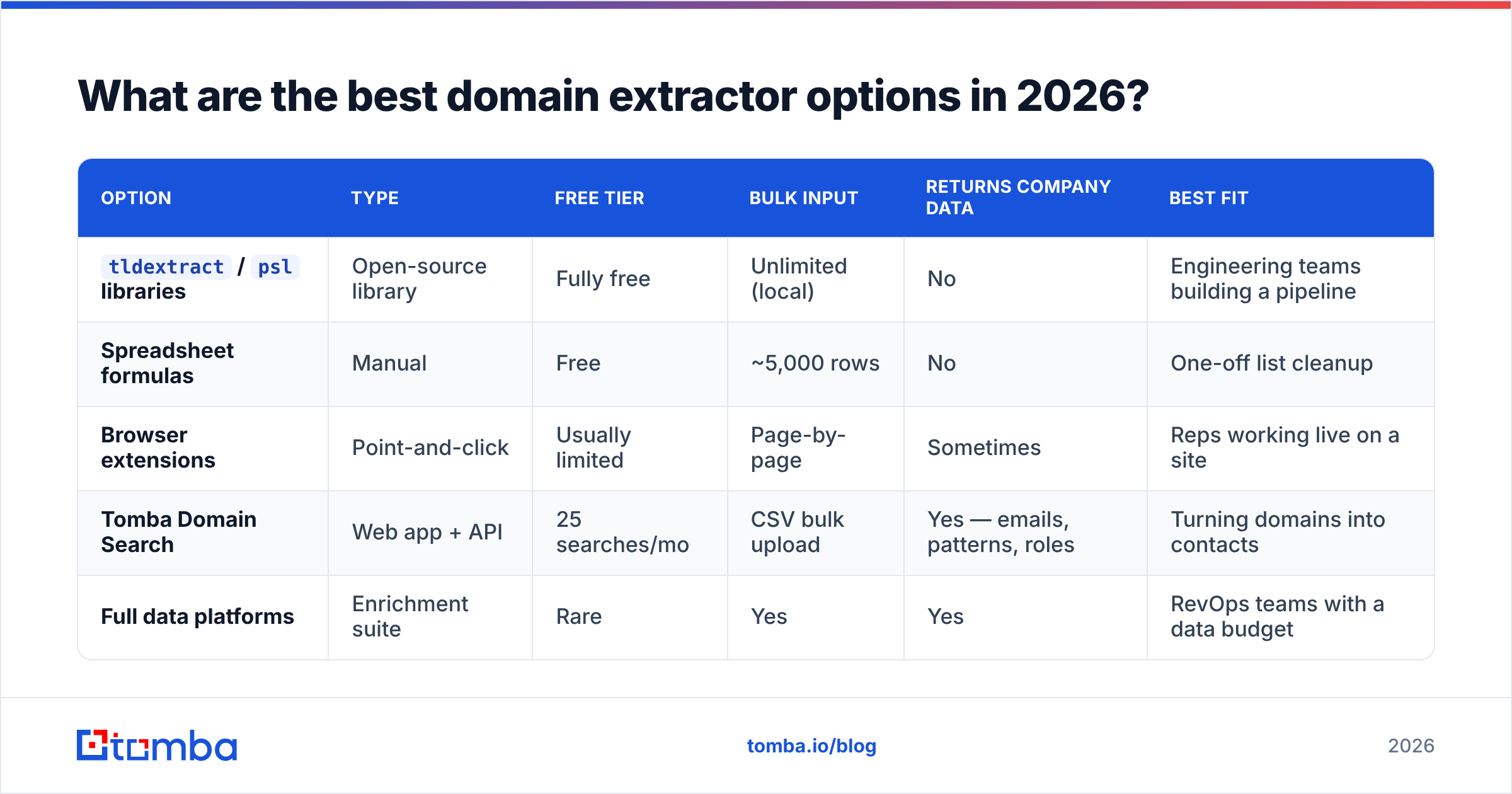
There is no single winner, because "domain extractor" describes three different jobs: parsing, scraping, and enriching. Here is how the common options compare on the attributes that actually decide the purchase.
| Option | Type | Free tier | Bulk input | Returns company data | Best fit |
|---|---|---|---|---|---|
tldextract / psl libraries |
Open-source library | Fully free | Unlimited (local) | No | Engineering teams building a pipeline |
| Spreadsheet formulas | Manual | Free | ~5,000 rows | No | One-off list cleanup |
| Browser extensions | Point-and-click | Usually limited | Page-by-page | Sometimes | Reps working live on a site |
| Tomba Domain Search | Web app + API | 25 searches/mo | CSV bulk upload | Yes — emails, patterns, roles | Turning domains into contacts |
| Full data platforms | Enrichment suite | Rare | Yes | Yes | RevOps teams with a data budget |
The honest read: if all you need is parsing, use a library and spend zero dollars. Nobody should pay for string manipulation. You start paying at the point where a domain needs to become a company — headcount, industry, email pattern, named contacts — because that requires a maintained dataset, not a parser.
That is also where Tomba pricing becomes relevant rather than optional: the Free tier covers 25 searches a month for testing, Starter is $49/mo, Growth is $99/mo, and Pro is $249/mo for teams running list enrichment at volume.

Is regex or the Public Suffix List the right approach?#
Use the Public Suffix List. Regex alone is a trap that looks solved for the first month.
The reason is structural. The DNS hierarchy does not encode where "public" ends and "private" begins. There is no algorithmic way to know that .co.uk is a public suffix but .co.com is not. The only source of truth is a curated list — maintained by Mozilla, consumed by every major browser, and documented on Wikipedia's Public Suffix List entry.
A practical decision rule:
- Single-country, all
.comlist? Regex is fine. Ship it. - Any international rows at all? Use a suffix-list library. The
.co.ukfailure is not rare; it is guaranteed. - Domains feeding a CRM account table? Suffix list plus a free-mail blocklist plus lowercase normalisation. No exceptions — a merged account is far more expensive to unwind than to prevent.
- Domains feeding outbound email? All of the above, plus verification, because an extracted domain tells you nothing about whether mail to it will deliver.
How do you turn extracted domains into usable contacts?#
Extraction produces a list of companies. Pipeline needs people. The bridge is domain-to-contact lookup, and it has a well-defined sequence.
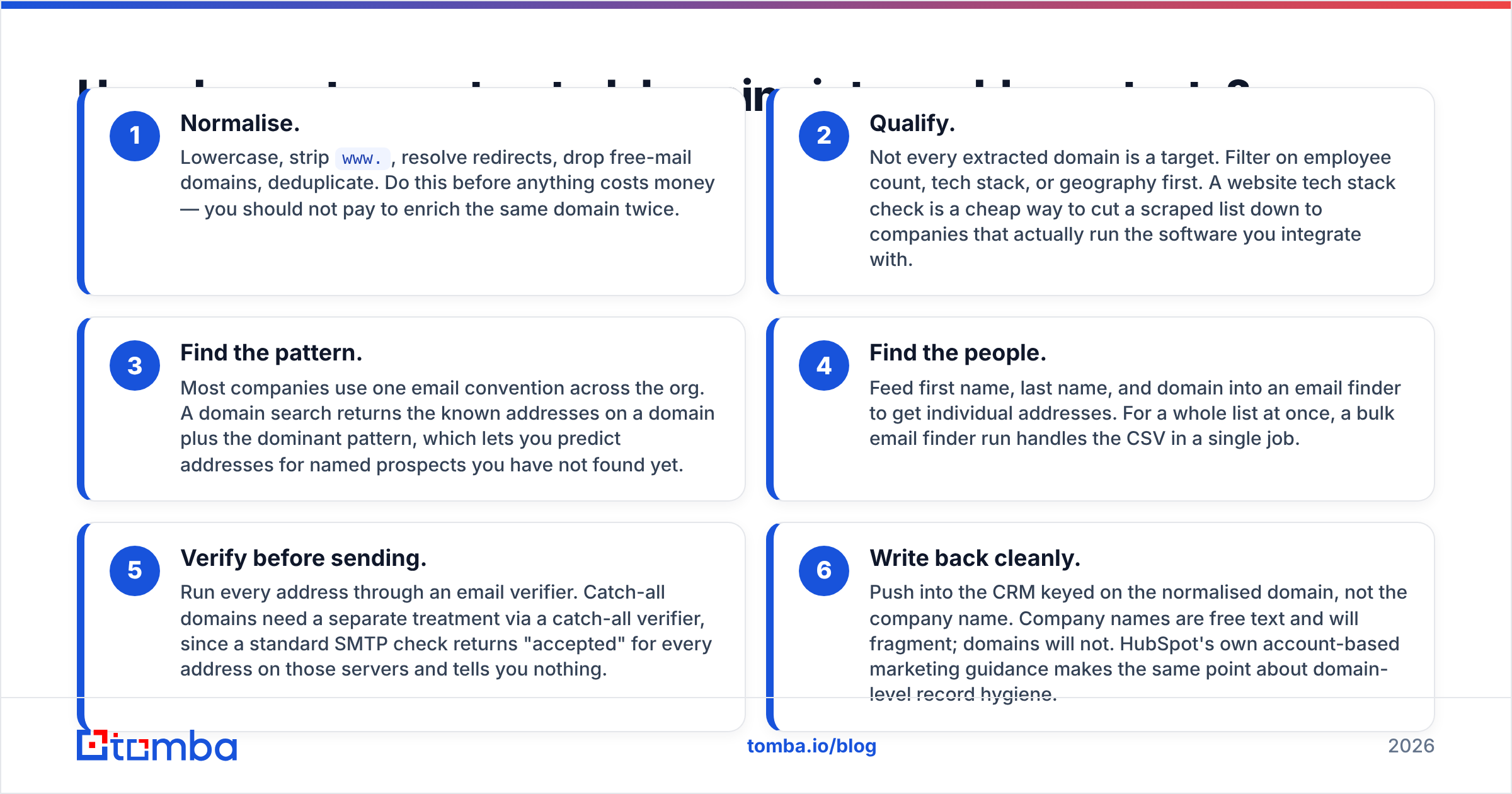
- Normalise. Lowercase, strip
www., resolve redirects, drop free-mail domains, deduplicate. Do this before anything costs money — you should not pay to enrich the same domain twice. - Qualify. Not every extracted domain is a target. Filter on employee count, tech stack, or geography first. A website tech stack check is a cheap way to cut a scraped list down to companies that actually run the software you integrate with.
- Find the pattern. Most companies use one email convention across the org. A domain search returns the known addresses on a domain plus the dominant pattern, which lets you predict addresses for named prospects you have not found yet.
- Find the people. Feed first name, last name, and domain into an email finder to get individual addresses. For a whole list at once, a bulk email finder run handles the CSV in a single job.
- Verify before sending. Run every address through an email verifier. Catch-all domains need a separate treatment via a catch-all verifier, since a standard SMTP check returns "accepted" for every address on those servers and tells you nothing.
- Write back cleanly. Push into the CRM keyed on the normalised domain, not the company name. Company names are free text and will fragment; domains will not. HubSpot's own account-based marketing guidance makes the same point about domain-level record hygiene.
Skipping step five is the most common mistake. Teams extract 5,000 domains, generate 12,000 pattern-based addresses, send, and watch a 22% bounce rate torch their sender reputation inside two days. Pattern prediction is a hypothesis. Verification is the test.
What should you check before trusting an extracted list?#
Run this before the list touches a sending tool. It takes ten minutes and prevents most of the expensive failures.
- Row count sanity. Extracted domains should be meaningfully fewer than input rows. If they match one-to-one, your dedupe did not run.
- Suffix spot-check. Sort by domain length ascending. Anything two characters plus a dot (
co.uk,com.austanding alone) means the suffix logic failed. - Free-mail scan. Filter for
gmail.com,outlook.com,yahoo.com,icloud.com,proton.me. These are personal accounts, not companies. - Parked and dead domains. A domain that resolves but hosts a registrar placeholder is a dead company. Check that the domain returns real content before spending enrichment credits on it.
- Duplicate detection on the normalised column. Not the original URL column.
http://acme.comandhttps://www.acme.com/are one company. - Sample verification. Take 50 random rows, verify manually, and extrapolate. If accuracy on the sample is below 90%, fix the extraction before scaling it.
Vendor accuracy claims vary widely, and independent user reviews on sites like G2 are a better calibration than marketing pages. Always test on your own list — accuracy is domain-mix dependent, and a tool that excels on US SaaS may underperform on European mid-market manufacturers.
Frequently asked questions#
Does a domain extractor work on email addresses?
Yes — the part after the @ is a host, and the same suffix logic applies. Just filter free-mail providers afterwards, or you will create a "Gmail Inc." account with 400 contacts.
Can I extract domains from a PDF or a scraped page? Yes, with a text-extraction pass first. Pull the raw text, run a URL and email regex over it, then normalise each match. An extract emails from file tool handles the first two steps for you.
Should subdomains be kept or stripped? Strip them for CRM account keys. Keep them if you are analysing a company's web infrastructure or targeting a specific tenant on a hosted platform. Store both columns if you can — the cost is one extra field, and re-deriving the subdomain later is impossible once discarded.
How often should I re-check an extracted domain list? Quarterly for active target accounts. Domains change on acquisition, rebrand, and consolidation, and a stale domain silently drops the whole account out of every enrichment and intent feed you subscribe to.
Where to go from here#
Extraction is the cheap part. A twenty-line script with a suffix list handles it, and you should not pay for that. The expensive, high-leverage part is what happens next: turning a column of clean domains into named, verified, reachable people.
That is the gap the Tomba Email Finder is built to close. Paste or upload your extracted domains, get the email patterns and known contacts for each company, and verify every address before it enters a sequence. The Free tier gives you 25 searches a month to test accuracy against your own list — run it on fifty domains you already know the answers for, and let the hit rate decide.
Clean domains in, verified contacts out. Everything between those two points is plumbing.
Related guides#
Ready to find emails that actually work?
Join 150,000+ professionals who stopped guessing and started sending. Free credits on signup — no credit card required.
Get the Tomba newsletter
Practical outbound tactics and product updates — once every two weeks.
About the author