What Is an Email Verifier App? 2026 Guide and Tool Comparison
An email verifier app is the cheapest insurance you can buy for a cold email program. Here is how verification actually works, what the accuracy claims mean, and which tool fits your list size and budget in 2026.
TL;DR
- An email verifier app checks whether an address can actually receive mail — syntax, domain, MX records, and mailbox existence — before you send to it.
- Bounce rate is the metric that matters. Above roughly 3–5%, Gmail and Microsoft start throttling or spam-foldering your domain, and recovery takes weeks.
- No verifier is 100% accurate. Catch-all domains, greylisting, and role accounts are the three places every tool guesses, and honest vendors say so.
- Pricing splits into two models: per-credit pay-as-you-go (good for one-off list cleaning) and subscription with finder + verifier bundled (good for continuous prospecting).
- If you are already finding emails, a bundled platform like Tomba ($49/mo Starter, free tier at 25 searches) removes a whole export-import step. If you only clean purchased lists, a standalone credit pack is usually cheaper.
What is an email verifier app?#
An email verifier app is a spell-checker for your contact list — except instead of catching typos, it catches addresses that will bounce, burn your sender reputation, and quietly get your whole domain filtered.
Technically, it runs a chain of checks against each address without sending a real message:
- Syntax validation — is
jane.doe@@acme.comeven a legal address per RFC 5322? Cheap, instant, catches maybe 2% of a messy list. - Domain and DNS check — does
acme.comresolve, and does it publish MX records? A domain with no MX cannot receive mail at all. - Disposable and role detection — is this a burner domain (mailinator, temp-mail) or a shared inbox (
info@,sales@,support@)? Neither is technically invalid, but both hurt reply rates and inflate complaint rates. - SMTP handshake — the verifier opens a conversation with the receiving mail server, gets as far as
RCPT TO:, and reads the response code without ever sendingDATA. A 250 means the mailbox exists. A 550 means it does not. - Catch-all detection — some servers accept every address to avoid leaking which mailboxes exist. The verifier probes a random address like
x7f9q@acme.com; if that gets accepted too, the domain is catch-all and the result is "unknown" rather than "valid".
That fifth step is where the marketing claims and the engineering reality diverge, and it is the single biggest thing to understand before you compare vendors.

Why do you need one at all in 2026?#
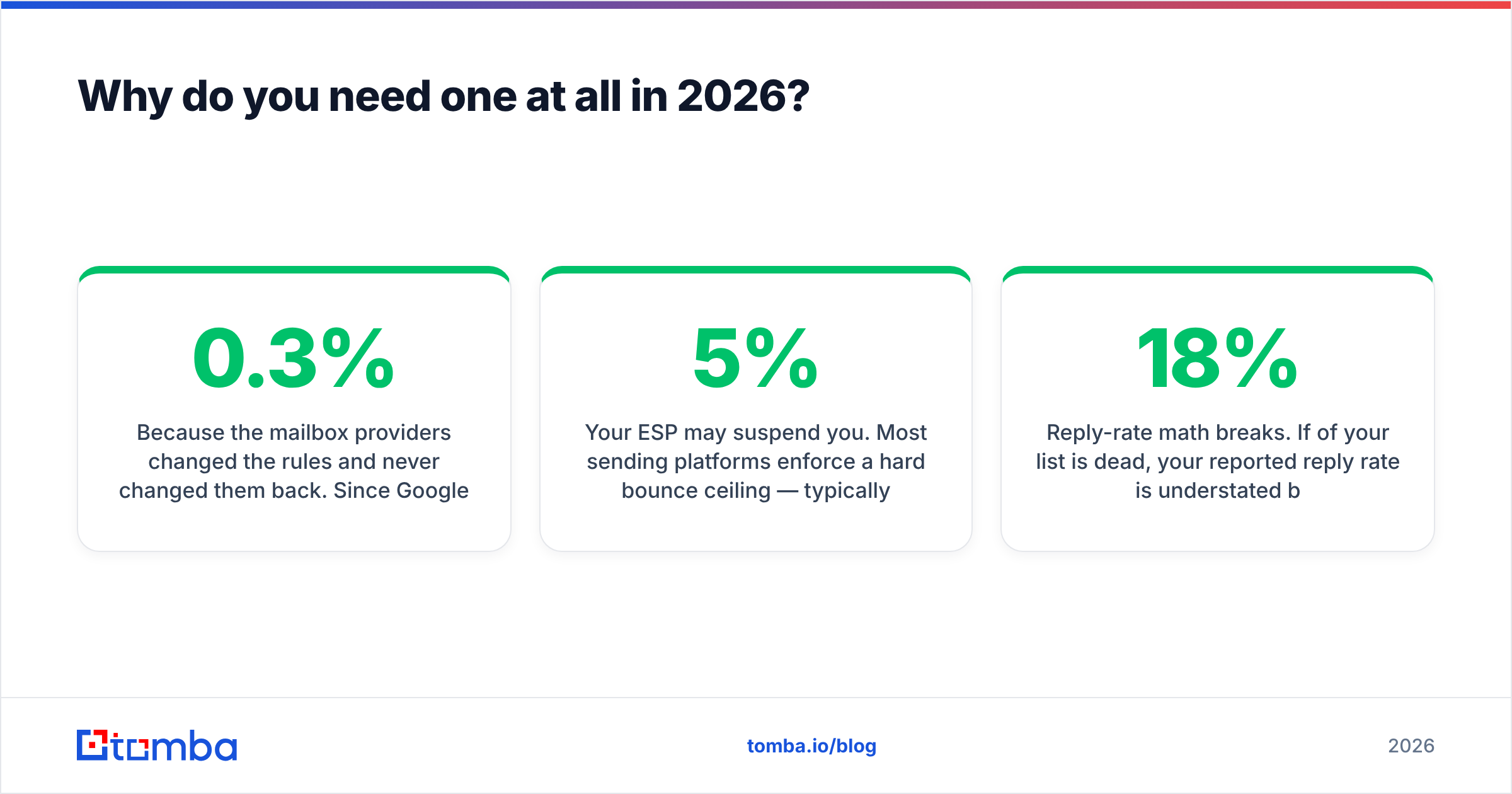
Because the mailbox providers changed the rules and never changed them back. Since Google and Yahoo tightened bulk-sender requirements, a spam complaint rate above 0.3% and a bounce rate above roughly 2–3% are treated as active signals of a low-quality sender, not as rounding errors.
Here is what an unverified list actually costs you:
- Hard bounces compound. Each one is a direct negative signal to the receiving provider. Twenty percent bounce on a 5,000-contact send means 1,000 rejections logged against your domain in an hour.
- Warmup is wasted. Spending six weeks on email warmup and then blasting a stale 2022 list undoes the whole ramp in a single afternoon.
- Your ESP may suspend you. Most sending platforms enforce a hard bounce ceiling — typically 5% — and pause accounts that cross it.
- Reply-rate math breaks. If 18% of your list is dead, your reported reply rate is understated by roughly the same proportion, and you will optimize copy that was never the problem.
The bounce message itself is the receipt for a mistake you could have caught for a fraction of a cent. Verification is the least glamorous line item in an outbound stack and consistently the highest ROI one. If you want the wider context on how bounces feed into inbox placement, the email deliverability primer covers the surrounding signals.
How accurate are email verifier apps, really?#
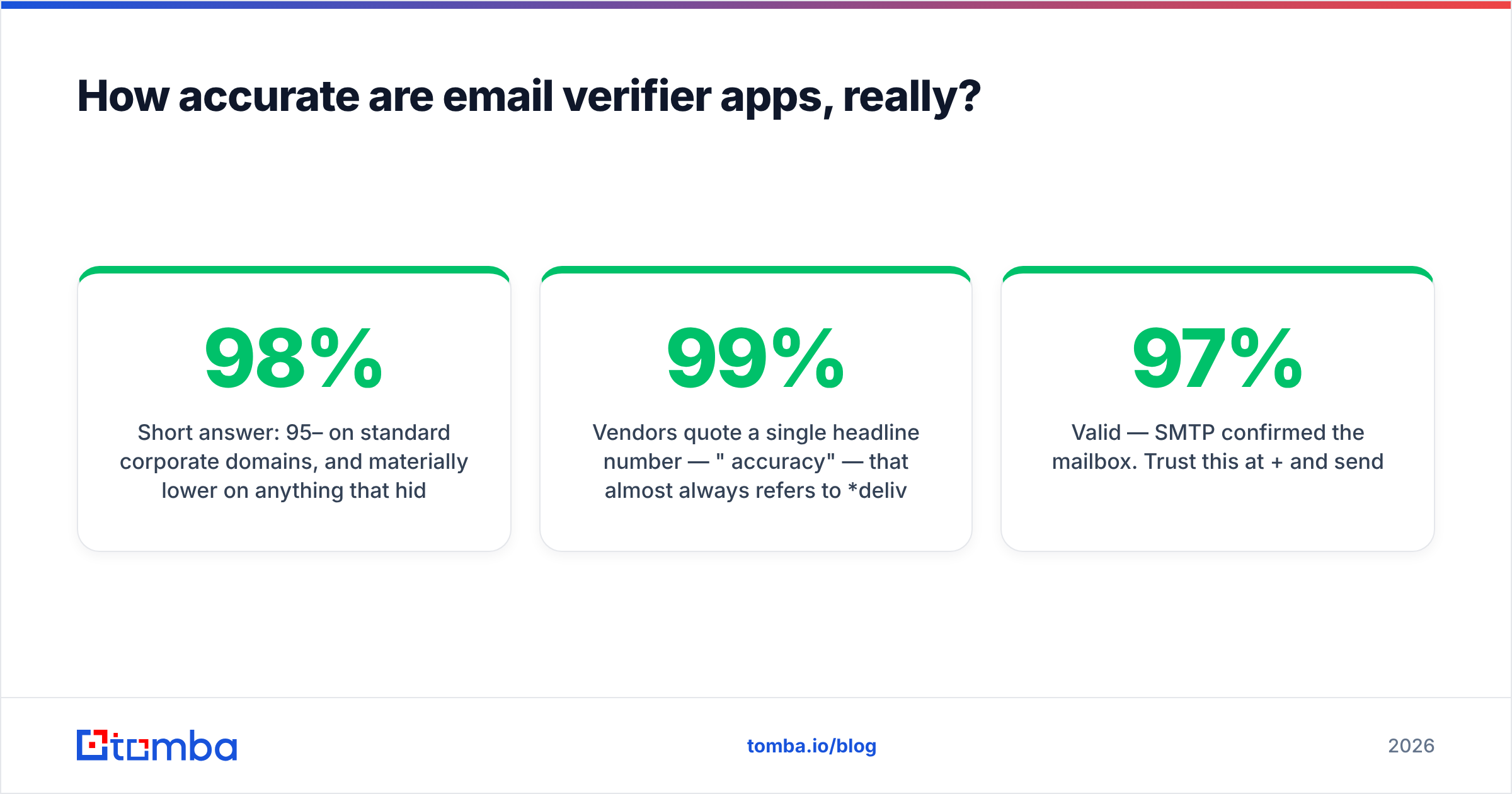
Short answer: 95–98% on standard corporate domains, and materially lower on anything that hides behind a catch-all or aggressive anti-harvesting.
Vendors quote a single headline number — "99% accuracy" — that almost always refers to deliverable predictions on non-catch-all domains, which excludes the hard cases. Read the fine print. A more useful way to read any verifier's output is by result bucket:
- Valid — SMTP confirmed the mailbox. Trust this at 97%+ and send.
- Invalid — the server explicitly rejected the recipient. Trust this near-completely and delete.
- Catch-all / accept-all — the server says yes to everything. Genuine coin flip; treat as a separate segment.
- Unknown — greylisting, timeout, or rate-limit. Re-run in 24–48 hours before deciding.
- Risky / role — valid mailbox, poor prospect.
info@addresses often route to a shared queue nobody owns.

Microsoft 365 is the practical wall. A very large share of B2B domains sit on Exchange Online, which no longer gives a reliable per-mailbox SMTP answer — it accepts and then bounces asynchronously. Any vendor claiming perfect Microsoft-tenant verification is describing a pattern-confidence model, not a live handshake. That is not dishonest, but it is a probability, and you should treat those results as such.
The practical rule: send to valid, drop invalid, and A/B your catch-all segment on a separate subdomain so a bad guess never touches your primary sending domain. A dedicated catch-all verifier narrows that segment further using pattern history and known-good samples from the same domain, but it will never eliminate it.
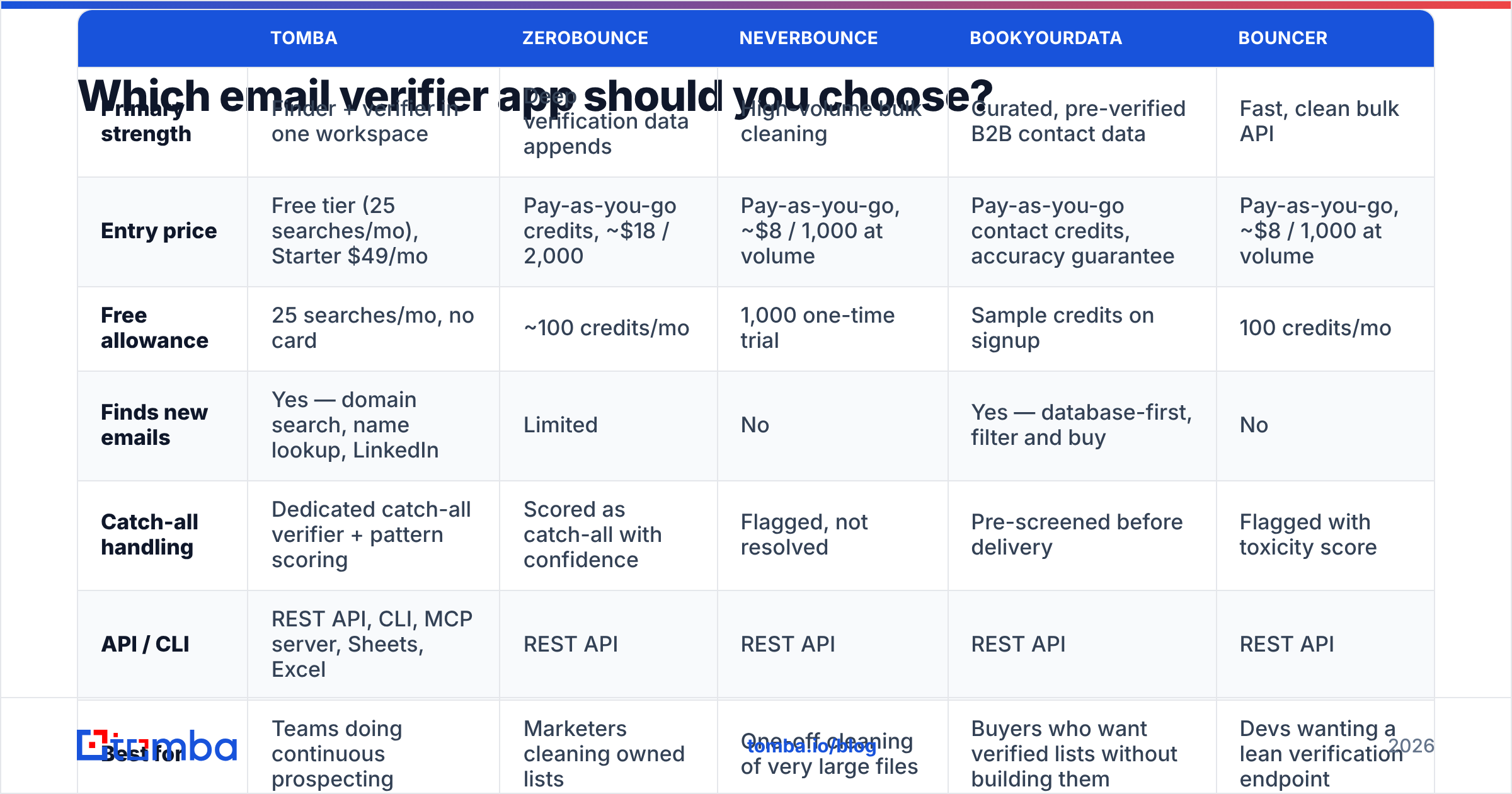
Which email verifier app should you choose?#
The honest answer depends on one question: are you cleaning a list somebody else built, or building the list yourself? Those are different products even though they get shelved together.

| Tomba | ZeroBounce | NeverBounce | BookYourData | Bouncer | |
|---|---|---|---|---|---|
| Primary strength | Finder + verifier in one workspace | Deep verification data appends | High-volume bulk cleaning | Curated, pre-verified B2B contact data | Fast, clean bulk API |
| Entry price | Free tier (25 searches/mo), Starter $49/mo | Pay-as-you-go credits, ~$18 / 2,000 | Pay-as-you-go, ~$8 / 1,000 at volume | Pay-as-you-go contact credits, accuracy guarantee | Pay-as-you-go, ~$8 / 1,000 at volume |
| Free allowance | 25 searches/mo, no card | ~100 credits/mo | 1,000 one-time trial | Sample credits on signup | 100 credits/mo |
| Finds new emails | Yes — domain search, name lookup, LinkedIn | Limited | No | Yes — database-first, filter and buy | No |
| Catch-all handling | Dedicated catch-all verifier + pattern scoring | Scored as catch-all with confidence | Flagged, not resolved | Pre-screened before delivery | Flagged with toxicity score |
| API / CLI | REST API, CLI, MCP server, Sheets, Excel | REST API | REST API | REST API | REST API |
| Best for | Teams doing continuous prospecting | Marketers cleaning owned lists | One-off cleaning of very large files | Buyers who want verified lists without building them | Devs wanting a lean verification endpoint |
Prices are list rates at time of writing and change often — check each vendor's page before you commit. ZeroBounce and the rest all publish current tiers publicly, and G2's email verification category is a reasonable place to sanity-check review volume against your own testing.
Three notes on reading that table honestly:
Standalone verifiers are cheaper per address. If your only job is scrubbing a 200,000-row CSV once a quarter, a pay-as-you-go credit pack beats any subscription. Do not pay a monthly fee for a workflow you run four times a year.
Bundled platforms are cheaper per workflow. If you find 500 new contacts a week, a separate verifier means export, upload, wait, download, re-import — every week. Tomba pricing puts finding and verification on the same credit pool ($49/mo Starter, $99/mo Growth, $249/mo Pro), which removes that loop entirely. The saving is in analyst hours, not in cents per email.
Data vendors solve a different problem. BookYourData sits in its own lane: rather than verifying a list you already have, you filter and purchase contacts that were screened before delivery. If your bottleneck is sourcing rather than cleaning, that is a legitimately faster path, and it pairs fine with a verifier for the freshness gap between purchase and send.
How do you actually run a verification workflow?#
Here is the sequence that survives contact with reality. It takes about twenty minutes for a 10,000-row list.
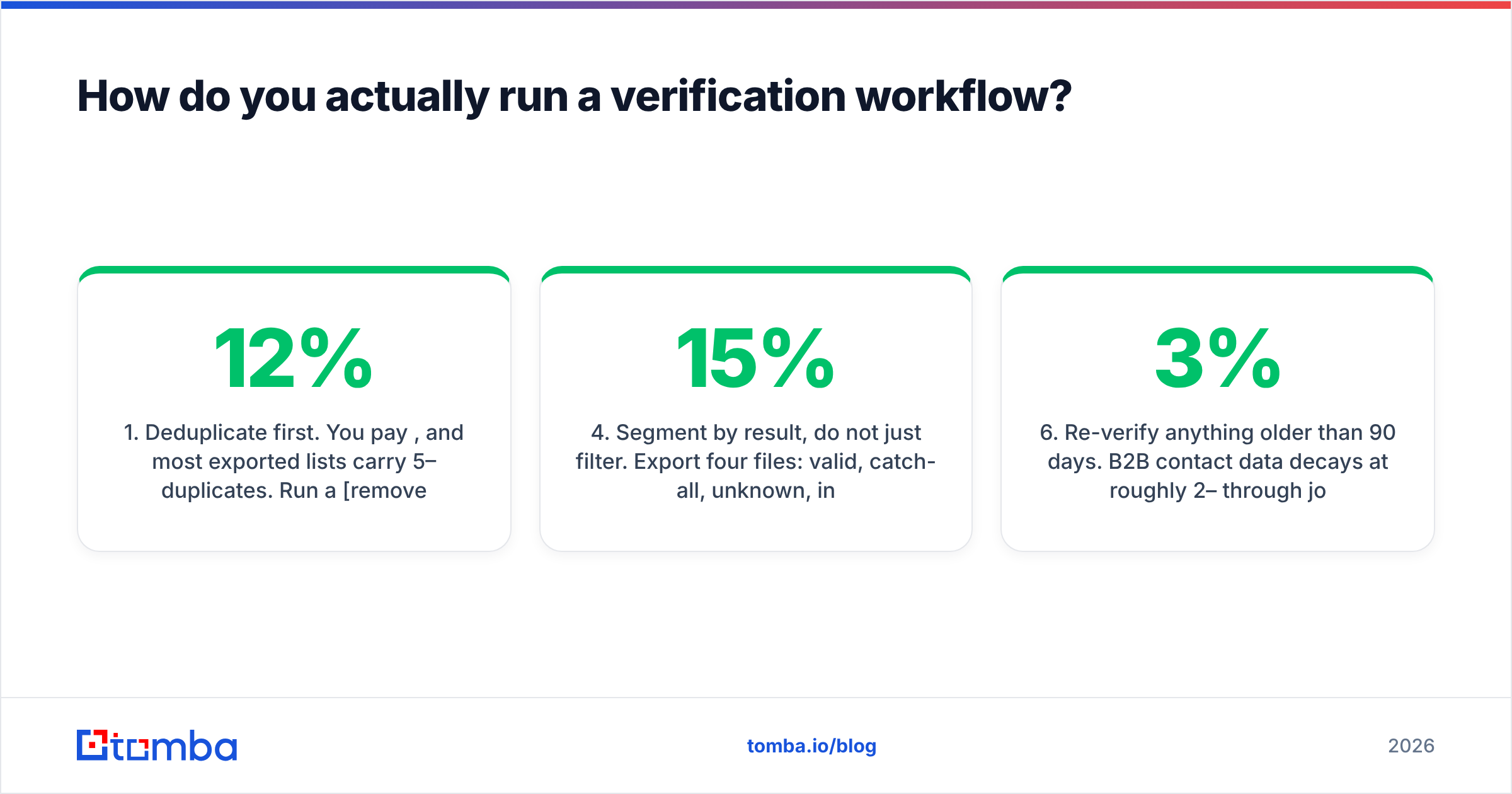
- Deduplicate first. You pay per credit, and most exported lists carry 5–12% duplicates. Run a remove duplicates pass before you spend anything. This single step often pays for the verification itself.
- Strip the obvious garbage. Role accounts,
noreply@, personal Gmail addresses in a B2B campaign, and anything from a domain you already blacklisted internally. - Bulk verify. Upload the CSV or hit the API. A bulk verify job on 10,000 addresses typically finishes in minutes, not hours — anything quoting overnight turnaround is queueing you behind other customers.
- Segment by result, do not just filter. Export four files: valid, catch-all, unknown, invalid. Most people delete everything that is not valid and throw away 15% of a list that was 60% reachable.
- Re-run unknowns after 48 hours. Greylisting is temporary by design. A second pass converts a meaningful slice of "unknown" into "valid" at no extra risk.
- Re-verify anything older than 90 days. B2B contact data decays at roughly 2–3% per month through job changes alone. A list verified in January is measurably worse in June.
For continuous programs, skip the CSV round-trip entirely. The email verification API lets you verify at the point of capture — form submission, CRM import, enrichment job — so bad addresses never enter the database. That is strictly better than periodic cleaning, because the cost of a bad record is not just the bounce; it is every downstream report that counted it.
When is an email verifier app not enough?#
When the problem was never the addresses.
Verification fixes hard bounces. It does not fix these:
- Authentication gaps. No SPF, DKIM, or DMARC means filtered mail regardless of how clean your list is. Run an SPF checker before you blame the data.
- Domain reputation already burned. If you sent to a bad list last month, verification today does not undo it. You need warmup and volume discipline, and a sender reputation recovery period measured in weeks.
- Content that trips filters. A perfectly valid address still lands in spam if the message reads like spam. Check with a spam checker before scaling a sequence.
- Wrong-person targeting. A verified email for someone who cannot buy is a verified waste of a credit.
Verification is one control in a system. Treat a vendor that pitches it as a complete deliverability solution with the same skepticism you would apply to any single-cause explanation.
What should you look for when comparing vendors?#
Cut through the marketing with five questions. Every serious vendor answers all five without hedging:
- How do you report catch-all domains? If the answer is "we mark them valid," walk away. That is how a 99% accuracy claim gets manufactured.
- Do you charge for unknown results? Some vendors bill every credit consumed, others refund unknowns. On a list with 12% unknowns, that is a real number.
- What is the data retention policy? Your prospect list is confidential. Ask how long uploads are stored and whether they feed a shared database.
- Is there a real free tier or just a trial? A recurring free allowance lets you spot-check accuracy monthly against your own known-good addresses. A one-time trial does not.
- Can it verify at capture time? API-first beats batch-first for any team sending continuously.
Then run the only test that matters: take 100 addresses you know the status of — colleagues, past customers, addresses that bounced last quarter — and score each vendor against ground truth. Vendor benchmarks are marketing. Your 100-address sample is evidence. Most free tiers, including Tomba's 25 monthly searches and the 100-credit allowances from several standalone verifiers, are enough to run this test across two or three tools in an afternoon.
Where should you start?#
Start with your own list, not with a vendor page. Export 500 contacts, run them through two free tiers, and compare the disagreements — the addresses where one tool says valid and the other says catch-all are exactly where the accuracy difference lives. That test costs nothing and tells you more than any comparison table, including this one.
If you are building lists as well as cleaning them, the round-trip between a finder and a separate verifier is the hidden cost nobody quotes. Tomba's email verifier runs on the same credits as the Tomba Email Finder, so a contact goes from company domain to confirmed, sendable address in one step — with a free tier of 25 searches a month to test it against addresses you already know the answer for. Try it on your worst list first; that is where the difference shows up.
Related guides#
Ready to find emails that actually work?
Join 150,000+ professionals who stopped guessing and started sending. Free credits on signup — no credit card required.
Get the Tomba newsletter
Practical outbound tactics and product updates — once every two weeks.
About the author